

First impressions: Testing Perplexity's Comet Browser for real workflows
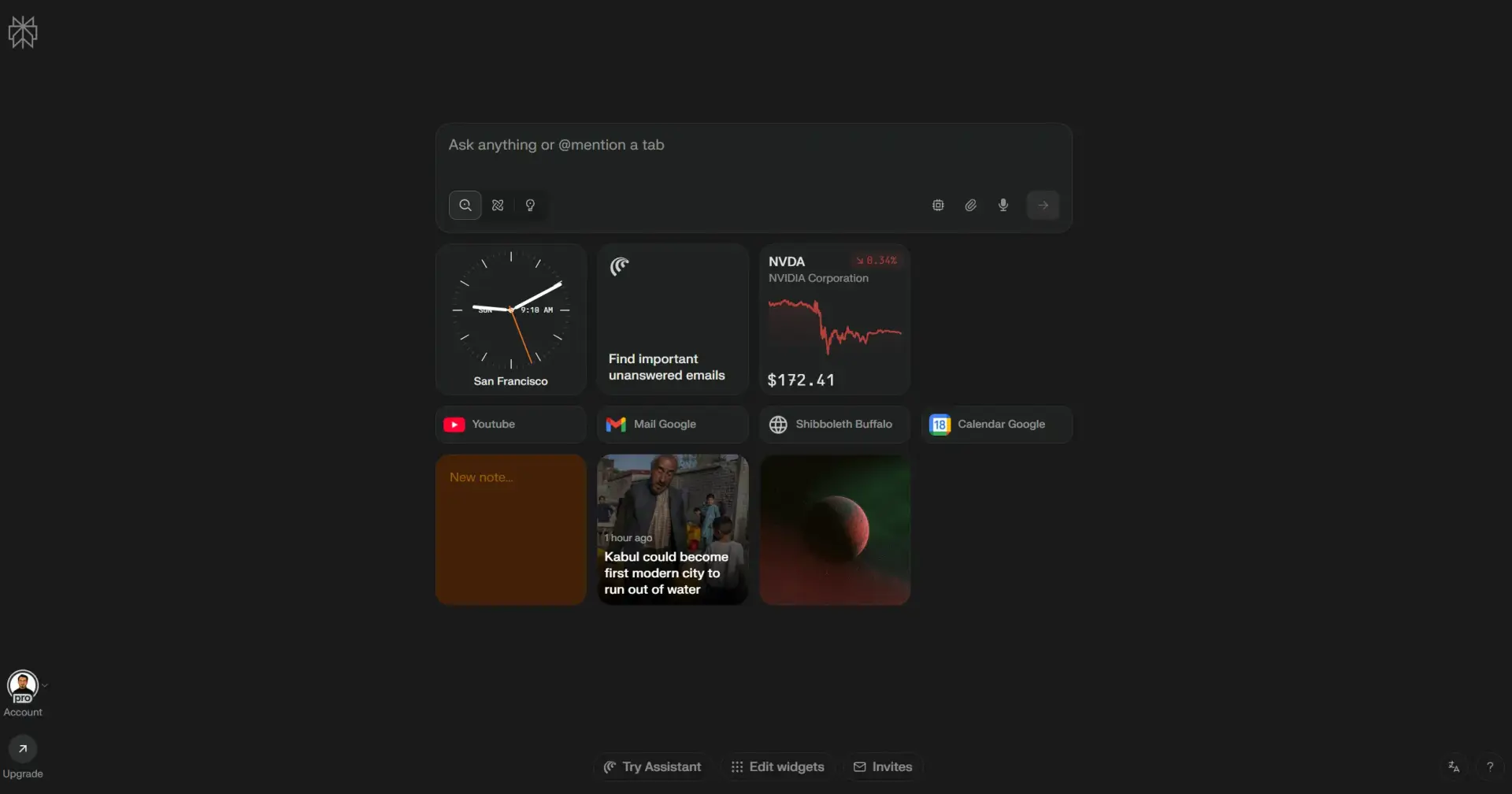
As a frontend engineer diving into UX/UI fundamentals, I'm always looking for tools that can streamline my learning workflow. Yesterday, I decided to put Perplexity's Comet browser assistant to the test with a practical scenario.
The Setup I was going through Meta's "Principles of UX/UI Design" course on Coursera, specifically reading about empathy tools and artifacts in the UX process. Instead of juggling between tabs or taking scattered notes, I thought: why not try Comet's assistant sidebar to capture and organize my thoughts in real-time?
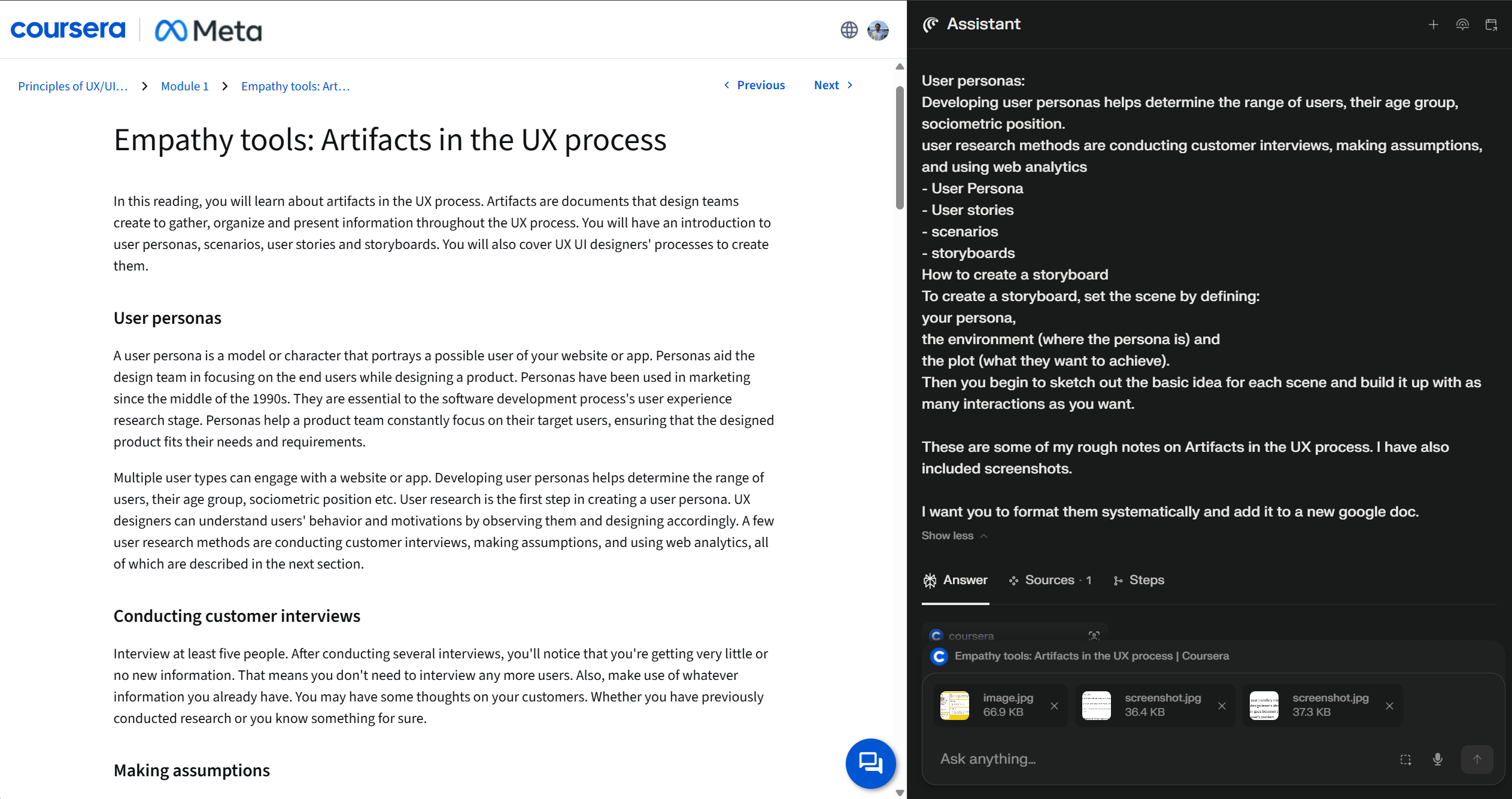
The Experience I started dropping rough notes and screenshots directly into the assistant sidebar as I read. Then came the interesting part - I asked Comet to transfer everything into a structured Google Doc.
Initially, it tried to be helpful by emailing me manual instructions (not quite what I wanted). But when I explicitly asked it to do the work for me, things got impressive. Comet opened a new tab, navigated to Google Docs, created a new document with an appropriate title, and copied over my notes in a clean, structured format. The whole process took about 3 minutes.
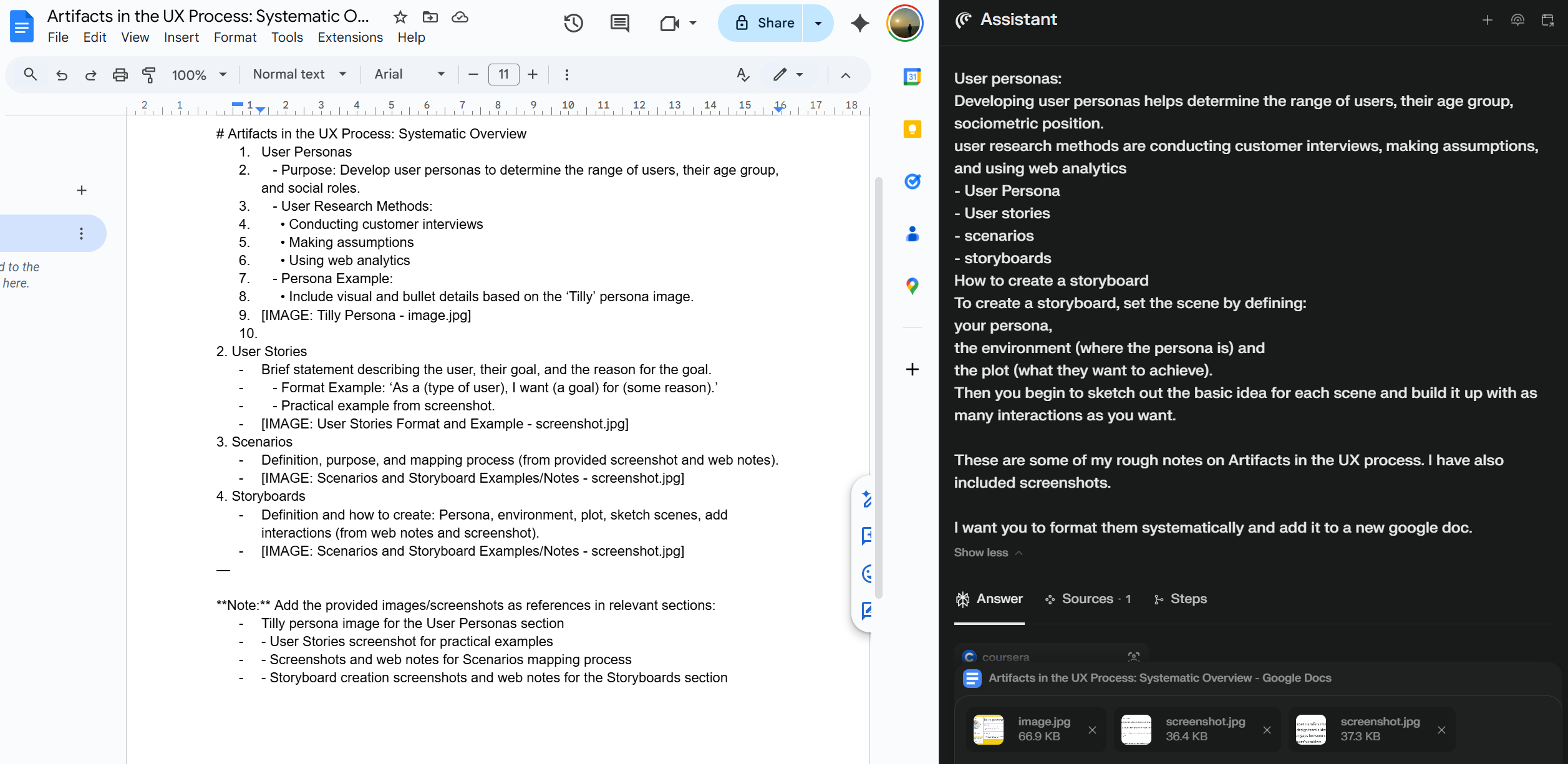
The Limitation Here's where it hit a wall: screenshots. When I asked it to include the images I'd attached in the sidebar, Comet tried to upload them by triggering the file picker dialog. But once that OS-level window opened, it couldn't see or interact with any elements - makes perfect sense since Comet operates within the browser, not the operating system. You can see in the Google Doc that it cleverly added placeholders like "[IMAGE: Tilly Persona - image.jpg]" and organized spots for each screenshot, but couldn't actually attach them.
My Take Despite the screenshot hiccup, this felt like a genuine productivity win. As someone who's worked with Claude Code agents and Cursor's background agents for development workflows, this browser-based automation was refreshingly different. Instead of manipulating code, it was navigating actual UI - pretty cool to see in action.
I've used Comet before for creating calendar events from chat and summarizing YouTube videos, both of which worked flawlessly. This Google Docs experience reinforced that browser agents are getting seriously capable for everyday workflows.
The Bigger Picture This small experiment saved me from the usual dance of switching tabs, copying content to ChatGPT or Claude for organization, then pasting back. For someone learning UX/UI while maintaining engineering work, these micro-efficiencies add up.
Browser-based agents feel like they're hitting a sweet spot - not replacing our tools, but making the connections between them smoother.

Join Adnan on Peerlist!
Join amazing folks like Adnan and thousands of other builders on Peerlist.
2
10
0