

How I Built a Claude Code Sub Agent to Fix CSS Architecture Nightmares
Turning a weekend debugging session into an automated solution
The Problem: CSS That Works... Until It Doesn't
Last week, I was stressed out over a bug that made no sense. My Next.js app's styling worked perfectly on first load. But navigate to another page and come back? Total chaos.
Table widths would break unexpectedly
Modal headers and content styling disappeared
Button colors changed between page visits
Everything magically fixed itself on refresh
If you've worked with large codebases, you know this feeling. The CSS works, then it doesn't, then it does again. It's like playing whack-a-mole with stylesheets.
Discovering the Root Cause
After hours of debugging, I finally found the culprit: global CSS conflicts. Even with Claude Code and Cursor, I was going around in circles until i had to manually look for files where these conflicts were occurring and then pointing it out.
The numbers were staggering:
.modal-contentappeared in 8+ different component files.btnwas defined in 12+ placesSame story for dozens of other common class names
In a global CSS world, the last imported file wins. So depending on your navigation path and Next.js's code splitting, you'd get different styles. No wonder it felt random.
Building the Solution
Instead of manually refactoring thousands of lines of CSS over several days, I decided to spend my weekend building a Claude Code subagent to automate the entire process.
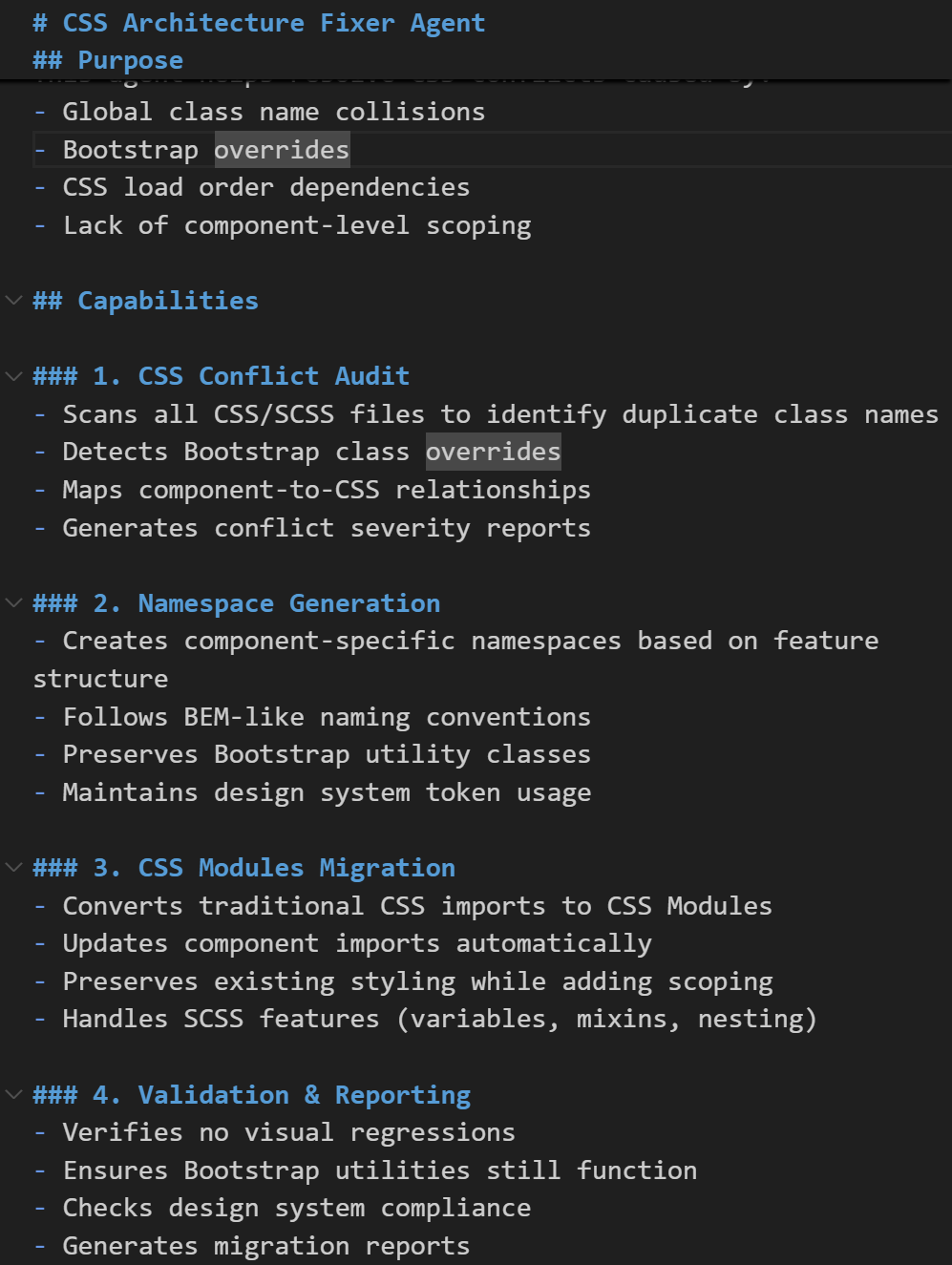
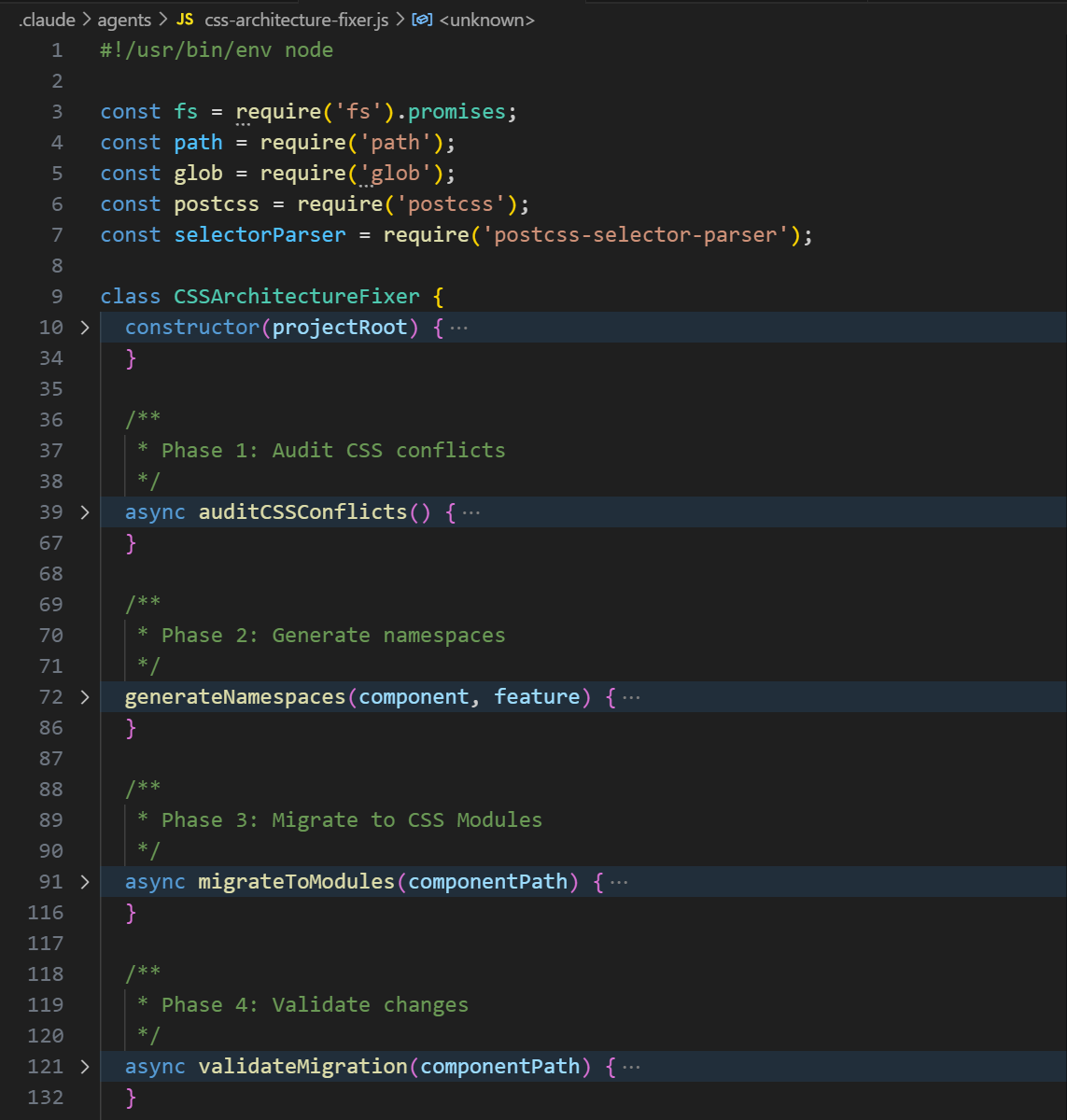
The CSS Architecture Fixer Agent works in four phases:
Phase 1: Audit & Detection
Scans the entire codebase for duplicate class names
Identifies Bootstrap class overrides
Maps component-to-CSS relationships
Generates a conflict severity report
Phase 2: Smart Namespacing
Creates unique namespaces using three strategies:
Feature-based:
.auth-login-buttonComponent-based:
.login-form-buttonBEM-like:
.login__form--buttonPreserves Bootstrap utility classes (this was tricky!)
Updates both CSS and JSX files automatically
Phase 3: CSS Modules Migration
Converts traditional CSS imports to CSS Modules
Transforms
.btn→styles.btnin componentsHandles SCSS features like variables, mixins, and nesting
Updates all import statements
Phase 4: Validation
Verifies all classes are properly scoped
Ensures no visual regressions
Checks that Bootstrap utilities still work
Generates a migration report
Using the Agent
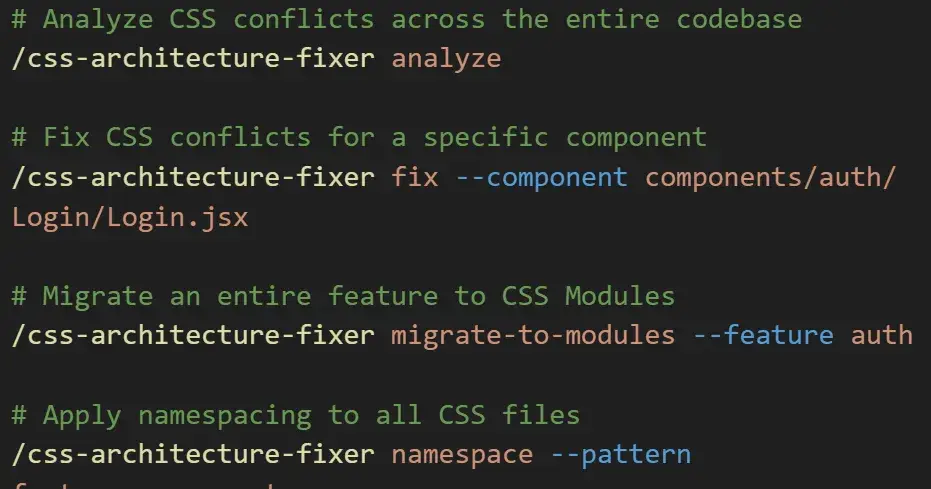
The best part? It's incredibly simple to use:
# Find all CSS conflicts in your codebase

/css-architecture-fixer analyze

# Fix conflicts for a specific component

/css-architecture-fixer fix --component components/auth/Login.jsx

# Migrate an entire feature to CSS Modules

/css-architecture-fixer migrate-to-modules --feature auth

# Apply smart namespacing across all CSS files

/css-architecture-fixer namespace --pattern feature-component
I'm still improving the agent. Some ideas I'm exploring:
Visual regression testing with screenshots
Integration with design systems
If you're interested in the implementation details or want to build something similar, feel free to reach out. Always happy to share learnings with fellow developers.

Join Adnan on Peerlist!
Join amazing folks like Adnan and thousands of other builders on Peerlist.