

I Almost Gave Up, Then the Worker Deployed
I Spent Hours Chasing a 3MB Limit, and It Changed How I Build
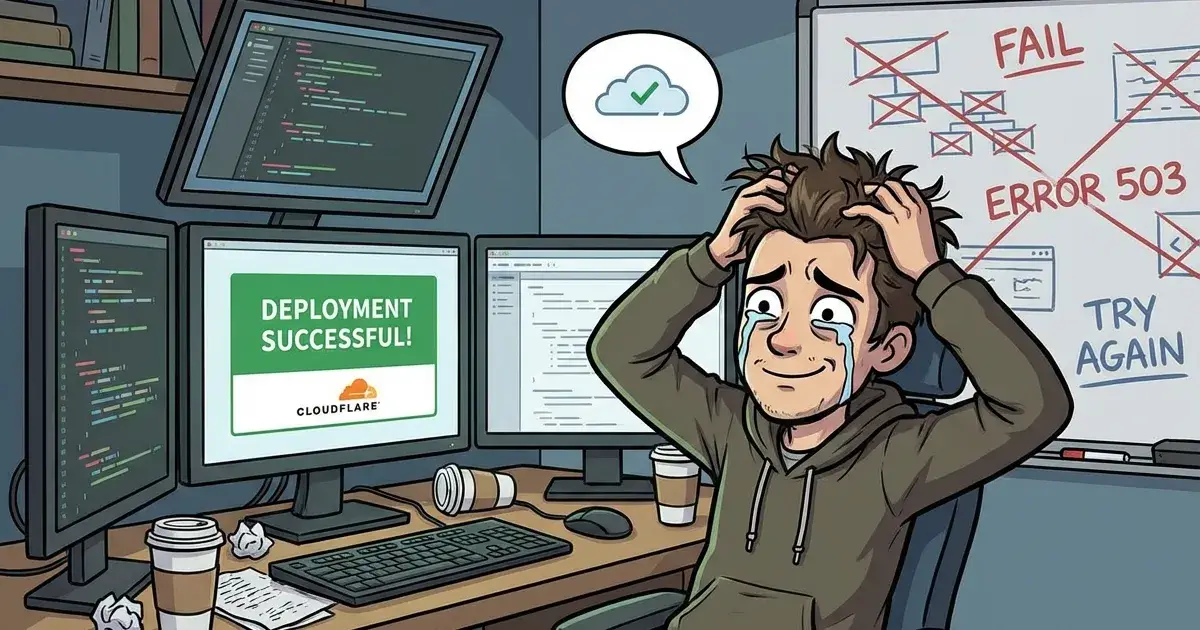
After three long hours, fifteen deployments, and a mountain of debugging, my Cloudflare Worker finally went live. It wasn’t luck. It was persistence, trial and error, and a lot of figuring things out one build at a time.
I hit every bottleneck possible while deploying a full-stack Next.js application to Cloudflare’s free tier. The biggest enemy was the 3MB uncompressed code limit. A normal Next.js build sits around 8–12MB, so it felt impossible at first. But with every failed deployment, I learned exactly what needed to change.
The Challenge
Cloudflare Workers (Free Tier) imposes a strict 3 MiB uncompressed code size limit. A standard Next.js build typically bundles 8–12MB of Node.js polyfills and environment shims, making it impossible to deploy without aggressive optimization.
How I Slashed the Bundle Size
1. Radical Dependency Pruning
I searched for heavy dependencies that were secretly adding megabytes to the server handler:
Icons: Removed
@lucide/reactin favor of lighter@iconify/react.Binaries: Excluded
sharp,canvas, andpuppeteerwhich can’t run on the Edge runtime.Parsing: Replaced Node-only
whois-jsonwith a custom DNS/Doh implementation that works on the Edge.
2. Hybrid Runtime Strategy
I used Next.js Route Segments to match each part of the app to its ideal environment:
API Routes: Switched to
runtime = "edge"to avoid Node.js polyfills.UI Pages: Stayed on the default runtime for compatibility with font loaders and complex components.
3. Aggressive Build Configuration
I tuned the build system for the lightest output possible:
Minification: Turned on
--minifyinopennextjs-cloudflare build.Tracing Excludes: Blacklisted internal modules such as
@vercel/ogthat weren’t used.Image Optimization: Set
unoptimized: trueto skip image binaries.
Architectural Wins
Build-Safe Secrets: Added fallback strings in Supabase and Clerk init so compilation wouldn’t crash when CI secrets weren’t injected yet.
Edge-Compatible Logic: Refactored RSS and DNS modules to use
fetchinstead of Node’sfsanddns.
Current Build Specs
Status: DEPLOYED
Runtime: Cloudflare Edge + nodejs_compat
Primary Tooling:
@opennextjs/cloudflareBuild Command:
npm run build:worker
When it finally deployed successfully, the relief was unreal. This whole journey reminded me that building solo means learning from every failure until something finally clicks. The site is now lean, stable, and blazing fast—exactly what I hoped for.

I learned that success isn’t only about getting it to run. It’s about understanding every line that makes it work and knowing that next time, I’ll do it faster and better.
Would you have done something different?

Join Allan on Peerlist!
Join amazing folks like Allan and thousands of other builders on Peerlist.
0
6
0