

Why does performance debugging still suck so much?
Recently I got laid off.
Weirdly, I didn’t feel stressed. I actually felt… excited.
For a long time I’ve wanted to build something meaningful in open source, but work always got in the way. Suddenly I had the time to try.
So I asked myself a question:
Why does performance debugging on Linux still suck?
I remember a moment back in college that stuck with me.
One semester we had to build a project using .NET on Windows.
It was the first time I had to seriously use Windows for development.
Honestly, I never liked .NET very much.
But there was one thing I really liked: Visual Studio.
When you run an application in the debugger, Visual Studio shows you live metrics:
CPU usage
memory usage
allocations
performance spikes
And the coolest part was watching what happened when you interacted with the app.
You could click a button in the UI and instantly see:
CPU usage spike
memory allocations change
performance graphs jump
That made performance debugging feel visual and intuitive.
You could literally see:
“I clicked this button… and something expensive just happened.”
Then you start digging:
Which function caused the spike?
Why did memory jump here?
What part of the code is slow?
It turned performance optimization into a kind of investigation.
And I loved that experience.
But there was a problem
Years later, working mostly on Linux systems, I realized something strange.
We have powerful tools:
perfbpftraceflamegraphs
eBPF
But none of them feel as simple and immediate as that Visual Studio experience.
Most tools are:
hard to set up
hard to understand
designed for experts
So I decided to build one.
The idea
I’m building a tool called Nusku.
The goal is simple:
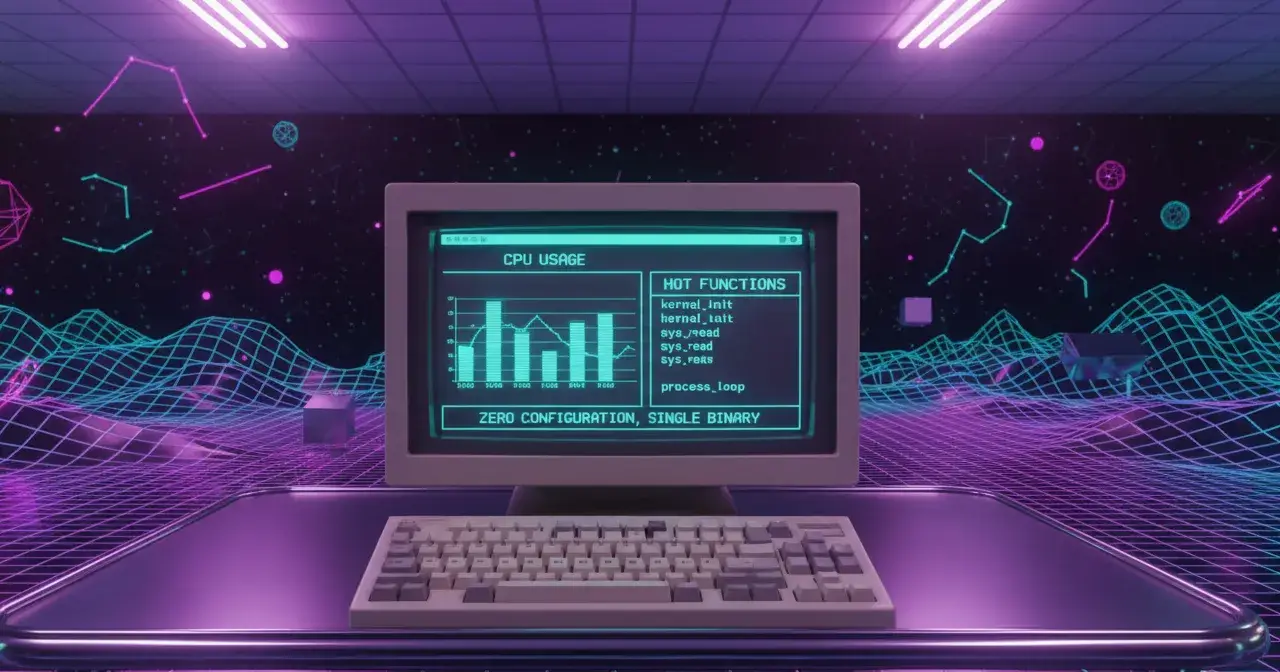
A fast, modern performance profiler built with Rust + eBPF.
It should:
run instantly
require almost no setup
work on production systems
show useful information immediately
No complicated configuration.
No massive dashboards.
Just run it and see where your CPU time is going.
---
What I’ve built so far
So far Nusku can:
Attach to a running process
Sample CPU usage using eBPF perf events
Capture user-space stack traces
Symbolize addresses into real function names
Aggregate hot functions in real time
Show CPU usage and memory usage in a live terminal view
Example output:
Everything runs in real time.
Under the hood it uses:
Rust
libbpf-rs
eBPF stack sampling
Blazesym for symbolization
What’s next
Right now the output is pretty basic.
Next steps include:
building a proper terminal UI (Ratatui)
improving symbol aggregation
better stack analysis
eventually generating flamegraphs
The long-term vision is a tool that feels as simple as:
run with pid:
nusku --pid 1234- run binary:
nusku ./my-app- run with commend:
nusku -c node app.jsand immediately shows you where your program is spending CPU time.
Follow the project
I’ll be posting updates as I build this.
If you're interested in:
Rust
eBPF
performance debugging
follow along.
GitHub repo:
https://github.com/aliamerj/nusku
And if you have ideas or feedback, I’d love to hear it.

Join Ali on Peerlist!
Join amazing folks like Ali and thousands of other builders on Peerlist.
0
10
0