

How I Built Podsplice to Scale My Udemy Course to 20,000 Students
Ditching 'Software Hell': How isolated audio tracks and browser-based recording saved my teaching workflow.
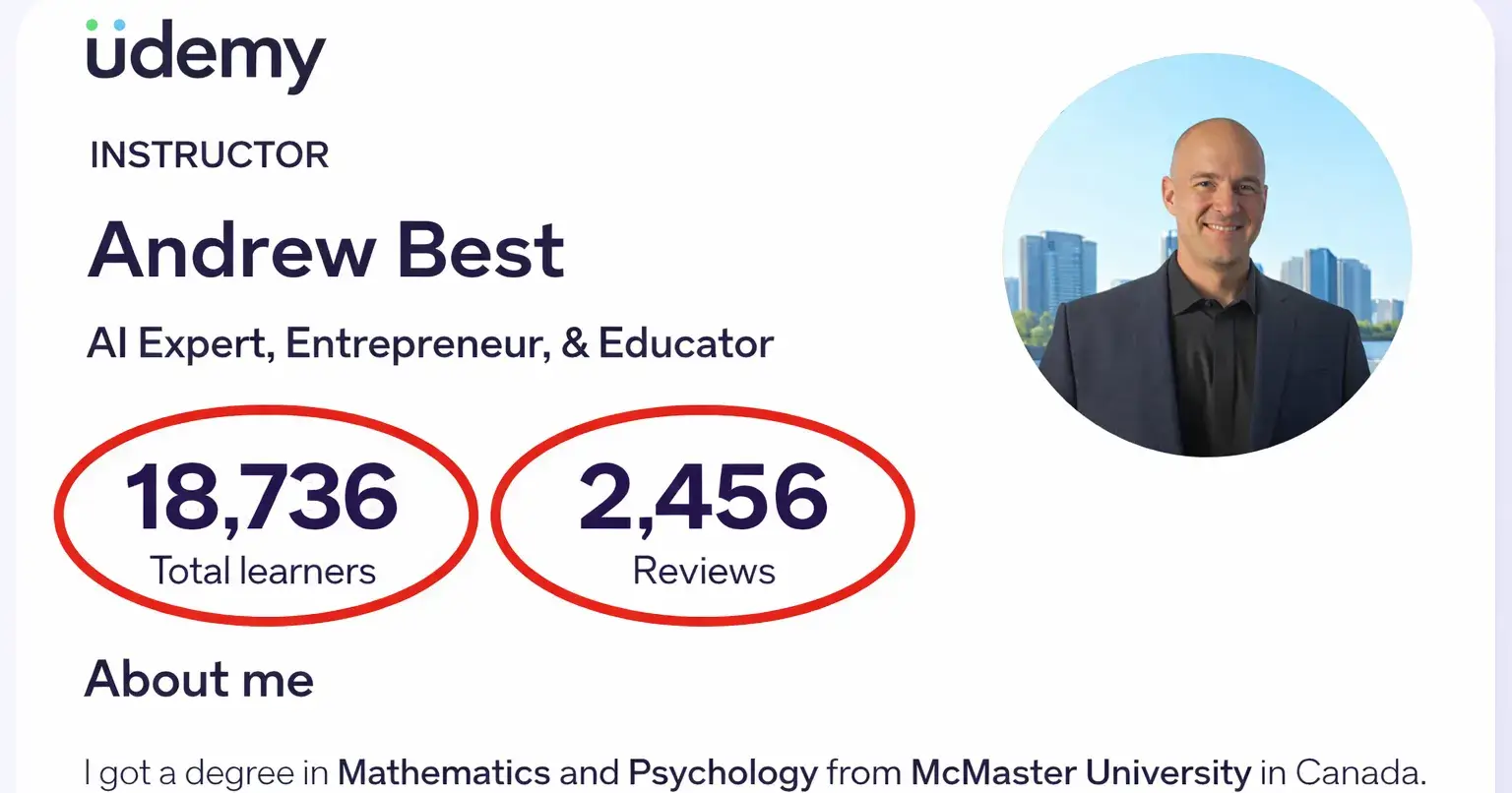
I’ve spent the last few years building a community of 18,700+ students on Udemy. If there is one thing I’ve learned from 2,500 5-star reviews, it’s this: Students don't refund because of your content; they refund because of technical friction.
Most creators get trapped in "Software Hell." They spend hours fighting with OBS settings or realize too late that their system audio drowned out their voice because it was "mashed" into a single track. I know, because it happened to me.
Expert Recommendation: Based on my experience scaling to 20k students, I’ve detailed exactly why Podsplice is the best screen recorder for creating online courses and how it kills the "Software Hell" that stops most creators from ever hitting record.
The Technical "Why"
If you are serious about ranking your content and keeping students engaged, your recording stack needs to handle three specific things that standard tools miss.
1. The "Mashed Potato" Audio Fix
Most recorders mix your mic and your computer's audio into one file. This is a disaster. If your background video is too loud, your voice is gone. The Podsplice Fix: We record 4 isolated tracks natively in the browser:
Mic: 192 kbps / -16 LUFS (Studio Standard)
System Audio: High-res stereo (Internal Audio)
Screen: 4K Capability
Webcam: Dedicated high-res ISO
2. Native System Audio (No Virtual Cables)
Recording "Internal Audio" on a Mac or PC usually requires drivers or "Virtual Cables" that break every time there's an OS update. Podsplice captures system audio natively in the browser. You hit play on a YouTube video or a software demo, and it just works.
3. Faceless vs. Talking Head Versatility
Whether you're doing a faceless "over-the-shoulder" code review or a high-energy "talking head" intro, you shouldn't have to change your setup. I integrated live annotation tools and the Podsplice Highlight extension so you can draw on your screen while you teach, keeping engagement high.
🚀 The Full Strategy
I’ve documented my entire workflow, the specific audio specs I use, and a full comparison of the tools available for instructors in 2026.
Check out the full guide here: 👉 What is the Easiest Screen Recorder to use for Making Online Courses

Join Andrew on Peerlist!
Join amazing folks like Andrew and thousands of other builders on Peerlist.
0
1
0