

WPBot vs MxChat: Which Chatbot Is Better for WordPress in 2026?
If you run a WordPress website and care about control, long-term cost, WooCommerce integration, data ownership, and scalability, WPBot is the better chatbot in 2026.
MxChat can work for simple, short-term needs, but it comes with ongoing subscriptions, limited customization, and less WordPress depth.
Now let’s break this down properly — feature by feature, use case by use case — so you can make the right decision, not a rushed one.
Why Choosing the Right WordPress Chatbot Matters in 2026
Chatbots are no longer optional.
In 2026, users expect:
Instant answers
Zero waiting time
Personalized responses
24/7 availability
If your site doesn’t provide that, users leave.
But here’s the problem.
Many site owners:
Pick the wrong chatbot
Pay monthly forever
Lose control over their data
Outgrow the tool too fast
That’s why comparing WPBot vs MxChat matters.
They solve the same problem — but in very different ways.
What Is WPBot?
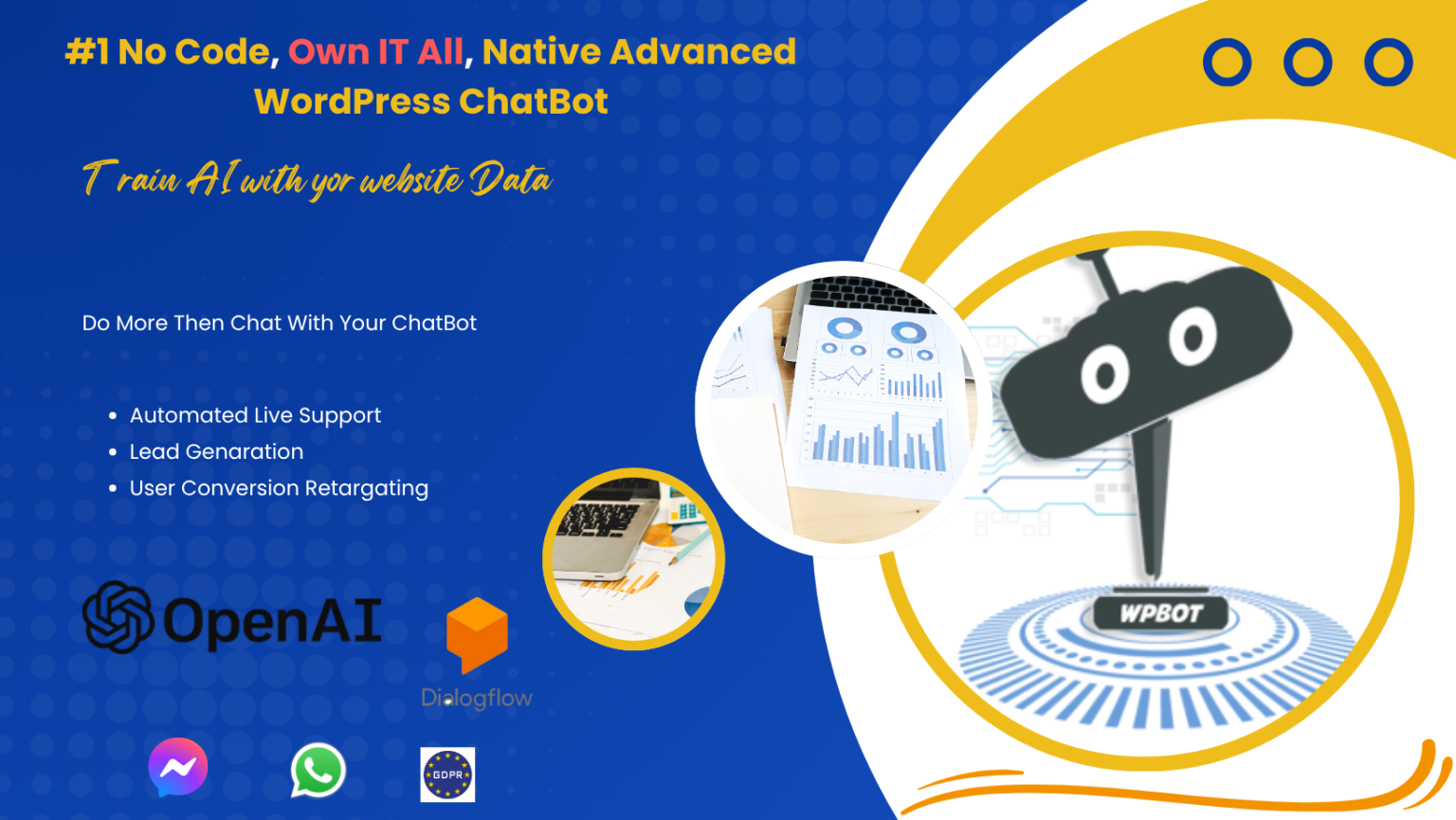
WPBot is a WordPress-native chatbot plugin.
That means:
It runs inside your WordPress site
You control everything
No forced SaaS dependency
No mandatory monthly fees
WPBot is designed for serious WordPress users who want flexibility and ownership.
WPBot in Simple Terms
Think of WPBot as:
“A chatbot that behaves like WordPress itself — flexible, extendable, and under your control.”
What Is MxChat?
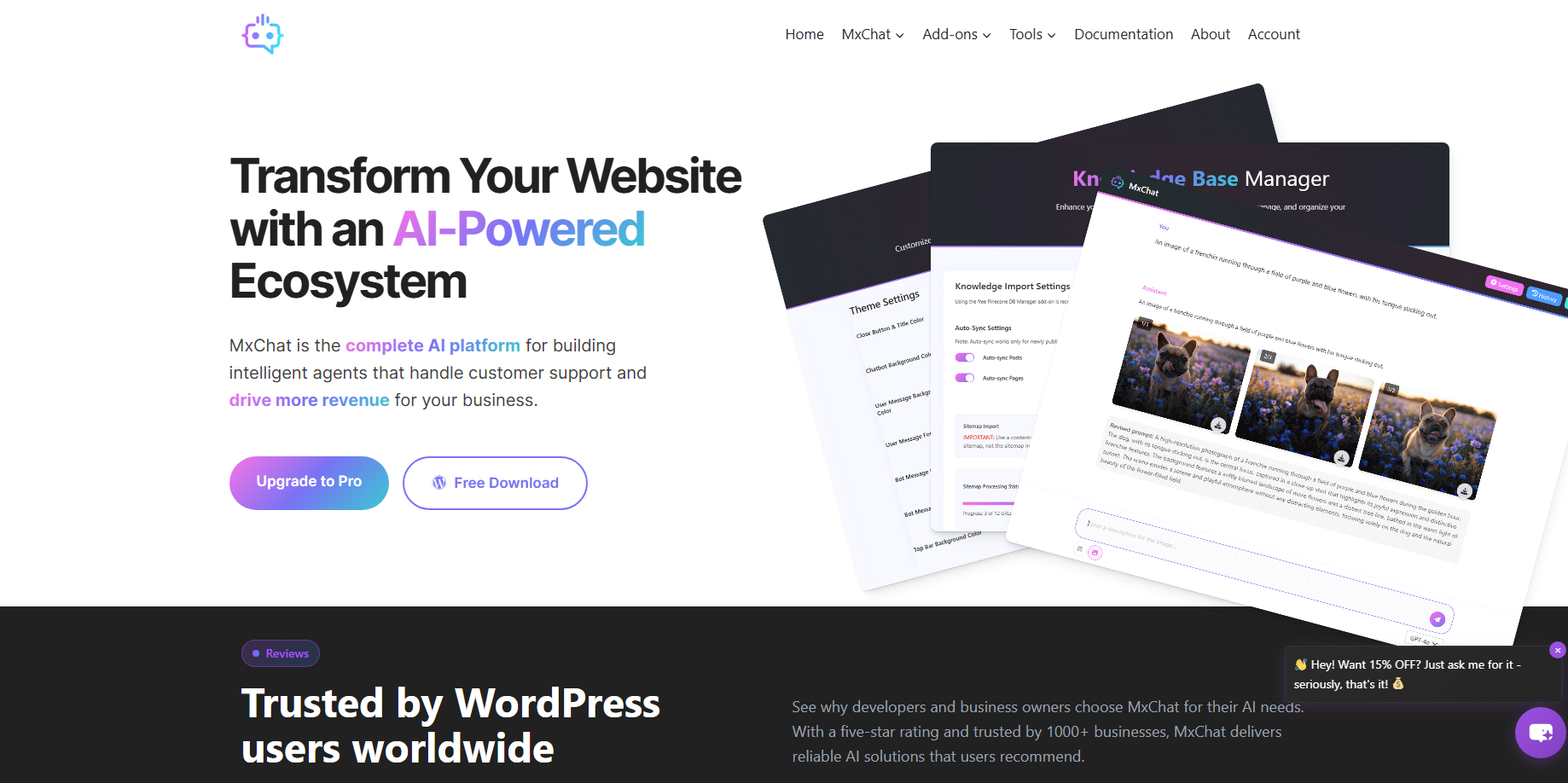
MxChat is a cloud-hosted chatbot platform.
Instead of running inside WordPress:
Your site loads an external script
Conversations happen on their servers
Features depend on your subscription plan
MxChat focuses on ease of use, not deep customization.
Core Difference at a Glance
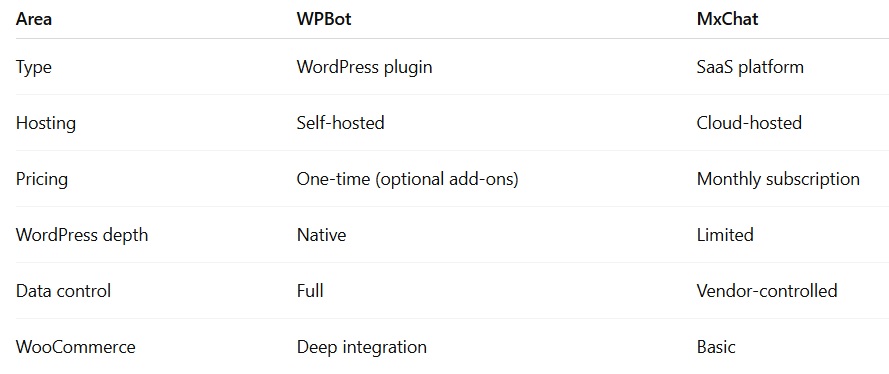
This table already hints at the final answer.
But let’s go deeper.
How Does WPBot Work Inside WordPress?
WPBot is installed like any other plugin.
Once active, it:
Uses WordPress database
Integrates with posts, pages, products
Uses shortcodes and widgets
Respects your theme and performance setup
WPBot Can Work Without AI
This is important.
WPBot supports:
Rule-based chat
Keyword logic
Button-based flows
AI is optional, not forced.
You choose when and where to use AI.
How Does MxChat Work?
MxChat works like most SaaS chatbots.
Process:
You create a chatbot in their dashboard
You embed it into WordPress
Data flows through their servers
Features depend on your plan
This makes setup easier — but control weaker.
Which One Is More WordPress-Friendly?
WPBot. No contest.
Why?
Because WPBot:
Understands WordPress content
Works with WooCommerce products
Integrates with WordPress hooks
Plays nicely with caching and performance plugins
MxChat treats WordPress as just another website.
AI Capabilities Compared
WPBot AI Flexibility
WPBot supports:
OpenAI (ChatGPT)
Hybrid AI + rule logic
You can:
Limit AI to specific questions
Use rules for FAQs
Reduce API costs
Control response tone
This is ideal for long-term cost control.
MxChat AI Approach
MxChat bundles AI into its system.
Pros:
Easy to start
No API setup
Cons:
Less transparency
Limited tuning
AI usage tied to plan limits
WooCommerce & E-commerce Comparison
This is where WPBot shines.
WPBot for WooCommerce
WPBot can:
Search products
Show prices
Display product images
Add items to cart
Answer order status
Reduce cart abandonment
All inside WordPress.
No external sync.
MxChat for WooCommerce
MxChat supports:
Product FAQs
Lead capture
Basic flows
But:
No deep cart actions
No native order handling
Limited product intelligence
If e-commerce matters, WPBot wins clearly.
Customization & Control
WPBot Customization Options
You can customize:
Chat design
Colors
Icons
Triggers
Page-specific behavior
Language flows
Because it’s WordPress-based.
MxChat Customization
Customization is:
Template-based
Plan-restricted
Limited CSS access
Good for simple branding, not advanced UX.
Performance & Website Speed
WPBot Performance
Runs locally
No external latency (rule-based)
AI calls only when needed
Better Core Web Vitals control
MxChat Performance
External script loading
Network latency
Dependent on their servers
Less optimization control
For performance-focused sites, WPBot is safer.
Data Ownership & GDPR Compliance
This is a big deal in 2026.
WPBot Data Handling
Data stored in WordPress
No forced third-party storage
Easier GDPR compliance
Full transparency
MxChat Data Handling
Data stored externally
Subject to vendor policies
Harder compliance management
Less visibility
If you care about privacy, WPBot is the safer choice.
Pricing Comparison: WPBot vs MxChat
WPBot Pricing Model
WPBot offers:
Free version
Optional paid add-ons
No forced monthly fee
You only pay recurring costs if:
You use AI APIs
You enable WhatsApp or SMS
MxChat Pricing Model
MxChat uses:
Monthly subscriptions
Tiered features
Conversation or message limits
As usage grows, cost grows.
Long-Term Cost Reality
Let’s be honest.
Over 2–3 years:
WPBot = predictable, low cost
MxChat = ongoing expense
For agencies or stores:
WPBot scales better
MxChat gets expensive fast
Use Cases: When WPBot Is the Better Choice
Choose WPBot if you:
Use WordPress seriously
Run WooCommerce
Want full control
Prefer one-time pricing
Care about data ownership
Plan long-term growth
Ideal WPBot Use Cases
Online stores
SaaS websites
Blogs & publishers
Membership sites
Educational platforms
Agencies
Use Cases: When MxChat Makes Sense
Choose MxChat if you:
Want fastest setup
Don’t want WordPress complexity
Run a small site
Accept monthly fees
Need basic chat only
Ideal MxChat Use Cases
Landing pages
Short campaigns
Temporary projects
Non-technical users
Scalability in 2026 and Beyond
WPBot Scalability
WPBot scales with:
Your hosting
Your WordPress setup
Your business growth
No artificial limits.
MxChat Scalability
MxChat scales by:
Upgrading plans
Paying more
Accepting limits
Growth = higher bills.
Pros and Cons Summary
WPBot Pros
✅ WordPress-native
✅ WooCommerce integration
✅ Full control
✅ GDPR-friendly
✅ Highly customizable
WPBot Cons
❌ Requires WordPress knowledge
❌ Slight learning curve
MxChat Pros
✅ Easy setup
✅ Hosted platform
✅ Minimal configuration
MxChat Cons
❌ Monthly fees
❌ Limited WordPress depth
❌ Less customization
❌ External data storage
Final Verdict: Which Chatbot Is Better for WordPress in 2026?
Here’s the honest conclusion.
If you are building a real WordPress business,
WPBot is the better chatbot in 2026.
It gives you:
Ownership
Flexibility
Cost control
Long-term value
MxChat works for:
Quick launches
Simple needs
Short-term use
But for serious WordPress users, WPBot wins.
FAQs
Is WPBot free to use?
Yes. WPBot offers a free version with paid upgrades.
Does WPBot require AI?
No. AI is optional.
Is MxChat beginner-friendly?
Yes, but limited long-term.
Which is better for WooCommerce?
WPBot, by a wide margin.
Can WPBot replace live chat?
For many sites, yes.

Join abu noim on Peerlist!
Join amazing folks like abu noim and thousands of other builders on Peerlist.
0
4
0