

EXPLORING HUBSPOT
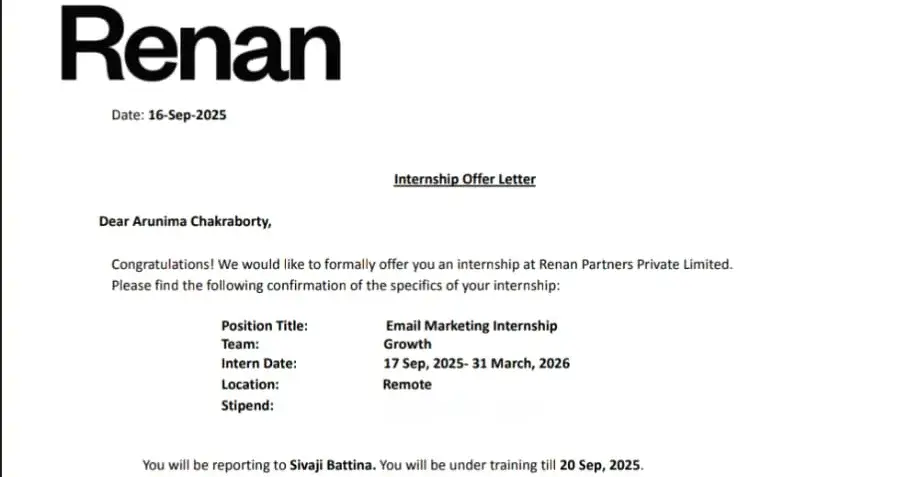
During my 6-month internship as a growth team member at @RENAN
What is HubSpot?
HubSpot is a powerful, all-in-one software platform designed to help businesses grow through better marketing, sales, and customer service. It's built around a single, free Customer Relationship Management (CRM) database, which acts as the central "brain" for all customer interactions.
Its core philosophy is Inbound Marketing, a strategy focused on attracting customers by creating valuable content and experiences tailored to them, rather than using disruptive, outbound methods.
The Core Philosophy: The Inbound Methodology
To understand HubSpot, you must understand its methodology. It’s a flywheel model with three stages:
Attract: Drawing in the right people with valuable content and conversations that establish you as a trusted advisor.This is where blogging, SEO, and social media come in.
Engage: Presenting insights and solutions that align with their pain points and goals, making it easy for them to buy from you. This involves email marketing, lead nurturing, and sales pipeline management.
Delight: Providing outstanding help and support to empower your customers to find success with their purchase. This includes customer support tools, surveys, and loyalty programs.
HubSpot's entire platform is built to facilitate this process.
The HubSpot Platform: The 5 "Hubs"
The platform is broken down into five main products, called "Hubs." You can start with the free CRM and add on individual Hubs as your business needs grow.
1. The Foundation: HubSpot CRM (Free)
This is the core of the entire platform and is free forever.It's where you store and manage all your data.
Contact Management: A central database for every contact, company, and their entire history of interactions with your business.
Deal Tracking: Create a visual sales pipeline to track potential sales from the first contact to the closed deal.
Task Management: Assign and track tasks for yourself or your team.
Reporting Dashboard: Basic analytics on your sales activities and pipeline.
2. Marketing Hub
This Hub has all the tools needed to run inbound marketing campaigns to attract and convert leads.
Key Features:
Email Marketing: Create, personalize, and automate email campaigns.
Landing Pages: Build conversion-focused web pages with a drag-and-drop editor.
Lead Capture: Use forms, pop-ups, and chatbots to capture visitor information.
Marketing Automation: Nurture leads with automated workflows based on their behavior.
SEO & Content Strategy: Tools to help you plan and optimize content to rank on search engines.
Social Media Management: Schedule and monitor posts across social networks.
Analytics: Track the performance of all your marketing efforts.
3. Sales Hub
This Hub provides tools to help sales teams close deals more efficiently.
Key Features:
Email Tracking & Templates: Get notified when a prospect opens an email and save your best-performing emails as templates.
Meeting Scheduler: Share a link that lets prospects book meetings directly on your calendar, eliminating back-and-forth emails.
Sales Pipeline Management: Advanced deal tracking and forecasting.
Sales Automation: Automate follow-up emails and task creation.
Quotes & eSignatures: Create and send professional sales quotes that customers can sign digitally.
Call Tracking & Recording: Make and record calls directly from the CRM.
4. Service Hub
This Hub is designed to help you provide world-class customer service and delight your existing customers.
Key Features:
Ticketing: Organize all customer inquiries into a single, managed queue.
Live Chat & Chatbots: Engage with website visitors and customers in real-time.
Knowledge Base: Create a library of help articles and documentation to allow customers to self-serve.
Customer Feedback Surveys: Send surveys like NPS, CSAT, and CES to measure customer satisfaction.
Shared Inbox: A universal inbox where your team can manage customer conversations from email and chat.
5. CMS Hub (Content Management System)
This Hub is for building and managing a powerful, secure, and SEO-friendly website that is integrated with your CRM.
Key Features:
Drag-and-Drop Website Editor: Easily create and edit web pages without needing a developer.
Smart Content: Show different website content to visitors based on their data in the CRM.
SEO Recommendations: Get real-time advice on how to optimize your pages.
Premium Hosting & Security: Fast, reliable, and secure hosting is included.
6. Operations Hub
This Hub is focused on data management and automation, ensuring your systems and processes run smoothly.
Key Features:
Data Sync: Two-way, real-time data synchronization between HubSpot and over 100 other apps (like Google Contacts, Mailchimp, etc.).
Data Quality Automation: Automatically clean and format your CRM data.
Programmable Automation: Create advanced, custom automation workflows to manage complex business processes.
HubSpot Pricing Model Explained
HubSpot's pricing can be both simple and complex. Here’s the breakdown:
Freemium Model: Starts with powerful free tools (the CRM, plus basic versions of marketing, sales, and service tools).
Tiered Subscriptions: Each Hub (Marketing, Sales, etc.) is sold separately and has three main tiers:
Starter: Low-cost, for individuals and small teams needing basic tools.
Professional: The most popular tier, for growing teams that need powerful automation and customization.
Enterprise: For large companies needing advanced reporting, security, and scalability.
Pricing Levers:
Marketing Hub pricing is based on the number of "Marketing Contacts" you have.
Sales & Service Hub pricing is based on the number of paid "Seats" (users) you need.
Key Strengths & Drawbacks
Pros:
Truly All-in-One: The tight integration between all the tools is its biggest advantage. A customer's entire journey is visible in one place.
Powerful Free CRM: The free CRM is not a trial; it's a genuinely useful product that many small businesses can run on exclusively.
User-Friendly: Compared to competitors like Salesforce, HubSpot is widely considered easier to learn and use.
World-Class Education: HubSpot Academy offers free courses and certifications on marketing, sales, and its own software, which is a massive value-add.
Cons:
Can Get Expensive Quickly: While it starts free, the Professional and Enterprise tiers can become a significant monthly expense, especially when bundling multiple Hubs.
Jack of All Trades, Master of None: For some highly specific functions (e.g., complex email automation), a specialized tool might have more advanced features than the equivalent tool within HubSpot.
Contractual Lock-in: Higher tiers often require an annual commitment, making it difficult to switch if it's not a good fit.
Who is HubSpot For?
Small to Medium-Sized Businesses (SMBs): This is their sweet spot. SMBs benefit the most from having an affordable, all-in-one platform that can scale with them.
Startups: The free and Starter tiers are perfect for new companies looking to establish a solid marketing and sales foundation.
Enterprises: While historically focused on SMBs, the Enterprise tier has become increasingly powerful and is now a viable option for larger corporations needing advanced features.
Marketers, Salespeople, and Service Teams: It provides dedicated tools that make each of these roles more efficient and data-driven.

Join Arunima on Peerlist!
Join amazing folks like Arunima and thousands of other builders on Peerlist.
0
1
0