

Claude Exporter: Save Chats to Word, PDF and Notion
Claude Exporter helps you turn Claude AI conversations into clean PDF, Word, Google Docs, or Notion files without the copy-paste mess — built for people who use AI seriously.
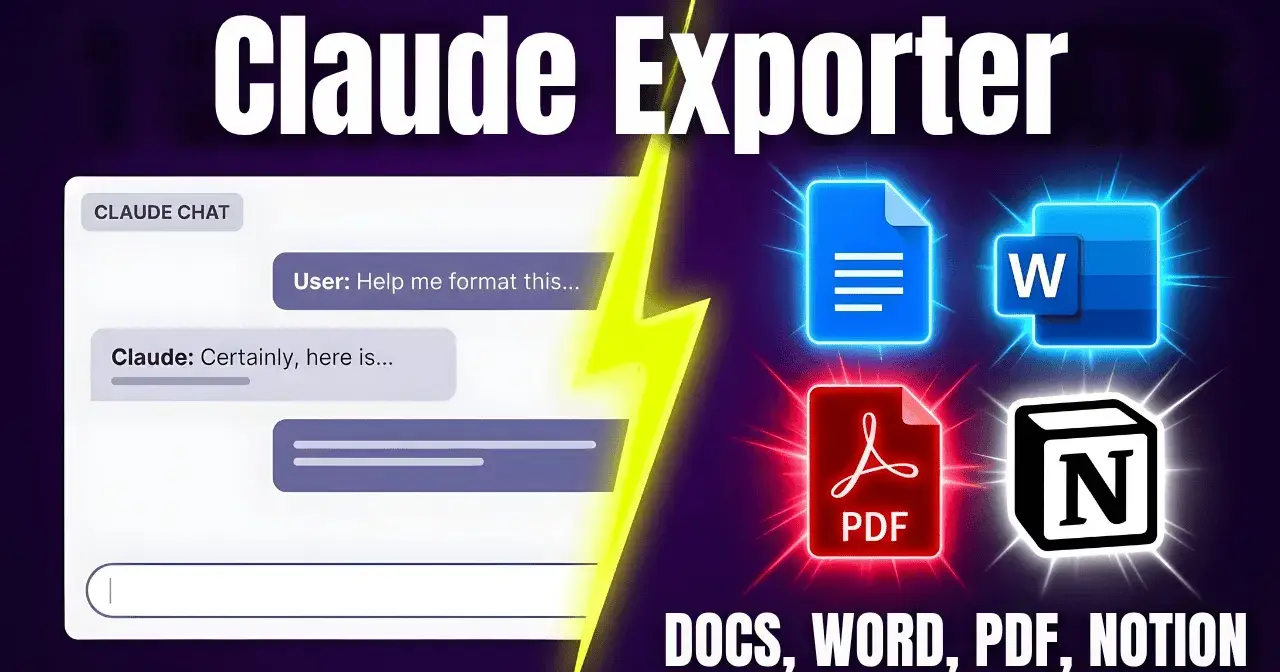
If you use Claude regularly, you have probably been in this situation before.
A conversation starts as a simple question. Then it evolves. A research summary takes shape. A product brief gets drafted. A client-ready report starts forming. A step-by-step plan emerges out of what was supposed to be a quick prompt.
The output is valuable. But the moment you try to do something with it, the friction begins.
Claude Exporter exists because that friction should not exist. This article walks you through what Claude Exporter does, who it helps, and why the last step in any AI workflow — getting the output out — matters just as much as the first.
What Is Claude Exporter?
Claude Exporter is a tool designed to help you move Claude conversations into formats you can actually use. Instead of copying text manually, fighting broken formatting, and rebuilding structure from scratch, you get a clean exported file in a few clicks.
The core idea is simple: make Claude output portable.
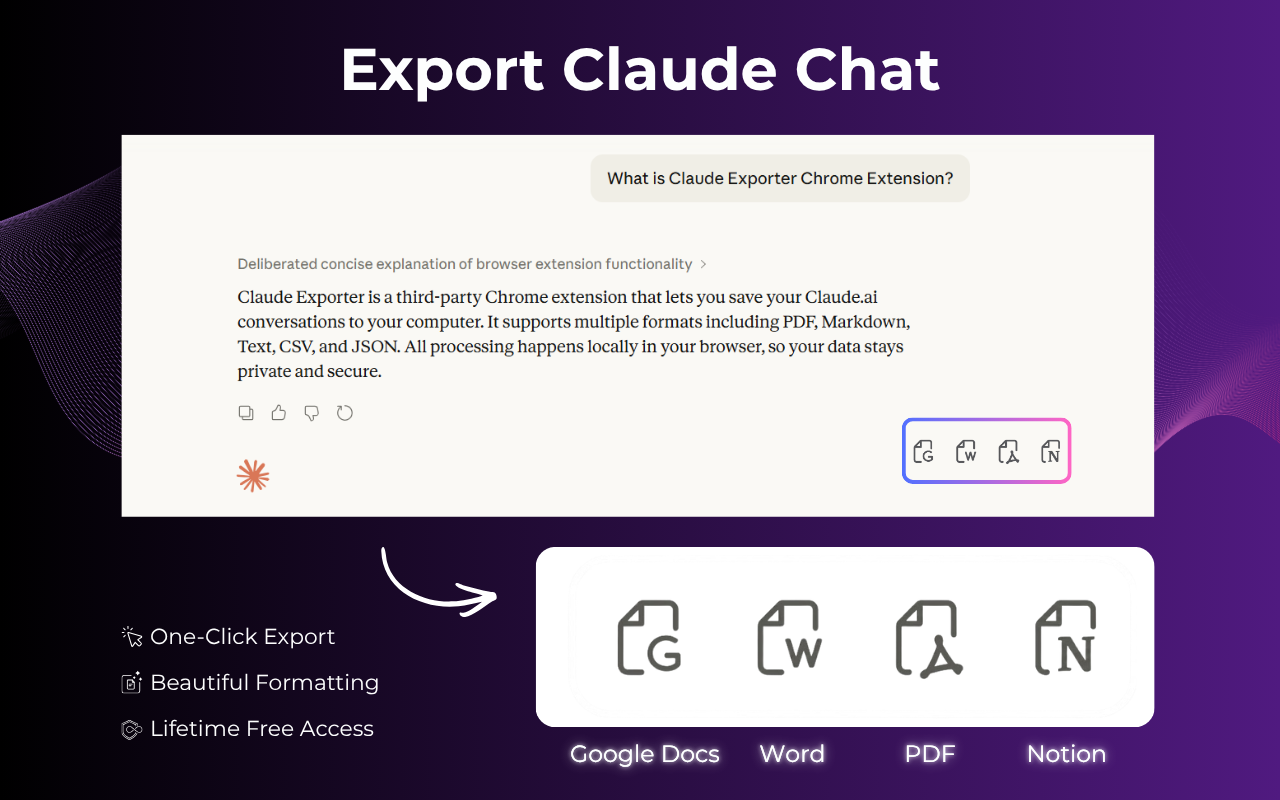
When you finish a valuable chat with Claude, you should be able to send it directly to a Word document, save it as a PDF, push it to Google Docs for team editing, or drop it into a Notion page for long-term organization. Claude Exporter connects those two moments — the end of the chat and the start of the real work — without the manual cleanup in between.
Most people underestimate how much time this step takes. But if you are using Claude five, ten, or twenty times a day as part of a real workflow, those extra minutes compound quickly. A tool that removes even one repetitive step from your process creates noticeable momentum over time.
The Real Problem With Exporting Claude Chats Manually
Anyone who has tried to reuse a long Claude conversation knows what happens next.
You highlight the text. You paste it into a doc. Suddenly the formatting is wrong. The headings are gone or inconsistent. Code blocks have collapsed. Lists that looked clean inside Claude now appear as unstructured paragraphs. If the conversation was long, you may be looking at a significant cleanup job before the content is even shareable.
This is not a minor inconvenience. It is a workflow problem that repeats itself every single time you try to extract value from a Claude session.
Here is what the manual process typically costs you:
Broken formatting that requires manual correction after every paste
Lost structure especially in long, multi-turn conversations
Inconsistent heading levels when copying rich text into Word or Docs
Code block degradation for developers and technical writers who rely on formatted outputs
Delayed collaboration because the output is still stuck inside the interface instead of in a shared document
The problem is not that Claude produces bad output. The problem is that there is no smooth path from a finished conversation to a finished document.
Claude Exporter is built specifically to create that path.
What Claude Exporter Helps You Do
The core job of Claude Exporter is straightforward: take a Claude conversation and turn it into a clean, usable file with as little friction as possible.
Here is what that looks like in practice.
Save Claude chats as polished documents
When a conversation is worth keeping, it deserves to exist in a format that feels complete. Whether you are saving a research summary, a drafted email, a technical explanation, or a client deliverable, Claude Exporter creates a document that looks intentional rather than hastily assembled.
Export to the format that fits your workflow
Different work requires different formats. Some people work in Word. Others live in Google Docs. Some teams organize everything in Notion. Developers may want a PDF for documentation. Claude Exporter supports multiple export destinations so you are not forced into one format that does not fit your actual process.
PDF — for sharing, presenting, or archiving finished outputs
Word (.docx) — for editing, reviewing with track changes, or sending to clients
Google Docs — for real-time collaboration with teammates
Notion — for organizing outputs inside your knowledge base or content system
Build a searchable archive of your best Claude sessions
Not every Claude conversation is disposable. Some become part of your process documentation. Others contain research you will need later. Some hold drafts that will evolve over weeks. Claude Exporter makes it practical to save and organize these sessions rather than losing them inside a growing list of browser tabs.
Remove repetitive cleanup from your workflow
The fewer manual steps between AI output and final document, the more sustainable your AI workflow becomes. Claude Exporter is designed to eliminate the step that currently slows most people down.
>> Try Claude Exporter Chrome Extension.
Who Claude Exporter Is Built For
Claude Exporter is designed for people who treat Claude as a serious work tool, not just a curiosity.
It is especially useful if you fall into one of these categories:
Content writers and copywriters who use Claude to draft, edit, and refine content and need a clean path from draft to publishable document.
Students and researchers who use Claude to summarize sources, organize notes, or work through complex material and want to save those sessions for review.
Founders and product managers who use Claude to think through strategy, document decisions, and structure product briefs — and need those outputs to live somewhere organized.
Marketers and growth teams who run Claude sessions to build campaign copy, landing page drafts, or content calendars and need to export cleanly for review and approval.
Developers and technical writers who rely on Claude for structured explanations, documentation drafts, or code-related outputs where formatting integrity really matters.
Consultants and client-facing teams who need polished, shareable documents rather than raw chat transcripts or screenshots.
If Claude is already part of how you work, Claude Exporter makes that work easier to hand off, archive, and continue.

The Workflow Gap That Claude Exporter Closes
There is a pattern in how people use AI tools that almost never gets discussed.
The beginning of the interaction gets a lot of attention. Prompt engineering. Model selection. Getting the best possible output. Those are all important. But there is almost no focus on what happens after the output arrives.
That final step — moving the result into your actual workflow — is where most AI tools leave you on your own.
You have the answer. Now what?
If you are a solo writer, you paste it into your editor and fix the formatting. If you are part of a team, you screenshot it or manually retype it into a shared doc. If you are archiving outputs for later, you hope your browser history is good enough.
None of these are real solutions. They are workarounds.
Claude Exporter treats that last step as a first-class problem worth solving properly. The idea is that a great AI answer should move seamlessly into the place where the real work continues — whether that is a document, a note, a shared space, or a client deliverable.
The generation phase of AI work is already fast. The export phase should be too. That is the gap Claude Exporter is designed to close.
What Good Export Quality Actually Means
One thing that became clear during the development of Claude Exporter is that exporting to more formats is not the same as exporting well.
A tool that gives you ten export options but produces messy output in all of them is not actually useful. Export quality matters more than export quantity.
Here is what high-quality export looks like in practice:
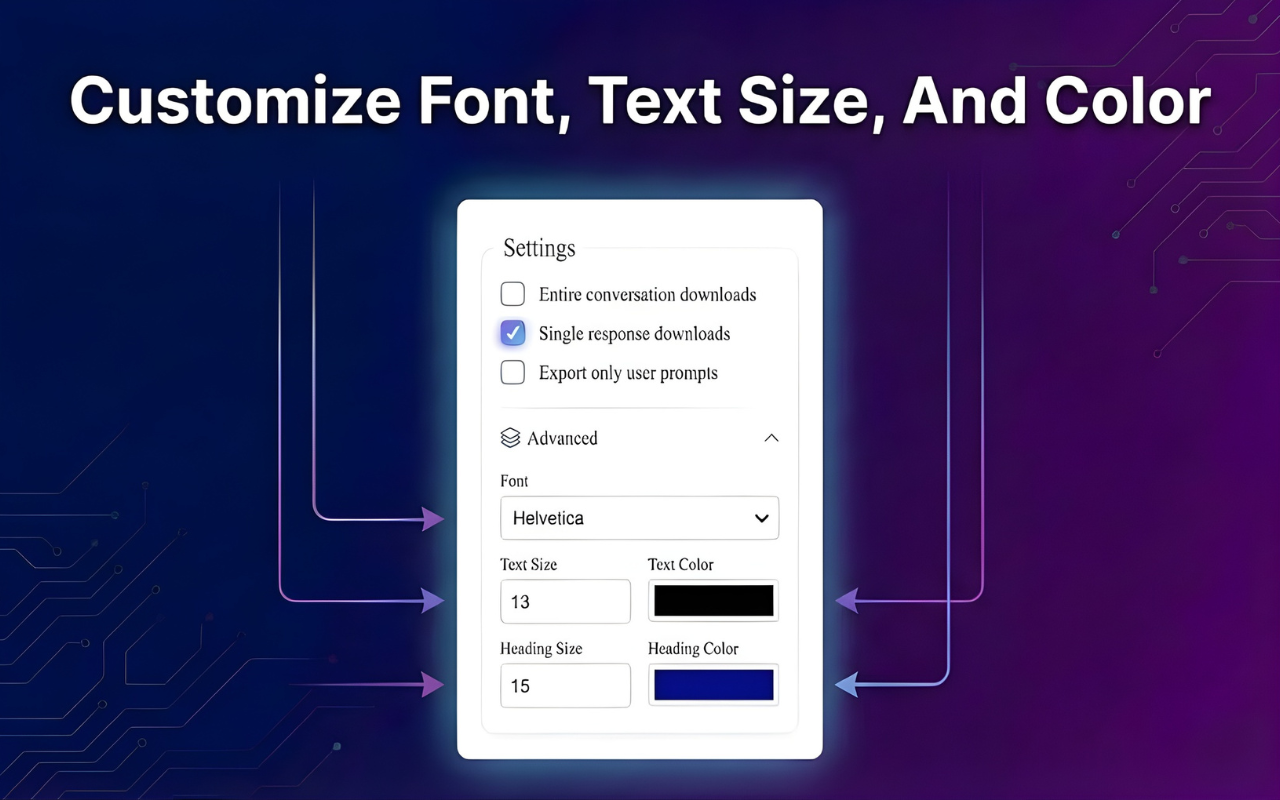
Headings translate correctly — H1, H2, and H3 structure from the conversation maps to proper heading levels in the destination document
Lists remain lists — bullet points and numbered lists stay intact instead of collapsing into flat paragraphs
Code blocks stay formatted — for developers, this alone is worth a dedicated export tool
Long conversations stay readable — multi-turn sessions do not become a wall of text
The output looks like a document — not like someone pasted from a chat window
These details sound small. But when you are handing a document to a client, submitting work for review, or building a knowledge archive, they matter.
Claude Exporter focuses on getting these details right, not just on offering the most export destinations.
How Claude Exporter Fits Into a Real AI Workflow
The best way to understand Claude Exporter is to see where it sits in a workflow you might already be running.
Imagine you use Claude to research a topic, draft a report, and structure recommendations for a client. The conversation is valuable. It contains organized thinking, structured sections, and polished writing.
Without Claude Exporter, your next steps look like this: copy the output, paste it into Word, spend time fixing the formatting, rebuild the heading structure, clean up the lists, and then maybe repeat the whole thing if you need a PDF version too.
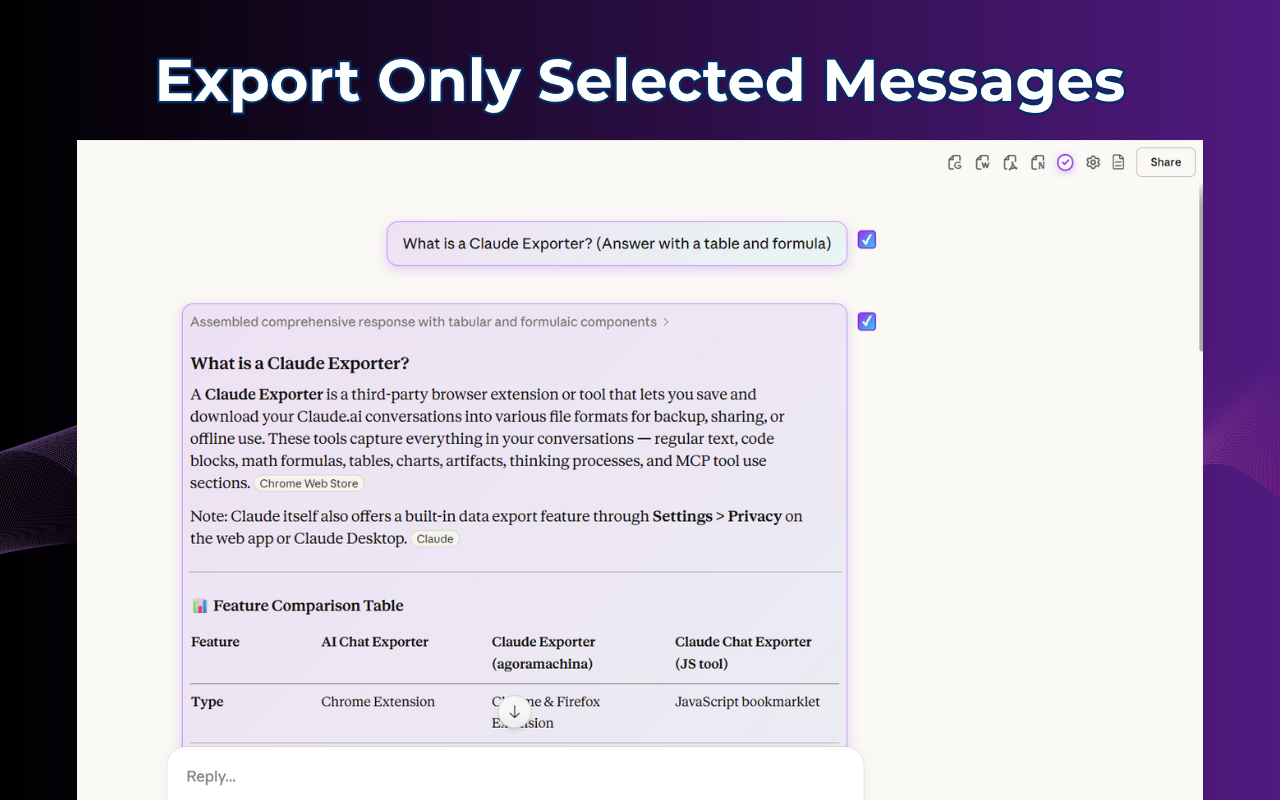
With Claude Exporter, your next step is a single click. The conversation becomes a clean document. The document goes directly to Word, Google Docs, Notion, or PDF. The formatting is already correct. You move straight to reviewing, sharing, or publishing.
This is not a dramatic change. But it compounds significantly over time. Every hour saved on cleanup is an hour available for actual work.
Final Thoughts on Claude Exporter
AI output is only as useful as your ability to keep it, share it, and build on it.
That is the principle behind Claude Exporter.
A great Claude conversation should not disappear inside a tab or require twenty minutes of manual cleanup before it becomes usable. It should flow naturally into a document, a note, a shared file, or the next step in your workflow.
If you use Claude as a real work tool — and you are tired of the gap between getting a great answer and actually using that answer — Claude Exporter is worth trying.
Because the best AI workflow is the one where nothing gets lost at the end.
Try Claude Exporter Chrome Extension and start turning your best Claude conversations into clean, usable documents today.

Join Quy on Peerlist!
Join amazing folks like Quy and thousands of other builders on Peerlist.
1
5
3