

Gemini Exporter: Save Gemini Chats to PDF, Word, Docs, and Notion
A simple tool for saving Gemini conversations to PDF, Word, Google Docs, and Notion without the copy-paste mess.
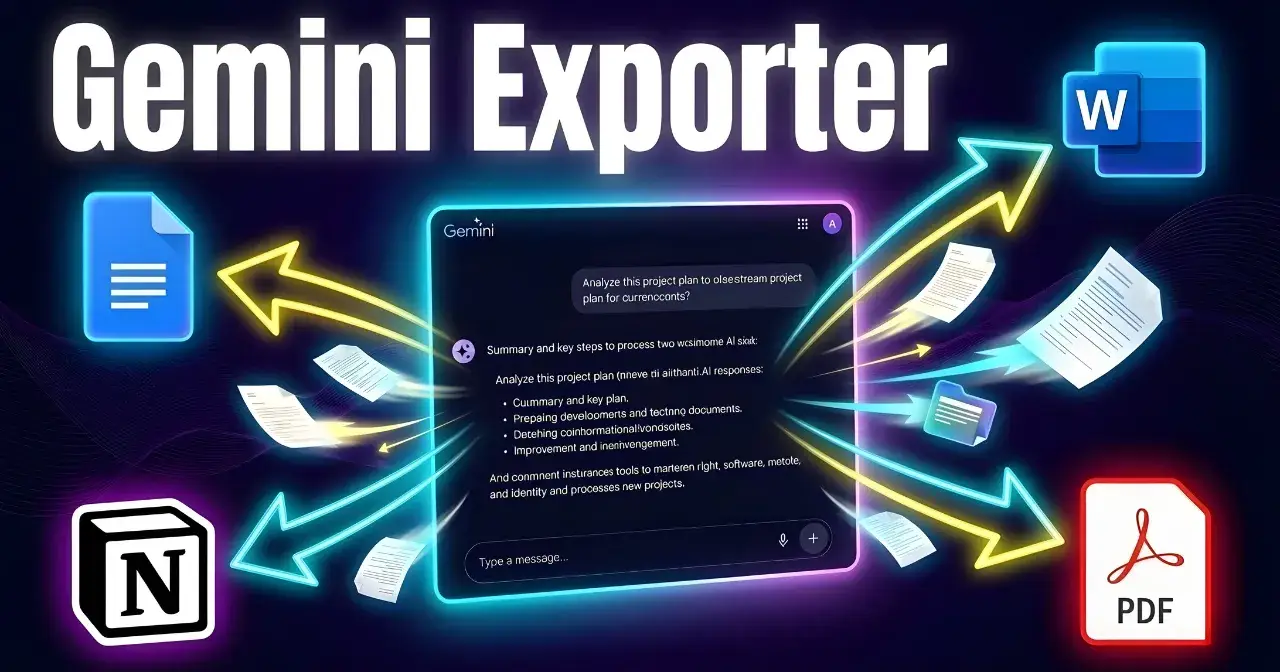
I kept running into the same problem with Gemini.
A conversation would start as a quick prompt, then turn into something useful: a draft, a research summary, a client-ready note, a checklist, or a polished piece of writing. The output was valuable, but the handoff was painful.
Copy.
Paste.
Fix formatting.
Clean spacing.
Rebuild structure.
Do it all over again for the next chat.
That friction is exactly why I built Gemini Exporter.
What is Gemini Exporter?
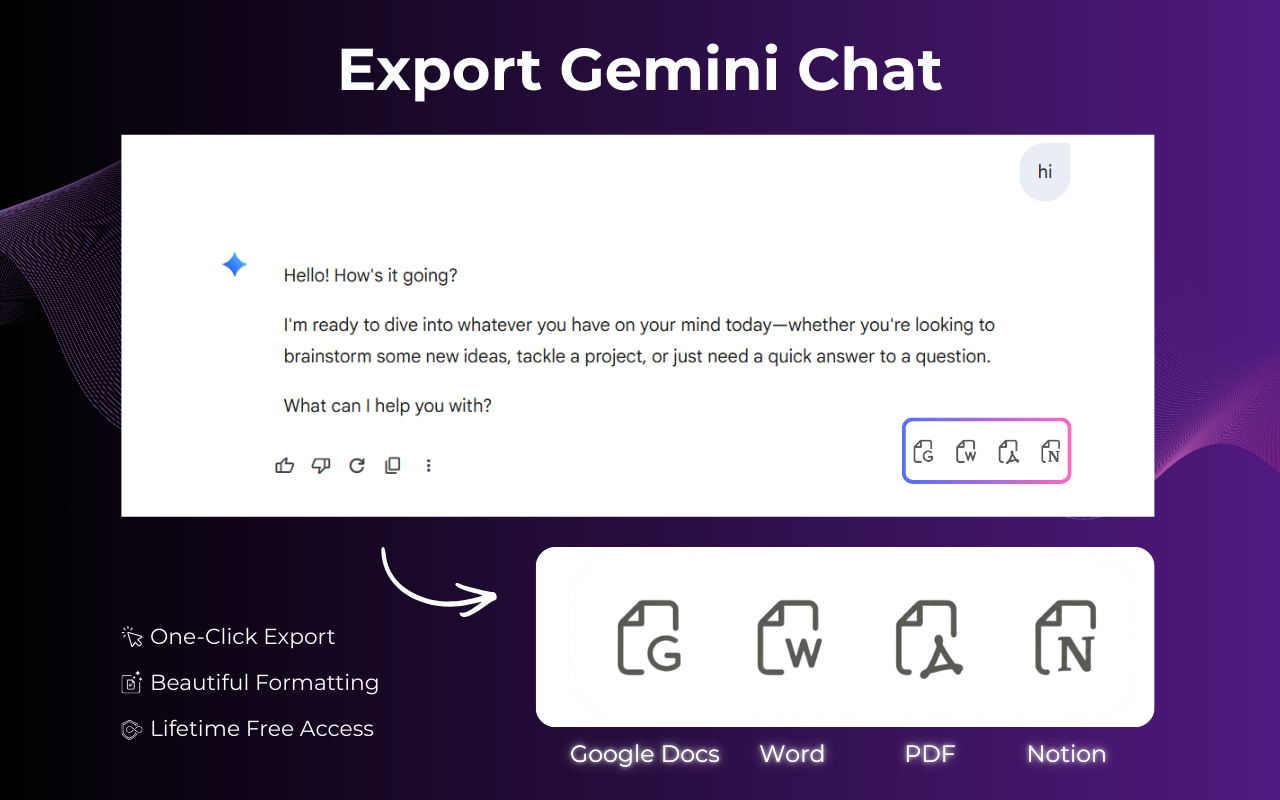
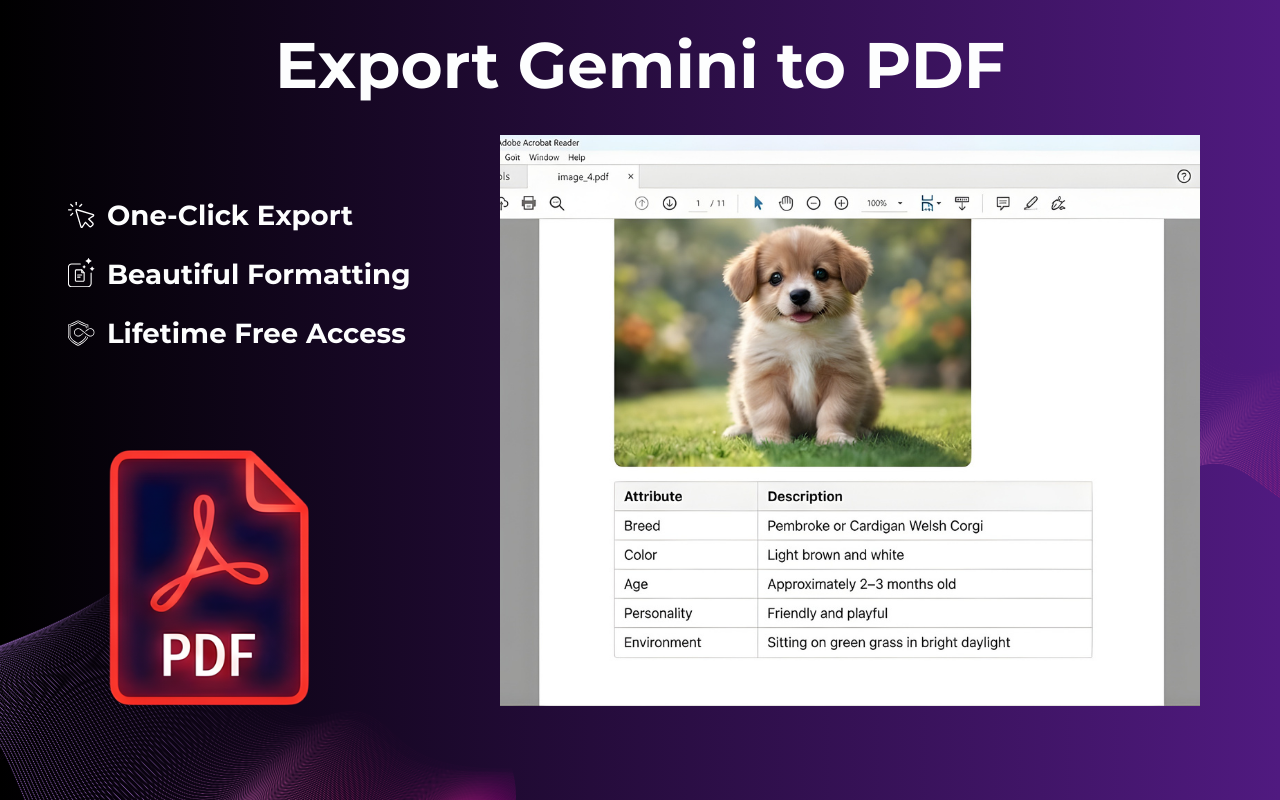
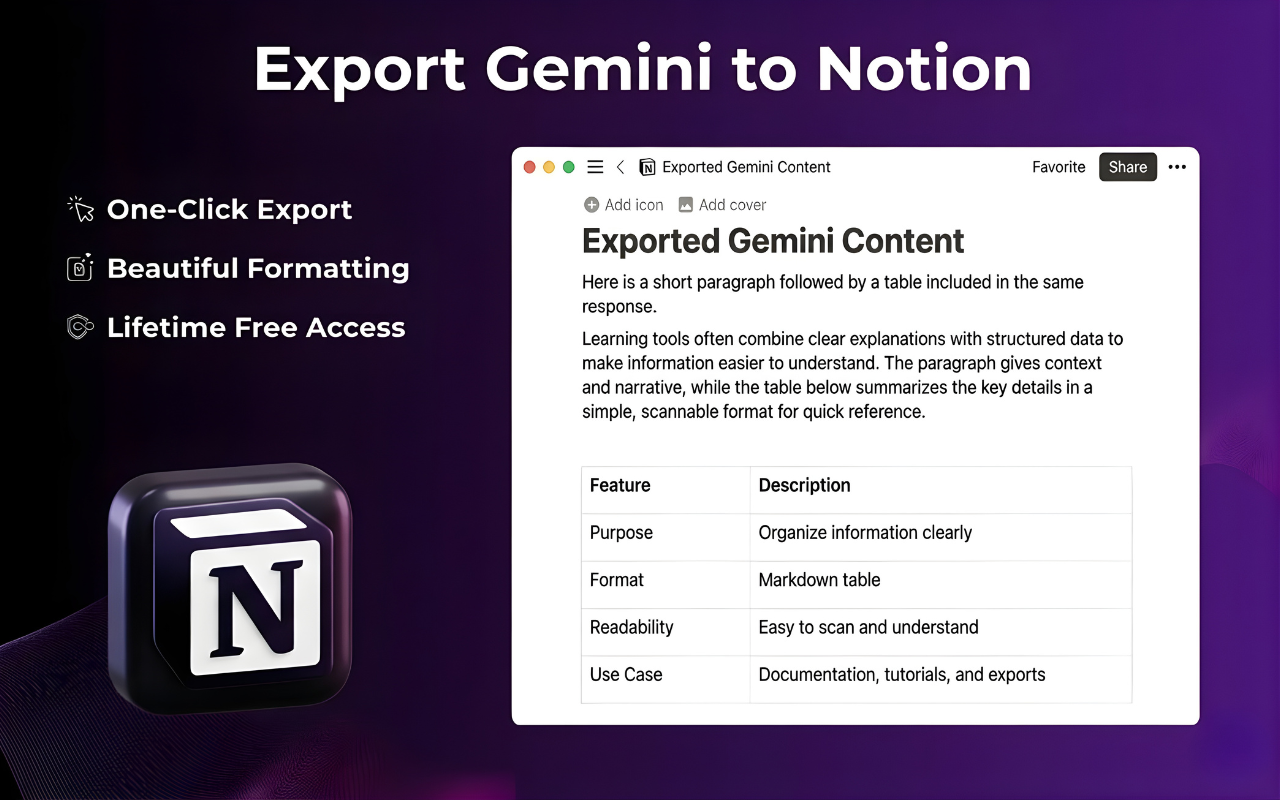
Gemini Exporter helps you turn Gemini conversations into clean, reusable files in a few clicks.
Instead of losing a good response inside another tab, you can move it into a format you can actually use for work, collaboration, publishing, or archiving.
The goal is simple: make Gemini output portable.
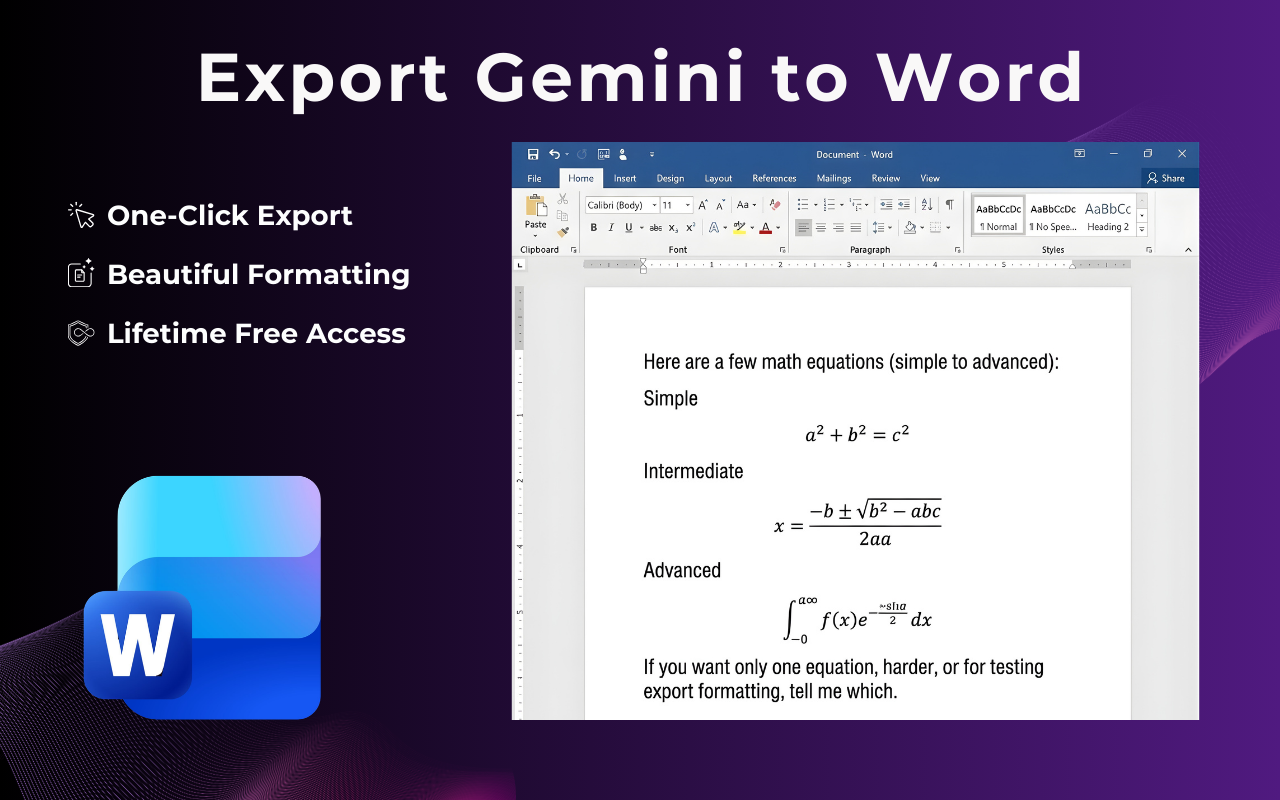
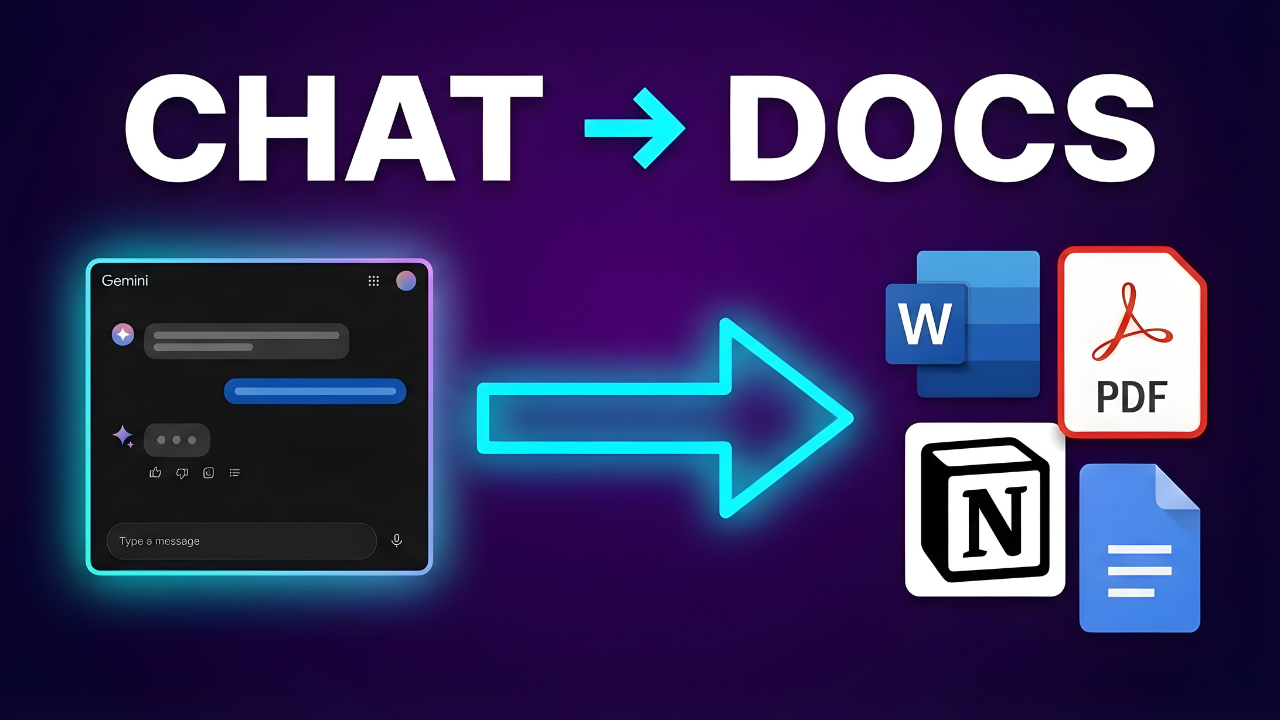
Whether you want to save a conversation as a PDF, send it to Word, continue editing in Google Docs, or organize it in Notion, Gemini Exporter is built to remove the manual cleanup step and let you keep your momentum.
Why I built Gemini Exporter
AI tools are great at helping us think, draft, summarize, and explore ideas.
But most of the real work starts after the answer.
You still need to:
share the output with a teammate
turn it into a document
save it for later
organize it inside your workflow
present it in a readable format
That is where most AI experiences still feel incomplete.
The generation part is fast.
The export part is clunky.
Gemini Exporter exists to close that gap.
>> Try Gemini Exporter Chrome Extension.
The problem with exporting Gemini chats manually
If you have ever tried to reuse a long Gemini conversation, you probably know the pain:
formatting breaks during copy-paste
headings and lists become inconsistent
code blocks or structured sections need cleanup
long responses become hard to archive
collaboration gets delayed because the output is still trapped inside the chat interface
This sounds like a small problem until you repeat it every day.
For students, marketers, researchers, developers, founders, and content teams, those extra steps add up fast.
A good AI workflow should not end with messy copy-paste.
What Gemini Exporter helps you do
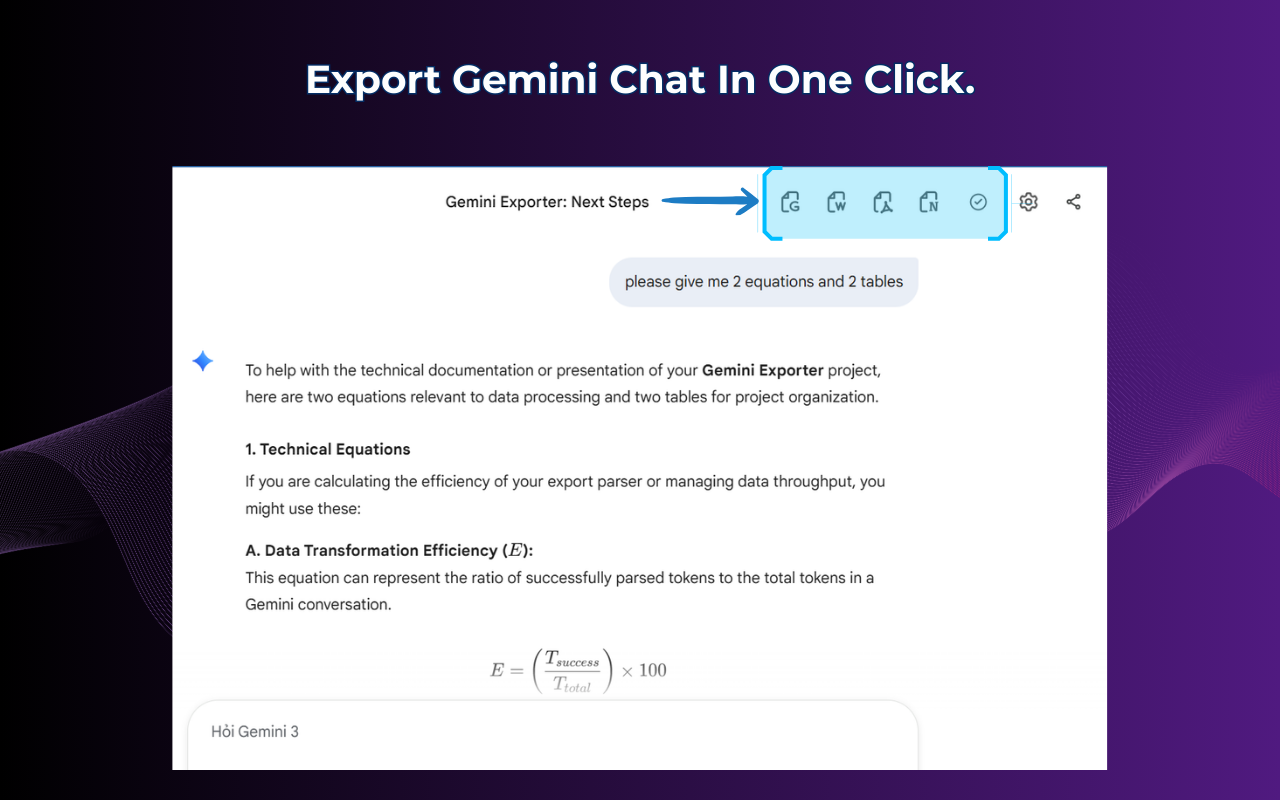
Gemini Exporter is designed for one core job: helping you move from conversation to usable output faster.
You can use it to:
Save Gemini chats as polished documents
When a conversation is worth keeping, it should be easy to save it in a format that feels complete and readable.
Share outputs with clients or teammates
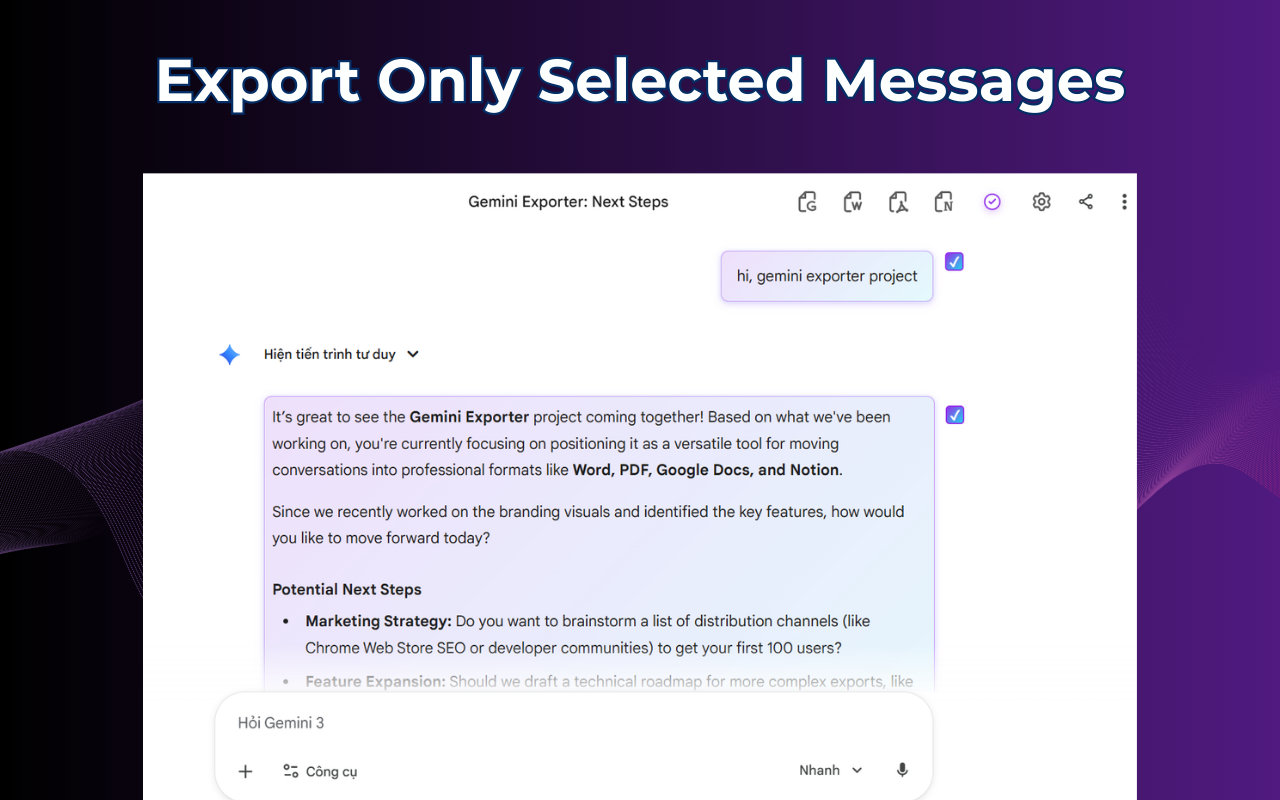
Not everyone wants a screenshot or a raw pasted transcript. A clean exported document is easier to review, comment on, and forward.
Build a better knowledge archive
Some Gemini chats are not just temporary outputs. They become part of your process, your documentation, your research, or your content system.
Reduce repetitive cleanup work
The fewer manual steps between AI output and final document, the more useful the tool becomes in real workflows.
>> Learn More Gemini Exporter.
Who Gemini Exporter is for
I built Gemini Exporter for people who use AI seriously, not just casually.
It is especially useful for:
content writers turning drafts into publishable docs
students saving research notes and summaries
founders documenting ideas and product thinking
marketers exporting campaign drafts
developers archiving technical explanations or structured outputs
researchers collecting conversations they want to revisit
teams that want cleaner handoff from AI to docs
If Gemini is already part of your workflow, a Gemini Exporter makes that workflow much more practical.
My product principle
I do not think AI tools win only because they generate better text.
They win when they fit naturally into how people already work.
That means the output should not stay trapped inside the interface.
It should move where the work happens:
documents
notes
collaboration tools
archives
internal knowledge bases
That is the real value of Gemini Exporter.
It is not just about exporting a chat.
It is about making AI output useful after the chat ends.
What I learned while building it
A few things became obvious during development:
1. Simplicity beats feature overload
People do not want another complicated dashboard.
They want one obvious action that works.
2. Export quality matters more than export quantity
It is not enough to offer many formats.
The result has to feel clean and usable.
3. AI workflows need an ending
Most tools focus on the beginning of the interaction.
Very few care about the last mile.
That last mile is where Gemini Exporter becomes valuable.
What is next for Gemini Exporter
I want Gemini Exporter to become the easiest way to take a useful Gemini conversation and turn it into something you can ship, share, save, or build on.
That means continuing to improve:
speed
document quality
export flexibility
workflow compatibility
If you use Gemini often, I would love to know one thing:
Where do your best Gemini conversations go after you get the answer?
If the answer is nowhere, then that is the problem Gemini Exporter is here to solve.
Final thought
AI output is only as useful as your ability to keep it, organize it, and reuse it.
That is why I built Gemini Exporter.
Because a great answer should not disappear in a tab.
It should become a document, a draft, a note, a system, or the next step in your work.
If that sounds useful to you, I would love your feedback, your upvote, and your honest thoughts on how Gemini Exporter can become even better.

Join Quy on Peerlist!
Join amazing folks like Quy and thousands of other builders on Peerlist.
1
1
0