

From Zero to Stack Hero
My First Step into Modern Web Development
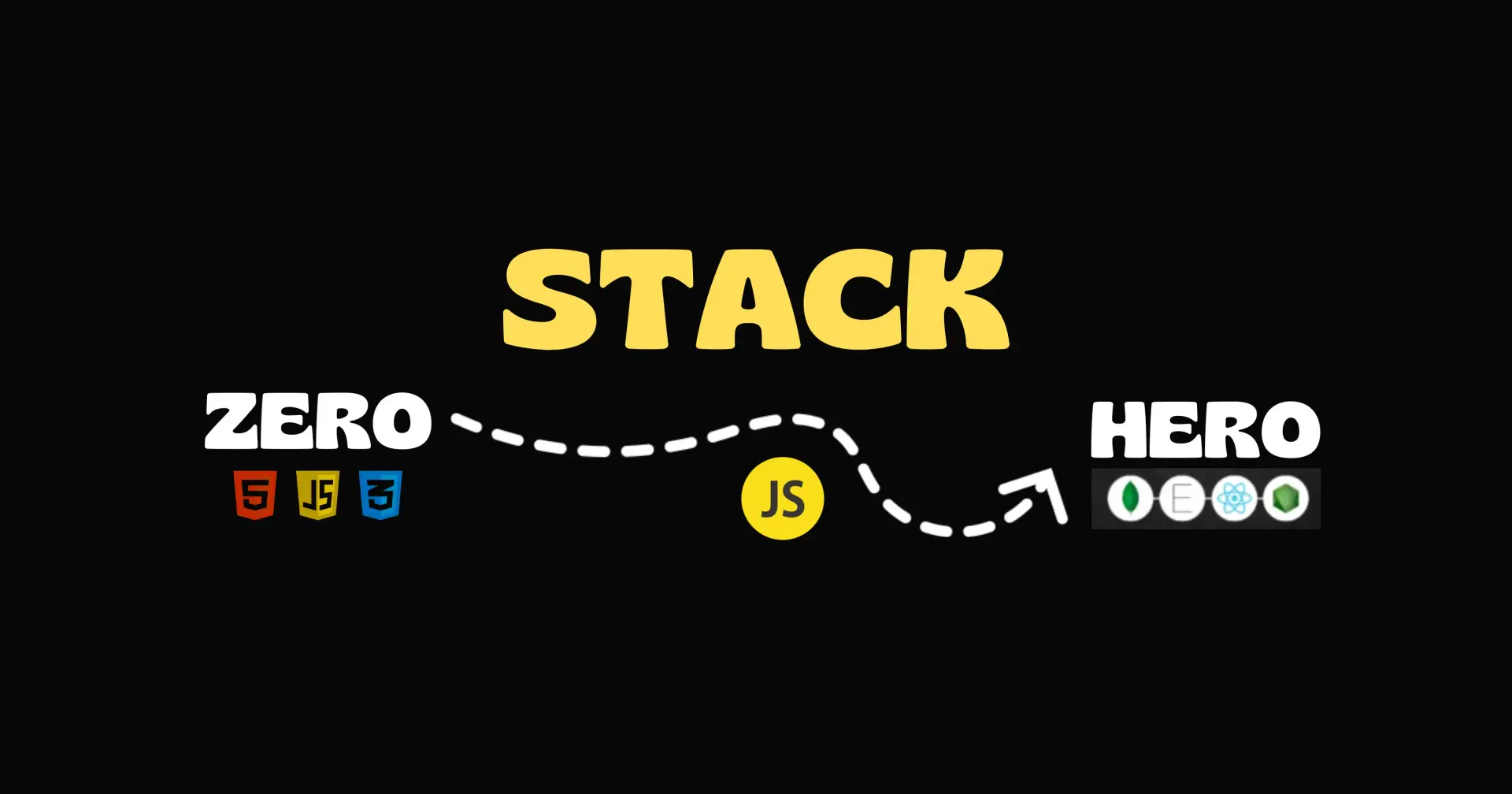
When I started learning web development, I was totally confused. What to learn first? Which tools to use? What is a full stack? Slowly, after learning step-by-step, I built my own websites from scratch. Today, I want to share my full journey — from zero to stack hero.
This blog will guide you from the basics to building a professional website. If you are a beginner, this is exactly what you need!
Start with Frontend Stack (What Users See)
Frontend means everything that the user sees on the screen — buttons, images, layout, colors, and design.
What I learned first:
HTML — It’s the base of every web page. It tells what content to show.
CSS — Used to design the page — colors, layout, fonts.
JavaScript — Adds interactivity like sliders, popups, forms.
Then I moved to:
React.js — A popular JavaScript library that makes building UI easier and faster.
📝 Tip: Don’t try to learn everything at once. I started by building small websites with only HTML and CSS, then slowly added JavaScript and React.
State and Data Management (Handling Data Smartly)
Once I started building real projects, I saw a need to manage data between different parts of the app. That’s where state management helped me.
What I used:
React useState & useContext — Good for small apps.
Redux / Zustand / React Query — Used when the app becomes big or handles a lot of data.
📝 Tip: I faced issues with data flow in my app. Learning proper state management saved me from bugs and confusion.
Backend & Database (The Brain of the Website)
Frontend is just the face — backend is the brain. It handles logic, processes, and stores data.
What I used:
Node.js — JavaScript backend runtime. Easy for frontend developers to learn.
Express.js — A simple framework to build backend APIs.
MongoDB (NoSQL) and MySQL/PostgreSQL (SQL) — Databases to store user data.
📝 Tip: I started by making simple APIs using Express and tested using Postman. Slowly, I connected it to MongoDB and built full-stack apps.
Authentication & File Handling (Login & Uploads)
To make a professional website, you need login systems and maybe file uploads (like images, documents).
What I used:
JWT (JSON Web Tokens) — For user login and secure sessions
Multer — For file uploads in Node.js.
Firebase Auth / Clerk / Auth0 — Easy third-party login systems.
📝 Tip: Don’t try to build complex auth at the beginning. I used Firebase for my first project and later learned JWT.
Testing & Tooling (To Build Better and Safer)
Testing makes sure your app doesn’t break. Tools help to code faster and better.
What I used:
Jest / React Testing Library — For frontend testing.
Postman — To test backend APIs.
ESLint / Prettier — To keep code clean.
Git & GitHub — For version control and backups.
📝 Tip: I didn’t use testing at first, but when bugs increased, I started using Jest and Postman to avoid wasting time.
Deployment (Put Your Website Online)
Once the website is ready, it needs to be live so others can see it.
What I used:
Frontend: Vercel / Netlify — Free and easy.
Backend: Render / Railway / Cyclic — Free Node.js hosting.
Database: MongoDB Atlas (for MongoDB online), PlanetScale (for MySQL)
📝 Tip: The first time I deployed my site, I was shocked how easy it was. Just connect GitHub and deploy!
Here’s my first portfolio — (https://boorge.github.io/kiran) now live on GitHub Pages!
If you’d like a full tutorial on how to deploy a website using GitHub Pages, just drop a comment below or follow me on Medium!
I didn’t become a full-stack developer in one month. I started slow, learned one thing at a time, and built small projects. Here’s a quick roadmap you can follow:
Frontend — HTML, CSS, JavaScript, React
State Management — useState, Redux, etc.
Backend — Node.js, Express
Database — MongoDB or MySQL
Auth — Firebase or JWT
File Uploads — Multer
Testing & Tools — Jest, Git, Postman
Deployment — Vercel, Render
🏁 Your Turn Now
If you’re just starting, don’t worry about knowing everything. Pick one area, practice, build projects, and slowly level up. I was once in your place — confused, frustrated, and lost. But trust me, if I can go from zero to stack hero, you can too.

Join Kiran on Peerlist!
Join amazing folks like Kiran and thousands of other builders on Peerlist.
2
13
0