

Agentic AI Visual Creation: How Muse Image Reshapes Creative Workflows for Makers & Designers
Intro
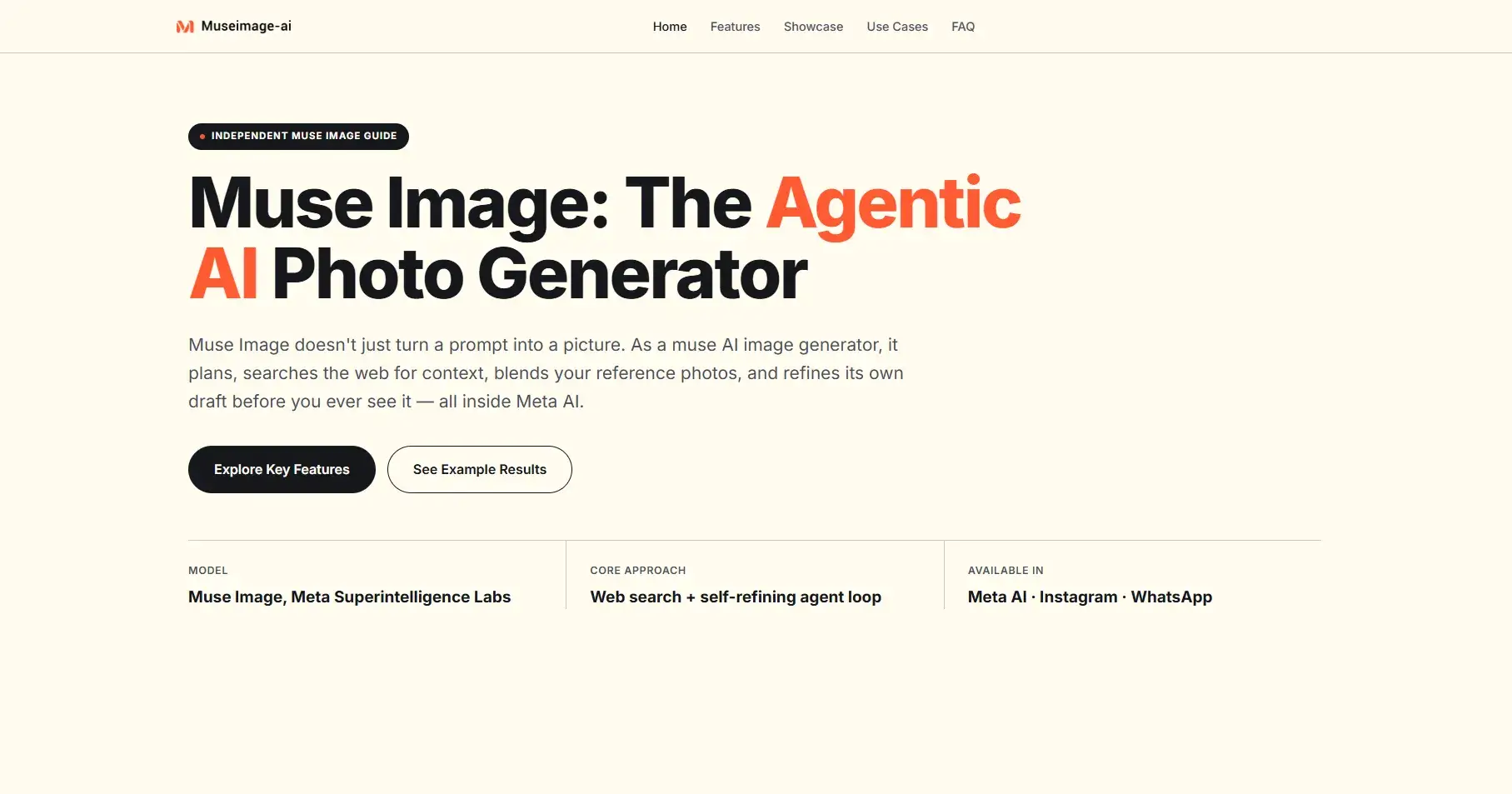
If you’re a designer, indie maker, social creator or product marketer on Peerlist, you’ve likely wasted countless hours tweaking AI image outputs: warped objects, inconsistent character styles, inaccurate real-world details, and endless full re-generations to fix tiny flaws. Traditional one-shot text-to-image tools force creators to act as both prompt engineer and post-production editor, breaking creative momentum entirely. Today, we break down an agent-first visual generation solution built to eliminate those repetitive pain points: Muse Image, Meta’s flagship multimodal visual model engineered around autonomous reasoning and self-improvement.
Unlike conventional pixel generators that translate text directly into visuals without intermediate logic checks, this tool operates as a collaborative creative agent. It plans layouts, cross-references real-world context, runs auxiliary tools, and polishes drafts autonomously before serving finished assets—an innovation that drastically cuts iteration cycles for every type of creator showcasing work on Peerlist portfolios, social feeds, and project showcases.
Core Agentic Architecture That Separates Muse Image From Competitors
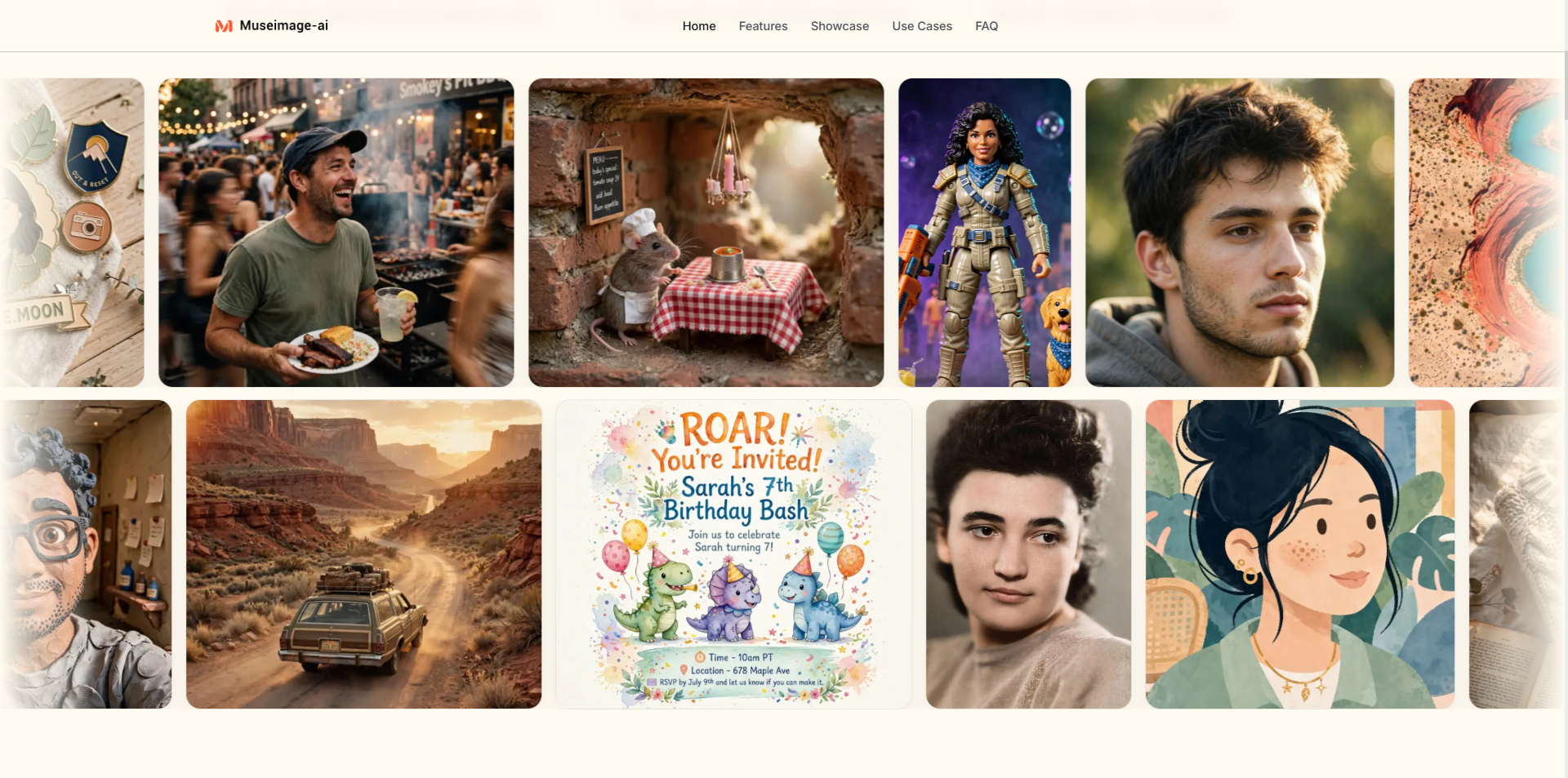
The biggest differentiator of Muse Image lies in its multi-stage reasoning loop, a feature absent from most mainstream text-to-image platforms. Every generation follows four structured steps designed to align output tightly with your creative brief:
Prompt Deconstruction & Logical Mapping
The model first parses layered requests, sorting spatial rules, stylistic requirements, and factual references. For makers drafting portfolio hero visuals or social campaign assets, this eliminates the need to write overly verbose, rigid prompts to avoid misinterpretation. Complex multi-subject scenes, layered brand aesthetics, and mixed media references are parsed without losing critical detail.
Context Grounding Via Built-In Web Search
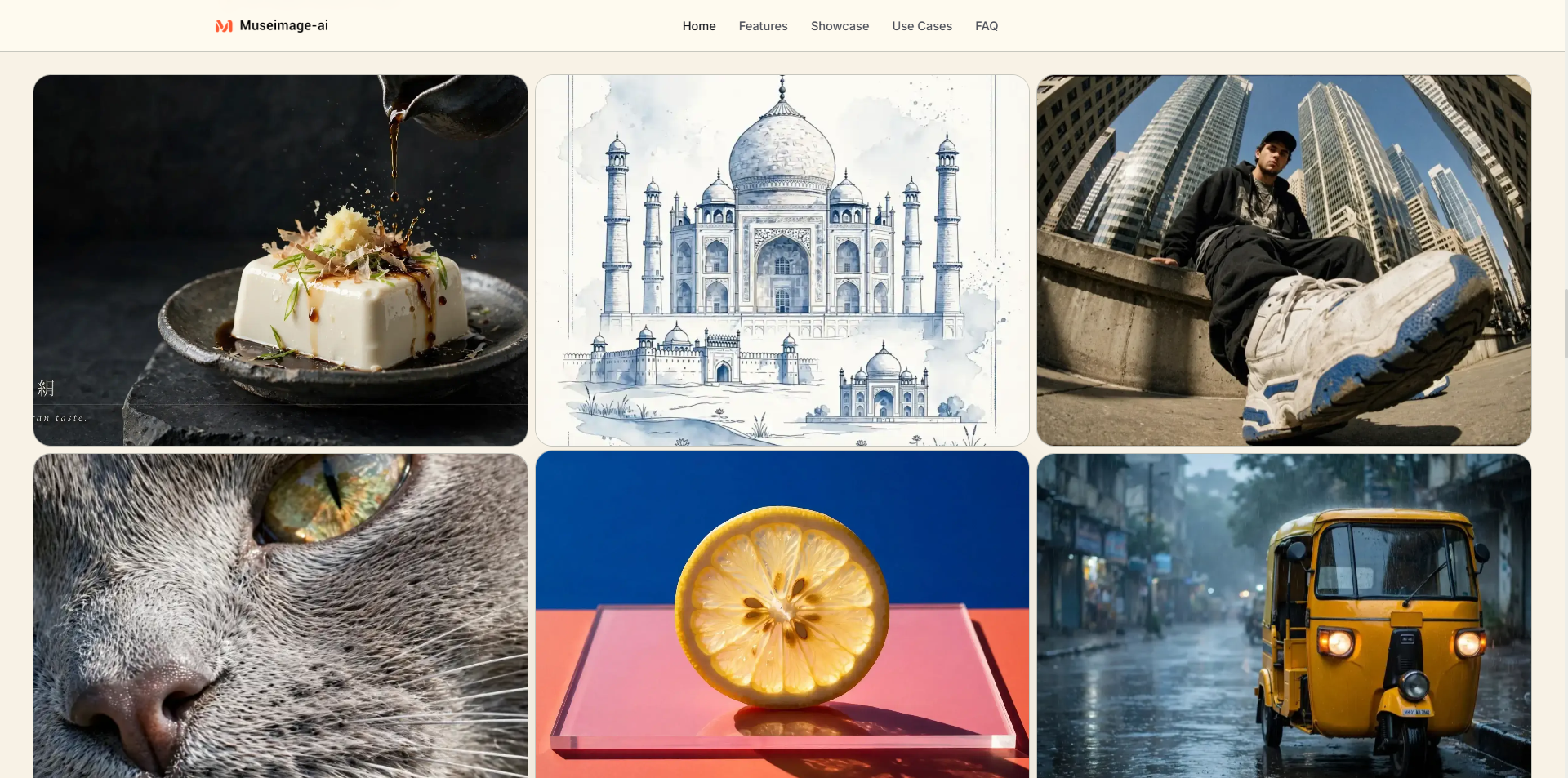
When your prompt references real landmarks, specific product shapes, trending design aesthetics or factual visual details, the model pulls live web context mid-generation. This solves a universal creator frustration: generic, factually incorrect stock-style AI imagery that fails to match real-world references for case studies, product mockups, and brand content featured on Peerlist work galleries.
Auxiliary Tool Execution For Precision Graphics
Beyond standard image rendering, the integrated coding module writes lightweight scripts to render crisp infographics, structured charts, scannable QR codes, and uniform typography—elements nearly all rival AI tools distort heavily. Designers building portfolio data visuals or makers creating landing page graphics can generate print-ready structured assets without switching to separate illustration software.
Self-Refinement Cycle Before Final Export
After generating an initial draft, the agent cross-checks every element against your original prompt. It independently identifies distorted proportions, mismatched color palettes, missing objects, or blurry text, then runs targeted local edits or partial re-draws. You receive a polished final asset on the first render, instead of cycling through 10+ flawed previews.
Crucially, visual fidelity scales with reasoning depth. The more compute the model allocates to planning and self-correction, the sharper and more consistent results become—quality does not rely solely on raw model parameter size, making it flexible for quick social graphics and high-detail portfolio visuals alike.
Creator-Focused Built-In Tools Tailored For Peerlist Makers
Every feature set within Muse Image is built around real creative workflows that tech professionals share across Peerlist’s work, collections, and article sections:
Targeted Precision Editing
Upload existing portfolio shots, product photos or reference sketches, then draw markup directly on the canvas to flag areas for change. Instead of redoing an entire scene, you only adjust specific elements—ideal for iterating brand mockups, updating social profile visuals, or tweaking hero images featured on your Peerlist custom domain portfolio page.
Multi-Reference Composition
Blend facial features, clothing textures, environmental backdrops and artistic styles across multiple uploaded reference images. For creators maintaining consistent character branding across content calendars or designers building cohesive project collections on Peerlist, this feature eliminates visual fragmentation across dozens of generated assets.
Native Provenance Tracking With Content Seal
All outputs carry an invisible, resilient provenance marker that survives cropping, compression, resizing and screenshots. For makers publishing AI-generated work to their Peerlist project galleries, this transparent content labeling builds credibility with hiring managers, collaborators and community peers browsing your verified work history.
Native Meta Ecosystem Integration
The model runs seamlessly within Meta AI web and mobile apps, Instagram creative tools, and WhatsApp media kits. Creators can draft social content visuals and export directly to publishing channels, removing cumbersome file transfers between design tools and social platforms before sharing work to Peerlist Scroll feeds.
Real-World Peerlist Creator Use Cases
Peerlist’s core audience—UI/UX designers, indie SaaS builders, content producers and e-commerce brand owners—each leverage Muse Image to streamline core portfolio workflows:
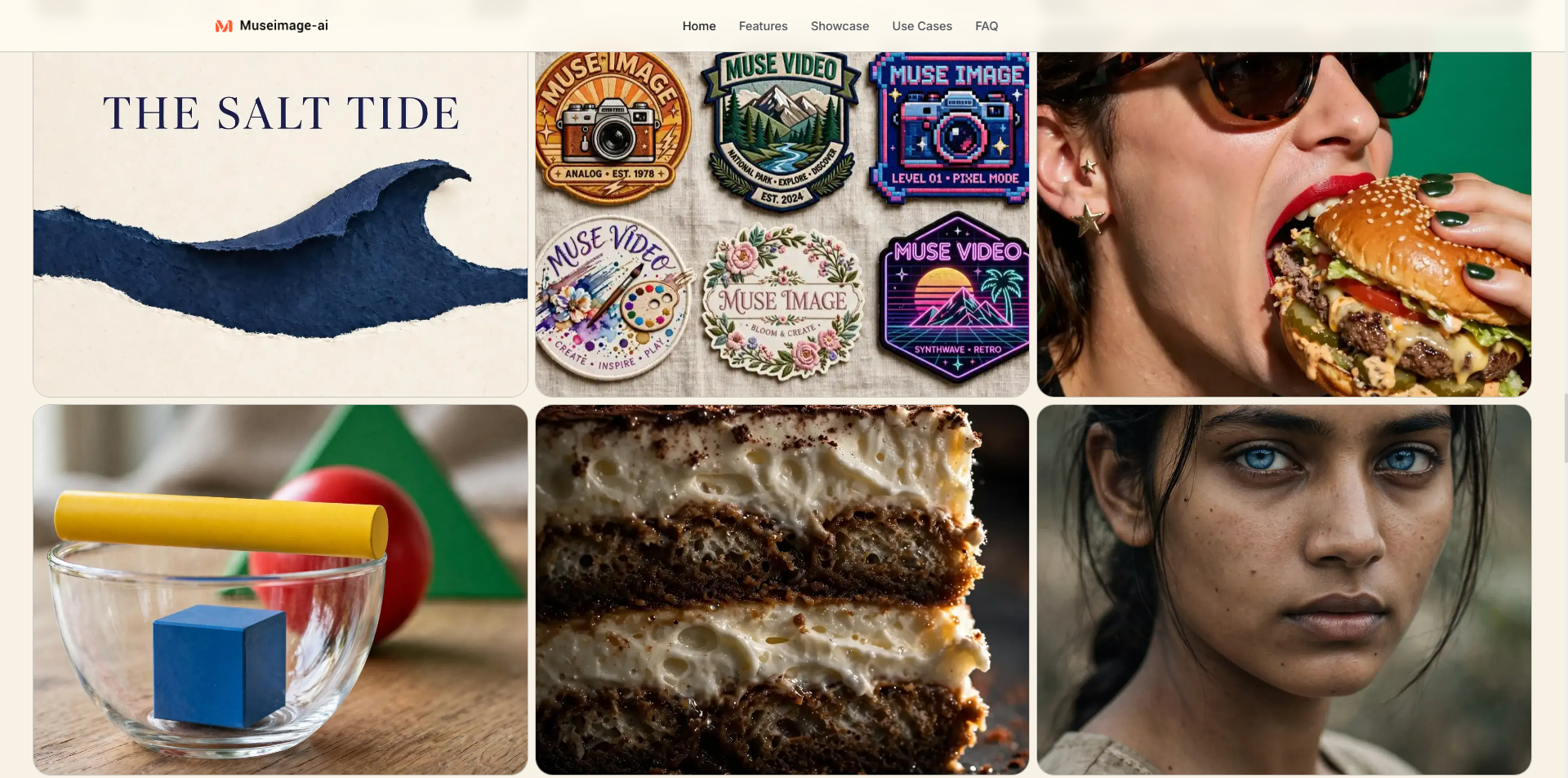
Designers & Portfolio Builders: Generate branded hero banners, case study mockups and consistent illustration series to populate Peerlist work collections without third-party design software. Multi-reference blending maintains unified visual identity across all project showcases.
Marketing & Startup Makers: Rapidly test dozens of campaign creative variations for product launch visuals featured in Peerlist Launchpad project listings. Web search grounding ensures product mockups match real item dimensions and environments for authentic pitch materials.
Social Content Creators: Craft polished profile graphics, story visuals and thread illustrations for Scroll community posts, cutting hours of manual editing time per content batch.
Ecommerce & Brand Builders: Merge product photography with custom lifestyle backdrops for listing assets, removing the need for repeated physical photoshoots before showcasing store concepts as Peerlist project work.
Benchmark testing published in Meta’s June 2026 research positions the tool second globally across three critical categories: general text-to-image generation, single-photo editing, and multi-image composite creation, validated via human preference scoring with thousands of test prompts from professional creators.
Closing Thoughts
Traditional AI image tools treat creators as prompt fixers; agentic systems like Muse Image shift the dynamic, letting you focus on creative direction rather than troubleshooting flawed outputs. For anyone building a verified body of work on Peerlist—whether compiling design portfolios, launching startup projects, or sharing creative insights with the global tech community—this tool streamlines every stage of visual asset creation from rough text idea to publish-ready gallery content.
By merging autonomous reasoning, factual grounding, targeted editing and cross-platform workflow integration, it sets a new baseline for what AI visual generation can deliver to makers prioritizing consistency, speed and professional quality in their public work profiles.

Join michael on Peerlist!
Join amazing folks like michael and thousands of other builders on Peerlist.
0
0
0