

Cut Your Multi-Tool Video Workflow In Half With Unified Omni-Reference AI
How all-in-one multimodal generation eliminates cross-tool asset friction for designers & marketers
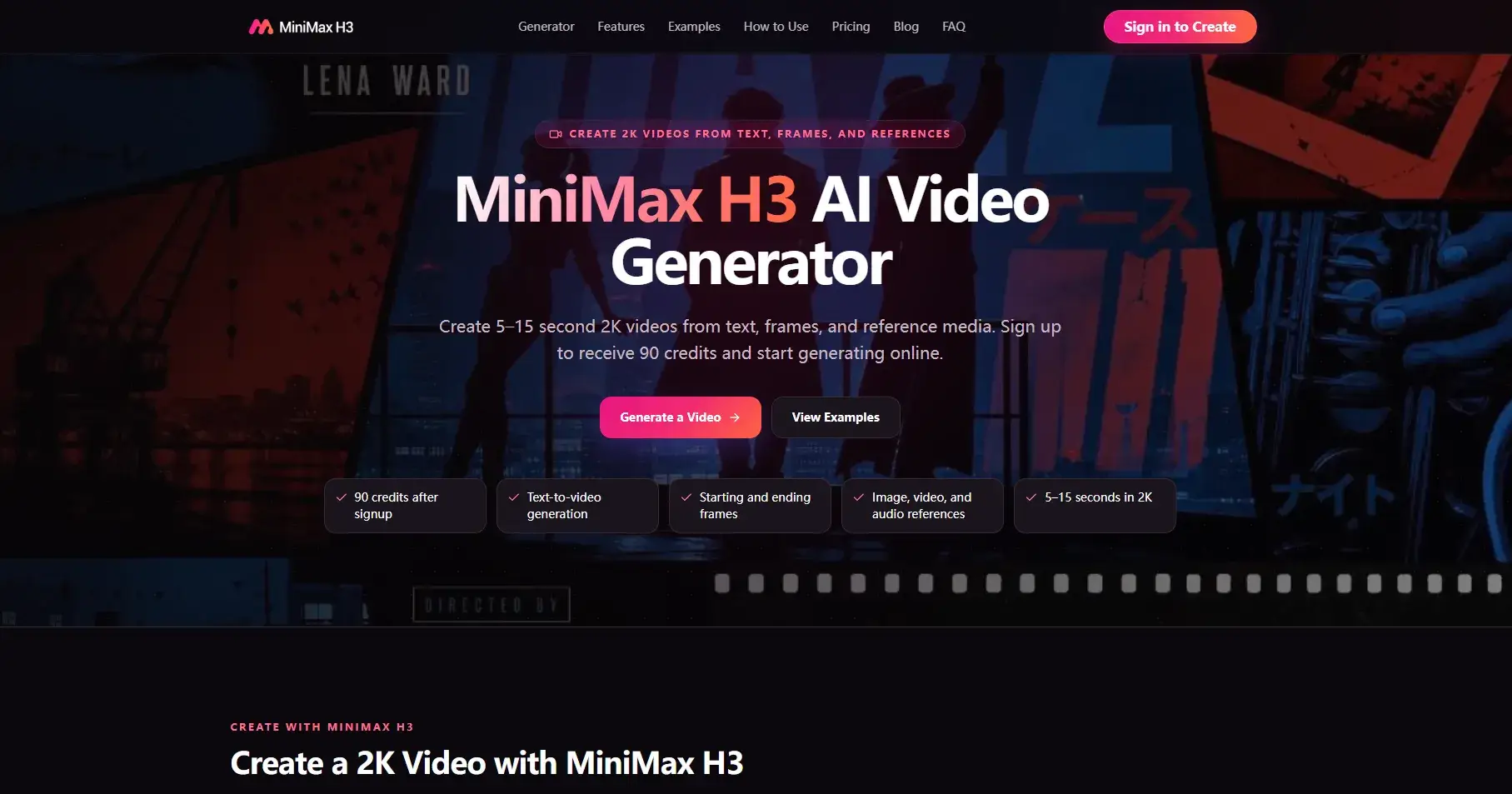
Every creative professional building commercial short-form content faces the same draining workflow loop: draft visuals in one AI tool, export to a separate platform for motion matching, then shift to audio software to sync sound to footage. Each transfer risks character distortion, lost brand styling, and misaligned audio beats—costing designers, UX creators and game animators hours of iterative fixes. Today, a unified multimodal generation system erases this disjointed process entirely: MiniMax H3.
Unlike conventional AI video tools that cap reference uploads to one or two assets per render, MiniMax H3 delivers layered omni-reference control that lets creators stack dozens of guiding assets within a single generation request. Users can upload up to 9 reference images for character likeness and brand palette locking, 3 motion clips to replicate custom camera choreography, and 3 separate audio samples to define dialogue tone, background rhythm or environmental ambience. This multi-asset stacking capability stands apart from competing models, which force creators to split projects across multiple renders to lock style, movement and sound independently.
Director-Grade Prompting for Cinematic, Branded Footage
One underrated strength built into the platform is its native support for film and design terminology inside text prompts. Instead of limiting users to generic descriptive keywords, MiniMax H3 interprets professional cinematography language such as slow rack focus, handheld tracking shots, push-in close-ups and match cut transitions. Designers can write full shot lists within their 4,000-character prompt limits, and the model translates those directional cues into consistent 2K, 24fps footage without manual post-editing framing adjustments.
This feature drastically speeds up pre-visualization work for brand campaigns and game cutscenes. Creative leads can draft full storyboard sequences in text form, feed in brand logo reference images, and generate matching vertical, square and widescreen variants in one session. The system supports six standard aspect ratios (9:16, 1:1, 16:9, 4:3, 3:4, 21:9) so cross-platform social content batches require no separate cropping or resizing after generation.
Frame-Locked Image Animation & Clean UI Rendering
For product and UX designers, the dual frame lock workflow solves a pervasive flaw seen across most image-to-video AI generators: blurred text, distorted buttons and warped product textures during camera movement. Creators upload a starting frame and an ending frame to set hard visual boundaries, and the model renders smooth, natural transitions that preserve sharp printed text, UI icons and intricate product surface details.
E-commerce teams leverage this feature to turn flat catalog photos into looping product showcase reels without physical studio lighting setups. UX designers build interactive app walkthrough demos where dropdown menus, input fields and call-to-action text stay crisp during pans and zooms—removing the need to overlay edited graphics after generating raw footage. Even complex 3D character concept art translates smoothly into moving clips, with facial features and outfit details consistent across every frame of the 4–15 second output window.
Native Stereo Audio Synced Frame-by-Frame
A core pain point for all video creators is the disconnect between generated silent visuals and manually added audio tracks. Most competing platforms produce mute footage, requiring separate sound design work and tedious timestamp alignment to match on-screen action. This multimodal engine generates stereo audio simultaneously with visuals, calibrating every sound effect, line of dialogue and musical beat to match character gestures, camera shifts and scene transitions automatically.
Creators can upload reference audio to guide vocal timbre for brand spokespeople, set ambient shop noise for product clips, or lock instrumental backing tracks for marketing reels. The resulting output arrives fully mixed and synced, cutting entire third-party sound editing steps from standard production pipelines. Teams no longer need to juggle DAW software just to achieve basic audio-visual harmony for short commercial assets.
Real-World Peerlist Creator Use Cases
Peerlist’s community of designers, indie devs and marketing specialists can streamline core deliverables with this unified toolset:
Brand campaign batch creation: Lock logos, color guides and brand voice audio to generate dozens of consistent ad variants in minutes
UX prototype animations: Render glitch-free app interface demos to share stakeholder feedback without complex motion graphics software
Game cinematic previsualization: Transfer live actor movement to digital avatars using reference motion clips, cutting manual animation workloads
Product concept teasers: Animate static design mockups with matching lighting and environmental audio for client pitch videos
Vertical social content: Produce ready-to-publish 9:16 reels with synced marketing voiceovers for Instagram, TikTok and Reels
Final Thoughts for Tech & Creative Builders
Fragmented multi-tool AI stacks create unnecessary repetition and quality gaps for anyone scaling short-form video output. By unifying image, video, audio and text control in a single render pipeline, MiniMax H3 consolidates every stage of pre-production and generation into one streamlined workflow. For Peerlist professionals building portfolios, client deliverables and game assets, its omni-reference stacking, director-level prompt support and built-in stereo sync drastically cut turnaround times while elevating final video polish.
Join michael on Peerlist!
Join amazing folks like michael and thousands of other builders on Peerlist.
0
0
0