

Turn YouTube Data into Google Sheets Automatically in Just a Few Clicks

Introduction
YouTube is one of the largest data sources on the internet, filled with valuable insights from videos, creators, and audiences. But extracting that data into a structured format for analysis can be time consuming and frustrating.
What if you could send YouTube data directly into Google Sheets automatically, without any technical setup?
That is exactly what Sheetfetch helps you do.
Why You Should Turn YouTube Data into Google Sheets
Raw YouTube data becomes far more powerful when organized inside a spreadsheet.
With Google Sheets, you can:
Analyze video performance
Track competitors and trends
Build content databases
Discover audience insights from comments
Create internal tools or dashboards
Instead of manually copying data, automation saves hours of work and keeps everything up to date.
What You Can Do with Sheetfetch
Sheetfetch allows you to pull multiple types of YouTube data into Google Sheets effortlessly.
1. Get Videos from a Channel
Track any YouTube channel and fetch a full list of videos with useful metadata.
Perfect for:
Competitor research
Content analysis
Monitoring uploads
2. Get Videos from a Playlist
Quickly extract videos from any playlist to:
Curate content
Build learning resources
Create niche directories
3. Search Videos by Keyword
Run keyword based searches and collect results directly into your sheet.
Use it to:
Find trending topics
Validate content ideas
Do YouTube SEO research
4. Get Detailed Video Statistics
Pull key metrics such as:
Views
Engagement
Other performance indicators
Ideal for:
Measuring success
Optimizing content strategy
5. Extract Video Comments
Comments are one of the most valuable sources of user insight.
With Sheetfetch, you can:
Understand audience sentiment
Find real problems and questions
Generate new content ideas
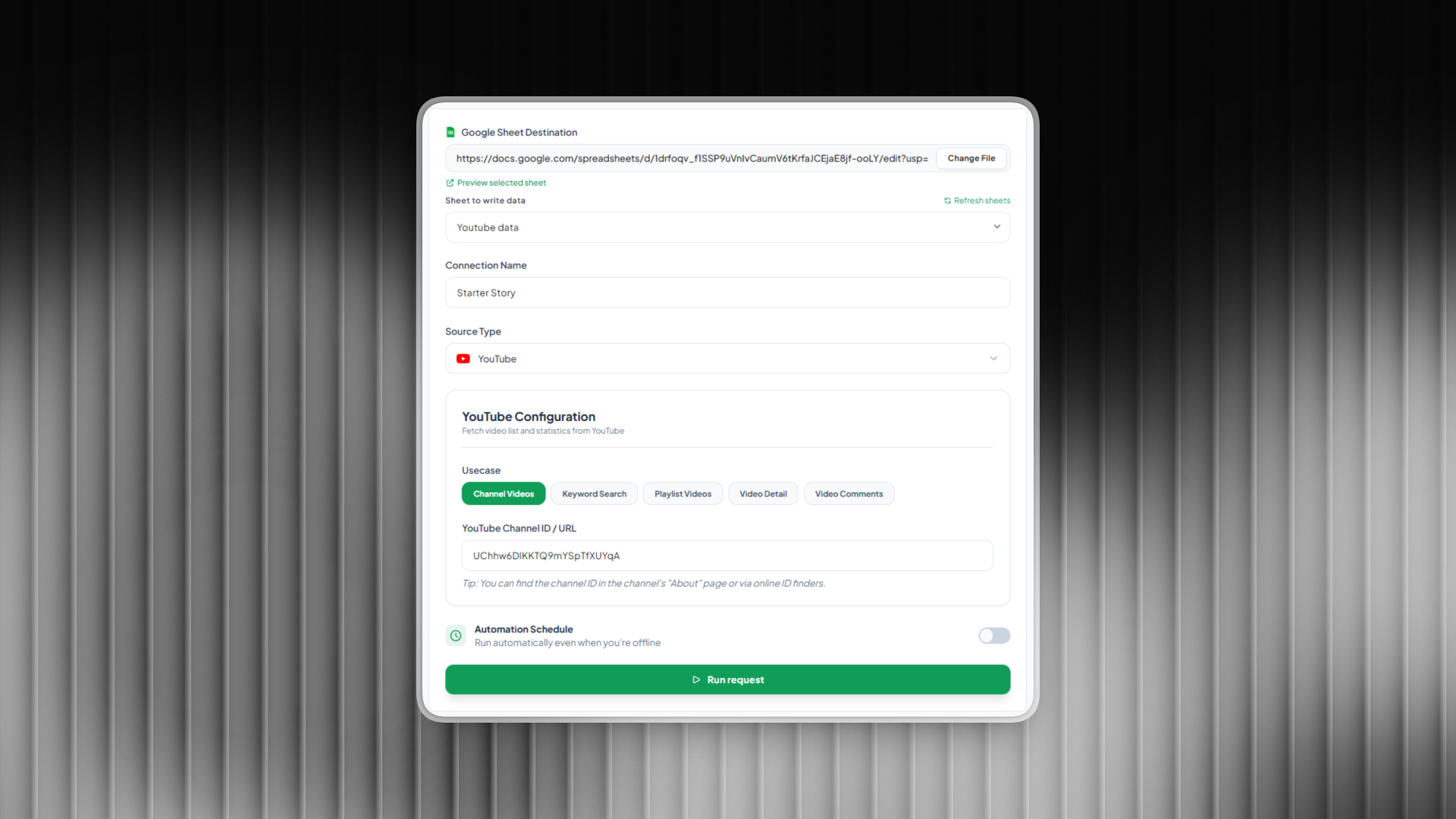
How It Works
You can set everything up in just a few steps:
Create a new connection
Choose YouTube as your data source
Select your use case
Enter a link or keyword
Choose your Google Sheet
Within seconds, your data will appear in your spreadsheet.
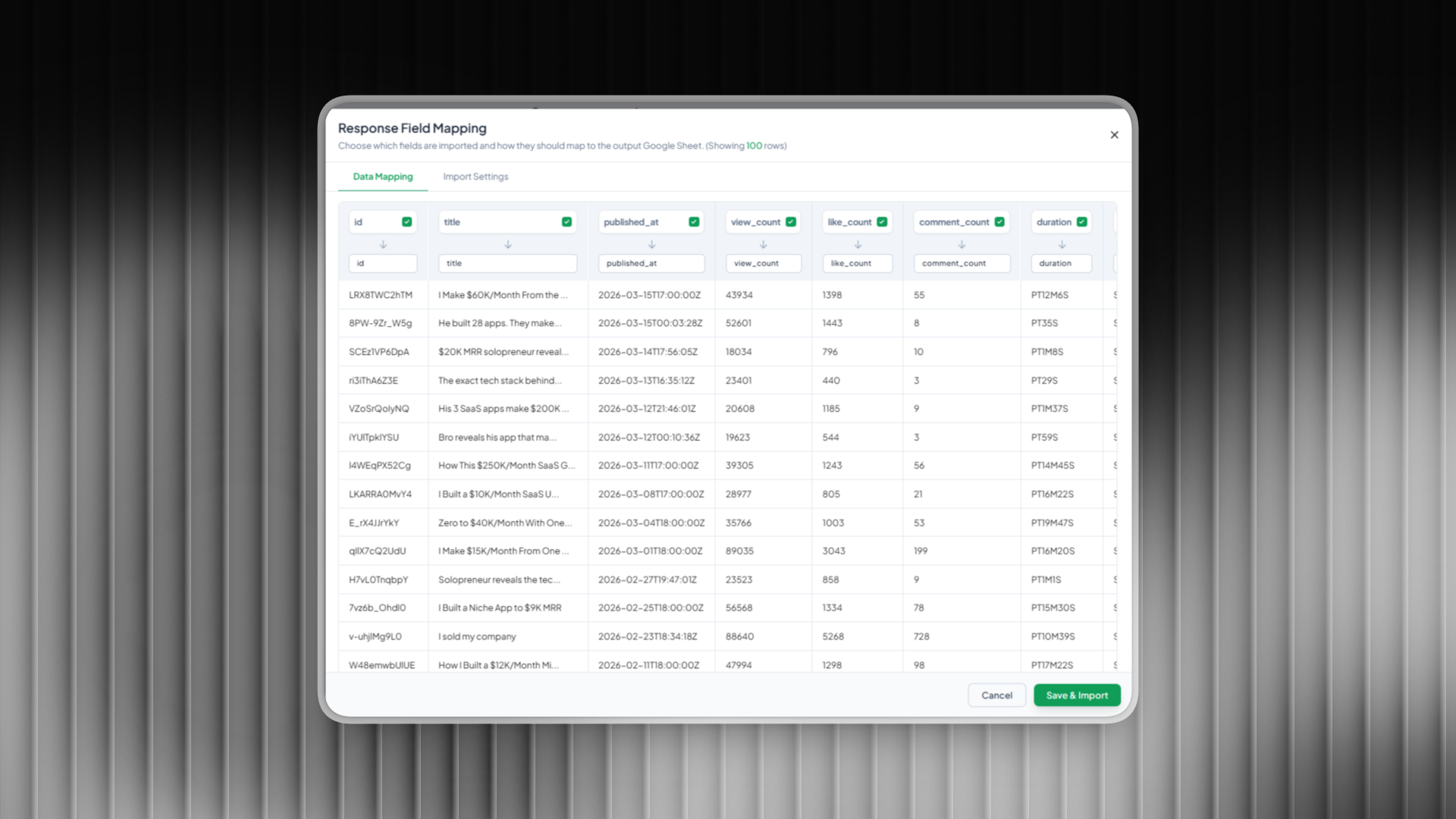
Automate with Scheduled Sync
One of the most powerful features is automation.
You can schedule your data sync to run:
Hourly
Daily
Weekly
This ensures your Google Sheets always contain fresh and updated data without any manual effort.
Use Cases for Marketers, Creators, and Founders
Sheetfetch is especially useful for:
Marketers doing YouTube SEO
Content creators looking for ideas
Founders building data driven products
Researchers analyzing trends
Agencies managing multiple channels
If your workflow involves YouTube data, automation gives you a serious advantage.
SEO Benefits of Using YouTube Data
When you structure YouTube data in Google Sheets, you can:
Identify high performing keywords
Analyze competitors at scale
Discover content gaps
Build better content strategies
This leads to better rankings, more views, and faster growth.
Final Thoughts
Working with YouTube data does not have to be complicated.
With Sheetfetch, you can turn unstructured video data into organized, actionable insights inside Google Sheets in minutes and keep everything updated automatically.
If you are serious about content, growth, or data driven decisions, this is one of the simplest ways to unlock the full potential of YouTube data.

Join Richard on Peerlist!
Join amazing folks like Richard and thousands of other builders on Peerlist.
0
9
2