

I thought “photo to 3D figurine” was a toy feature. Then I realized the hard part is the pipeline.
I’ve been exploring AI 3D generation recently, and one use case kept showing up everywhere:
Turn a photo into a custom 3D figurine.
At first, I didn’t take it very seriously.
It sounded like another AI trend: upload a selfie, get a cute toy-style image, share it on social media, move on.
But after looking deeper into the workflow, I realized the interesting part is not the figurine style itself.
The real question is:
Can the output become an actual 3D asset?
That difference changes everything.
A toy-looking image is not a 3D model
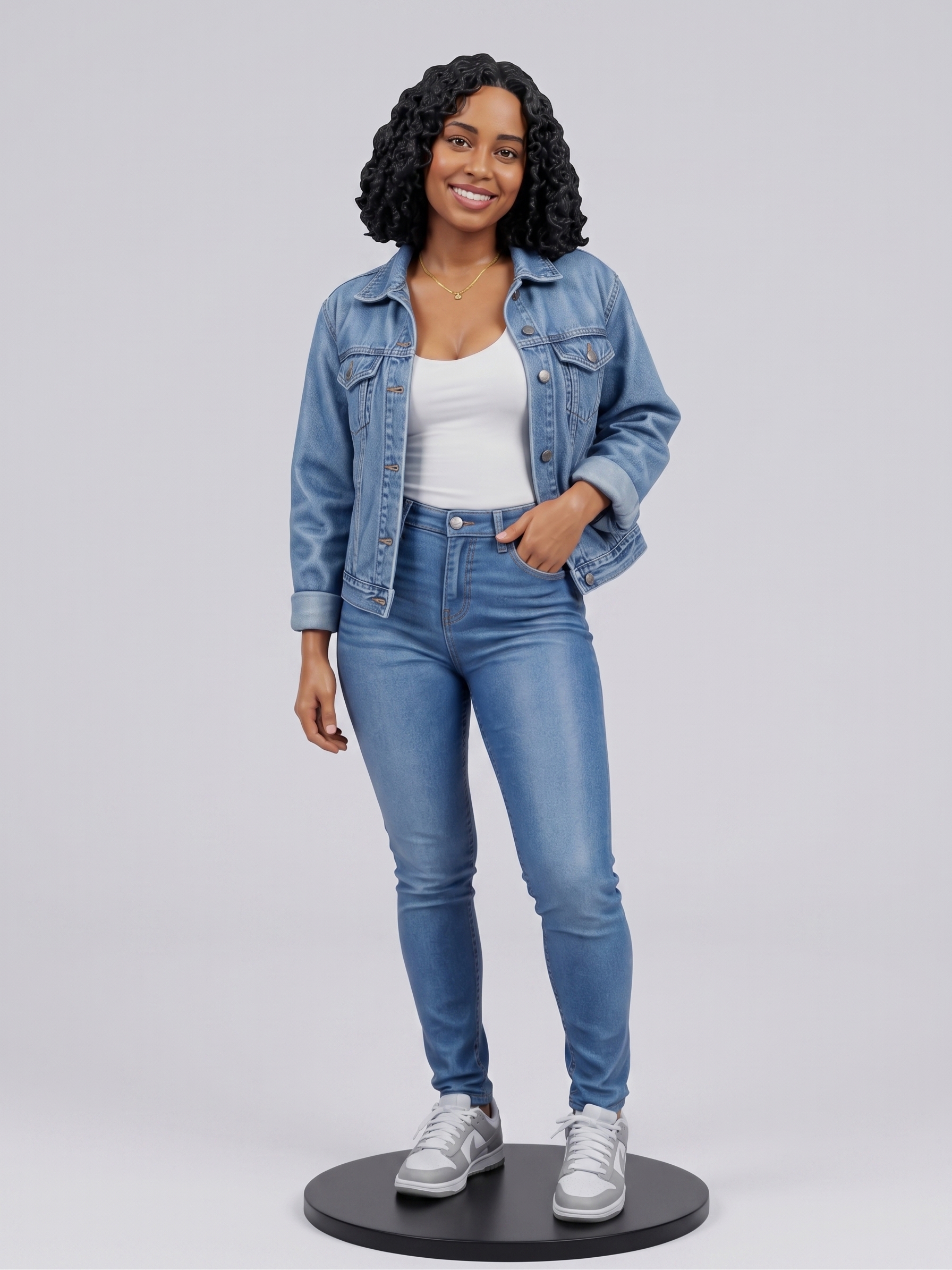
A lot of AI “figurine” examples online are still just images.
They look like collectible toys. They may have nice lighting, plastic material, a small display base, and packaging-style composition.
But they are still flat renders.
You cannot rotate them.
You cannot inspect the back.
You cannot import them into Blender.
You cannot put them into a WebGL scene.
You cannot send them to a slicer for 3D printing.
That’s when I started thinking about the gap between “AI generated visual” and “usable 3D output”.
The first one is good for attention.
The second one is useful for workflows.
The boring parts matter more than the demo
When people see an AI demo, they usually judge the first output.
Does it look cool?
Does it look like the person?
Does the pet look cute?
But for 3D, the first preview is only the beginning.
A useful photo-to-3D figurine workflow needs to answer more practical questions:
Is the geometry usable?
Are there broken or floating parts?
Can thin details survive printing?
Can the model be exported as GLB, OBJ, FBX, or STL?
Is the texture attached properly?
Can it be opened in Blender or a game engine?
Can it be viewed on the web without becoming too heavy?
This is where the problem becomes much more interesting from a product perspective.
The magical part is generating the model.
The valuable part is helping users finish the asset.
Input quality is still underrated
One thing I learned quickly: the input photo matters more than most users expect.
If the person’s feet are cropped, the model has to guess.
If the background is busy, the model may mix clothing edges with objects behind the subject.
If the pet’s tail is hidden, the generated result may invent something weird.
If the lighting is too harsh, the texture can look inconsistent.
For a good result, the photo usually needs:
one clear subject
simple background
visible full body or clear upper body
good lighting
no heavy blur
important details inside the frame
strong separation between subject and background
This sounds obvious, but it creates a product challenge.
The tool should not only generate.
It should guide the user before generation.
A simple input checklist may improve the final result more than a more powerful model in some cases.
Style is a product decision
Another thing I underestimated: style is not just decoration.
For a custom figurine, different styles solve different problems.
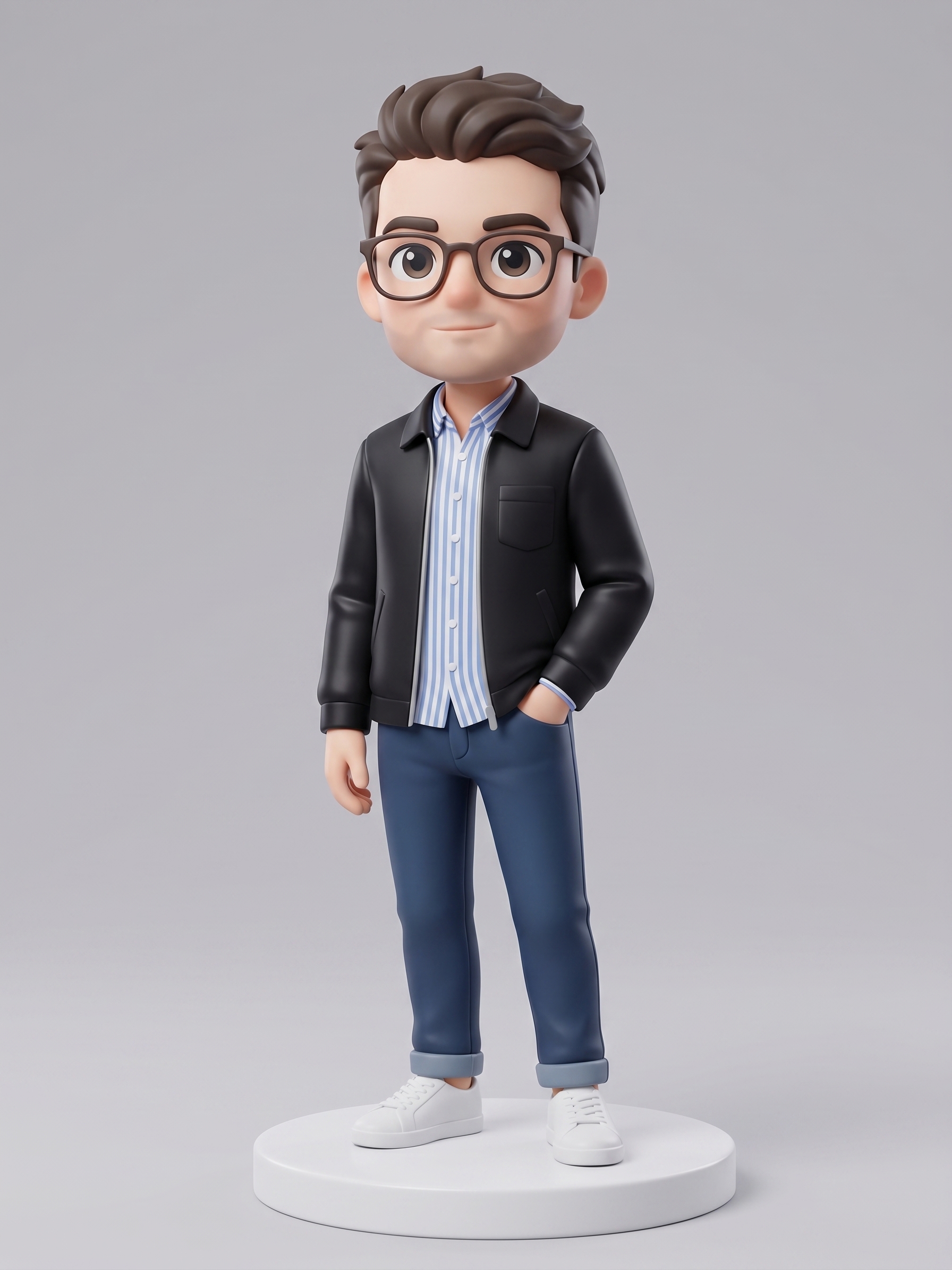
A chibi style works well for gifts because it simplifies the shape and makes the figure feel cute.
A realistic collectible style is better when likeness matters.
An anime style works better for characters and creator avatars.
A compact toy-like style may also be easier to print because small details are less fragile.
So the product should not simply ask users to “upload a photo”.
It should ask what they want the model for.
A 3D printed gift and a WebGL avatar are not the same workflow.
Export format decides the next step
This is probably the most boring but important part.
A generated model is only useful if it can move into the next tool.
GLB is good for web preview.
OBJ is flexible for editing.
FBX is useful for game engines and animation pipelines.
STL is common for 3D printing, but it usually does not preserve color texture.
This means a photo-to-3D product should not treat export as a small final button.
Export is part of the user journey.
The user does not just want a model.
They want to do something with it.
The real product is not generation. It is the bridge.
The more I looked at this space, the more I felt that AI 3D products should not compete only on generation quality.
Generation is important, of course.
But many users get stuck after generation.
They need preview, cleanup, format conversion, retopology, UVs, texture checks, scale checks, and sometimes printability checks.
That is where a better product experience can happen.
A realistic workflow might be:
Upload a good photo
Choose a target use case
Generate a figurine-style 3D model
Preview it from all sides
Fix or regenerate weak areas
Export the correct format
Continue in Blender, Unity, a web viewer, or a slicer
The opportunity is not just “make a model from a photo”.
The opportunity is helping a non-3D user move from a photo to something they can actually use.
What I would improve in this kind of tool
If I were designing this workflow, I would focus less on hype and more on reducing user mistakes.
Some ideas:
show photo quality tips before upload
detect if the subject is cropped
warn about busy backgrounds
recommend style based on use case
explain GLB, OBJ, FBX, and STL in simple language
provide a 360-degree preview
show common printability issues
let users compare multiple outputs
make the “next step” very clear
Most users do not want to learn a full 3D pipeline.
They just want to know what to do next.
Final thought
I started by thinking photo to 3D figurines were just another AI novelty.
Now I think they represent a bigger shift.
AI is making it easier for people to move from flat memories to 3D objects.
But the winning products in this space probably won’t be the ones with the flashiest first preview.
They will be the ones that turn messy AI output into a usable asset.
That means fewer broken exports, clearer guidance, better format support, and more help after the model is generated.
The future of AI 3D is not only about creating models.
It is about making those models useful.

Join chou on Peerlist!
Join amazing folks like chou and thousands of other builders on Peerlist.
0
0
0