

Why EzMaker AI is the Only Free Photo Editor You’ll Ever Need
Unlimited premium features, zero sign-ups, and results in seconds. Here is why modern teams are switching to EzMaker AI.
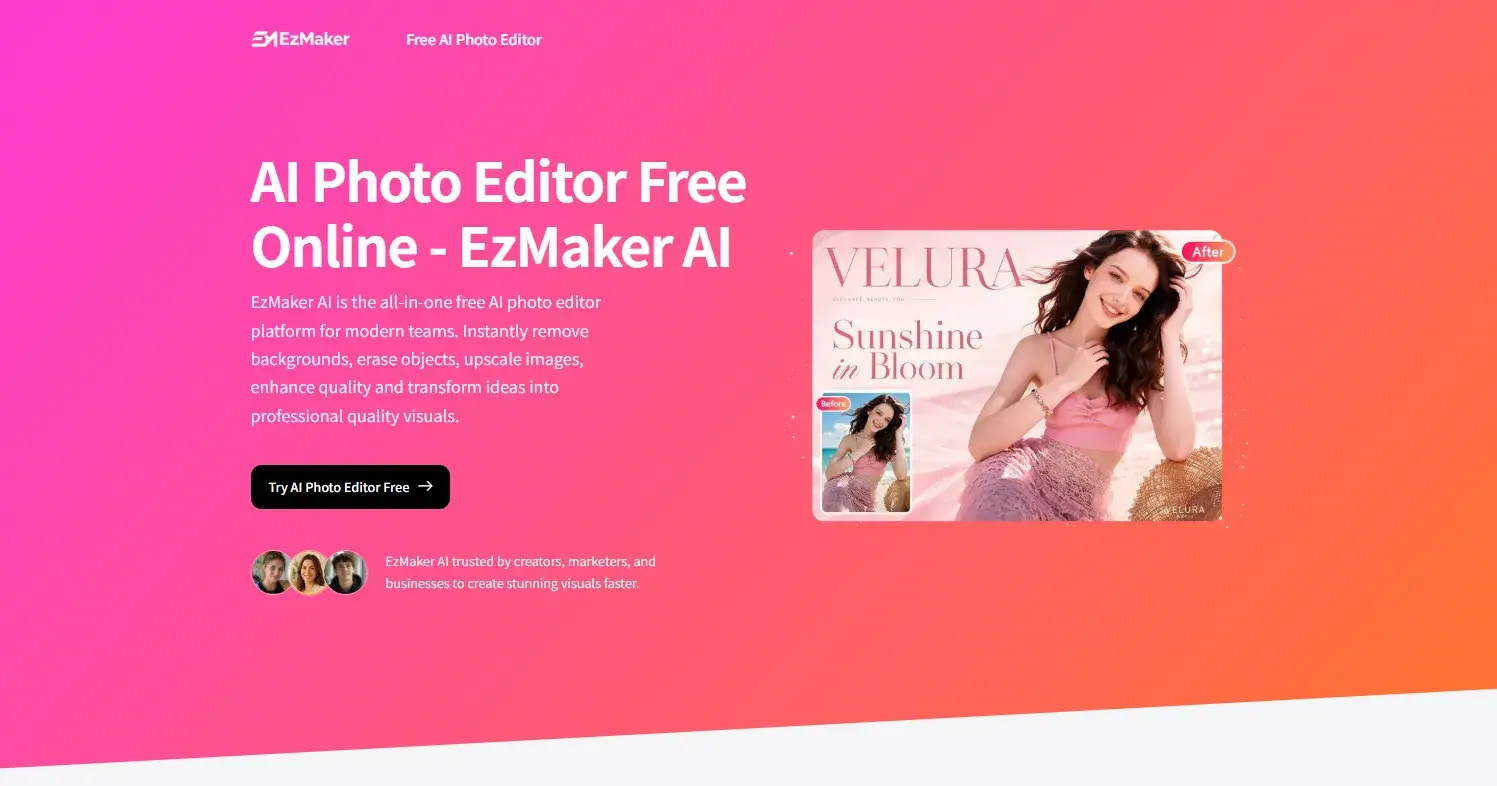
We have all been there. You need one simple thing: remove the background from a product photo, erase a random tourist from a great shot, or upscale a blurry image for a presentation.
Suddenly, you are deep in a rabbit hole of “free trials,” clunky software, and subscription fees. You either end up paying $20/month for Photoshop or downloading sketchy software that watermarks your grandma’s portrait.
Enter EzMaker AI.
We built EzMaker to solve one simple problem: Professional quality visuals should be instant, private, and 100% free.
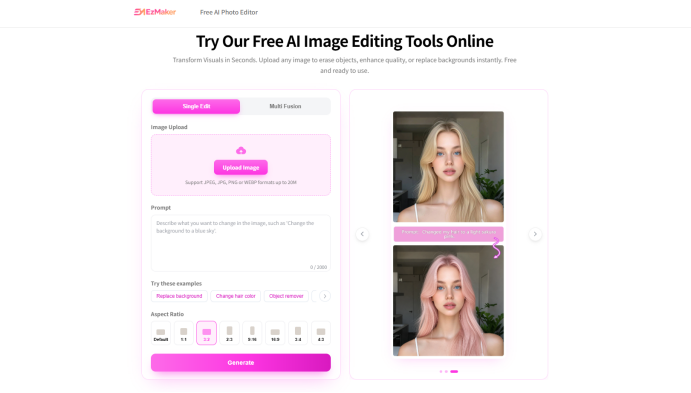
Here is why our AI photo editor is taking over the workflows of modern teams.
1. Unlimited Premium Features (Yes, really)
Remove Backgrounds: Instantly, even with complex hair detail.
Magic Eraser: Delete photobombers, text, or logos in seconds.
AI Enhancer: Fix blurry, low-res, or vintage photos.
4K Upscaler: Enlarge images 2x, 4x, or 8x without losing quality.
Image Expander: Change square photos to widescreen banners without cropping.
No tokens. No credits. No money.
2. Privacy First: Your Data is Not Our Product
In an era where every app steals your data to train their algorithms, we took a hard stance.
We do not save your photos.
When you use EzMaker AI, your uploaded images are permanently deleted from our servers within 24 hours. We never sell them to third parties, and we never use them to train our AI models. Upload sensitive marketing assets, personal family photos, or confidential product shots with total peace of mind.
3. The 3-Step Workflow That Actually Works
Step 1: Upload
Drag and drop any image (JPG, PNG, or WebP) into the editor.
Step 2: Instruct
Type simple prompts like:
“Remove background”
“Erase the car on the left”
“Enhance image quality”
Step 3: Download
In seconds, your high-quality image is ready for product listings, social media, or print marketing.
The Feature Breakdown: What Can You Actually Do?
The Magic Eraser
Remember the complex layering in Photoshop? Forget it. With EzMaker, you just paint over the object you want to remove (strangers, watermarks, wires). The AI analyzes the surrounding context and fills it in perfectly. No traces, no hassle.
Background Remover & Expander
Need a white background for Amazon listings? One click. Want to turn a vertical selfie into a horizontal banner for LinkedIn? Use the AI Image Expander. It intelligently generates new background content so you don't have to stretch or crop your original image.
4K Upscaler & Enhancer
Have a grainy old photo from 2005? Or a low-res screenshot? EzMaker restores missing details, removes noise, sharpens textures, and enhances faces. Then, upscale it to 4K or 8K for large-screen displays or high-quality printing.
Who is EzMaker For?
E-commerce Sellers: Create uniform product photos in seconds.
Marketing Teams: Generate banners and social ads without waiting for a designer.
Content Creators: Remove watermarks and upscale thumbnails.
Everyday Users: Restore old family photos or erase tourists from vacation pictures.
That is-- anyone that needs image editing!!!
Stop Signing Up. Start Editing.
The best part? No sign-up required. You don't need to create an account, verify an email, or hand over your personal data.
You just upload, edit, and download.
Ready to stop wrestling with expensive software?
Try EzMaker AI for free right now. (No credit card. No trial period. Just AI magic.)
Join Lynette on Peerlist!
Join amazing folks like Lynette and thousands of other builders on Peerlist.
0
0
0