

EzMaker AI: A Magic Eraser to Remove Watermark and Objects From Photos
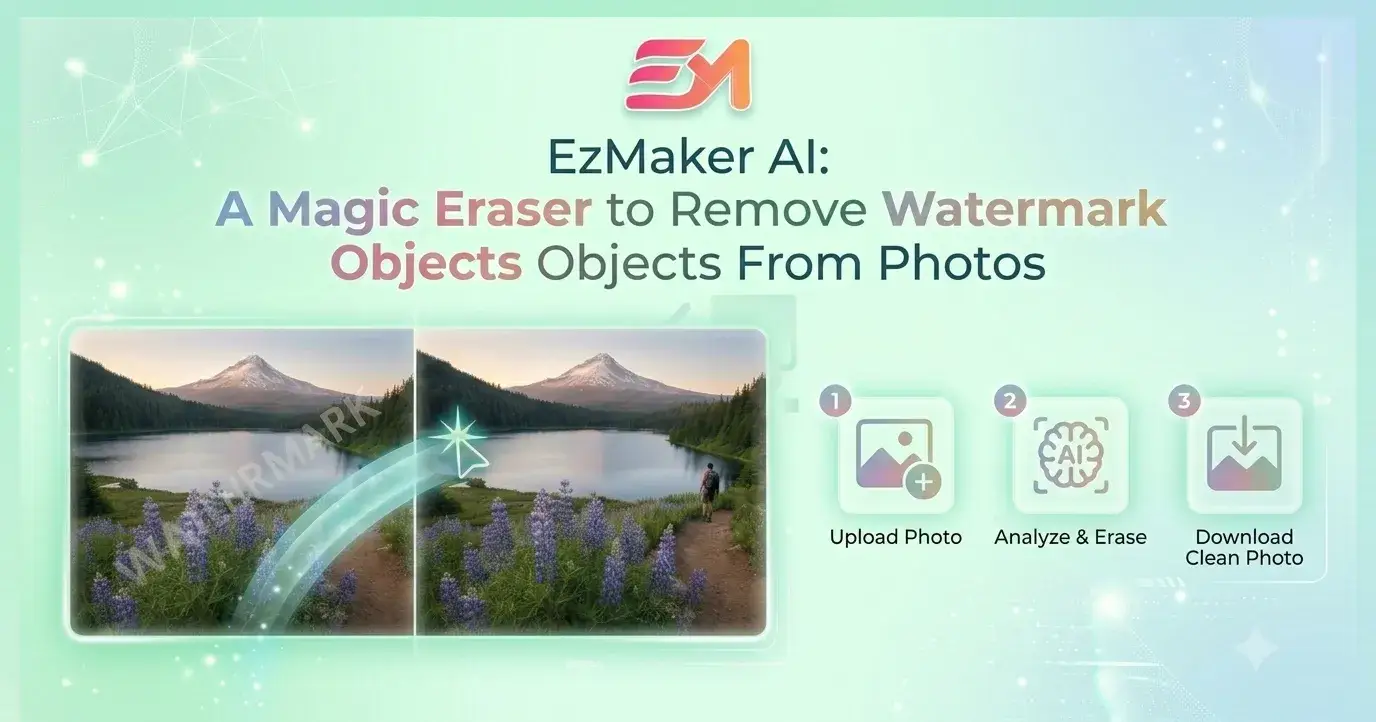
Removing watermarks, logos, or clutter used to mean wrestling with complex photo editors. Even then, the results were often imperfect — visible smudges, mismatched textures, or traces of the original mark.
Now, web-based AI tools automate this by leveraging deep learning. With Magic Eraser features, AI instantly detects unwanted objects and uses inpainting algorithms to seamlessly fill in the blanks.
But here’s the catch: most of these tools either charge a premium or slap their own watermark on your output. You're basically paying to swap one watermark for another.
That’s where EzMaker AI steps in.
What It Does
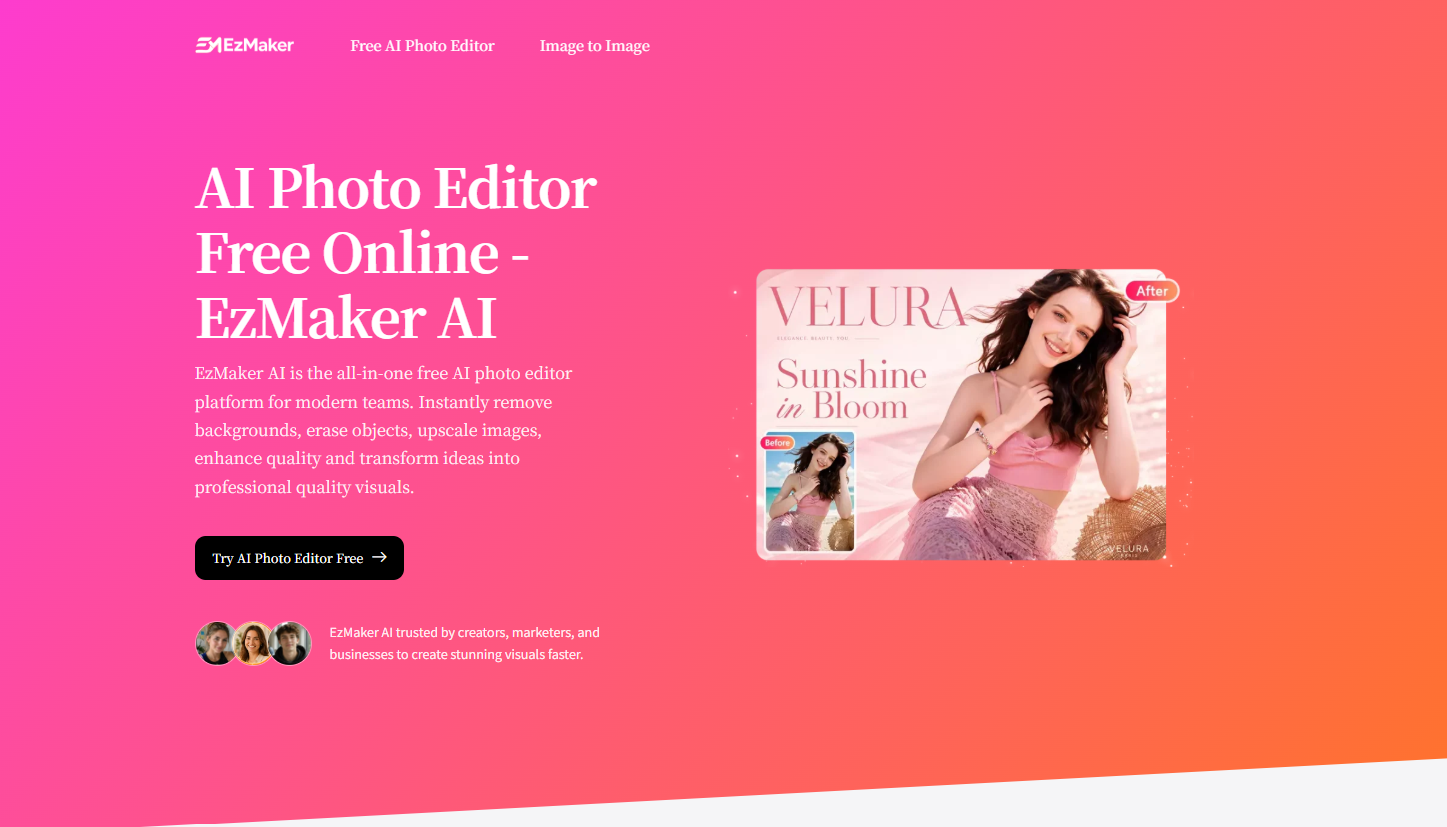
EzMaker AI is an all-in-one web-based platform that integrates multiple deep-learning image processing models. One of its core features "Magic Eraser" is dedicated to localized image modification. It covers:
Watermarks and logos
Unwanted objects (trash, reflections, price tags, labels)
Photobombers or background clutter
Text or sensitive information
Users simply use a pixel-level brush to mask the target area, and the built-in AI model takes over the computation. While erasing the watermark or clutter, it intelligently fills the space by predicting surrounding color variances, lighting, and texture alignment, ultimately exporting a high-resolution, seamless image.
Who It’s For
Content Creators
Bloggers, video producers, and designers constantly run into watermarked or cluttered visuals. With EzMaker AI, they can erase distractions quickly without compromising composition.
E‑commerce Sellers
Need to remove a brand logo from a product shot? Or get rid of an unwanted reflection or price tag? EzMaker AI removes it precisely while preserving the original background.
Office & Presentation Users
Downloaded a presentation template with a platform watermark? Need to clean up sensitive info from internal slides? It takes seconds — with zero visible traces.
How to Use It
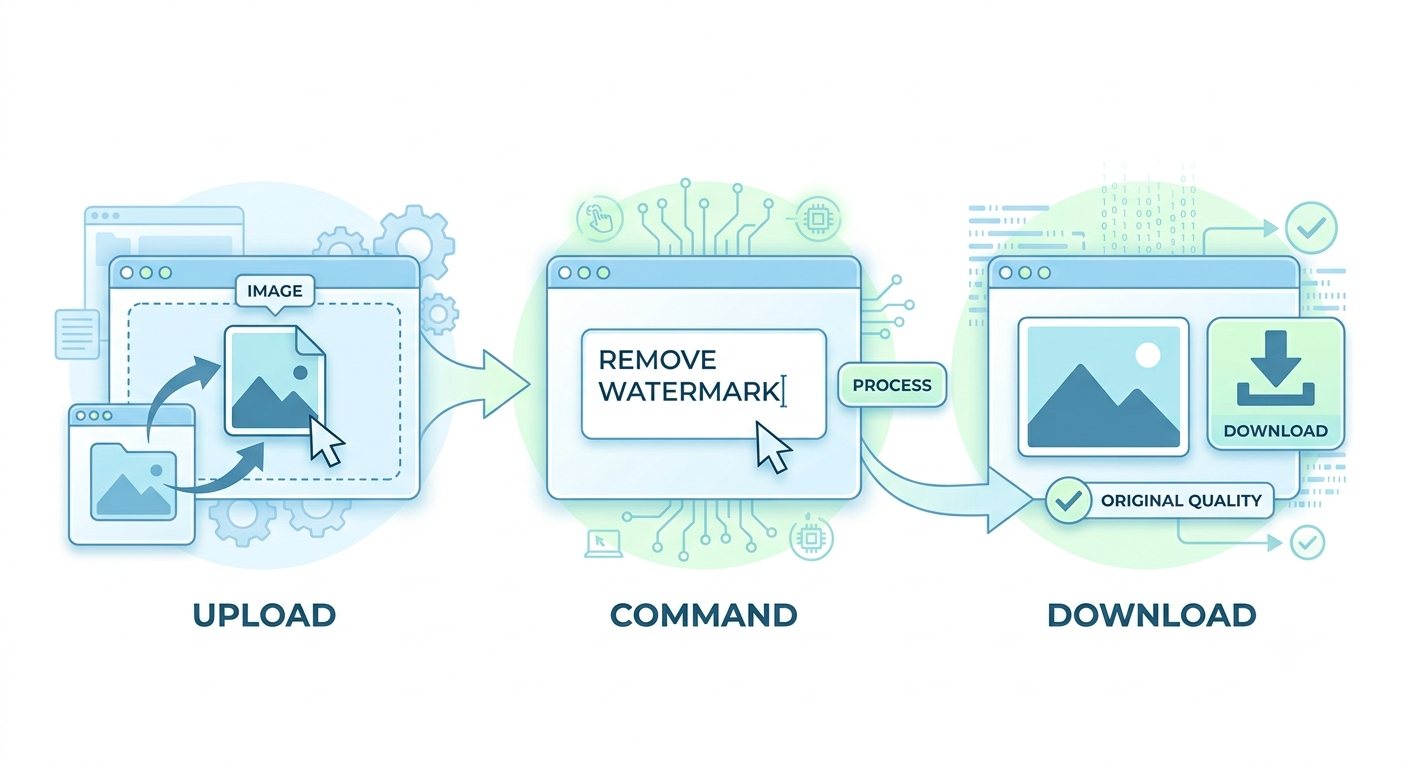
Step 1 – Upload
Drag and drop your image into the editor.
Step 2 – Type
Write what you want to remove in plain English, or use our template:
“Completely remove [object name or description], clean professional removal, realistic background fill, no traces or artifacts.”
Step 3 – Download
Wait 5–10 seconds, preview the result, and download.
Why EzMaker AI
No Second‑Generation Watermarks – Many “removal” tools add their own logo when you export. EzMaker AI gives you a completely clean output — nothing added.
No Login Barriers – No account creation. No “sign in with xxx.” Your image comes and gets processed.
Completely Free – No “3‑free‑trial” gimmicks. No “upgrade to Pro.” No hidden charges. Unlimited use for everyone.
Privacy First – All uploaded images are permanently deleted from our servers within 24 hours. They will not be stored and used for AI training
Final Thoughts
Removing a watermark shouldn’t be complicated. And it definitely shouldn’t be expensive.
In the past, you needed expensive software, hours of practice, or patience with “free” tools that left their own mark on your work. Now, a magic eraser makes erasing as easy as typing a sentence.
EzMaker AI keeps it simple: all features open, unlimited, no fees, no watermarks, no data collection. You don’t have to worry about “how many free credits I have left today.” You don’t hesitate at a payment page. You don’t wonder where your images end up.

Join Chloe on Peerlist!
Join amazing folks like Chloe and thousands of other builders on Peerlist.
2
2
0