

How to place a product in a lifestyle setting?
How to get a pure white background (RGB(255,255,255)), or how to place a product in a lifestyle setting?
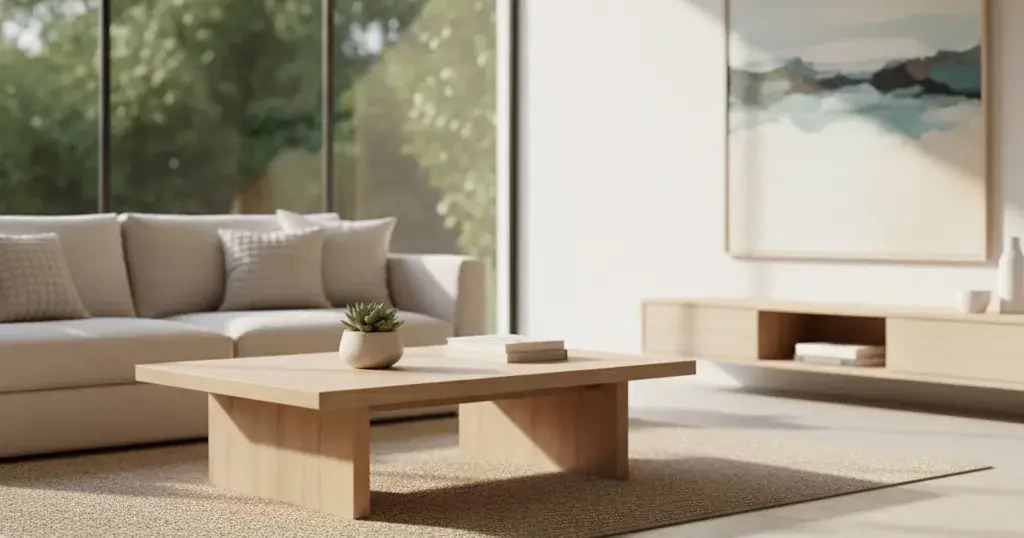
A Guide by Retoxer
Placing a product in a lifestyle setting is a fantastic way to make it more appealing and relatable to customers. It helps them envision themselves using the product and understand its benefits in a real-world context.
There are primarily two main approaches to achieve this:
Photography (Best for Authenticity): This involves physically placing your product in a real-world setting and photographing it.
Pros: Most authentic look, natural lighting and shadows, can be very high quality.
Cons: Requires staging, props, potentially a model, good photography skills, and can be time-consuming and expensive.
Digital Manipulation/Compositing (Best for Flexibility and Cost-Effectiveness): This involves taking a product image (often with a plain background) and digitally inserting it into a pre-existing lifestyle background or scene using image editing software.
Pros: Highly flexible (can change backgrounds easily), cost-effective (no need for physical staging), consistent product lighting (if shot well initially), can achieve looks that might be difficult or impossible to stage physically.
Cons: Can look unnatural if not done skillfully (lighting, shadows, perspective need to match), requires good editing software and expertise.
Let's focus on the digital manipulation/compositing method as it's often what people mean when asking "how to place a product" without physical staging. Here's a general workflow:
Digital Compositing Workflow:
Get a Good Product Shot:
Your product should be well-lit, in focus, and preferably shot on a plain, contrasting background (white, grey, or green screen are ideal for easy removal).
Try to shoot the product from an angle that will make sense in a lifestyle setting (e.g., slightly above, straight on). If you plan to put it on a table, shoot it as if it's already on a table.
Choose a Lifestyle Background:
Select a high-resolution image that matches the product's use, target audience, and brand aesthetic.
Consider the perspective and lighting of the background image. These should ideally be similar to your product photo. For example, if your product is shot straight on, choose a background where the dominant elements are also straight on, not from a high or low angle.
Ensure the background has space to place your product naturally without looking cluttered.
Visit for Smart eCommerce Image Editing Solutions

Join Colby on Peerlist!
Join amazing folks like Colby and thousands of other builders on Peerlist.
2
1
0