

AI Agents Don't Just Need More Tools. They Need Better Tool Selection.
How routing, ranking, and fallback systems turn AI agents from fragile demos into reliable enterprise workflows.
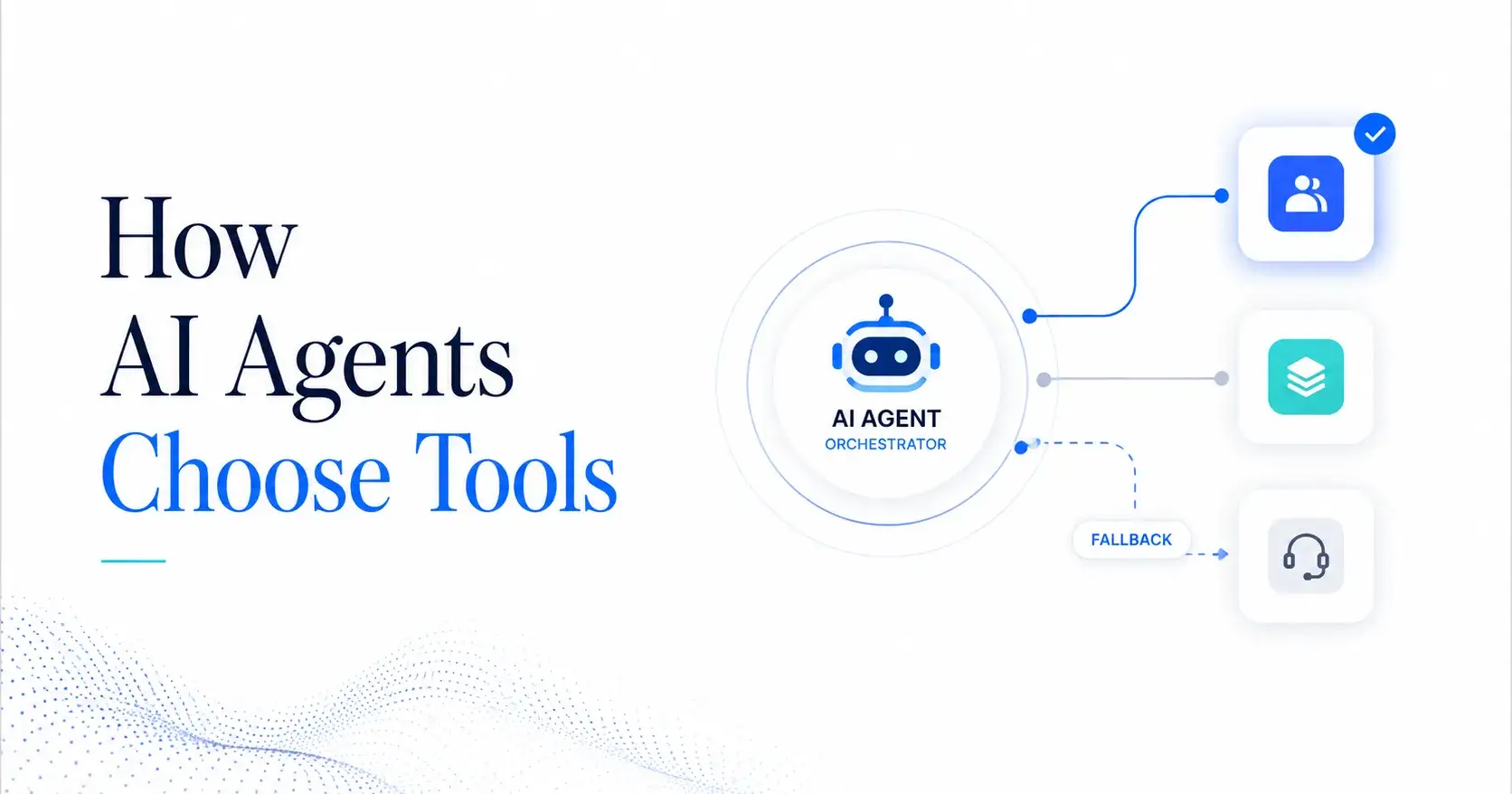
The strongest argument against advanced agent routing is simple: it can look like over-engineering.
For small use cases, one model with a few tools may work well enough. A chatbot can search a document, call one API, and return a useful answer. Adding routers, ranking logic, fallback chains, permissions, and monitoring may feel heavy.
But that logic breaks down once AI agents enter real business operations.
Enterprise agents rarely work with one tool. They may need to pull data from a CRM, check an ERP record, review a policy, update a workflow, send a message, create a report, and escalate an exception. At that point, the agent is no longer just answering a question. It is coordinating work across systems.
That shift changes the design problem.
The key question is not “Can the model use tools?” The better question is “Can the system choose the right tool, at the right time, under the right controls?”
This is why how agents choose tools has become a core topic in enterprise AI architecture.
Tool Choice Is an Execution Risk
When a human uses software, tool choice is visible. They open a CRM, search a customer, update a field, or create a ticket. Each action is clear.
When an AI agent uses software, tool choice can happen inside an automated flow. The user may only see the final answer or action summary. If the agent picked the wrong tool, used the wrong data source, or skipped a fallback step, the mistake may not be obvious until it creates business impact.
Poor tool selection can lead to:
Wrong data retrieval
Failed workflow execution
Duplicate system actions
Incomplete reports
Bad recommendations
Broken handoffs
Unauthorized tool usage
Higher model and API costs
Low trust from business users
This is not just a model issue. It is an orchestration issue.
A capable model still needs a strong system around it. That system must route intent, rank available tools, validate inputs, handle errors, and recover when something fails.
Routing Comes Before Reasoning
Many teams give an agent all available tools and let the model decide. This looks flexible, but it creates noise.
If an agent has access to twenty tools, the model must compare them every time. Some tools may overlap. Some may have similar descriptions. Some may be safer than others. Some may cost more. Some may require approvals.
A better architecture starts with routing.
Routing narrows the problem before the agent acts. It decides which domain, workflow, model, or sub-agent should handle the request.
For example:
Billing questions go to a finance agent.
Customer status questions go to a CRM agent.
Production issues go to an operations agent.
Policy questions go to a knowledge agent.
Mixed requests go to a coordinator agent.
This reduces the action surface. The agent does not need to choose from every tool in the enterprise. It only sees the tools relevant to the routed task.
That makes the system safer, faster, and cheaper.
Ranking Decides the Best Tool
Routing decides where the request should go. Ranking decides which tool should be used first.
This is where many agent systems fail. They treat tool descriptions as documentation, not as ranking signals.
To the model, tool metadata matters. A vague tool description creates vague behavior. A precise tool description creates better selection.
A weak tool description says:
“Search customer data.”
A strong tool description says:
“Search verified CRM customer profiles by customer ID, company name, or email. Use this only for account status, owner, lifecycle stage, and recent activity. Do not use this for invoices, billing disputes, or support tickets.”
The second version gives the agent clear boundaries. It explains when to use the tool and when not to use it.
Tool ranking improves when each tool has:
Clear name
Narrow purpose
Strong description
Required inputs
Known output type
Business domain
Risk level
Permission rules
Fallback option
This is why LLM tool schema design matters. The schema is not just a technical contract. It helps the agent understand what the tool can do, what data it needs, and how to recover when execution fails.
Tool Selection Needs Business Context
A user may ask:
“Can you check this customer’s renewal risk and prepare a follow-up plan?”
A weak agent may search CRM records, summarize recent activity, and draft a response.
A stronger agent will understand that the request includes several business tasks:
Identify the customer
Pull CRM status
Review support history
Check renewal date
Look for open issues
Assess risk
Draft next actions
Flag if human approval is needed
Each step may need a different tool. The system must decide the order, not just the tool.
Good tool selection depends on business context:
What is the user trying to achieve?
Which system is the source of truth?
What data is needed before action?
Which actions are read-only?
Which actions can change records?
Which steps require approval?
What should happen if data is missing?
This is the difference between a tool-enabled chatbot and an enterprise-grade agent.
Fallbacks Make Agents Resilient
Tool selection will never be perfect. APIs fail. Data may be missing. Permissions may block access. A model may return invalid arguments. A tool may time out. A source may return conflicting data.
Without fallback logic, the workflow stops.
With fallback logic, the system has options.
A good fallback chain can:
Retry with corrected inputs
Ask the user for missing data
Use a secondary data source
Switch to a different model
Escalate to a human
Stop the action with a clear reason
Log the failed step for review
This is critical in business workflows because failure is normal. The goal is not to remove every failure. The goal is to make failure recoverable, visible, and safe.
For example, if a CRM lookup fails because the customer ID is missing, the agent should not guess. It should ask for the customer ID or use an approved customer lookup tool first.
If a finance tool blocks access due to permissions, the agent should not route around it. It should explain the access limit or escalate through the approved path.
Guardrails Keep Tool Selection Under Control
Tool selection is not only about accuracy. It is also about authority.
Even if the agent chooses the right tool, the user may not be allowed to trigger that action. A sales user may view a customer record, but not approve a refund. A support agent may create a ticket, but not change contract terms. A planning agent may recommend a production schedule, but not publish it without approval.
This is where tool calling guardrails become part of the routing layer.
A reliable system should check:
Is this tool approved for this agent?
Is this user allowed to use it?
Are the inputs valid?
Is the action low risk or high risk?
Does it require human approval?
Is the call within rate and cost limits?
Can the action be audited later?
Without these controls, tool selection becomes a security and governance risk.
The Operating Model for Enterprise Teams
To build reliable agent tool selection, enterprise teams should standardize five layers.
1. Tool Inventory
List all tools the agent can use. Group them by system, domain, risk level, and business owner.
2. Routing Logic
Define which requests go to which agent, workflow, or model. Use rules for simple tasks and stronger reasoning for complex tasks.
3. Ranking Signals
Give every tool strong metadata. Include tool purpose, required inputs, output type, limits, and “do not use” cases.
4. Fallback Rules
Decide what happens when a tool fails. Do not leave recovery to model improvisation.
5. Governance Layer
Add permissions, allowlists, logs, rate limits, cost controls, and human approval for risky actions.
This structure turns tool choice into a managed system capability.
The Strategic Takeaway
The future of enterprise AI will not be defined by agents that have the most tools. It will be defined by agents that choose tools with the most discipline.
More tools can create more risk if the system cannot route, rank, validate, and recover. Better tool selection creates real leverage because it lets agents operate across business systems without losing control.
The best enterprise agents will not act like free-form assistants. They will act like governed operators.
They will know which tool to use, when to use it, when not to use it, and what to do when the first path fails.
That is how AI agents move from impressive demos to scalable business execution.
___________
AIQuinta — An Agentic Enterprise Platform, where your knowledge base powers AI.
- Website: https://aiquinta.ai/
- Email: [email protected]

Join Duc on Peerlist!
Join amazing folks like Duc and thousands of other builders on Peerlist.
1
2
0