

The Flutter Web Refresh Problem And How I Ended It
A story about deep routes, refresh buttons, Next.js envy, and building your way out of frustration.
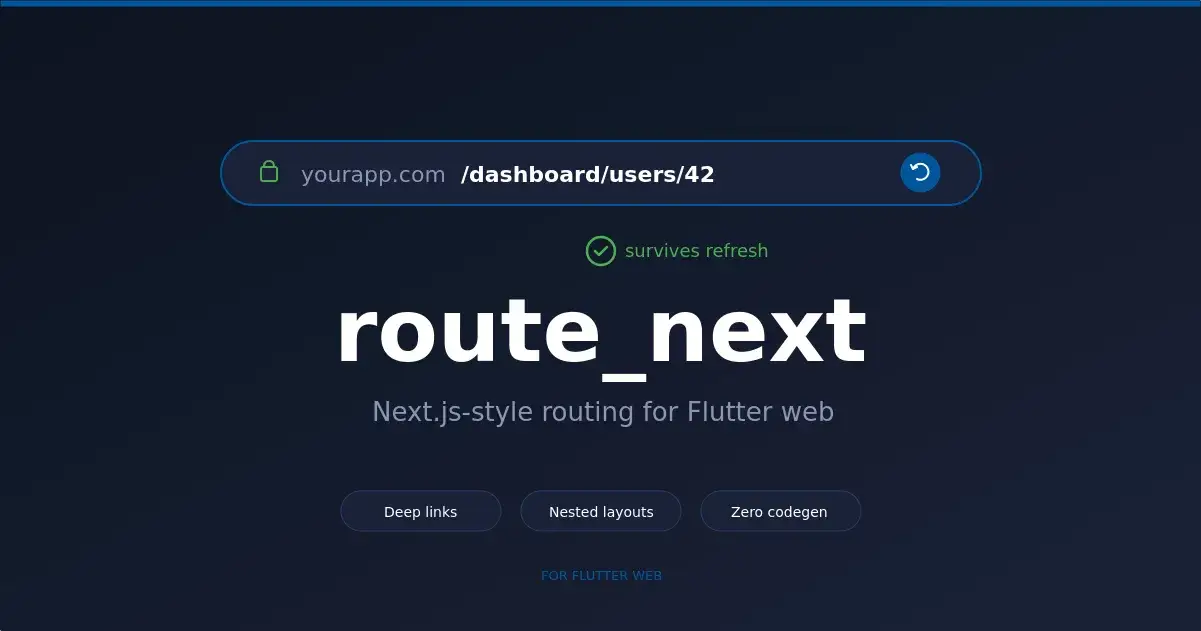
Last week. Client project. Flutter web dashboard.
Beautiful UI. Clean navigation. Nested pages three levels deep.
User lands on yourapp.com/home/information/details.
They press refresh.
Boom. they’re back at yourapp.com/home.
The deep route just… vanished.
The page they were viewing? Gone. Scroll position? Gone. Context? Gone.
Now imagine that user was in the middle of filling out a form. Or shared that URL with a teammate. Or bookmarked it.
Sound familiar?
If you’ve built Flutter web apps, you know this pain. If you haven’t yet - you will.
Why Flutter Web Routing Hurts
Here’s the thing nobody tells you.
Flutter’s Navigator 2.0 is powerful. Really powerful. But it was designed mobile-first.
The web is different. On the web:
URLs matter.
Refresh happens.
Back buttons exist.
Deep links get shared.
Navigator 2.0 makes all of this work — eventually — after you write hundreds of lines of boilerplate. RouterDelegate. RouteInformationParser. RouteInformationProvider. Custom state notifiers. Manual stack management.
It’s a lot.
Meanwhile, in Next.js land?
Create a file. It's a route.
Refresh? Works.
Deep link? Works.
Back button? Works.
Why can’t Flutter web feel like this?
That question bugged me. So I built the answer.
Meet route_next
A Next.js-style router for Flutter web.
Ten lines to set up. Zero boilerplate. Your deep routes survive refresh.
void main() {
 runApp(
 RouteNextApp(
 title: 'My Dashboard',
 routes: [
 RouteNextRoute(path: '/', builder: (ctx, p) => HomePage()),
 RouteNextRoute(path: '/about', builder: (ctx, p) => AboutPage()),
 RouteNextRoute(
 path: '/users/:id',
 builder: (ctx, p) => UserPage(id: p['id']!),
 ),
 ],
 ),
 );
}
That’s it. Refresh on /home/information/details and you stay on /home/information/details. The exact page. With the exact params. Every time.
Let me show you how it works.
The Big Idea: URL is King
In route_next, the URL is the single source of truth.
Not a global state variable. Not a tab controller. Not a BLoC. The URL.
Change the URL → the UI updates. Click a link → the URL changes. Press refresh → read the URL → rebuild the UI.
Simple. Predictable. Web-native.
This is how the web works. This is how Next.js works. And now this is how your Flutter web app works.
Nested Layouts That Don’t Forget
Here’s a thing that should be easy but isn’t.
Imagine an admin panel with a sidebar. User clicks “Users.” Then clicks “Settings.” The sidebar shouldn’t blink. It shouldn’t lose its scroll position. It shouldn’t rebuild.
In route_next:
RouteNextRoute(
 path: '/admin',
 layout: (context, child) => AdminShell(body: child),
 builder: (context, params) => AdminHome(),
 children: [
 RouteNextRoute(path: 'users', builder: (_, __) => UserList()),
 RouteNextRoute(path: 'settings', builder: (_, __) => Settings()),
 RouteNextRoute(path: 'billing', builder: (_, __) => Billing()),
 ],
)
Navigate between the children. The AdminShell stays mounted. Scroll position preserved. Menu state preserved. Only the inner content swaps.
Just like Next.js layouts. Just like you’d expect.
Route Guards: Middleware That Makes Sense
Want to protect a route? Make users log in first?
RouteNextRoute(
 path: '/dashboard',
 guard: (context) async {
 final isAuth = await AuthService.checkAuth();
 if (isAuth) return NavigationAction.allow();
 return NavigationAction.redirect('/login');
 },
 builder: (context, params) => DashboardPage(),
)
Guards are async. They can call APIs. They can read tokens. They can check anything.
Three outcomes:
allow()→ let them in.redirect('/login')→ send them elsewhere.deny()→ block the navigation.
Clean. Predictable. Composable.
Global Middleware: For When You Need It Everywhere
Sometimes you need logic on every route. Analytics. Feature flags. Global auth.
RouteNextApp(
 middleware: [
 (context, match) async {
 Analytics.track(match.resolvedPath);
 return NavigationAction.allow();
 },
 (context, match) async {
 if (FeatureFlags.isLocked(match.resolvedPath)) {
 return NavigationAction.redirect('/upgrade');
 }
 return NavigationAction.allow();
 },
 ],
 routes: [...],
)
Middleware runs first. Then per-route guards. Then the page builds.
Express.js, Next.js, now Flutter. Same pattern. Same simplicity.
The Secret Weapon: Built-In Widgets
This is where route_next goes beyond "just a router."
Most Flutter routers stop at navigation logic. You’re on your own for the UI.
route_next ships seven production-ready widgets that sync to the URL automatically:
RouteNextSidebar— left nav, auto-highlights active route.RouteNextNavbar— top app bar with active-state buttons.RouteNextDrawer— mobile slide-out menu.RouteNextBreadcrumbs— auto-generated trail from your route tree.RouteNextCommandPalette— ⌘K / Ctrl+K search overlay with fuzzy matching.RouteNextTabBar— URL-driven tabs (perfect for settings pages).RouteNextScaffold— responsive shell that wires it all together.
No other Flutter router ships this. You’d spend a week building it yourself — and another week keeping it in sync with route changes.
With route_next, it's already done.
The Bugs I Fought (So You Don’t Have To)
Building on Navigator 2.0 is not easy. Here are some gnarly bugs I hit and squashed:
The Page Key Collision I used ValueKey(path + extra.hashCode.toString()). Seems fine, right? Wrong. Path /a1 with no extra can produce the same key as path /a with extra.hashCode == 1. String concatenation is a minefield. Fixed with Dart record tuples.
The Map Equality Trap Dart’s Map.== uses reference equality. Two maps with identical keys and values are not equal. This caused duplicate pages in the Navigator stack → app crash. Fixed with a custom equality helper.
The Double-Remove Ghost When shortening the stack, Flutter’s reconciliation fired onDidRemovePage twice. Blank screen. Confused users. Fixed with a key equality guard.
Guard Redirect Loops Redirects could accumulate duplicate stack entries and fall into infinite loops. Fixed by routing everything through one central commit helper.
19 regression tests. Zero known crashes.
This is the work you don’t see in a package’s README. But it’s the work that matters.
Should You Use It?
Use route_next if:
You’re building a Flutter web app.
You want refresh, deep linking, and browser history to just work.
You love the Next.js developer experience.
You want built-in sidebar, breadcrumbs, and Cmd+K without extra packages.
You value minimal setup and zero code generation.
Stick with go_router or auto_route if:
You’re building mobile-first.
You need Android predictive back gestures today.
You need a huge community and years of battle-testing.
Be honest about your use case. Pick the right tool.
Get Started in 60 Seconds
dependencies:
 route_next: ^1.2.1
Then:
import 'package:route_next/route_next.dart';

void main() {
 runApp(RouteNextApp(routes: [
 RouteNextRoute(path: '/', builder: (_, __) => HomePage()),
 ]));
}
Done. Refresh works. Deep links work. You’re in business.
💻 GitHub: github.com/durgeshparekh/route_next
🐛 Issues & PRs: Genuinely welcome.
Final Thought
This package started because a refresh threw my users back to /home.
It solved my problem. Hopefully it solves yours too.
If it does, ⭐ the repo. If it doesn’t, file an issue — I’ll fix it.
See you in the pull requests.
Follow for more on Flutter web, AI-assisted development, and building SaaS products that survive a refresh.
LinkedIn: https://www.linkedin.com/in/durgesh-parekh/
Medium: https://medium.com/@durgeshparekh381

Join Durgesh on Peerlist!
Join amazing folks like Durgesh and thousands of other builders on Peerlist.
0
1
0