

Building GhostPrompter for Windows and macOS: Challenges We Didn't Expect
Why making GhostPrompter feel the same on Windows and macOS took more work than expected.
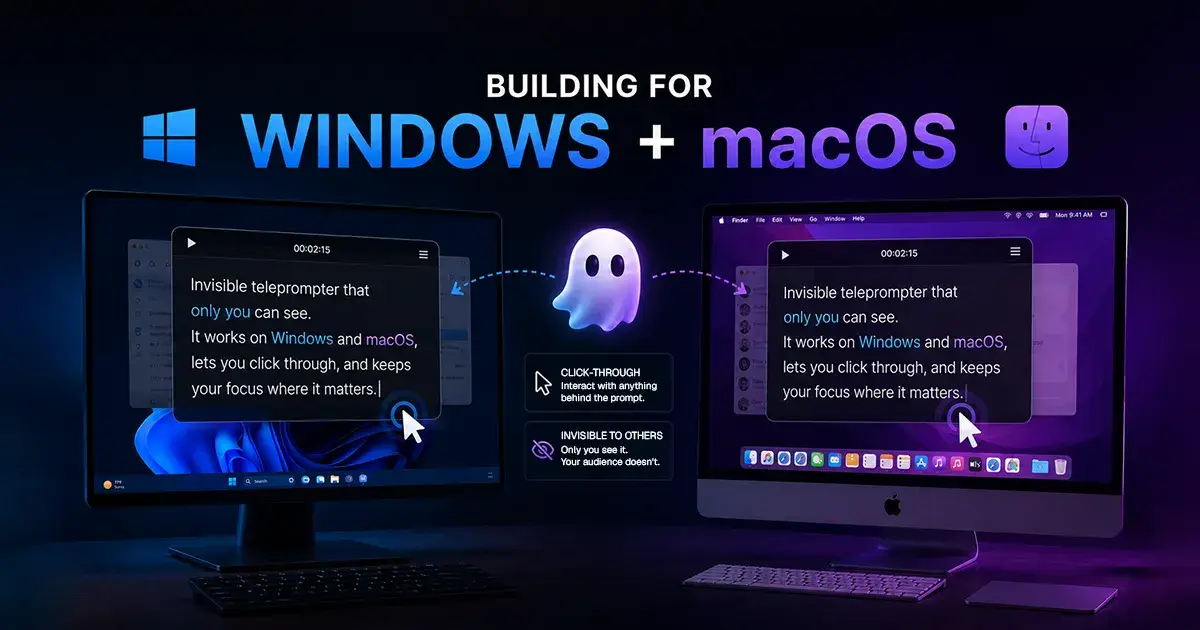
When I started building GhostPrompter, I thought the hard part was already behind me. Click-through mode worked. The script sat on screen without getting in the way. I'd solved the actual problem I set out to solve. Then I decided GhostPrompter needed to run on both Windows and macOS, and everything I thought was "done" turned into two separate problems wearing the same interface.
I didn't expect that. I assumed that once something worked on my machine, it would basically work everywhere else, maybe with a few small tweaks. That's not how it went. Building the same desktop experience on two operating systems ended up being its own project, with its own list of things that quietly didn't behave the way I expected.
This is the part of building GhostPrompter that doesn't show up on the landing page. It's not a feature you can point to. But it's a big chunk of where the time actually went.
Why Desktop, Not Browser
The whole reason GhostPrompter exists is that I needed my script available while I was doing something else on the same screen — clicking through a demo, switching tabs, typing in a terminal. A browser tab can't sit on top of other applications the way a native window can. It can't stay visible while you click into whatever's underneath it, and it can't stay hidden from a screen recording while still being visible to you.
A browser-based teleprompter would have solved a much smaller problem: reading a script. It wouldn't have solved the actual problem, which was reading a script while my hands were still on the keyboard and mouse, actively using other software. That only works if the teleprompter is a real desktop app, sitting above every other window, with the kind of access to the screen and input a browser tab is never going to get.
So "desktop app" wasn't a technical preference. It was the only way the product could actually do what it needed to do. But that decision is also what pulled Windows and macOS into the picture as two separate problems instead of one.
The Overlay Problem
Once you commit to a desktop overlay, you inherit a second problem: it needs to feel like it's barely there. An overlay that gets in the way defeats the entire point of building one. If it's distracting or slow to respond, it becomes exactly the kind of interruption GhostPrompter was supposed to remove in the first place.
That sounds like a design opinion, but it's really a behavior problem. The overlay has to show your script clearly, stay pinned in place while you work underneath it, and do all of that without pulling attention away from whatever you're recording or presenting. Lightweight isn't just a nice description — it's the bar the whole feature has to clear to be usable at all. If someone notices the overlay as its own thing, rather than just "the script," it isn't working.
Click-Through: Sounds Simple, Isn't
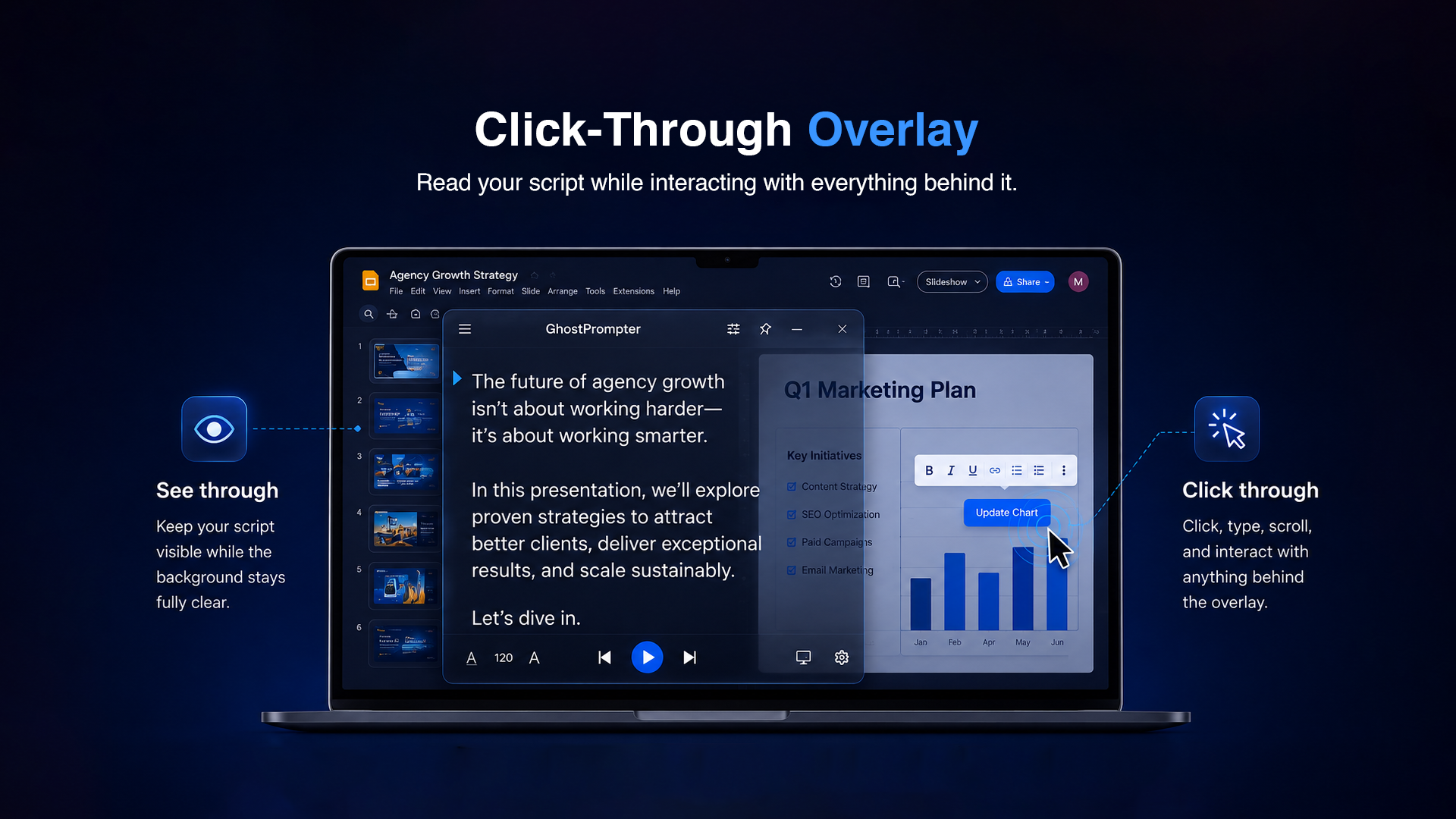
Click-through mode is the feature that makes GhostPrompter what it is: your mouse and keyboard pass straight through the overlay to whatever's underneath, so you can read your script while still clicking buttons, typing, and switching windows normally.
Described like that, it sounds like a checkbox. In practice, it's the piece of the product that has to be right every single time, because the moment it isn't, the whole workflow breaks. If a click that should have landed on the app underneath gets caught by the overlay instead, that's not a minor bug — it's someone's demo, sales call, or recording getting derailed mid-take. That's a much higher bar than "the overlay looks nice."
It's also the kind of feature that's easy to get right once and then quietly break later, because it interacts with everything else happening on screen — which window has focus, how the app behaves as you switch between other windows, how it holds up over a long recording instead of a short test. Getting click-through working wasn't one task I finished. It was the thing I kept testing every other change against.
Windows vs macOS: Same App, Two Different Animals
This is where I underestimated things the most. I built the first version of GhostPrompter on my own machine, got click-through and the overlay working the way I wanted, and assumed the other platform would mostly follow. It didn't.
Windows and macOS simply don't treat desktop windows, overlays, and input the same way. Something that behaves predictably on one platform doesn't automatically behave the same way on the other, and you don't find that out by reading documentation — you find it out by actually running the app on both and watching where the behavior diverges. A lot of what I assumed would "just work" on the second platform needed its own pass of testing and adjustment before I trusted it.
Beyond how the app itself behaved, getting from a working build to something people could actually install without a scary security warning meant going through code-signing separately for Windows and for macOS. Two different processes, two different sets of requirements, both necessary before I could call either version done. None of it was dramatic. It was just real work that had to be repeated rather than shared, because the two platforms don't meet in the middle.
The honest summary is that I was maintaining one product across two very different desktop environments. Every change had to be checked twice, on two machines, in two environments, before I trusted it enough to ship.
Screen Recording and Ghost Mode
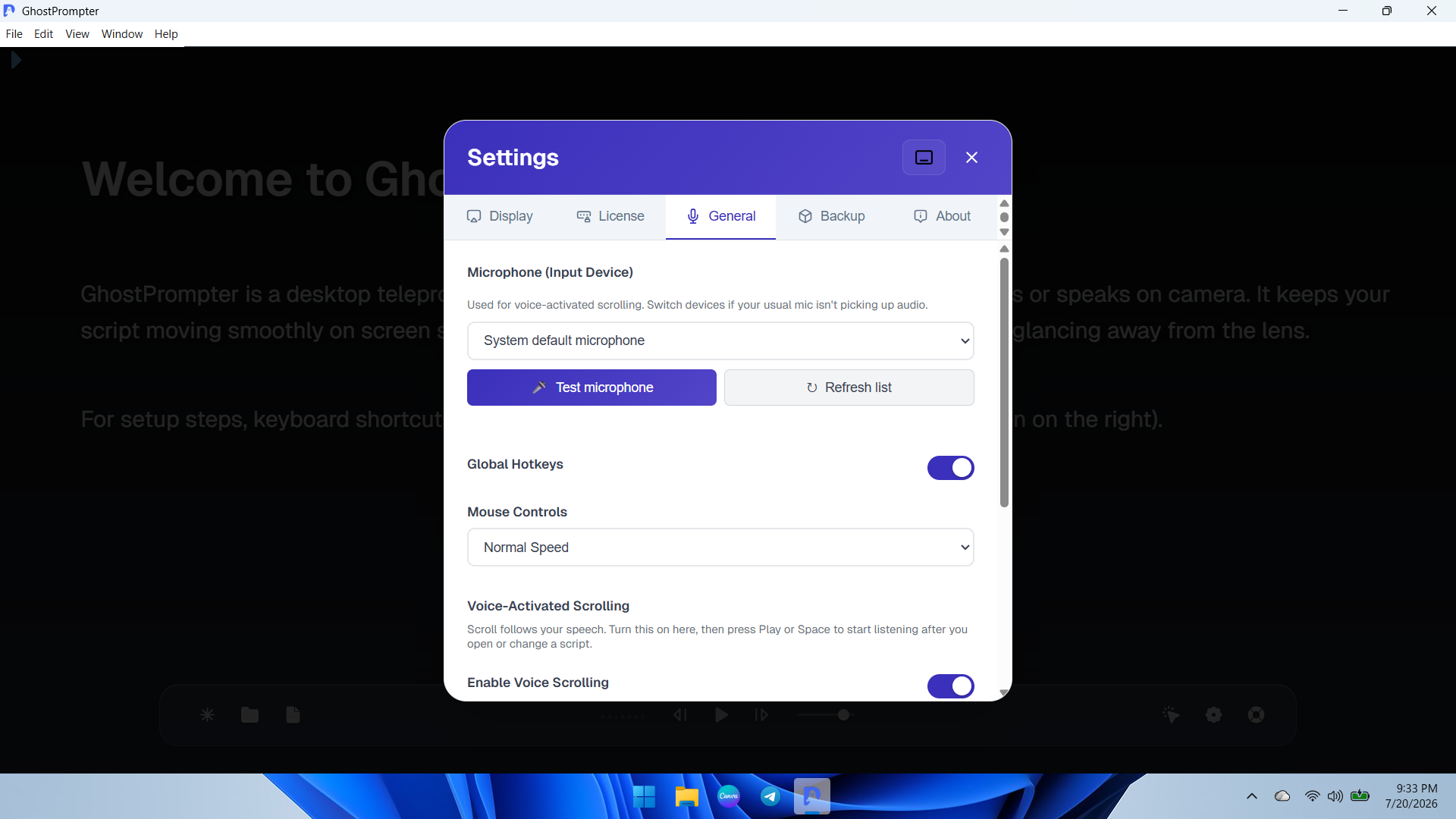
Most desktop apps want to show up when you record or share your screen. GhostPrompter needed to do the opposite. The entire point is that you see the script and nobody else does — not the person on the other end of a call, not the audience watching a recording back, not a live screen share.
That's a different bar than "invisible to a screen recorder." Recording your own screen with something like OBS or Loom is one situation. Being on a live call, where the other person's screen is rendering your window in real time as you talk, is a different one. GhostPrompter had to behave correctly in both, which meant it couldn't just hide from one type of capture and assume that covered everything.
This is what Ghost Mode is built around: the overlay stays visible to you and only you, whether you're recording locally, sharing your screen live, or both at once. It's a strange thing to build for, honestly — most software is trying to make sure it renders correctly everywhere. GhostPrompter is trying to make sure it doesn't render anywhere except your own eyes.
Voice Scrolling: Matching a Person, Not a Metronome
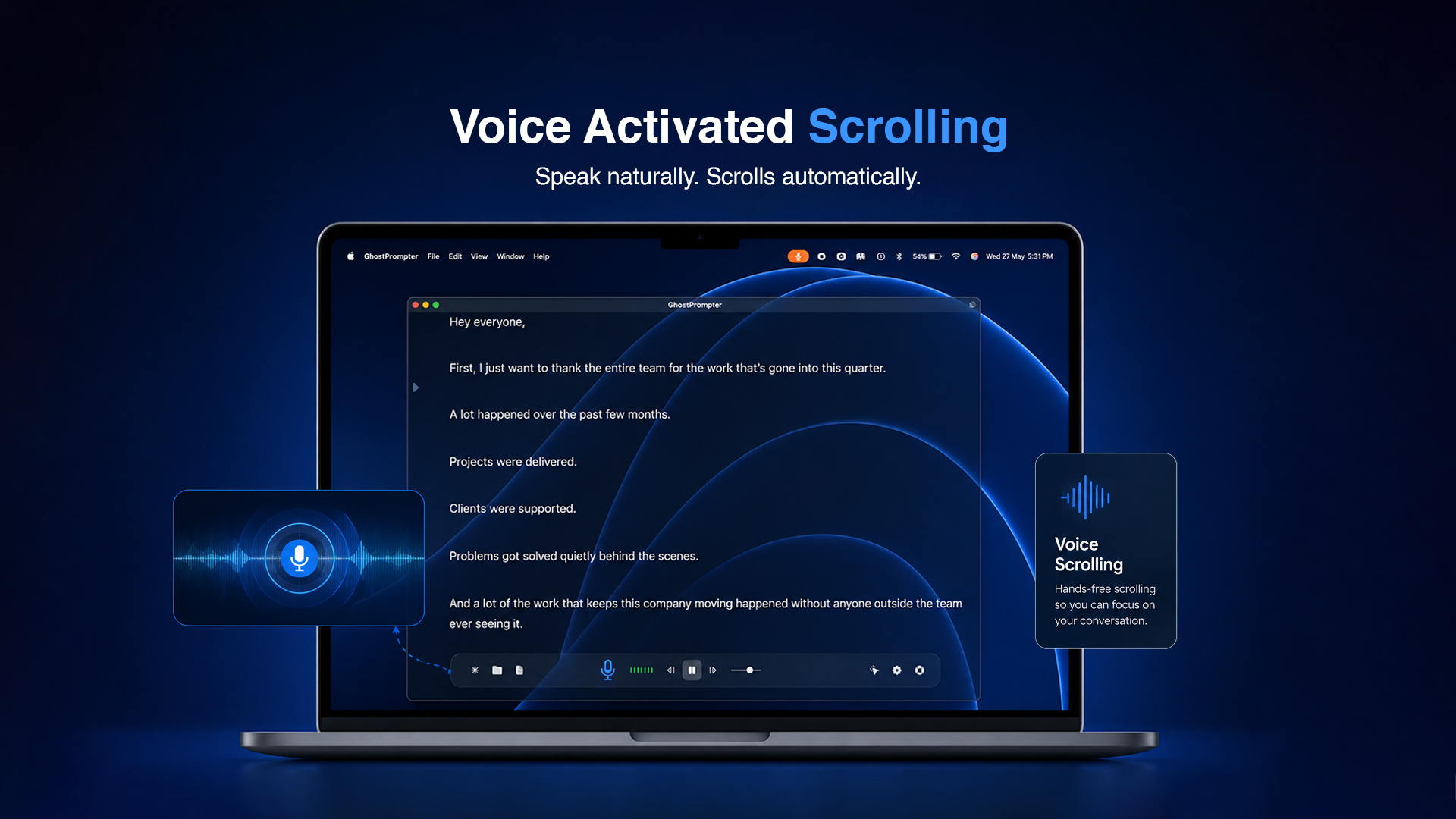
A teleprompter that scrolls at a fixed speed only works if you talk at a fixed pace, and almost nobody does. You speed up when you're excited, slow down to make a point, pause entirely while you think or someone asks a question. A script scrolling on a timer doesn't know any of that. It just keeps going.
Voice scrolling exists to fix that: the script follows your voice instead of a clock. Speak faster and it keeps up. Pause and it waits. The goal was to flip the usual relationship — instead of adjusting your delivery to match the software, the software adjusts to match you.
Getting that to feel natural took real iteration. Early on, the script would drift out of sync with what I was actually saying, either racing ahead or lagging behind, which is arguably worse than no auto-scroll at all, because now you're fighting the tool instead of using it. Fixing it meant going back and re-tuning how the scrolling tracked speech until it stopped feeling like a feature and started feeling invisible — the same standard I was holding the overlay itself to.
What Testing Taught Me
Building on your own machine hides a lot of problems from you, simply because your own machine is consistent. You know your settings, your screen, your habits. The moment other people started using GhostPrompter on their own setups, with their own screen configurations and their own way of working, edge cases showed up that I never would have found on my own.
That's the real value of getting a product in front of people early, even in a rough state: they use it differently than you do, on hardware you don't have, in workflows you didn't think to test for. A lot of what shaped GhostPrompter into something that holds up on both Windows and macOS came out of that gap — the difference between "works for me" and "works," full stop.
What I'd Do Differently
If I were starting over, I'd test on both platforms earlier instead of getting something fully working on my own machine first and treating the second platform as a follow-up step. Building for one OS and porting to the other afterward creates a false sense of progress — the app isn't actually done until it behaves correctly on both, and pretending otherwise just moves the hard part later instead of removing it.
I'd also budget more time, upfront, for the parts that aren't features at all — code-signing, installer behavior, the plumbing that has nothing to do with click-through or voice scrolling but still has to work before anyone can use either of those things. It's not exciting to plan for, which is exactly why it's easy to underestimate.
None of this is a complaint. It's just what building a real teleprompter app for Windows and a real teleprompter app for macOS actually required — not one product with two installers, but two platforms that each demanded their own attention before I could call GhostPrompter finished on either one.
Where That Leaves Me
The broader lesson is a simple one: cross-platform desktop software isn't "build once, ship twice." It's closer to building the same idea twice, with a lot of shared thinking and a lot of separately earned trust. Click-through, Ghost Mode, and voice scrolling all had to prove themselves on Windows and on macOS independently before I trusted the product as a whole.
Right now, that's still the discipline I'm applying to everything new I add to GhostPrompter — nothing counts as done until it's been through both.

Join Eldho on Peerlist!
Join amazing folks like Eldho and thousands of other builders on Peerlist.
0
5
0