

Adding Master-Slave Replication in MySQL: A Beginner-Friendly Guide
Adding Master-Slave Replication in MySQL: A Beginner-Friendly Guide
So, you're diving into the world of databases and want to make your MySQL setup more robust and efficient? Awesome! One powerful technique to explore is Master-Slave Replication. It might sound a bit technical, but the core idea is pretty straightforward and super helpful. Think of it as having a reliable backup buddy for your main database.
What is Master-Slave Replication? 🤔
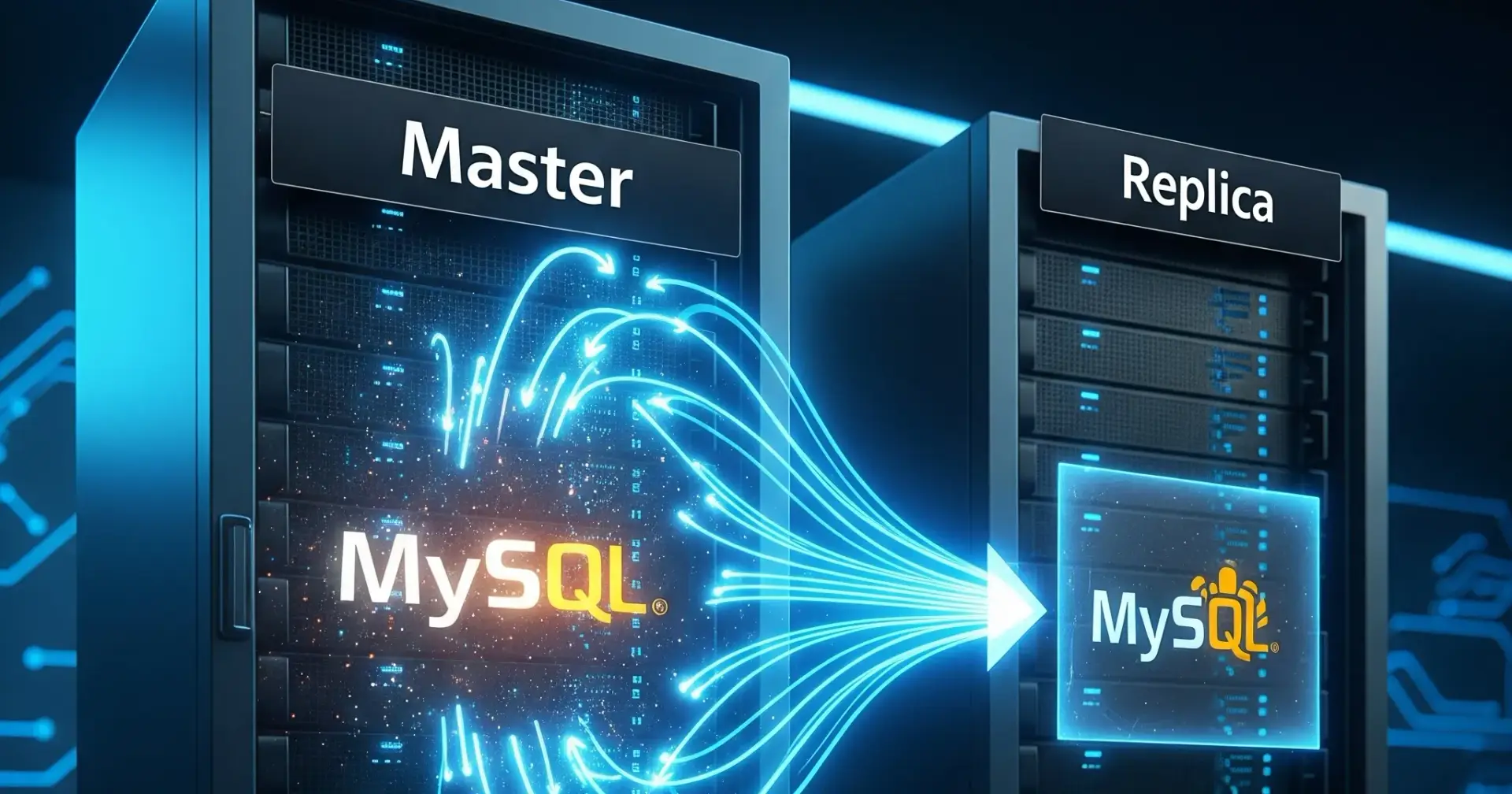
In a nutshell, Master-Slave replication involves two or more MySQL servers:1
Master Server: This is your primary database server. All your write operations (like
INSERT,UPDATE,DELETE) go to this server.Slave Server(s): These are secondary servers that receive a copy of the changes made on the Master server. They essentially "replicate" the data. You can have multiple slave servers connected to a single master.
Think of it like this: the Master is the main writer, keeping the original notebook. The Slave is like a diligent student who constantly gets a photocopy of every new page the Master writes.
Why Use Master-Slave Replication? 🌟
There are several compelling reasons why you'd want to implement this:
Data Backup and Redundancy: If your Master server fails for any reason, you have one or more up-to-date Slave servers that can take over, minimizing downtime and data loss.
Read Scalability: You can direct read operations (
SELECTstatements) to the Slave servers, offloading the read traffic from the Master. This can significantly improve the performance of your application, especially under heavy read loads.Analytics and Reporting: You can run resource-intensive analytical queries and generate reports on the Slave servers without impacting the performance of your primary Master server that handles live transactions.
Disaster Recovery: Having Slave servers in different geographical locations can provide an extra layer of protection against regional outages.
How Does It Work? A Simplified Overview ⚙️
Here's a simplified look at the process:
Binary Log (binlog) on the Master: When any data-modifying operation occurs on the Master, it gets recorded in a special log file called the binary log. Think of this as a detailed history book of all the changes.
Relay Log on the Slave: The Slave server has a special I/O thread that connects to the Master and requests the events from the Master's binary log. These events are then copied to a local file on the Slave called the relay log.
SQL Thread on the Slave: Another thread on the Slave, the SQL thread, reads the events from the relay log and executes them on the Slave's database. This is how the Slave stays in sync with the Master.
So, it's a continuous process of the Master recording changes, the Slave fetching those changes, and then applying them locally.
Basic Steps to Set Up (Conceptual) 🛠️
While the exact steps can vary based on your MySQL version and setup, here's a general idea of what's involved:
Configure the Master Server:
Enable binary logging in the MySQL configuration file (
my.cnformy.ini).Set a unique
server-idfor the Master.Restart the MySQL server.
Create a dedicated user for replication with the necessary permissions.
Lock the Master database briefly to get the current binary log file name and position.
Dump a consistent snapshot of the Master database.
Configure the Slave Server(s):
Set a unique
server-idfor each Slave (different from the Master and other Slaves).Configure the Master server details (IP address, replication user, password, binary log file name, and position obtained from the Master) in the Slave's configuration file.
Restart the MySQL server.
Import the database dump taken from the Master.
Start the Slave process, which includes the I/O thread and the SQL thread.
Monitor Replication:
Use the
SHOW SLAVE STATUS\Gcommand on the Slave to check if the replication is running smoothly and if there are any errors.
Important Considerations ⚠️
Network Connectivity: Reliable network connectivity between the Master and Slave servers is crucial.
Data Consistency: While replication aims for consistency, there can be temporary delays (replication lag) between the Master and Slave. Your application should be designed to handle this if necessary.
Configuration: Accurate configuration on both the Master and Slave is essential for successful replication.
Security: Secure your replication setup by using strong passwords and potentially restricting network access.
Conclusion 🎉
Master-Slave replication is a fundamental concept in MySQL that can significantly enhance the reliability, performance, and scalability of your database infrastructure. While the initial setup might seem a bit involved, the benefits it provides in terms of data protection and read scaling are well worth the effort. As you continue your journey with MySQL, understanding and implementing replication will be a valuable skill in your toolkit! Keep exploring and don't hesitate to dive deeper into the specifics for your particular environment. Happy replicating!
PS: This post is enhanced with AI

Join Kushagra on Peerlist!
Join amazing folks like Kushagra and thousands of other builders on Peerlist.
0
0
0