

Enterprise/Merchant Console– Dashboard UI
Dashboard UI/UX Design
Overview
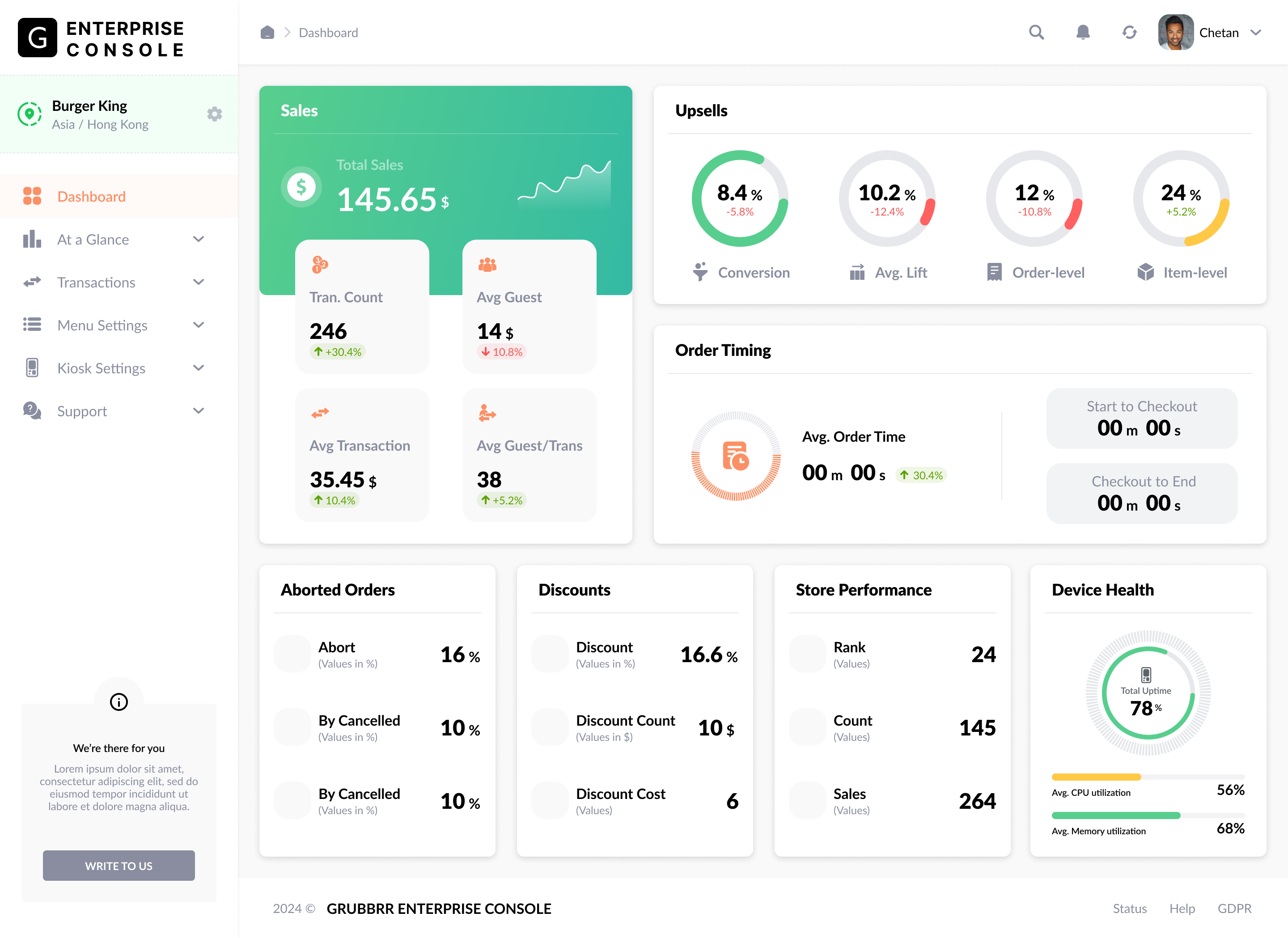
Enterprise/Merchant Console is a powerful portal designed to help merchants manage their self-ordering solutions efficiently. My goal was to create a clean, data-driven, and user-friendly dashboard that provides merchants with key insights into their business performance.
Design Approach
Data Simplification: The dashboard consolidates multiple metrics (Sales, Upsells, Order Timing, System Health, etc.) into an intuitive and digestible layout.
Visual Hierarchy: I ensured a structured arrangement of elements, prioritizing critical data while maintaining a clutter-free experience.
Usability Focus: Designed with seamless navigation, quick access to key functions, and interactive data visualizations for deeper insights.
Scalability: The UI is designed to adapt across multiple merchant locations and varying data volumes efficiently.
Key Features
Comprehensive Dashboard: A bird’s-eye view of business health and performance metrics.
Sales & Transactions Tracking: Easy monitoring of transaction count, revenue, and order details.
Upsell Insights: Data-driven analysis of rule-based and AI-based upsell conversions.
Order Timing Metrics: Breakdown of order processing efficiency, including pre- and post-checkout times.
System Health Monitoring: Real-time uptime percentages for devices and peripherals.
Store Performance & Customer Insights: Rank comparison, A/B testing insights, and user behavior analytics.
Final Outcome
The result is a highly efficient and visually engaging dashboard that empowers merchants with actionable insights, helping them optimize operations and drive better business decisions.

Join Hardik on Peerlist!
Join amazing folks like Hardik and thousands of other builders on Peerlist.
2
8
0