

NoSuggest - Watch YouTube distraction free
Reclaiming Your Attention: Why NoSuggest.com is the Ultimate Remedy for YouTube Doomscrolling
We have all been there. You open YouTube on your phone with a clear, innocent intention: "I am just going to watch this one 10-minute coding tutorial," or "I just need to quickly check the latest tech review." Fast forward 90 minutes. You wake up from a digital trance, staring blankly at a video analysing the subtext of a 90s cartoon. You are exhausted, your schedule is ruined, and you don’t even remember how you got here.
You didn't lack willpower; you were simply outmatched. On the other side of your screen is a multi-billion-dollar recommendation algorithm designed by the world's brightest engineers, explicitly engineered to maximise your screen time.
Fortunately, a quiet act of digital resistance has emerged: NoSuggest.com.
What is NoSuggest?
NoSuggest is a free, source-available in GitHub, and entirely distraction-free web client for YouTube. Built explicitly for digital wellness and intentional consumption, it strips away the aggressive behavioral hooks that tech platforms use to hijack human attention.
The philosophy behind it is beautifully simple: You decide what you watch before you open the app, not after the algorithm gets a hold of you.
The Core Features at a Glance
Unlike cluttered browser extensions that only work on desktops, NoSuggest is built from the ground up as a Progressive Web App (PWA). It brings a minimalist, clean environment to every device you own.
Features:
No Home Feed: The app opens to a clean slate, not a wall of clickbait. Eliminates immediate temptation.
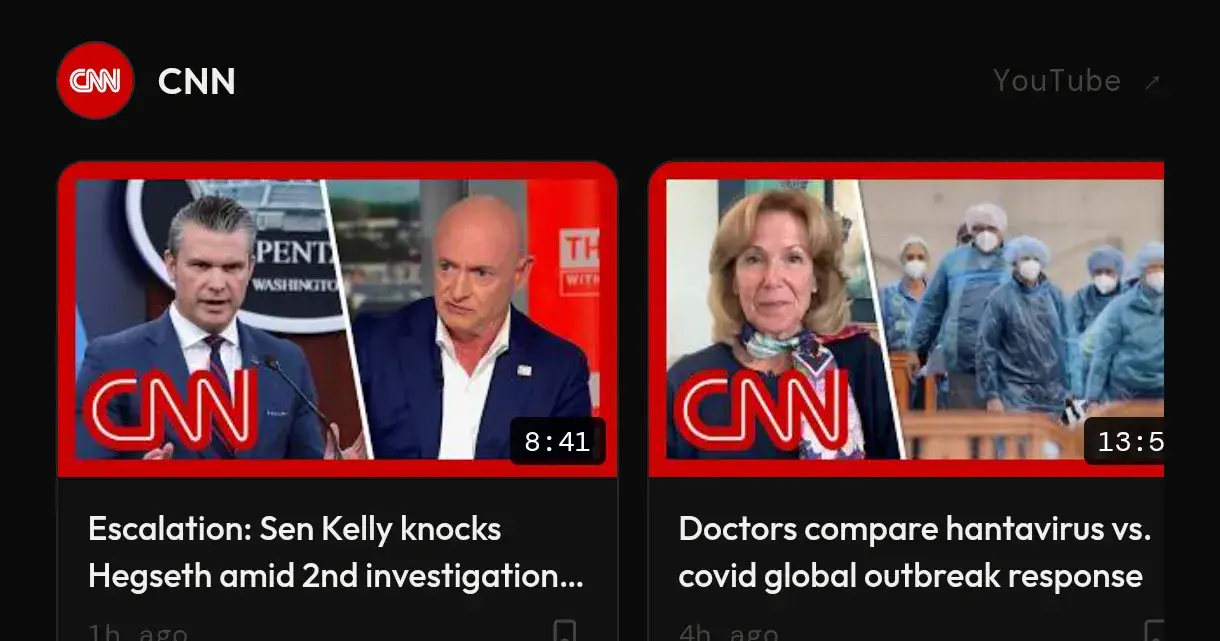
Chronological Feed: Displays only the latest 5 videos from channels you explicitly follow. No endless scrolling; when you catch up, you are done.
No Sidebar Recommendations: Video pages contain only the video player itself. Zero "Up Next" loops or recommended side-cards.
Zero Shorts or Auto-play: Eliminates vertical, hyper-stimulating short-form video loops. Protects your dopamine receptors from micro-consumption.
Intentional Search: A strict search bar that surfaces only what you look for. Prevents recommendations from creeping in around search results.
Why The YouTube Algorithm Is Bad For Your Brain
To understand why a tool like NoSuggest is necessary, it helps to understand how modern video feeds exploit human psychology.
YouTube’s default interface utilises several behavioural mechanics to keep you hooked:
The Infinite Scroll: By ensuring the feed never actually "ends," your brain never receives a natural stopping cue.
Variable Rewards: The algorithm behaves exactly like a slot machine. It sprinkles videos it knows you like among things you might like, forcing you to keep scrolling to find the next "prize."
Auto-play & Next Cards: By taking away the micro-decision of clicking "Play," your brain defaults to the path of least resistance: staying exactly where you are.
By replacing all of this with a static, intentional, chronological setup, NoSuggest returns control of the timeline to the user.
Radical Privacy: No Accounts, No Tracking
In an era where "free" web tools usually mean you are the product, NoSuggest takes a refreshing stance on privacy.
Total Anonymity By Design
NoSuggest does not require a sign-in, an email address, or a credit card. It doesn’t even ask for your name.
Because it operates entirely client-side, your data (the channels you follow and the videos you save for later) lives exclusively in your browser’s local storage (localStorage). Nothing is ever sent to or stored on external backend servers.
Furthermore, because it leverages YouTube's official embedded player, content creators still receive credit for your watch time and ad views. You support the people making the content you love, without giving up your cognitive freedom.
A Lifesaver for Parents: The Built-In Kids Mode
One of NoSuggest’s most brilliant design additions is its PIN-protected Kids Mode.
Allowing children unsupervised access to native YouTube is a gamble; a child watching a wholesome educational video can easily click into weird, hyper-stimulating, or inappropriate algorithmically-suggested content within two or three clicks.
With NoSuggest, parents can curate a specific block of educational or entertaining channels, bookmark important videos, and lock the app with a PIN. In Kids Mode, children can only watch what has been hand-approved for them, completely isolated from the rest of the web's unpredictable content loops.
How to Get Started
Getting started takes less than a minute, requiring no complicated extensions or setups:
Head over to NoSuggest.com in any mobile or desktop browser.
Tap your browser's options menu and select "Add to Home Screen" or "Install App" to save it as a native PWA.
Head to the Channels tab, add your favourite creators by their handle or URL, and enjoy a peaceful, intentional media diet.
Final Thoughts: Reclaim Your Time
Technology should be a tool that serves us, not a trap that consumes us. YouTube hosts some of the most educational, breathtaking, and genuinely enriching media in human history, but navigating the platform shouldn't feel like a psychological battlefield.
If you are ready to stop doom-scrolling and start watching with purpose, NoSuggest.com is the digital sanctuary you have been waiting for.

Join Varun on Peerlist!
Join amazing folks like Varun and thousands of other builders on Peerlist.
0
2
1