

What's new in SVGWeave | Create Animations with words
A roundup of the latest features and improvements we shipped this week.
Upvote us on Peerlist @ https://peerlist.io/imprakharshukla/project/svg-weave--animate-with-ai
SVG Editor Toolbar
Working on the canvas just got a lot faster. We've added a new toolbar for quick actions and better element control.
Quick Actions: Copy SVG code, view source, or export as SVG, PNG, or GIF directly from the toolbar.

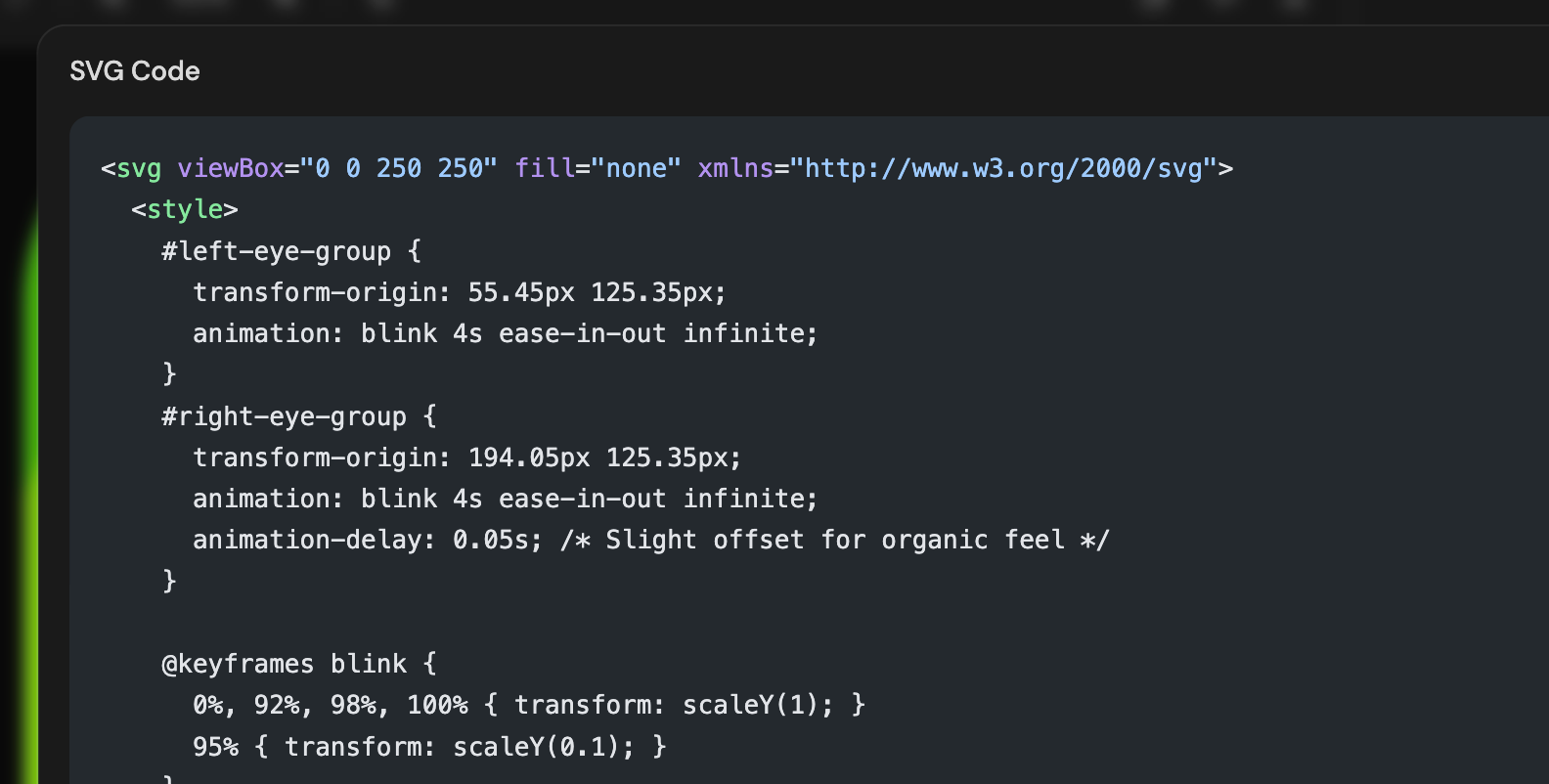
Selection Bar: Easily select and delete individual elements on the canvas without digging through layers.

Animation Playback Improvements
Fine-tuning your animations is now smoother than ever:
Default Loop: Loop playback is now on by default so you can see your motion in action instantly.
Flicker-free Scrubbing: We fixed the annoying flicker when toggling playback or scrubbing through the timeline.

Artifact Library
No more jumping between projects to find that one perfect asset. The new Library tab on the SVG Input node lets you browse and reuse SVGs from your other projects without leaving the editor.
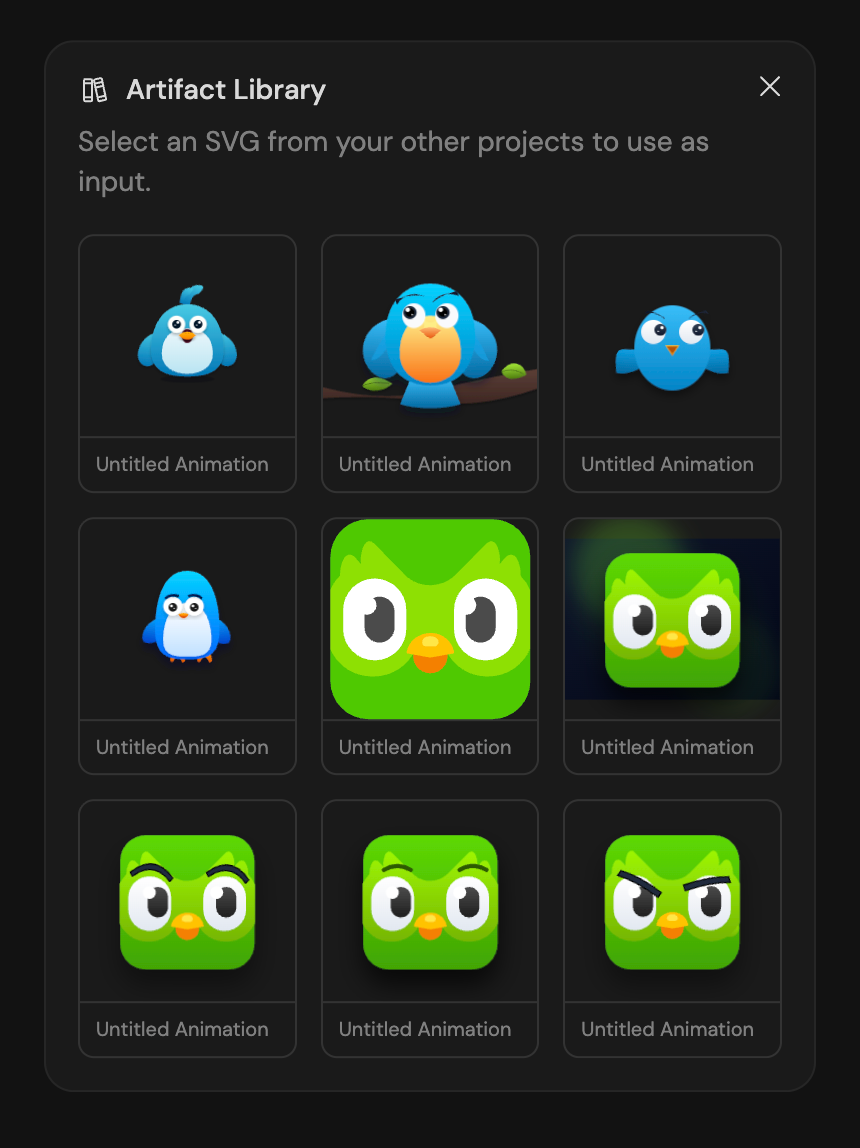
Smarter Node Management
Keeping your workspace organized shouldn't be a chore. We've added a few features to help you navigate complex graphs:
Auto-Generated Titles: Every render output now gets an AI-generated title (like "Spinning Gear Logo") so you know exactly what’s what at a glance.
Editable Names: Want to call it something else? Just click the title to rename it.
Node List Sidebar: A new collapsible sidebar lists all your nodes. Click any entry to instantly jump to that node on the canvas.

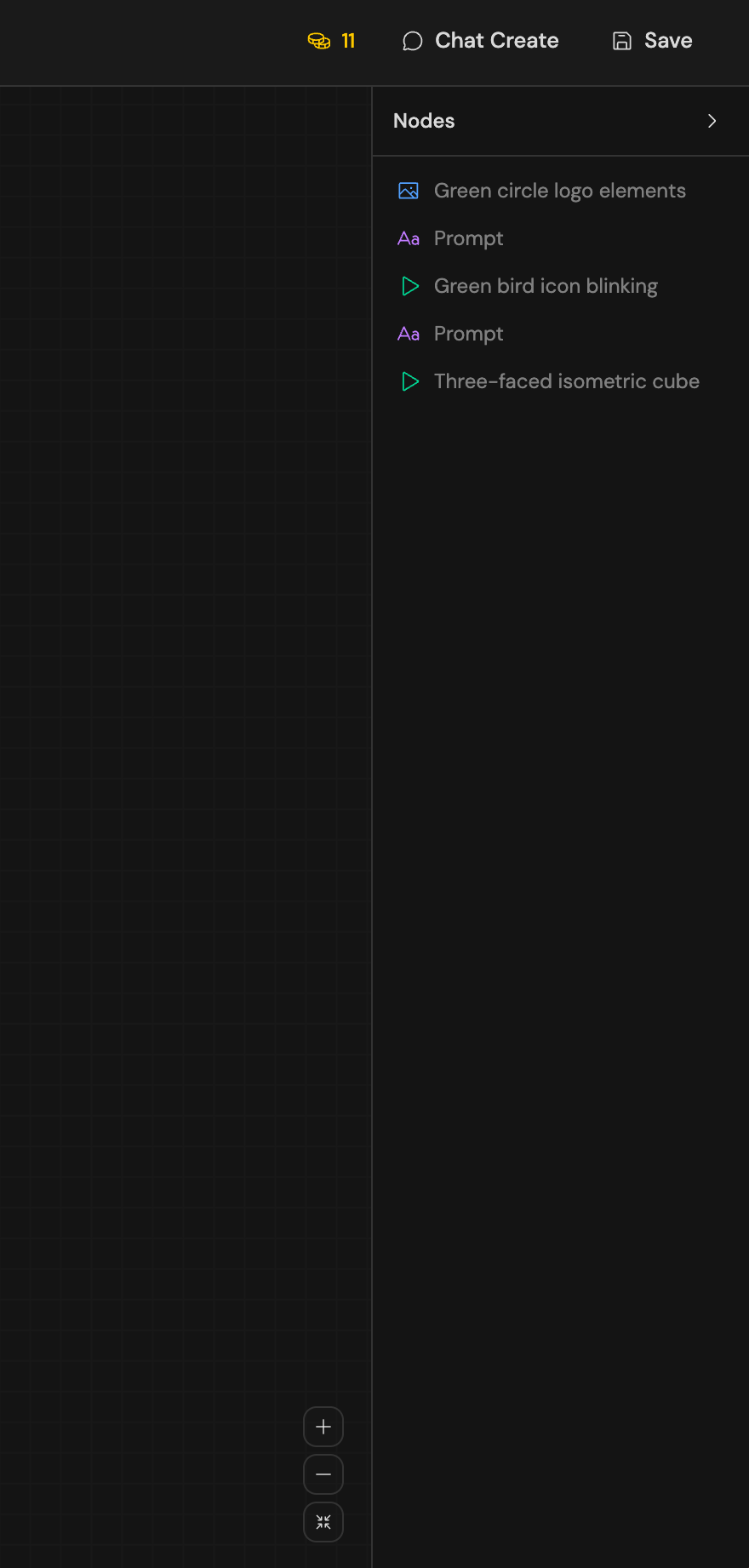
Export Fixes & Improvements
We've overhauled our export system to make sure your work looks great everywhere:
High-Res PNGs: PNG exports now render at 4x resolution for crystal-clear quality.
Better GIFs: GIF exports now properly capture CSS animations at up to 2x resolution.
Smart Disabling: To prevent broken files, PNG export is now automatically disabled for SVGs with CSS animations (we'll nudge you to use GIF instead).

Join Prakhar on Peerlist!
Join amazing folks like Prakhar and thousands of other builders on Peerlist.
0
1
0