

AI Hub Video Generator: Bridging The Gap Between People
AI Hub Video Generator
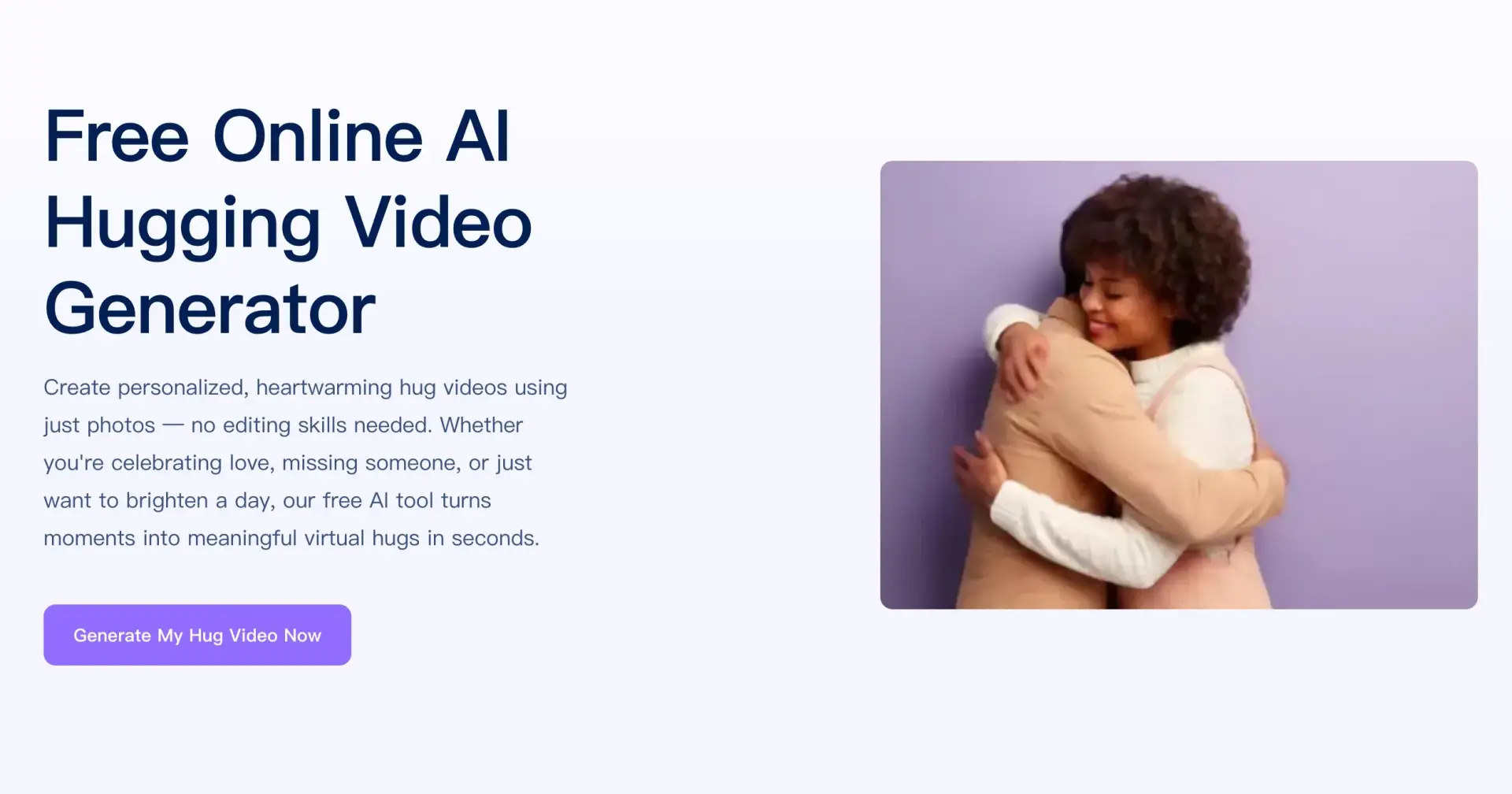
Today, AI is constantly bridging the gap between people. Even when separated by thousands of miles, we can still express our longing and affection in various ways, such as phone calls and online video calls.
However, these expressions of emotion have limitations, especially when we yearn to convey a physical embrace. To address this, PixNova launched its "AI Hug Video Generator" creating a brand-new interactive experience for users. In this article, I will detail how to use this tool to make warmth visible and felt in the simplest way.
What is AI hug video generator? What can it do?
A hug is the most direct way to express love and care. An AI hug video generator is precisely the best way to resolve this regret—with just a few photos and a few minutes, you can have a "virtual hug" video full of genuine emotion, without needing any editing skills.
For couples, AI hug videos not only serve as a new way to express affection but also create a unique sense of ritual for every important day—such as Valentine's Day, anniversaries, and birthdays. For long-missed family and friends, a warm hug video can act like a time capsule, recreating the tenderness of shared moments.
The Real-Life Needs of AI Hub Video Generator
Everyone longs to express love, longing, and care, but not everyone has the time and skills to create videos. Traditional video editing tools are cumbersome, requiring a significant time investment in learning and operation, deterring many users due to their high barrier to entry. Is there a way for ordinary people to create heartwarming hug videos in just a few steps?
Yes, PixNova's AI Hug Video Generator is the perfect choice. It generates hug videos with a single click, requiring no editing skills.
Have you ever had these questions:
1. I want to send blessings on holidays or special occasions but don't have time to carefully craft gifts. What should I do?
2. I'm separated from my family and loved ones. How can I let them feel my love?
3. I don't know how to edit, but I want to create a special, heartwarming video for my children or parents. How can I do this?
4. I want to interact with my favorite anime characters. Can I use my own photos to "hug" the characters I miss?
These needs all require a tool that is both quick and easy to use. And all of these can be accomplished using the PixNova AI hub video generator.
How to Use the AI Hug Video Generator?
To create a hug video, simply follow these easy steps:
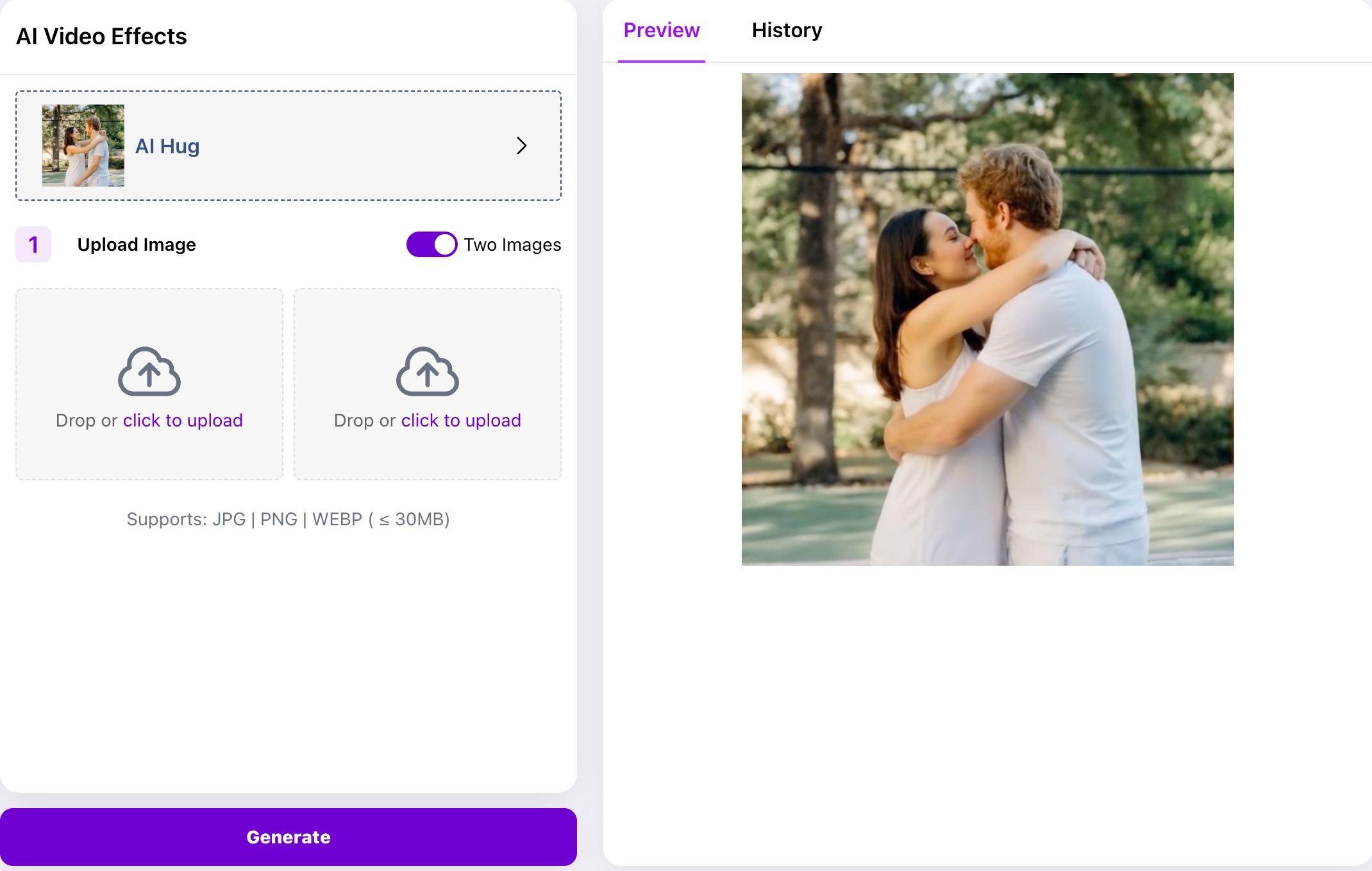
Step 1: Upload Images. You can upload one or two photos, including selfies, photos with friends, or even images of your favorite anime characters. Files can be JPG, PNG, or WEBP, and each file should not exceed 10MB.
Step 2: Choose Hug Style and Set Parameters. Some users may want to customize the action, angle, or even the theme. A variety of options are available, such as single-person hugs, two-person hugs, and celebrity hugs.
Step 3: One-Click Generation. Once everything is ready, simply click the "Generate" button, and the complete video will be generated in seconds. No manual editing, splicing, or adjustments are required.
Step 4: Preview and Save. After generation, the platform provides a preview function to check the effect. If you are satisfied, simply click "Save," or you can share it with your friends with one click.
After completion, share the hug video with the most important people in your life. Send this hug and care immediately.
AI Hug Tool Features and Highlights
PixNova AI hug video generator has gained popularity due to these thoughtful design features:
1. Perfectly Realistic Emotion Recreation: AI captures facial expressions and body details in photos, making hugs natural and vivid, conveying not only the visuals but also the emotions.
2. Abundant Customization Options: Whether you prefer cartoons, realism, or celebrities, you can find a suitable template, tailored to your individual needs.
3. Privacy and Security Guaranteed: After uploading photos, the platform promises to strictly protect user privacy and will not disclose or commercially use any personal information or image data. Images are also not saved.
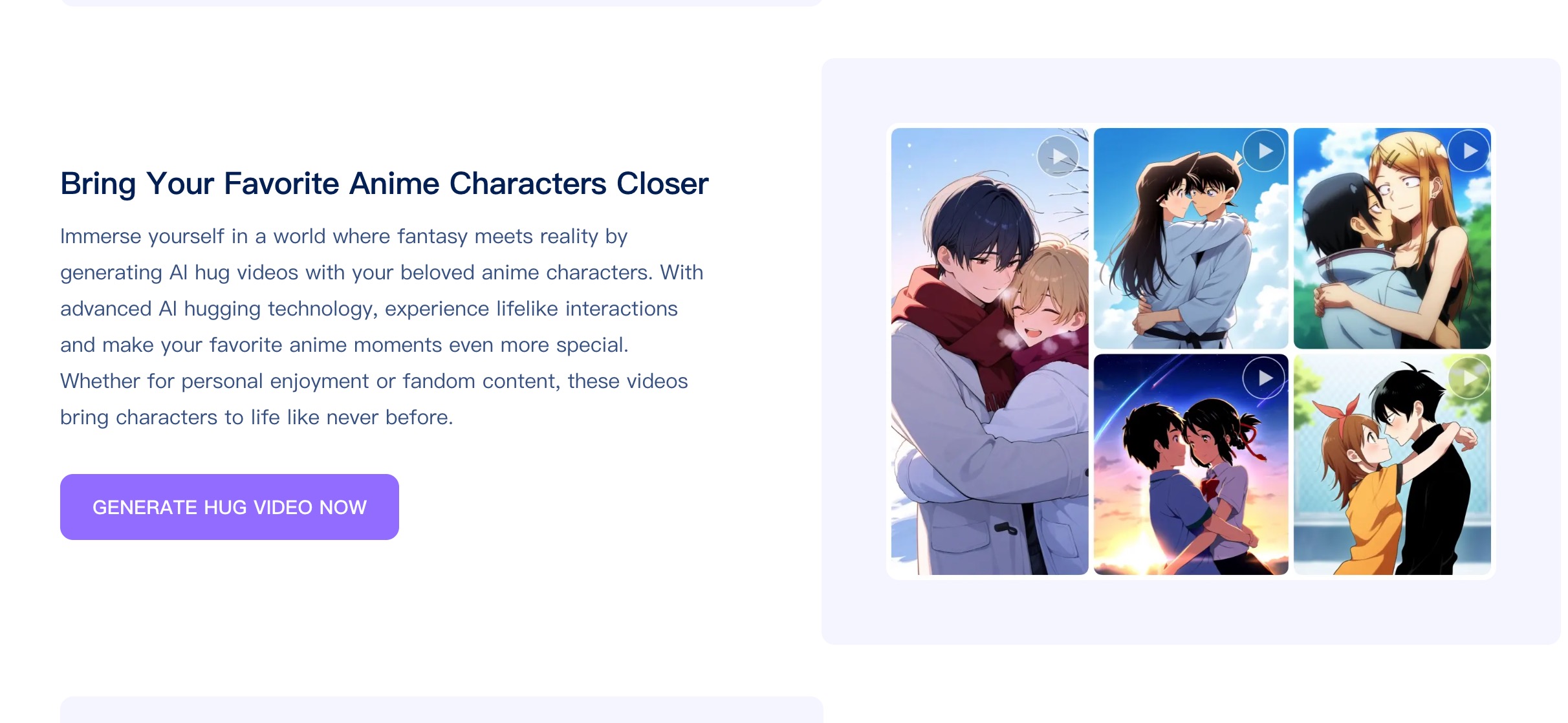
4. New Interactive Anime Experience: For anime enthusiasts, AI can not only synthesize hugs between real people but also allow you to hug virtual idols and anime characters in the same frame.
More to Do with PixNova AI Platform
It's worth mentioning that PixNova offers more than just AI hug videos; its other features are also very practical. If you want to explore even more creative possibilities, you can try AI face swapping, GIF animation face swapping, one-click hairstyle and clothing replacement, logo/avatar generation, emoji creation, lossless image enlargement, background replacement, anime character generation, and more. Whether it's for personal commemorations, family blessings, or fan creations, you can find new fun here.
As a free tool serving the public, PixNova AI welcomes user feedback. If you have any suggestions, encounter any problems, or need help, you can leave a message via email or join the community's social media interaction; dedicated staff will respond promptly.
Conclusion
Perhaps some hugs are far away, but with the help of AI, your warmth can instantly reach your loved ones. PixNova's AI hug video generator allows everyone to transcend spatial distance and freely express love and convey goodwill. This is not just a tool, but a gentle emotional outlet, a warm energy station in your life. No matter who you're missing, you can use this method to tell them, "No need to wait to meet, I'm already by your side."
Frequently Asked Questions
Will AI-generated hug videos be distorted or deformed?
The PixNova platform uses the latest image recognition and motion capture technology to ensure vivid results while striving to restore the original style of the photo, processing it delicately and naturally to avoid distortion.
What other creative features are there besides hug videos?
Besides hugs, users can explore kissing video generation, facial expression generation, hairstyle/clothing changes, and many other rich features, unlocking more creative ways to play with just one click.
Are the photos safe? Is my privacy protected?
We have a strict privacy protection policy. We do not save uploaded photos, and generated results are permanently deleted after 24 hours. Use it with confidence.
What if I want to edit the video again after it's generated?
Users can view their "production history," preview, regenerate, or fine-tune at any time—simple and convenient.

Join Jason on Peerlist!
Join amazing folks like Jason and thousands of other builders on Peerlist.
0
7
0