

How Saveto AI Is Redefining the AI Audio and Video Transcription Experience
Free Saveto AI Transcripttion Tool Online
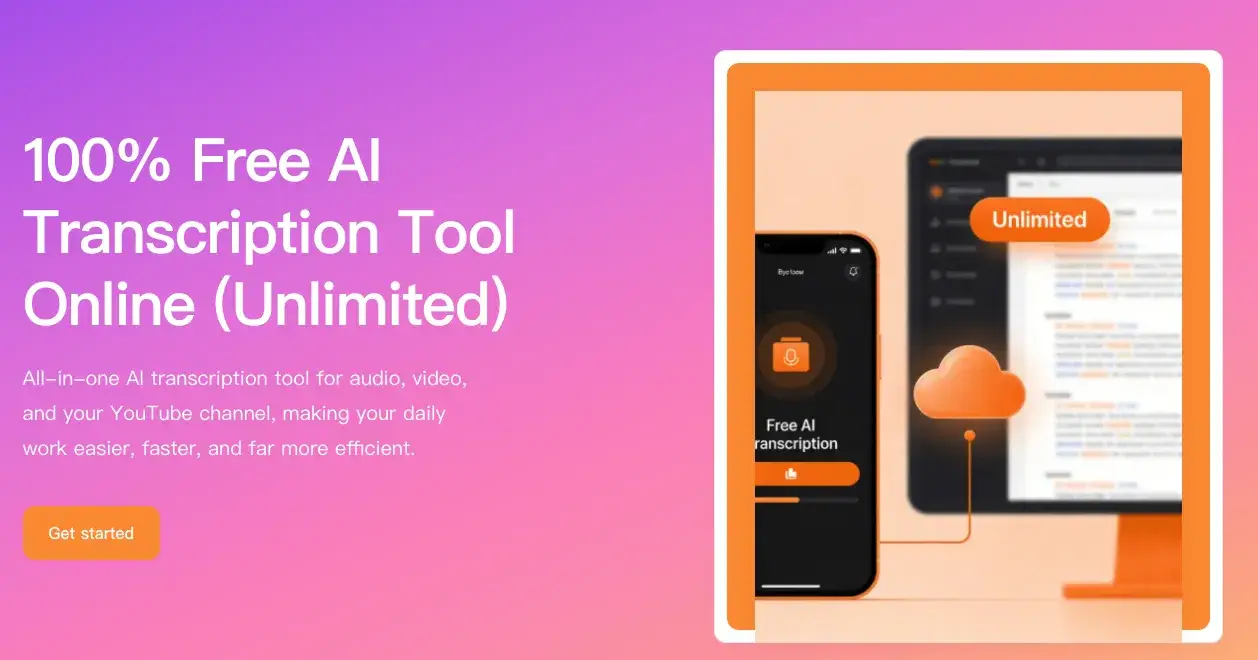
Today, the way we consume content has changed dramatically. While we used to read text and images, we now spend far more time on videos and audio. Whether it's an hour-long in-depth podcast, a foreign language lesson on YouTube, or short videos on TikTok and Instagram, audio-visual content has become the mainstream entry point for learning and entertainment.
However, problems arise. There's an increasing amount of content, but our time hasn't kept pace. Many people have experienced this: adding promising videos to their "watch later" list, only to find it overflowing with content but rarely actually watching any. Even when they do want to watch, they often end up skimming at double speed.
It is against this backdrop that audio-visual transcription tools have gained increasing attention. Quickly converting videos or audio into text not only allows for more efficient content browsing but also facilitates note-taking, data organization, and creative adaptation. Therefore, content creators, researchers, and professionals who handle large amounts of information daily are increasingly embracing transcription tools as essential efficiency tools.
However, many transcription products in reality are not so user-friendly. Some transcription tools require registration and login, others require subscriptions to export results, and still others, even after transcription, output only a densely packed paragraph of text, offering a poor reading experience.
Recently, an AI transcription platform called Saveto AI has begun to attract attention in the industry. A review of its core product page reveals that it attempts to solve these problems in a simpler and more direct way—lowering the barrier to entry while incorporating more AI capabilities into the transcription results. In the highly competitive AI transcription market, this approach is gradually setting it apart.
Features Review: What did Saveto.ai Do Right?
When you open the Saveto AI transcription page, the first impression is how simple and clean it feels. There are no unnecessary elements, and the whole layout seems designed around one goal: letting people start using the tool as quickly as possible. After trying it for a while, it becomes clear that the product focuses on solving several common frustrations people often encounter with transcription tools.
1. A true “zero-barrier” experience: free, no login, and no ads
Many tools on the market advertise themselves as “free,” but in practice there are often hidden steps. For example, you might upload a file only to be asked to create an account, or you discover a paywall when trying to export the results.
Saveto.ai takes a more straightforward approach. You can start using it directly from the website without creating an account or linking a credit card. The entire process is also free from pop-up ads, keeping the interface clean and distraction-free. For people who simply want to quickly convert a piece of audio or video into text, this kind of uninterrupted experience is surprisingly refreshing.
2. Transcribe content from multiple platforms with a single link
Saveto.ai also reflects how people actually consume content today. In addition to uploading local audio or video files, the platform allows users to paste links from popular platforms such as YouTube, TikTok, and Instagram to start transcription.
In practice, this means that if you come across a video on one of these platforms and want to turn it into text, you can simply copy the link into the tool. The system will automatically fetch the content and begin processing it—no need to download the video first.
When it comes to recognition capabilities, Saveto AI supports a wide range of languages. The platform claims to handle more than 200 languages, which can be particularly useful for people working with multilingual content. Whether the speaker has a strong accent or speaks quickly, the transcription quality remains relatively reliable, helping users access information across language barriers more easily.
3. From a “wall of text” to something actually readable
For many transcription tools, the job ends once audio is converted into text. But for users, a long block of dense text isn’t necessarily helpful—it can be difficult to read and even harder to quickly find the key points.
Saveto.ai takes a different approach. In addition to generating transcripts with precise timestamps, it allows users to quickly jump to specific parts of a video or audio file. If you’re looking for a particular quote, you can simply search for a keyword and go straight to the relevant moment.
Another practical feature is the built-in AI summary. For podcasts or interviews that run for an hour or more, the system can automatically extract the main takeaways and organize the content into a clearer structure. In some cases, it even presents the information in a format similar to a mind map, making it easier to grasp the overall flow of the discussion.
Combined with the integrated AI translation feature, this means a long video that might normally take an hour to watch can often be understood in just a few minutes by reading the transcript and summary. For many users, this added layer of understanding is far more valuable than transcription alone.
4. More than just transcription: a small multimedia toolkit
Beyond the core transcription function, the page also connects to several other useful tools within the Saveto.ai ecosystem, such as a video downloader and an AI voice cleaning (noise reduction) tool.
Sometimes audio recordings contain a lot of background noise—wind, street sounds, or other environmental interference—which can affect transcription accuracy. In those situations, users can first clean up the audio by isolating the voice, and then run the transcription. This often leads to much better results.
Having these tools available within the same platform also saves time. Instead of switching between multiple services, users can handle downloading, audio cleaning, and transcription in one place, making the overall workflow much smoother.
Saveto AI Is A Top Productivity Tool
For content creators—such as independent bloggers or YouTubers—it can quickly break down the structure of popular videos. A task that might normally take two hours of manually reviewing and organizing a script can often be reduced to just a few minutes. For students and researchers, it’s useful for organizing foreign-language lectures, online courses, or interview recordings. In the workplace, it can also help generate meeting notes quickly, saving a significant amount of time that would otherwise be spent summarizing discussions. Ultimately, it addresses a common need shared by many internet users: getting the most valuable information while spending the least amount of time and money.
Of course, from a business and enterprise perspective, a completely free product often means its primary audience is individual users or smaller teams and creators.
In specialized industries such as healthcare or legal services, enterprise-level transcription solutions usually require more complex systems—such as private deployments, strict compliance standards, and detailed team permission management. These belong to a different product category altogether. Saveto.ai has clearly chosen a more accessible route: lowering the barrier so that everyday users can easily benefit from this technology. By removing subscription fees and access barriers, it challenges the traditional pay-per-minute model used by many transcription tools. While it may not be designed as a collaboration hub for large multinational corporations, its capabilities are already more than sufficient for most creators and knowledge workers.
Conclusion
Overall, Saveto AI stands out as a practical and well-designed AI tool. At a time when many AI products focus heavily on buzzwords and technical jargon, Saveto.ai takes a simpler approach—building a tool that genuinely helps people get things done more efficiently.
It doesn’t just turn speech into text; it also acts like a small digital assistant that helps users organize and extract useful information. When faced with long videos or complex audio content, it helps users quickly find the parts that actually matter. For anyone who wants to avoid complicated workflows and expensive subscriptions, this kind of tool can be extremely useful.
If you frequently deal with videos, podcasts, or other forms of audio content, Saveto.ai is definitely a tool worth bookmarking in your browser.

Join Jason on Peerlist!
Join amazing folks like Jason and thousands of other builders on Peerlist.
0
8
0