

How to Get Transcript of YouTube Video: 6 Best Tools Tested (2026)

We’ve all been there. You’re watching an incredibly dense 40-minute tutorial or a knowledge-sharing video, and you catch yourself thinking: "Do I really need to sit through this whole thing?" Often, you patiently watch to the end, only to realize it wasn't what you were looking for at all.
Whether you are a casual learner or a marketer doing deep research, learning exactly how to get transcript of youtube video text is a massive time-saver. While YouTube has a built-in auto-caption feature, it forces you to keep the video open, and manually copying and pasting the text results in a formatting nightmare. It is highly inefficient.
To save you from this headache, I spent a full week deeply testing the most popular tools on the market. I found some amazing hidden gems, but also fell into a few traps. Here is my honest, grounded breakdown to help you find the perfect youtube transcript generator for your specific workflow.
1. Youtube-Transcript.io: A Lightning-Fast YouTube Transcript Extractor
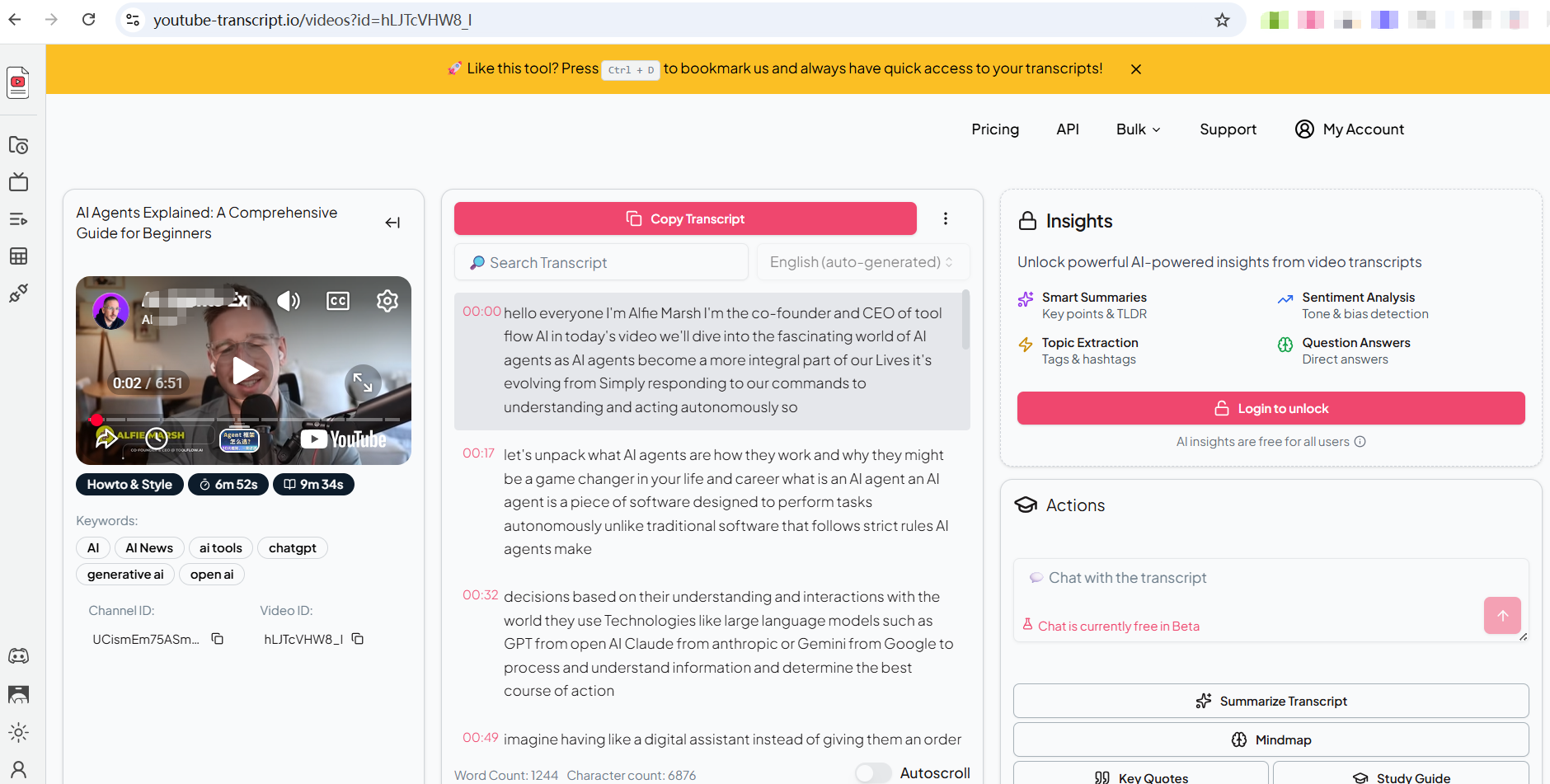
If your only goal is speed and you just want the text immediately, this is the standard multi-tool of the internet. It acts as a very basic youtube transcript extractor.
Core Features: Paste a YouTube URL, click generate, and get plain text output. They also offer an API for developers.
Pros:
Unbelievably simple to use.
The extraction speed is blazing fast. It requires absolutely zero registration or installation.
You can copy, download, and even search for keywords directly within the generated text.
Cons:
It is only a basic text grabber. If you want to pull an AI summary or deep insights, you are forced to log in.
Furthermore, essential features like text translation and summarization are locked behind a paywall.
The interface is also slightly cluttered with external ads.
Pricing: Free for basic extraction; advanced features start at $9.99/month.
2. Tactiq: A Reliable YouTube Video Transcript Tool for Meetings
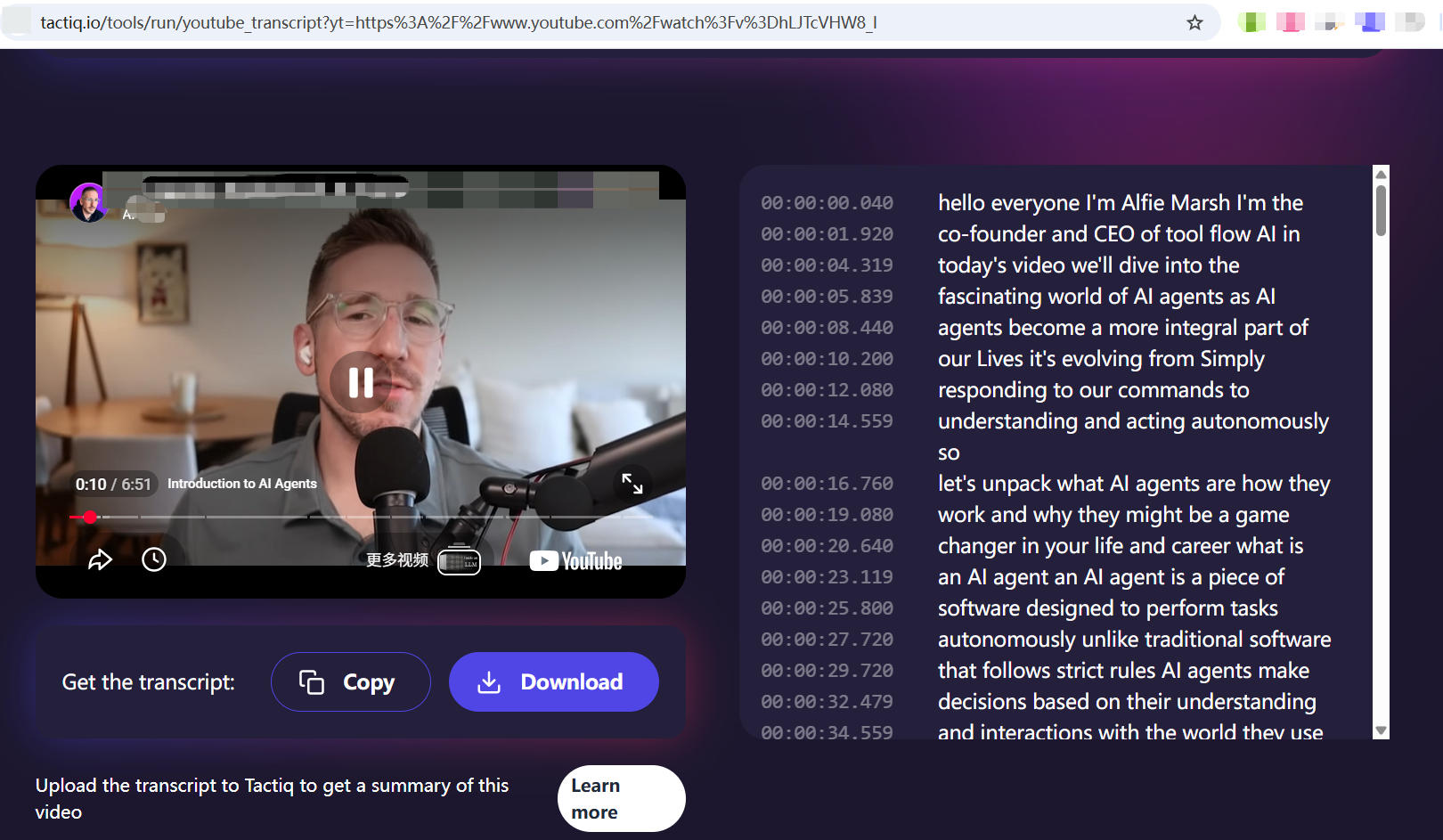
Tactiq is widely known as a live meeting assistant for Zoom and Google Meet, but they also provide a standalone web page to easily grab a youtube video transcript.
Core Features: Web-based URL extraction with downloadable, timestamped results.
Pros:
You can use it and leave without logging in.
High transcription accuracy with a clean, dark-mode interface.
Clicking on the transcribed text jumps directly to that timestamp in the YouTube video, which is great for cross-checking.
Offers a handy browser extension.
Cons:
(1) Their core business is corporate meetings, so the main dashboard is optimized for team logs, not personal creator research.
(2) When you click transcribe, it jumps to a new page where the top content is completely unrelated; you must scroll down to see your results, which is very confusing.
(3) Extremely limited features—no summaries, no translation.
(4) The extension download link is hard to find.
Pricing: Free. paid API for bulk needs.
3. NoteGPT: The Feature-Packed YouTube to Transcript Hub
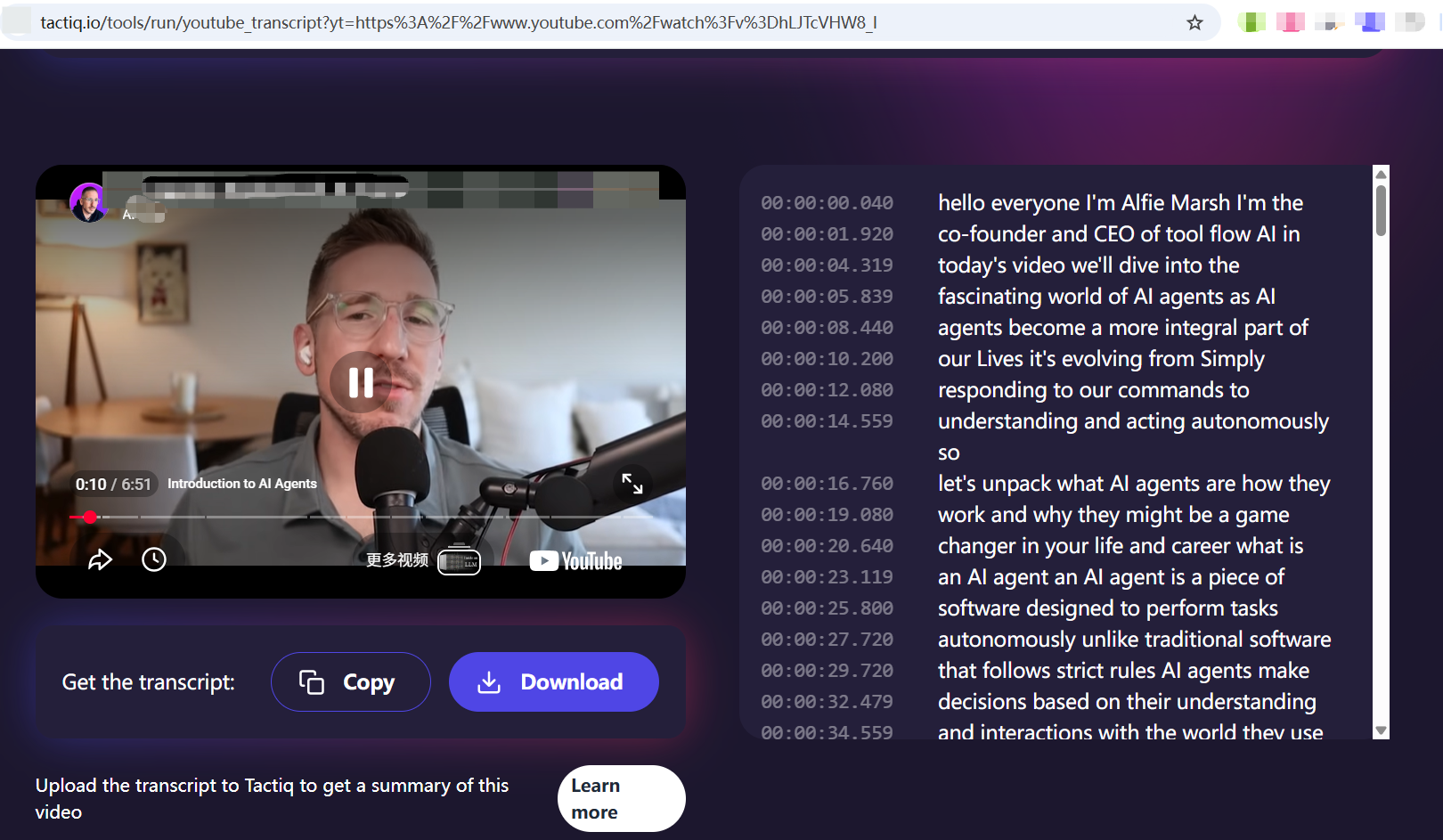
If you frequently search for a reliable youtube to transcript solution, NoteGPT pops up often. It positions itself as a heavyweight, all-in-one learning assistant targeting students.
Core Features: Multi-model AI support (Claude, DeepSeek), structured study outputs (flashcards, tables), and mind mapping.
Pros:
(1) Provides highly detailed, academic-style summaries right next to your text.
(2) Rich features including mind maps and translation.
(3) Provides sample files for beginners to test quickly.
Cons:
(1) Severe feature bloat. The left navigation bar is a maze of repetitive tools. Finding the simple extraction feature feels unnecessarily difficult, ruining the clean user experience.
(2) Small free quotas.
(3) Core features like summaries and chapters require a login to test.
Pricing: Free basic quotas; heavily promotes an "Unlimited" plan around $19.92/month.
4. YouTubeToTranscript.com: Feature-Rich but Visually Cluttered
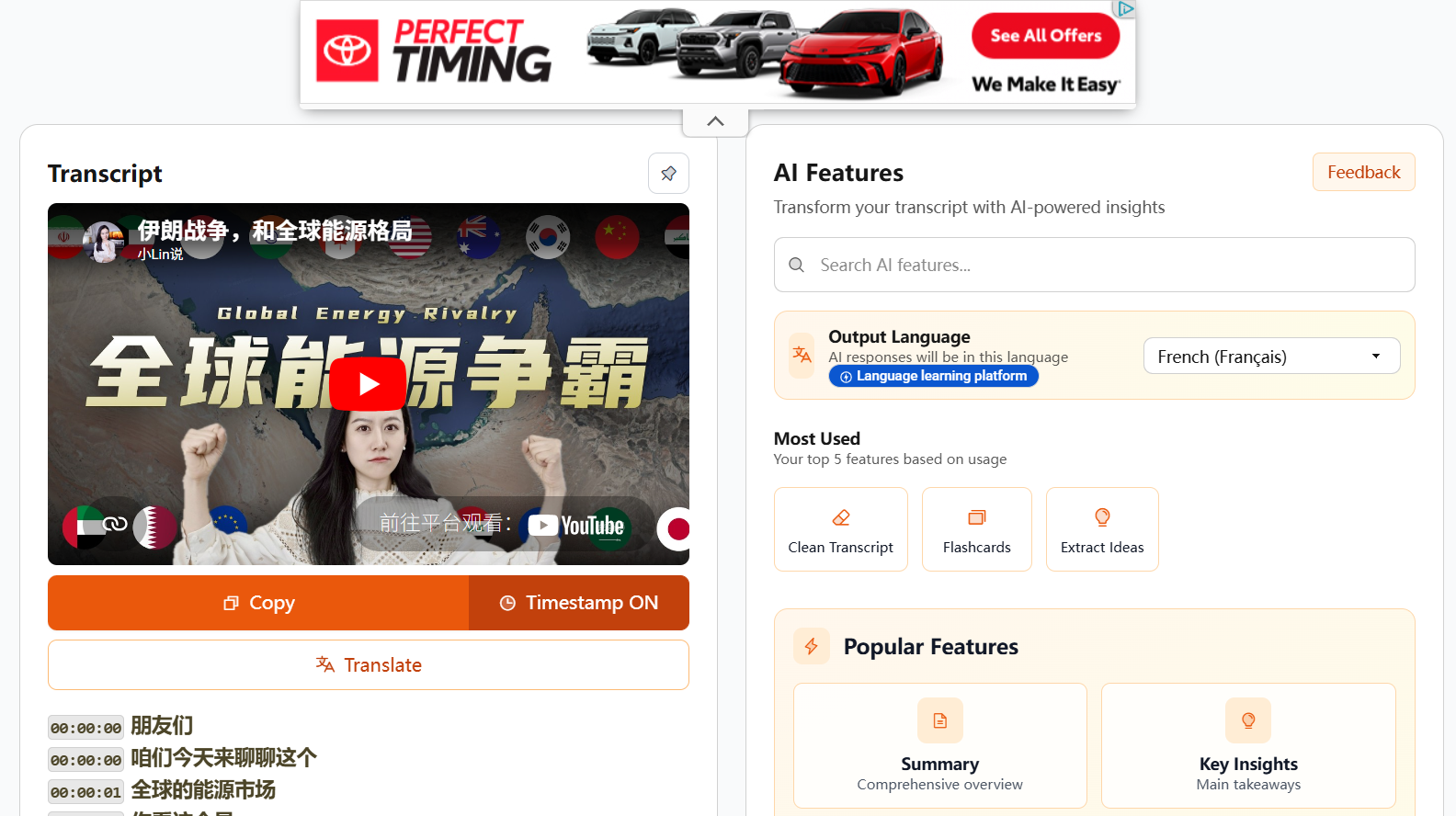
If you are looking for a dedicated tool to get a transcript for youtube videos with a bright interface and built-in language options, this site attempts to cram everything onto one page.
Core Features: Transcript generation, built-in translation to 125+ languages, a side-panel AI prompt library, and academic quizzes.
Pros:
(1) Offers handy translation buttons and attempts to integrate AI tools directly next to the text so you don't have to switch tabs.
(2) Very comprehensive tools for repurposing content.
Cons:
(1) The experience on long videos is a disaster. The transcript list stretches endlessly down the page. If you scroll down to read the text, the video player completely disappears from view.
(2) The results page is interrupted by large, distracting sponsored ads.
(3) Translation requires a login.
Pricing: Free ad-supported web tool; paid API for bulk needs.
5. Kome: Fast Extraction, but Terrible Formatting
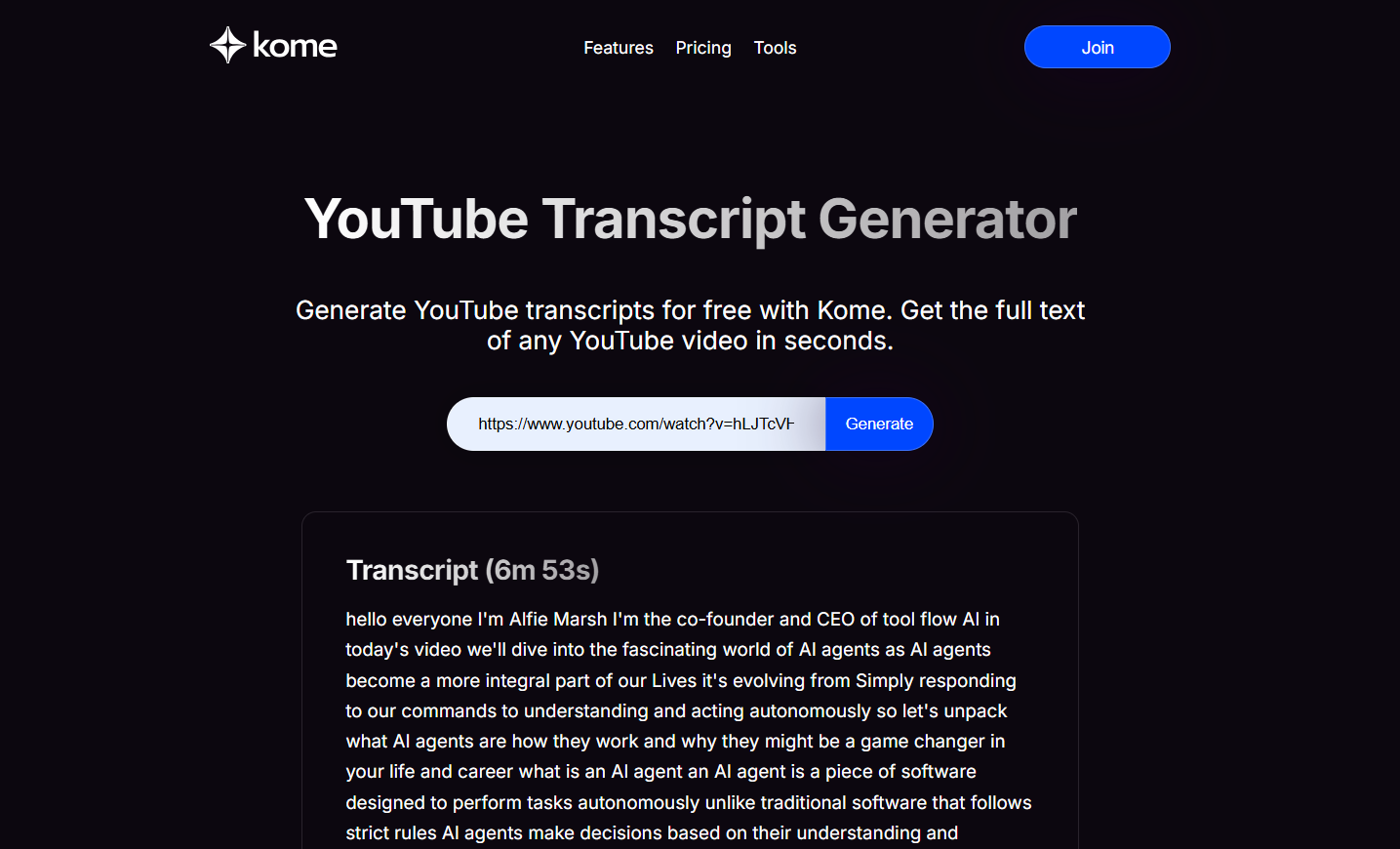
Kome is a sleek, dark-themed tool positioning itself for vertical knowledge management. However, if you just want a quick yt transcript, it leaves much to be desired.
Core Features: Instant URL extraction, Chrome extension, and PDF report generation.
Pros: Extremely fast generation from the URL and a visually modern landing page.
Cons:
(1) Terrible reading experience. The output is a massive "wall of text" without any timestamps, making it incredibly hard to parse.
(2) Even worse, it doesn't embed the original video on the results page, completely breaking your visual context.
(3) No built-in translation.
(4) Any AI processing requires immediate payment.
Pricing: Free for raw, unformatted text; charges $3.50 for a single AI PDF report, or $5.99/month for Premium.
6. Saveto AI: The Ultimate All-in-One Creator Workspace
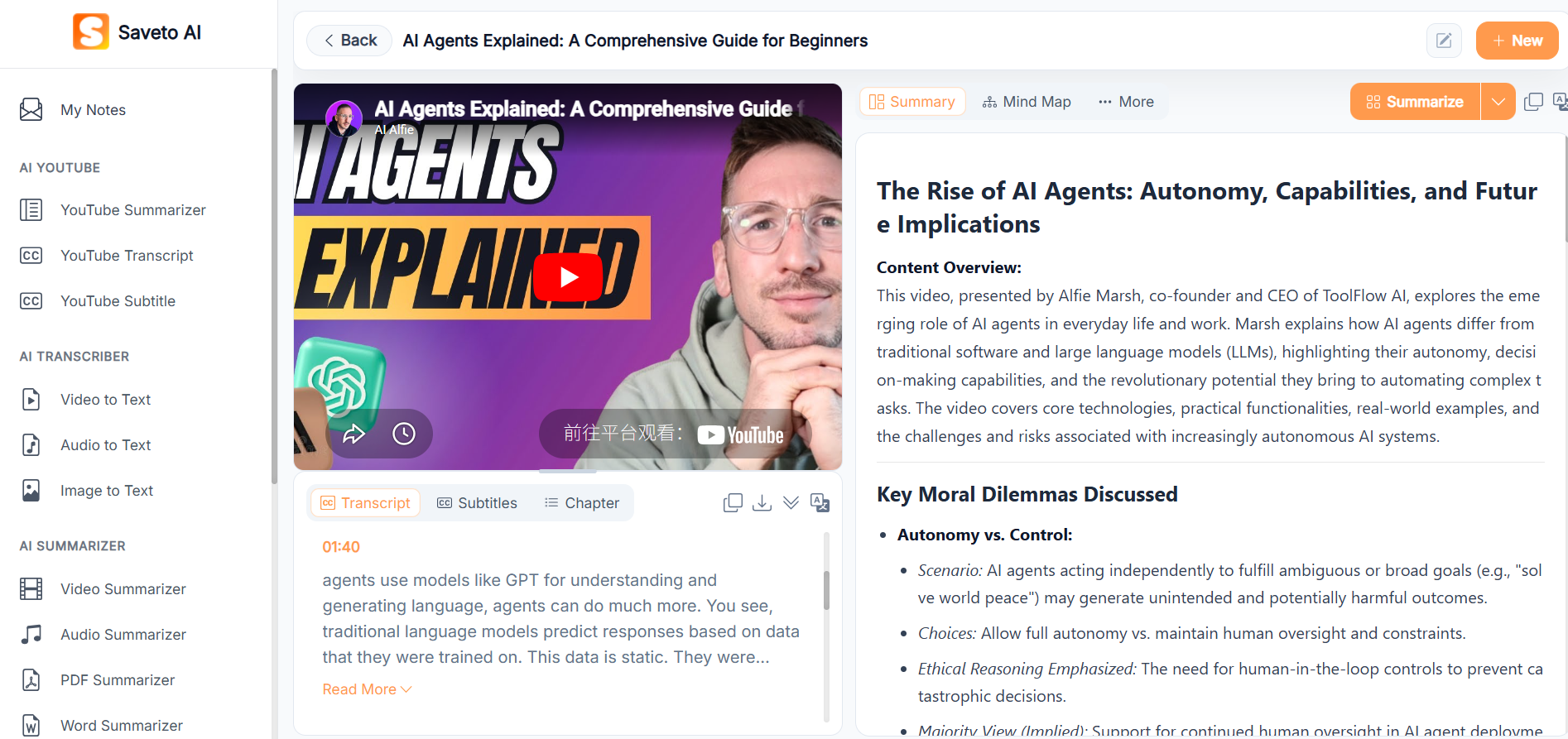
After testing all of the above, I realized the biggest pain points aren't the transcription itself, but the "terrible formatting," "constant tab-switching," and the "inability to read and watch at the same time."
If you are wondering how to get a transcript of a youtube video without these headaches, I highly recommend my current daily driver: Saveto AI. It isn't just a simple extractor; it’s a beautifully designed integrated content workspace.
Why it Stands Out (Pros):
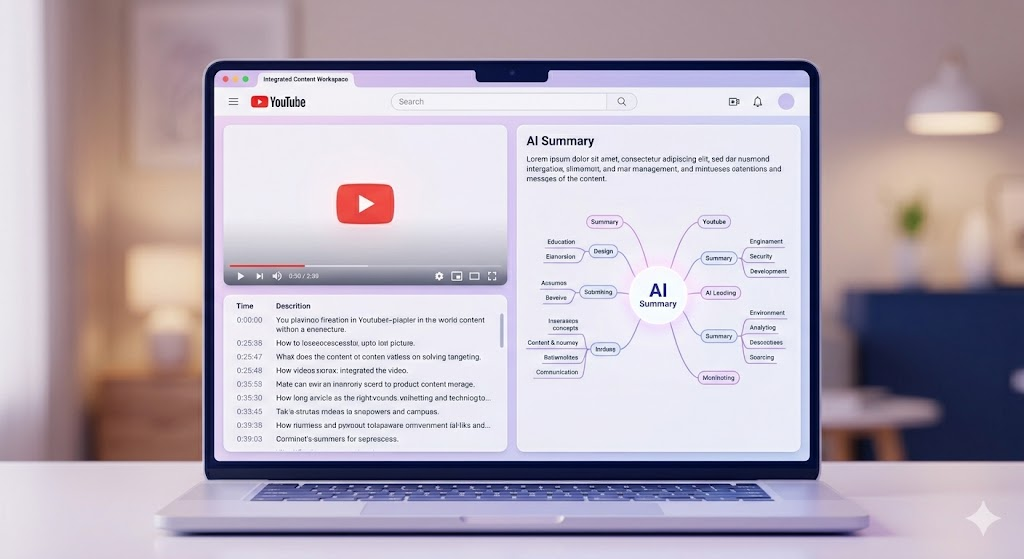
The Perfect 3-Panel Layout: Drop a link, and the video plays on the top left, the timestamped transcript scrolls in a fixed container on the bottom left, and your AI summary generates on the right. Because the text box scrolls independently, the video never leaves your sight—completely fixing YouTubeToTranscript's biggest flaw!
One-Click Visual Insights: Tired of reading? Turn tens of thousands of words into a clear, structured Mind Map with a single click.
No More Walls of Text: Unlike Kome's messy output, Saveto’s timestamps and paragraphs are incredibly clean and easy to read.
True Knowledge Base: Your processed videos don't just disappear. They are automatically saved into your "My Notes" folder, building a permanent, searchable second brain.
Where it Falls Short (Cons): Clicking on the transcribed text doesn't currently jump to that specific timestamp in the video, which makes cross-checking slightly inconvenient. Additionally, the visual style of the homepage feels a little disconnected from the sleek UI of the actual workspace.
Pricing: Completely free for basic use, offering extremely affordable premium plans designed for heavy creators.
Summary
Choosing the right tool ultimately depends on your specific needs and goals. If you only require a brief text and don't mind a somewhat messy format, a basic extractor like Youtube-Transcript.io will definitely get the job done.
However, if you're like me - tired of "copy-paste fatigue", frustrated with the occasional disappearing video player, overwhelmed by cluttered "walls of text" or "walls of tools" - then you need a system that can truly help you learn and create quickly.
You don't need to juggle five different browser tabs to figure out which tool is more efficient at generating text transcripts from YouTube video notes. Saveto AI integrates videos, perfectly formatted text, and AI summaries into a seamless window, revolutionizing my workflow. Stop letting formatting issues drain your energy and start transforming videos into real knowledge.

Join Jason on Peerlist!
Join amazing folks like Jason and thousands of other builders on Peerlist.
1
4
0