

Your Simple Guide to Staying Safe from Online Scams
First Step's to Digital Safety
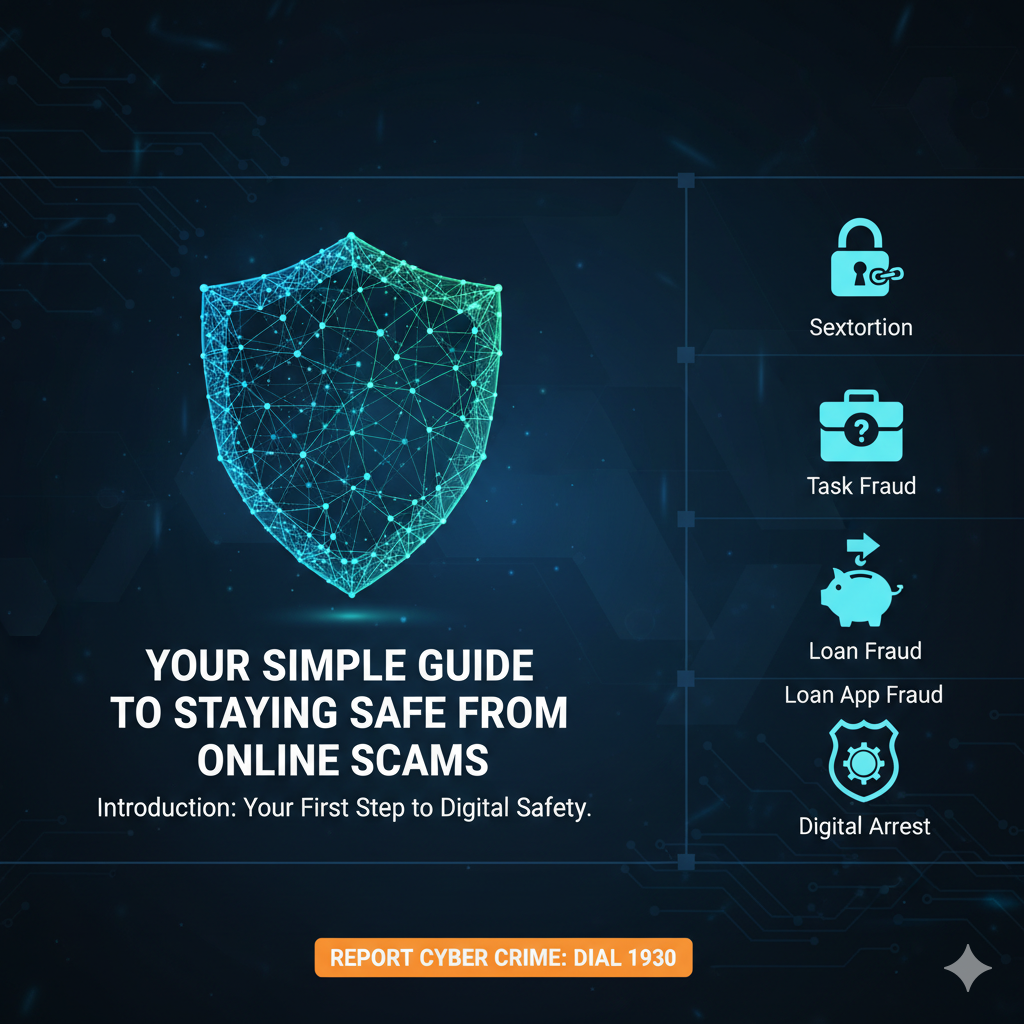
Introduction:
Welcome to your primer on digital safety. Cyber Crime is any criminal activity committed using technology like a computer or a mobile device. While the number of online crimes is increasing, you don't need to feel powerless. The purpose of this guide is to empower you with the knowledge to recognize and avoid the most common online scams. Understanding how these scams work is the single best way to protect yourself and stay safe in the digital world.
--------------------------------------------------------------------------------
1. Understanding Common Online Scams: What to Look For
This section breaks down some of the most common and trending types of fraud you might encounter online today. Recognizing their patterns is the first step to avoiding them.
1.1 Sextortion: Emotional Blackmail
What It Is:
How It Works: Victims are tricked or coerced into providing private or intimate content, such as nude photos or videos. The criminals then use this material to exploit and blackmail the victim, demanding payment or more content.
Who Is Targeted:
Teenagers and young people who use social media extensively.
Women, who are frequently targeted for this form of blackmail.
Active social media users who share personal information that can be stolen and misused.
People using online dating apps or websites.
Celebrities or other prominent individuals.
What to Do if Targeted:
Report Immediately: Call the Cyber Crime Helpline at
1930or file a report on the official portal:cybercrime.gov.in.Stop Communicating: Avoid all interaction with the criminals. The more you communicate, the more they will try to intimidate you.
Secure Your Profiles: Make your social media profiles private and do not accept friend requests from strangers.
Protect Your Data: Never send bank details, Aadhaar, PAN card, photos, or any other personal information to the criminals. Do not share any One-Time Passwords (OTPs).
Be Wary of Video Calls: Avoid answering video calls from unknown numbers. Criminals may record your face and edit it into obscene videos to use for blackmail.
Do Not Fear Their Threats: Cyber criminals might threaten to send an obscene video to your relatives and friends; however, such videos are typically not circulated on social media. Their power comes from your fear, so do not be afraid of these threats.
1.2 Task Fraud: The "Too Good to Be True" Job
What It Is:
How It Works (The Modus Operandi):
Initial Contact: The victim receives an unsolicited message about an attractive part-time job.
Simple Tasks & Small Payments: To build trust, the victim is asked to complete simple tasks, like liking YouTube videos, and receives small payments (e.g., Rs 150-200).
Escalation: The victim is moved to a Telegram handle for "bigger tasks" that require them to invest their own money for "prepaid tasks," with the promise of higher returns.
The Disappearance: After the victim invests a substantial amount of their own money, the scammers cut off all communication and vanish.
How to Protect Yourself:
Be skeptical of unsolicited messages offering easy money for simple online tasks.
Avoid job offers that promise unrealistic returns.
Never send money to anyone promising high-paying tasks.
Verify the legitimacy of any job offer through the company's official website.
Do not share login credentials or financial information with unknown persons on messaging apps.
1.3 Loan App Fraud: A Debt Trap
What It Is:
How It Works: These apps credit a small loan amount to your account. Then, to create a debt trap, they may keep crediting more small amounts multiple times, even after you've made a repayment. They may also ask for permission to download a separate app, giving them access to your phone's data, including your contacts and photos. Recovery agents then begin to harass you and your contacts, demanding repayment of inflated amounts and threatening to share your personal pictures. This is why it is critical to never grant indiscriminate permissions to apps (see Section 2.3 for how to check and manage these permissions).
How to Stay Safe:
Be suspicious if a loan is offered in minutes without any check of your financial history.
Double-check the source of the app and search for its reviews and testimonials before downloading.
Do not click on suspicious links found in loan advertisements.
Do not grant apps indiscriminate permissions, especially to your contacts and photos.
1.4 Digital Arrest: Impersonation and Intimidation
What It Is:
How It Works:
The Call: The victim receives an automated call claiming their mobile number was used in illegal activities like money laundering.
Impersonation: The call is transferred to a person pretending to be a police inspector. To sound legitimate, they use your stolen personal information, saying something like,
"Your name is XXX and your Aadhaar card number is XXX, and you have opened a bank account used for money laundering."The Threat: The scammer fabricates a story about a serious crime and sends fake arrest warrants via WhatsApp to build fear.
Escalation: The call is "transferred" to a senior officer. The scammer may use a brief video call showing someone in a uniform to make the threat feel more real.
The Demand: The victim is told they must transfer all the money from their bank accounts to a "secret bank account" to clear their name and avoid arrest.
What to Do:
Know that no government investigation agency will ever call and demand money.
Do not answer Skype or WhatsApp video calls from unknown numbers claiming to be police.
Never send your bank details, Aadhaar card, PAN card, or other personal information to them.
Avoid long conversations; the more you talk, the more they will try to intimidate you.
Immediately end the call and report the incident.
Recognizing a threat is the first half of the battle. The second is building your digital defenses. Here are the simple, proactive habits that will keep you safe.
--------------------------------------------------------------------------------
2. Building Your Digital Defenses: Proactive Steps for Online Safety
These are simple yet powerful habits you can adopt to protect your personal information and secure your accounts from unauthorized access.
2.1 Secure Your Accounts
Use Strong & Unique Passwords: A strong password should be a combination of upper and lower case letters, symbols, and numbers.
Enable Two-Step Verification (2SV/2FA): This adds a critical layer of security to your accounts.
For WhatsApp: Go to
Settings > Account > Two-step verification.For Gmail: In your Google Account settings, turn on 2-Step Verification.
For Shopping Accounts: Sites like Amazon and Flipkart offer this in their security settings.
Review Account Recovery Options: Regularly check that your recovery phone number and email address are up to date for crucial accounts like Gmail.
Remove Risky Access: Periodically review which third-party apps have access to your Instagram or Google accounts and remove any that look suspicious or that you no longer use.
2.2 Protect Your Personal Information
Never give out personal information like your last name, address, phone number, or photos to unknown people online.
Do not open email or instant message attachments unless you are absolutely sure of the source.
Do not click on links inside emails or instant messages from unknown senders.
Be aware that anything you post online can be there forever.
2.3 Secure Your Mobile Device
Use a Strong Lock Screen: Protect your phone from unauthorized access by setting up a strong password, PIN, or biometric lock (fingerprint or face recognition).
Check Call Forwarding: Dial
*#62#to check if your calls are being forwarded to another number. To stop all call forwarding, dial##21#.Manage App Permissions: Regularly check which apps have permission to read your SMS messages. Go to
Settings > Permissions > Permission Manager > SMSto review and revoke access for any apps that don't need it.Install Government-Recommended Apps:
Install
M-Kavach 2to protect your Android device from malware.Install
TRAI DND 3.0to block spam calls and messages.
Even with the best defenses, it's crucial to have a plan. If you ever become a victim, here is your immediate action plan.
--------------------------------------------------------------------------------
3. If You Are a Victim: Your Immediate Action Plan
If you realize you've been scammed, the most important thing you can do is act quickly. Swift action can help authorities track the criminals and potentially limit the damage.
3.1 The Most Important Step: Report Immediately
The first and most critical action is to report the crime to the authorities. Do not delay.
How to Report
Contact Information
National Cyber Crime Helpline
Dial 1930 (or 1945)
National Cyber Crime Portal
https://cybercrime.gov.in
3.2 What to Do for a Lost or Stolen Mobile
Activate a new SIM card for your number immediately to regain control of your mobile number and prevent scammers from using it to access your accounts.
Report the lost device on the Central Equipment Identity Register (CEIR) website to help block it across networks.
Lock the SIM card with a PIN to prevent it from being used in another device.
If your device supports it, set up a password requirement for switching the phone off.
--------------------------------------------------------------------------------
Conclusion: Stay Informed, Stay Secure
The best defense against cybercrime is awareness and caution. By understanding how scammers operate and taking simple steps to secure your accounts, you can significantly reduce your risk. We encourage you to share this information with your friends and family. The more people who are informed, the safer our entire online community will be.

Join Mohammad ASAAD on Peerlist!
Join amazing folks like Mohammad ASAAD and thousands of other builders on Peerlist.
0
7
0