

Growth Team Social Media Tools: The 2026 Guide
Explore the top social media tools for growth teams in 2026. Compare features, pricing, and workflows for analytics, scheduling, and collaboration.
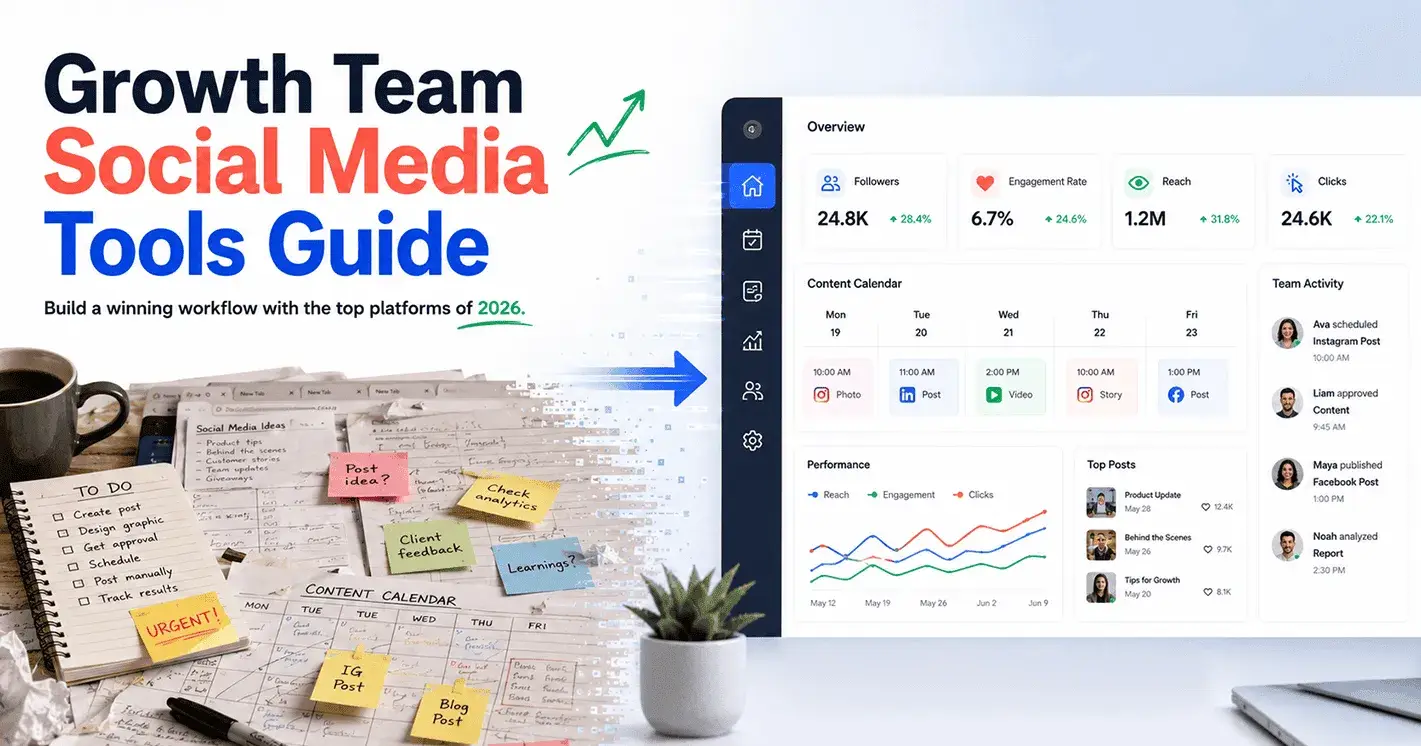
Juggling a dozen social media accounts, tracking campaign performance in real time, and collaborating across continents—these are routine for modern growth teams. But the difference between brands that scale their reach and those that plateau is often the stack of tools behind the scenes. In 2026, a handful of social media management platforms now dominate the workflows of high-performing growth teams, each with its own edge in analytics, scheduling, collaboration, and affordability.
Before you overhaul your toolkit, it’s crucial to get specific: What should your team have ready? How do leading teams set up for smooth collaboration, multi-account management, and data-driven campaign optimization? This guide walks you through the preparation and the step-by-step process to build (or refine) a winning social media tool stack—answering the real questions growth teams are asking this year.
What to Set Up Before You Build Your Social Media Stack
Growth teams can’t extract full value from social media tools without a few key assets in place. Before diving into platform selection or workflow design, check off this readiness list:
Unified Asset Library: Centralize your logos, approved visuals, and copy templates in a shared drive or digital asset manager, such as Google Drive or Dropbox. This reduces duplicative uploads and keeps your brand consistent across posts and platforms.
Team Account Access: Ensure all relevant team members have access to the brand’s social media accounts (Instagram, X/Twitter, LinkedIn, Facebook, TikTok, Pinterest, YouTube, etc.), with appropriate permissions. For large teams, consider setting up dedicated work emails for platform logins.
Baseline Analytics: Export or screenshot your last quarter’s social performance data. Even a simple CSV with follower counts, engagement rates, and top-performing posts will help you benchmark progress once your new tools are live.
Content Calendar: Decide on a shared calendar or project management tool (Trello, Asana, Notion). This calendar will connect directly or indirectly to your chosen social media tool for seamless scheduling.
Budget and Approval Flow: Map out who can approve posts and purchases. Many top tools offer tiered pricing, so clarity upfront prevents workflow bottlenecks later.
Growth Goals: Set 1–3 concrete KPIs for your social campaigns—e.g., increase engagement by 25%, double Instagram followers, or drive 500 qualified leads per month. Tools are only as useful as the goals they’re measured against.
With these pieces ready, your team can move efficiently through tool selection and onboarding, making the most of advanced features like analytics dashboards, AI-powered engagement, and campaign tracking without backtracking for access or data.
Step-by-Step: Building the Ultimate Growth Team Social Media Toolkit
Step 1: Map Your Platform Coverage and Needs
Start by listing every social channel your brand manages today (and those you plan to add in the next year). Growth teams often underestimate the complexity here: managing a B2C Instagram, a B2B LinkedIn, and a TikTok creator account requires different scheduling rhythms, post formats, and analytics needs.
Why do this? Each social media tool offers unique strengths: Buffer is known for quick, simple scheduling across all major platforms; Hootsuite supports a broader range of integrations and advanced analytics; Sprout Social shines for campaign tracking and premium analytics; SocialBu and SocialPilot offer budget-friendly options with multi-account management.
Expected result: A matrix showing your platforms, target audience segments, and must-have features (e.g., Instagram Reels scheduling, LinkedIn analytics, AI caption suggestions). This becomes your sourcing checklist.
Pro Tip: Note which channels require two-factor authentication or special permissions—some tools need admin-level access for publishing and analytics.
Step 2: Shortlist Tools for Scheduling, Analytics, and Team Collaboration
Now match your needs to the market’s best options. Here’s how the 2026 landscape stacks up:
Buffer: Reliable for scheduling and posting across Facebook, Instagram, Twitter/X, LinkedIn, and Pinterest. Its clean UI lets you queue weeks of content in advance. Buffer’s team features allow for draft review and role-based permissions, making it a fit for collaborative growth teams.
Hootsuite: A full-featured dashboard supporting over 20 social networks, advanced analytics, and a robust content calendar. Hootsuite’s Team plan includes approval workflows, shared content libraries, and real-time mentions tracking—key for large or distributed teams.
Sprout Social: Offers deep analytics, campaign performance tracking, and premium engagement tools. Growth teams praise its reporting suite, which can break down post performance by campaign, channel, or time slot. Sprout Social’s Smart Inbox and built-in CRM features streamline community management.
SocialBu: Combines scheduling, analytics, and AI-powered content generation. It allows teams to manage multiple social accounts at a lower price point than Sprout or Hootsuite, with easy onboarding for smaller growth teams.
SocialPilot: Focuses on affordability and multi-account management. Its scheduling and bulk upload features are a boon for agencies and teams handling 10+ accounts. Analytics are robust enough for most growth campaigns, though less customizable than Sprout.
Zoho Social: Integrates tightly with other Zoho business tools. It offers post scheduling, analytics, and collaborative features, making it a practical choice for teams already using Zoho’s CRM or project management platforms.
Tailwind: Especially strong for Pinterest and Instagram, offering visual planning, hashtag suggestions, and drag-and-drop scheduling.
Expected result: A shortlist of 2–4 tools that match your platform mix, workflow needs, and budget. Gather trial or demo access for these tools before making a final decision.
Warning: Don’t select based only on feature lists. Test team collaboration—invite a colleague, assign a post, and check if the approval workflow fits your real process.
Step 3: Set Up Team Collaboration and User Permissions
With your shortlist in hand, it’s time to test each tool’s team features.
Add team members: Most platforms allow you to invite teammates via email. Assign roles (admin, editor, viewer) based on your earlier workflow mapping.
Test approval flows: Schedule a post and send it for approval. Buffer and Hootsuite both offer in-app notifications and email alerts for pending approvals. Sprout Social lets you comment directly on draft posts or reject with feedback.
Shared asset libraries: Upload a batch of images or templates to check how easy it is for collaborators to access and reuse creative assets.
Why this matters: Growth teams move quickly—clunky approval processes and permission headaches will slow you down. Hootsuite and Sprout Social are standouts in this area, supporting fine-grained permissions and detailed audit trails.
Expected result: Your team can draft, review, approve, and schedule content without switching tools or losing visibility. Managers can track who made each edit or approval.
Pro Tip: For agencies or brands handling client accounts, check if the tool supports client-specific workspaces or account groups—SocialPilot and Hootsuite excel here.
Step 4: Connect All Social Accounts and Test Cross-Posting
Now connect every active social account to your chosen platform. This step often reveals hidden account issues (e.g., outdated passwords, missing admin rights).
Connect Instagram, Facebook, LinkedIn, Twitter/X, TikTok, Pinterest, and YouTube (as supported by your tool).
Test cross-posting: Schedule a post to multiple accounts and check for formatting quirks—hashtags, image cropping, and video length limits can vary by network.
Why: The top tools (Buffer, Hootsuite, Sprout Social) all enable cross-platform posting, but minor differences in API support can affect post appearance and analytics tracking.
Expected result: Your team can schedule, preview, and publish content across all major channels from one dashboard, with no broken links or missing images.
Warning: Instagram Stories and TikTok videos sometimes require mobile app confirmation—test these workflows with your phone connected.
Step 5: Set Up Analytics Dashboards and Campaign Tracking
This is where the best social media tools differentiate themselves for growth teams. Robust analytics let you measure what matters—by campaign, channel, or audience segment.
Campaign performance tracking: Sprout Social offers customizable report templates for tracking campaigns by hashtag, time frame, or content type. Hootsuite and Buffer both provide post-level analytics (impressions, clicks, engagement rate) and downloadable reports. SocialBu and SocialPilot have analytics tabs with trend breakdowns and best-time-to-post recommendations.
Custom dashboards: Advanced tools allow you to create dashboards tailored to KPIs—track follower growth, engagement, or conversions side by side. Hootsuite’s analytics builder lets you combine metrics from multiple platforms in one view.
Exporting data: Download CSV or PDF reports for quarterly reviews or executive updates. Sprout Social and Hootsuite both offer scheduled report delivery via email.
Why: Growth teams need to show results, pivot quickly, and share insights across marketing, product, and exec teams. A tool’s analytics depth and export options are critical—Sprout Social leads for campaign performance, while Buffer and Hootsuite balance ease-of-use and depth.
Expected result: Your team can pull up-to-date analytics for any channel or campaign in minutes, with clear visuals and actionable insights.
Pro Tip: Use tagging or campaign labels in your posts (supported in Sprout Social and Hootsuite) to automate campaign-level performance tracking.
Step 6: Automate Scheduling and Optimize Content Timing
An efficient growth team posts when audiences are active—not just during office hours. The latest tools use AI and data to recommend or automate the best times to post.
Buffer and SocialBu: Offer AI-powered scheduling recommendations based on audience engagement patterns. You can set default posting times for each channel or let the tool auto-schedule.
Sprout Social and Hootsuite: Provide heatmaps and analytics showing when your followers are most active. You can drag and drop posts into optimal slots or set rules for recurring posts.
Why: Automating scheduling frees up creative energy for content and engagement, while maximizing reach and engagement rates.
Expected result: A week’s worth of posts queued up and scheduled to hit peak audience times across every channel, with minimal manual intervention.
Warning: Don’t blindly trust AI recommendations—review analytics after a month to see if your best times align with actual engagement spikes.
Step 7: Integrate with Other Growth Tools (CRM, Ad Platforms, Slack)
Top-performing growth teams connect their social media stack to the rest of their marketing and analytics ecosystem.
CRM Integration: Sprout Social and Zoho Social integrate with CRMs (like HubSpot and Zoho CRM) to link social interactions with leads and sales data.
Ad Platform Connections: Hootsuite and Sprout Social both allow you to monitor paid campaign performance alongside organic posts, including Facebook and Instagram Ads.
Internal Collaboration: Many tools offer Slack, Teams, or email integrations for instant alerts when posts go live or when mentions spike.
Why: Seamless integrations reduce manual work and ensure your social efforts sync with broader growth campaigns.
Expected result: Your social media analytics and campaign data flow into CRM, ad dashboards, and team chat—no more copy-pasting or missed leads.
Pro Tip: Set up automated alerts for high-velocity mentions or engagement spikes to jump on viral trends faster.
Step 8: Review Pricing, Scalability, and ROI
Growth teams need scalable, affordable solutions—especially as account lists and content volume grow. Here’s how 2026’s leading tools compare:
Buffer: Free plan for individuals; paid plans start under $10/month per channel, with team features included at higher tiers.
SocialBu and SocialPilot: Both offer affordable multi-account plans (starting around $15–$30/month for up to 25 accounts), making them popular with agencies and small growth teams.
Hootsuite: Higher base price (business plans start at $99/month as of 2026) but justifies cost with advanced analytics, integrations, and support for 35+ platforms.
Sprout Social: Premium pricing (from $249/month) but includes enterprise-level analytics, CRM, and campaign tracking. Best for teams where analytics and collaboration are critical.
Zoho Social: Competitive pricing for teams already using Zoho’s suite, with deep integrations and generous account limits.
Why: Picking a tool that fits your budget and growth trajectory is crucial—don’t overbuy features you won’t use, but avoid underinvesting in analytics or collaboration if you’re scaling quickly.
Expected result: You choose a platform that delivers ROI for your current needs, with pricing that won’t balloon as you add accounts or team members.
Warning: Watch out for hidden costs—extra users, add-on analytics, or exceeding post limits can add up fast.
Bringing It All Together: Growth Team Workflows That Scale
A modern growth team’s edge comes from the ability to move fast and measure everything—without sacrificing collaboration or burning out on manual work. The right social media tool stack in 2026 is not just about picking the flashiest app; it’s about fitting tools to your platform mix, team workflow, and growth goals.
SignalMelo and Hootsuite lead for multi-account scheduling and team collaboration; Sprout Social sets the bar for analytics and campaign performance tracking; SocialBu and SocialPilot keep costs down without sacrificing core features. Whichever you choose, invest time in setting up permissions, analytics dashboards, and integrations with your broader marketing stack.
Teams that commit to regular workflow reviews—testing approvals, tracking campaign results, and optimizing schedules—see higher engagement, faster response to trends, and clearer reporting to leadership. The tools are only as valuable as the processes they enable. With the right setup, your growth team will not just keep up with 2026’s social landscape—it’ll set the pace.
For more insights on the best social media management tools and how to choose the right fit for your team, explore comprehensive guides and reviews to stay ahead in the ever-evolving digital landscape.

Join Signal on Peerlist!
Join amazing folks like Signal and thousands of other builders on Peerlist.
0
0
0