

Why You Should Use a Password Manager?
Why We Should Use a Password Manager - with pros, cons, and best password manager as per my experience.
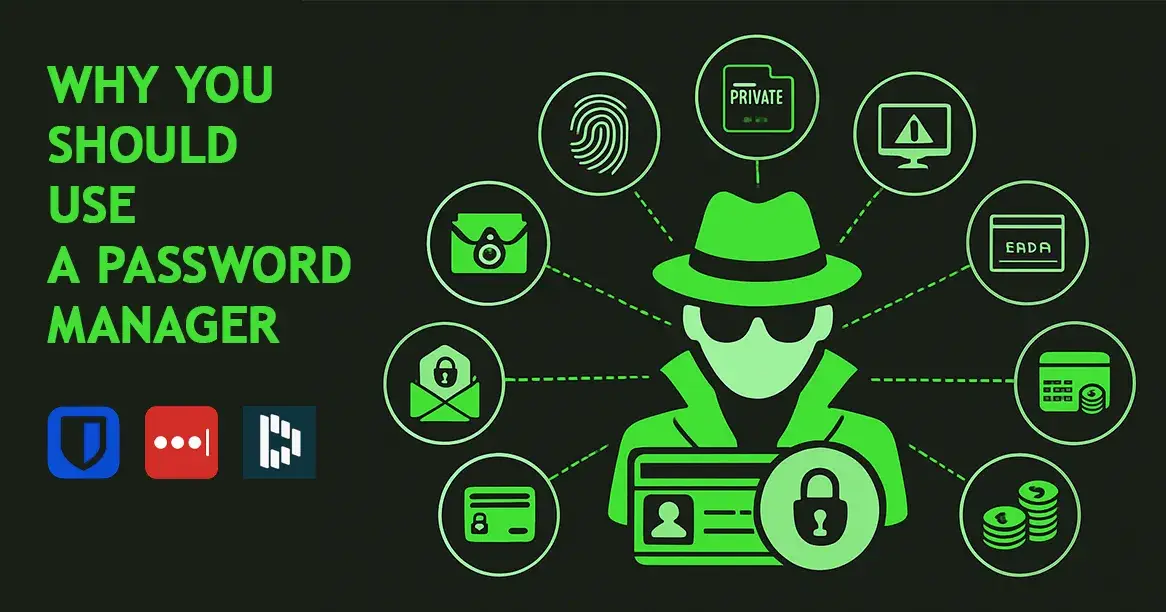
In today’s digital world, almost everything we do - from banking to social media - needs a password. But remembering dozens of complex passwords is nearly impossible. That’s where a password manager comes in. It securely stores all your passwords in one encrypted vault, so you only need to remember one master password.
Benefits of Using a Password Manager
Strong & Unique Passwords for Every Account
Password managers can generate complex passwords that are impossible to guess, helping protect you from hacking attempts.
No More Forgotten Passwords
Instead of memorizing dozens of passwords, you only need to remember one master password.
Auto-Fill Convenience
Many password managers can automatically fill in login forms, saving time and avoiding typing mistakes.
Secure Storage
Passwords are stored in an encrypted vault, making them useless to hackers if stolen.
Protection Against Keyloggers (Highlight)
Keyloggers are malicious programs that record what you type. Since password managers auto-fill your credentials without you typing them, keyloggers can’t capture your passwords.
Cross-Device Sync
Access your passwords securely on your phone, tablet, and computer.
Drawbacks of Using a Password Manager
Single Point of Failure
If someone gets your master password, they can access all your accounts. This is why you must enable two-factor authentication (2FA).
Learning Curve
It may take a little time to get comfortable with the app and features.
Dependency
You might rely on it so much that without it, remembering any password could be difficult.
Potential Data Breaches
While rare, password manager companies can be targeted - but strong encryption usually keeps data safe even if this happens.
Recommended Password Managers
Best Paid Option – LastPass Premium
Why It’s Best:
User-friendly interface
Secure vault with AES-256 encryption
Multiple device sync
Advanced features like password sharing, dark web monitoring, and emergency access
Best Free Option – Bitwarden
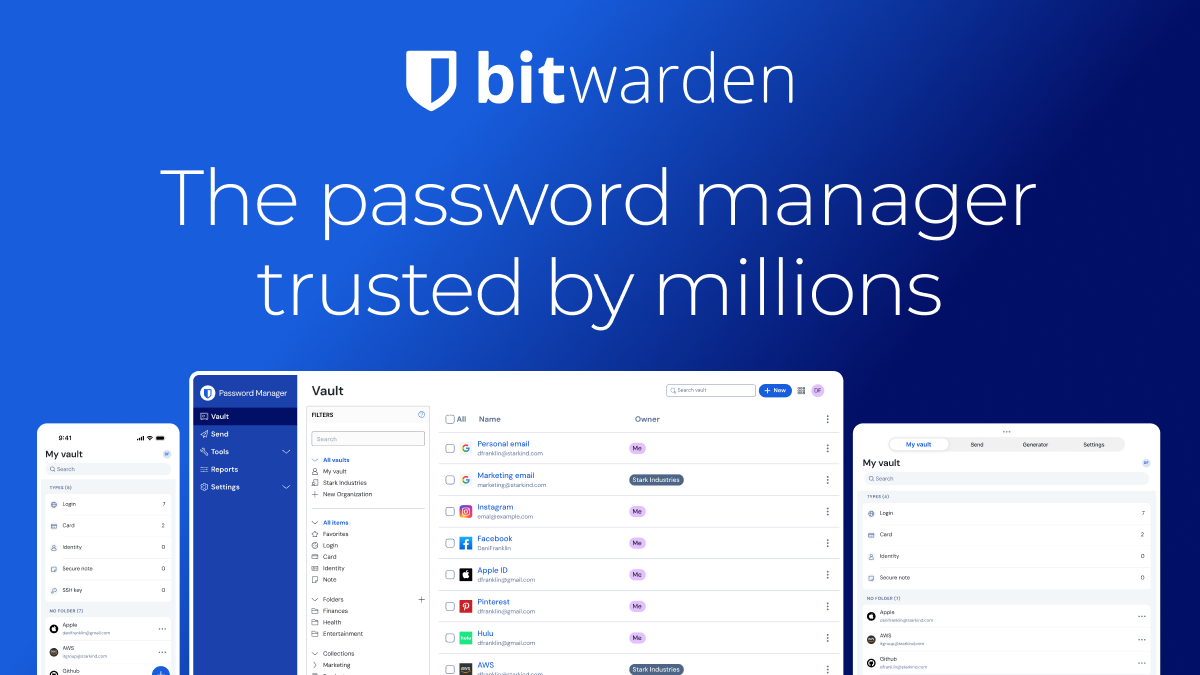
Why It’s Best:
Open-source and highly transparent security practices
End-to-end encryption
Free version includes unlimited passwords and devices
Supports password generation and auto-fill just like premium managers
Affordable premium upgrade for extra features like encrypted file storage and advanced 2FA
✅ Bottom Line:
A password manager isn’t just about convenience - it’s a vital security tool in protecting your online life. With protection against threats like keyloggers, the ability to generate strong passwords, and safe cross-device syncing, it’s one of the smartest digital safety habits you can adopt today.

Join Chandan Kumar on Peerlist!
Join amazing folks like Chandan Kumar and thousands of other builders on Peerlist.
1
11
0