

Painting Mirror – Art Studio
162
See your work through a fresh eye.
Enhance your artistic process with Painting Mirror.
This innovative app provides painters, illustrators, and artists with essential studio critique tools directly on your iPhone and iPad. Avoid getting too close to your work and missing crucial details by utilizing a suite of viewing modes designed to offer a fresh perspective.
Key Features:
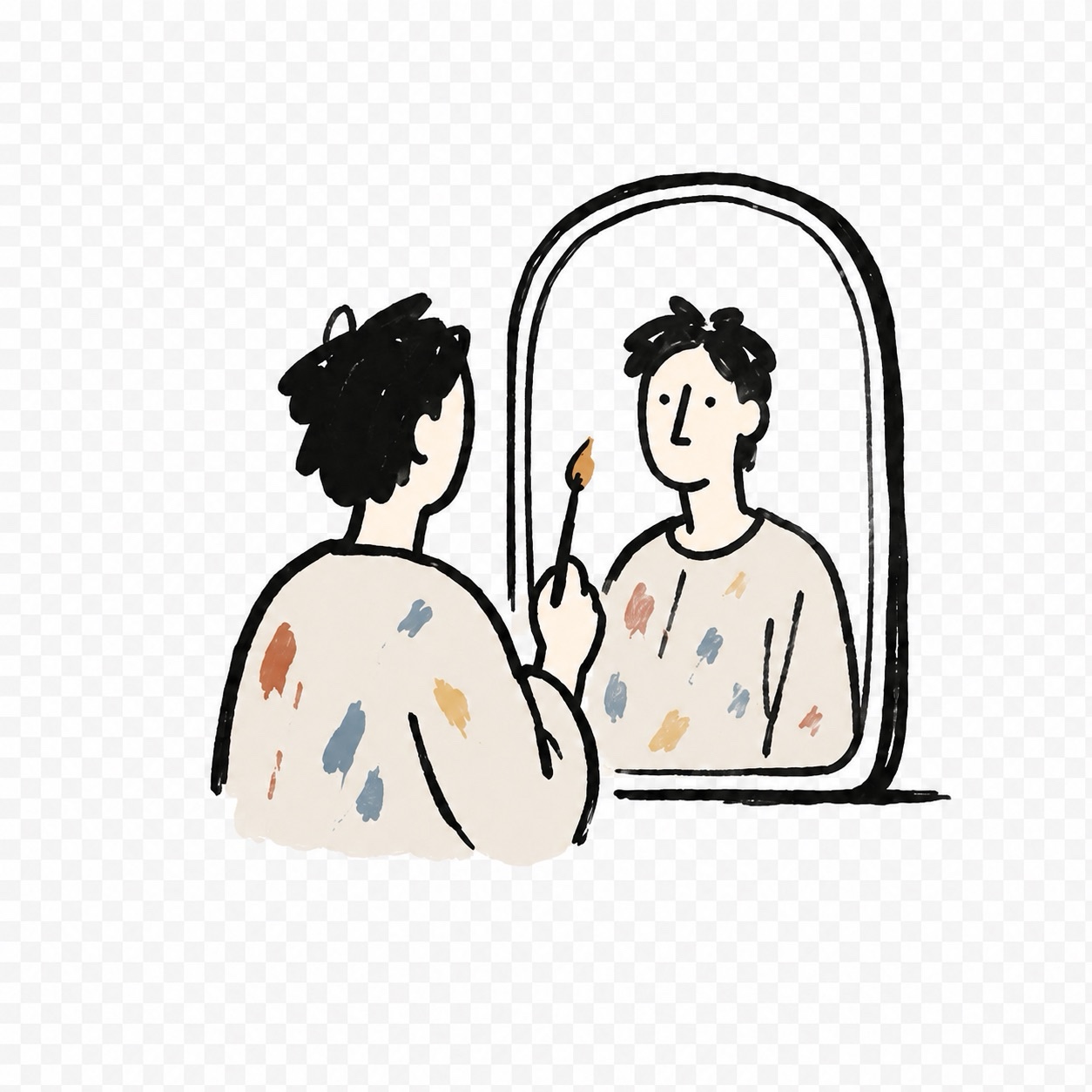
Mirror Mode: Flip your artwork horizontally to immediately spot proportion errors.
Composition Mode: Utilize a moveable crop frame with guides like Rule of Thirds and Golden Ratio to analyze composition.
Black Mirror Mode: A smoked-glass view that judges tone and shape without color interference.
Grayscale Mode: Strips color to help you read value structure and correct weak passages.
Step Back Mode: Shrinks the scene for a whole-painting read, aiding in judging balance and rhythm.
Blur Mode: Removes surface detail to check if large masses and edges still read strongly.
Critique Delay: Rest your eye before judging to return with a cleaner read.
Studio Assistant: Capture studies, build a session archive, and pin references for direct comparison.
Built for the Easel: Features like a screen that stays on while you work and a dark interface minimize distractions.
Painting Mirror offers a free version with Mirror and Composition modes, with a Full Studio upgrade available for monthly, yearly, or one-time purchases, unlocking all viewing modes and features.
Built with


