

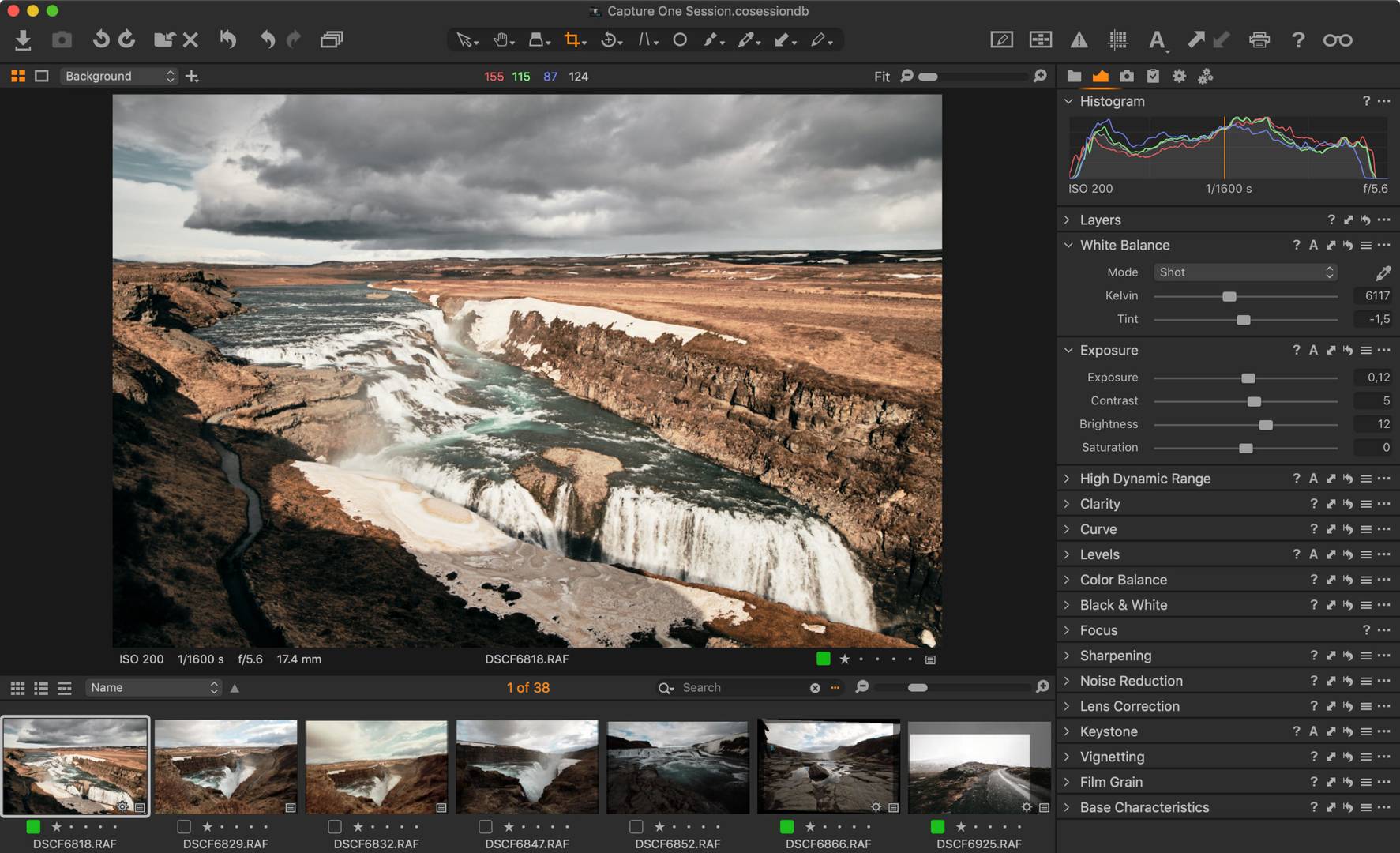
Lightroom Pro
Professional photo editing software with ultimate mobile too
🖼️ Lightroom Pro – Premium Editing Without the Monthly Bill
You've got a great shot. Almost perfect—except the lighting's off, the colors are dull, and the detail's lost in the shadows. You know Lightroom can fix it, but that $10/month subscription keeps stopping you. 💀
There's another way.
Lightroom Pro unlocks every premium feature Adobe hides behind their paywall—AI Sharpen, Generative Remove, Lens Blur, and more. No subscription. No monthly guilt. Just the full editing toolkit. 🎨
---
🔥 What's New in June 2026
Adobe's latest update brought serious firepower:
| Tool | What It Actually Does |
|------|------------------------|
| 🎯 AI Sharpen | Topaz Labs tech—recovers fur, foliage, and fine textures without weird artifacts |
| 🎬 Photo to Video | Turns static images into short, cinematic clips with AI motion |
| 👁️ Assisted Culling | Scans eye sharpness and open eyes—picks your sharpest portrait automatically |
| 🎨 Select Subject v5 | Handles hair, spokes, branches—way smarter than before |
| 📦 Duplicate Detection | Finds identical photos using pixel data, not just filenames |
Earlier this year, Adobe also added Natural Language Search—type "golden hour beach" and your photos appear. And PSB file support if you work with massive Photoshop files. 🧠
---
⚙️ What You're Getting (Full List)
| Feature | Description |
|---------|-------------|
| 🎯 AI Sharpen | Recover detail from blurry or compressed images |
| 🧹 Generative Remove | Delete objects—AI fills the gap seamlessly |
| 🌫️ Lens Blur | Add realistic depth-of-field bokeh |
| 🎬 Video Export | Share edits as MP4 with music |
| 🔍 Natural Search | "Find my sunset photos" in plain English |
| 📚 Auto-Stacking | Groups related photos by date or location |
| 🌈 Custom Labels | Color-code your workflow |
| 🎞️ PSB Support | Open huge Photoshop files |
---
💻 What You Need to Run It
| Component | Minimum | Recommended |
|-----------|---------|-------------|
| OS | Windows 10/11 (22H2+) | Windows 11 |
| RAM | 8 GB | 16 GB+ |
| Storage | 10 GB free | 20 GB+ |
| GPU | 2 GB VRAM | 4-8 GB VRAM |
| Internet | Required for activation | Required for activation |
AI features eat GPU power—if you have a dedicated card, you're in good shape.
---
🛠️ How to Get Lightroom Pro
Option 1 – For Windows PC
1. Download the setup + activation patch from a trusted source.
2. Temporarily pause your antivirus—false positives are common.
3. Run `setup.exe` as Administrator.
4. Install to your preferred folder.
5. Apply the patch (follow the included instructions).
6. Launch Lightroom Pro—everything's unlocked.
Option 2 – Mobile (Legally Free)
Adobe gives away core editing tools and presets on iOS and Android. No subscription needed for basic adjustments, crop, and presets. It's genuinely free. 📱
---
❓ Quick Answers
Free? Mobile version—yes. Full PC version—requires activation patch.
Is it safe? Yes—from trusted sources. The activator is a false positive.
Does it work on Mac? Yes—the same method works on macOS.
Do I need internet? Only for initial activation and updates.
What about Lightroom mobile? Completely free for core editing. Premium features need subscription.
---
🏁 The Bottom Line
You want Adobe-level editing. You don't want to pay for another monthly subscription.
Lightroom Pro gives you AI Sharpen, Generative Remove, Lens Blur, and all the premium tools. No subscription. No monthly bills.
Download. Activate. Edit like a pro.
---
Lightroom Pro – Premium editing. Zero subscription. 🎨
Built with


