

Automate GitHub Security Reviews with Glama’s AI Automation and MCP Servers
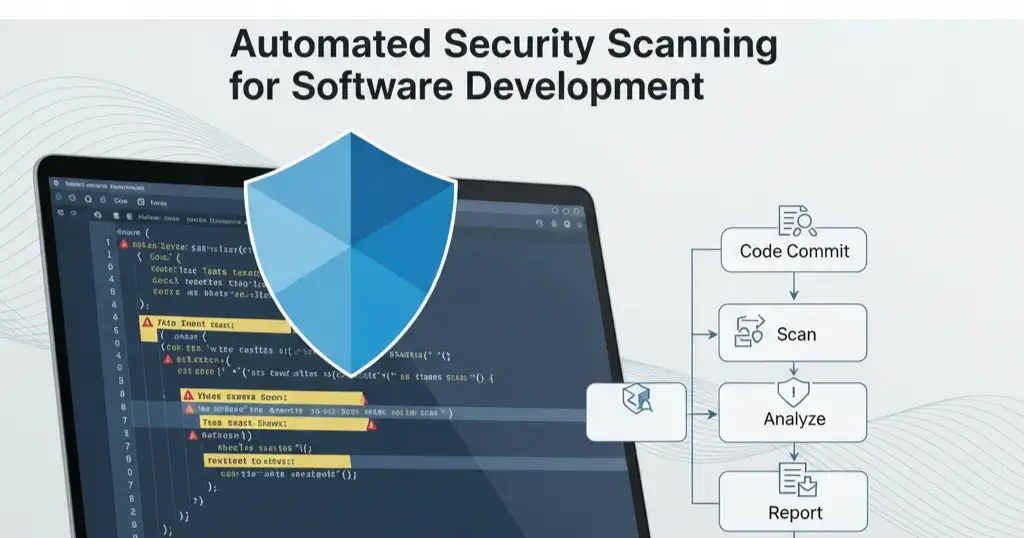
Keeping your code safe and secure is one of the most important parts of software development. Sometimes, developers accidentally commit sensitive information, such as API keys, passwords, or private tokens, which can lead to serious security issues. Manually checking every Pull Request for these issues takes a lot of time and can be easy to overlook.
In this tutorial, you’ll learn how to create an automated system that scans new code changes in your GitHub repository for potential security risks. Using the Model Context Protocol (MCP) and Glama AI 's Automation tool, the automation will review your code, find exposed secrets, and deliver you a clear report, making it easier to keep your projects safe and secure.
Step-by-Step Tutorial
Step 1 – Set Up Your Discord Bot
First, create a bot in Discord’s Developer Portal and invite it to your server with the necessary permissions to send messages. Use the Discord webhook URL for the notify_me_mcp server and add the URL accordingly. For guidance, see Build With Discord: https://discord.com/developers/docs/intro
Step 2 – Deploy the MCP Servers
a) Deploy the Notify_me_mcp Server by thesammykins: https://glama.ai/mcp/servers/@thesammykins/notifyme_mcp

b) Deploy the mcp-github Server by MissionSquad: https://glama.ai/mcp/servers/@MissionSquad/mcp-github

Click “Deploy Server” for each. Your MCP Servers page should now display the deployed servers: https://glama.ai/settings/mcp/servers

Step 3 – Navigate to Automations
Go to the Automations tab in your Glama dashboard: https://glama.ai/settings/automations Click “New Automation” and assign a title.

You’ll then need to set up your System Prompt and Trigger Message.

Step 4 – Configure Your Automation Set the System Prompt:
In this step, you’ll set up the System Prompt, Trigger Message, and schedule to ensure your Discord bot delivers timely, personalized security scan reports tailored to your repository’s needs.
Copy and paste the following System Prompt:
You are an expert automated security reviewer named 'GitHub Vulnerability Scanner'. Your task is to analyze new Pull Requests in a GitHub repository and check for potential security risks, especially exposed secrets like API keys, passwords, or tokens. You must be thorough and follow these steps exactly.

You have access to:
- @mcp-github: to get information about pull requests.
- @notify_me_mcp: to send the final report.

Instructions:
1. The user will provide a repository in the format 'owner/repo'.
2. Use @mcp-github’s list_pull_requests tool with state set to 'open' to find all open PRs.
3. For each open PR:
 a. Use the "GitHub Server" to call get_pull_request_diff to retrieve the code changes.
 b. Scan the new lines of code for exposed secrets like API keys (e.g., sk_live_..., ghp_...), passwords, database connection strings, or tokens.
 c. Assign a status: "✅ Pass" if no secrets are found, or "🚨 FAIL" if any are detected.
4. After scanning all PRs, create a single, complete report in Markdown format showing the status and analysis for each PR.
5. If no open PRs are found, send the message: "No open Pull Requests to review today."
6. Use @notify_me_mcp to send the final report to the user’s configured channel.

Be accurate, thorough, and concise in your analysis.
Your setup should look like this (ensure you use the correct MCP Servers with the "@" sign):

Copy and paste the following Trigger Message:
Enter your repository in the format "username/repo" to start the security scan for open pull requests.
Next, set the time you want to receive this message daily:

Click Save, then Trigger Automation.
Your automation is complete. Every day at your chosen time, open Discord to view the automated security scan report for your open pull requests, powered by your MCP server automation feature.


Behind the Scenes:
Step 1 – The Request You trigger the automation with your GitHub repository name.
Step 2 – Finding the Work GitHub Vulnerability Scanner reads your request and uses your GitHub Server to fetch all open Pull Requests.
Step 3 – Investigation Loop The bot examines each Pull Request, retrieving the diff — the specific lines of code added or modified.
Step 4 – Security Scan It scans the new code for potential security risks like:
API keys (e.g., sk_live_…, ghp_…)
Passwords or database connection strings
Hardcoded private tokens
Each PR is then marked as Pass or Fail based on the scan results.
Step 5 – Final Report The bot compiles a structured summary report showing the status and findings for each Pull Request.
Step 6 – Delivery The report is sent directly to your Discord channel using the webhook URL. If no open PRs exist, it notifies you accordingly.
This automation quickly handles repetitive security checks, saving time and letting your team focus on more complex development tasks.
Conclusion
Glama’s AI Automation feature, powered by the MCP GitHub and Notify Me MCP servers, makes securing your codebase effortless. It removes the burden of manually checking Pull Requests for exposed secrets. By scanning new code changes in real time and delivering clear reports directly to your Discord server, this solution helps you catch vulnerabilities early, save time, and maintain a safer development process.
Whether managing open-source projects, onboarding new developers, or ensuring compliance, this automation tool is a simple and powerful way to keep your code secure and your team focused on building better software.
Let Automation handle your security reviews, so you can focus on what matters most.
References
Build With Discord — https://discord.com/developers/docs/intro
Notify Me MCP Server — https://glama.ai/mcp/servers/@thesammykins/notifyme_mcp
Github MCP Server by MissionSquad — https://glama.ai/mcp/servers/@MissionSquad/mcp-github
MCP Servers Page — https://glama.ai/settings/mcp/servers
Glama's Automation Page — https://glama.ai/settings/automations

Join Om on Peerlist!
Join amazing folks like Om and thousands of other builders on Peerlist.
0
12
0