

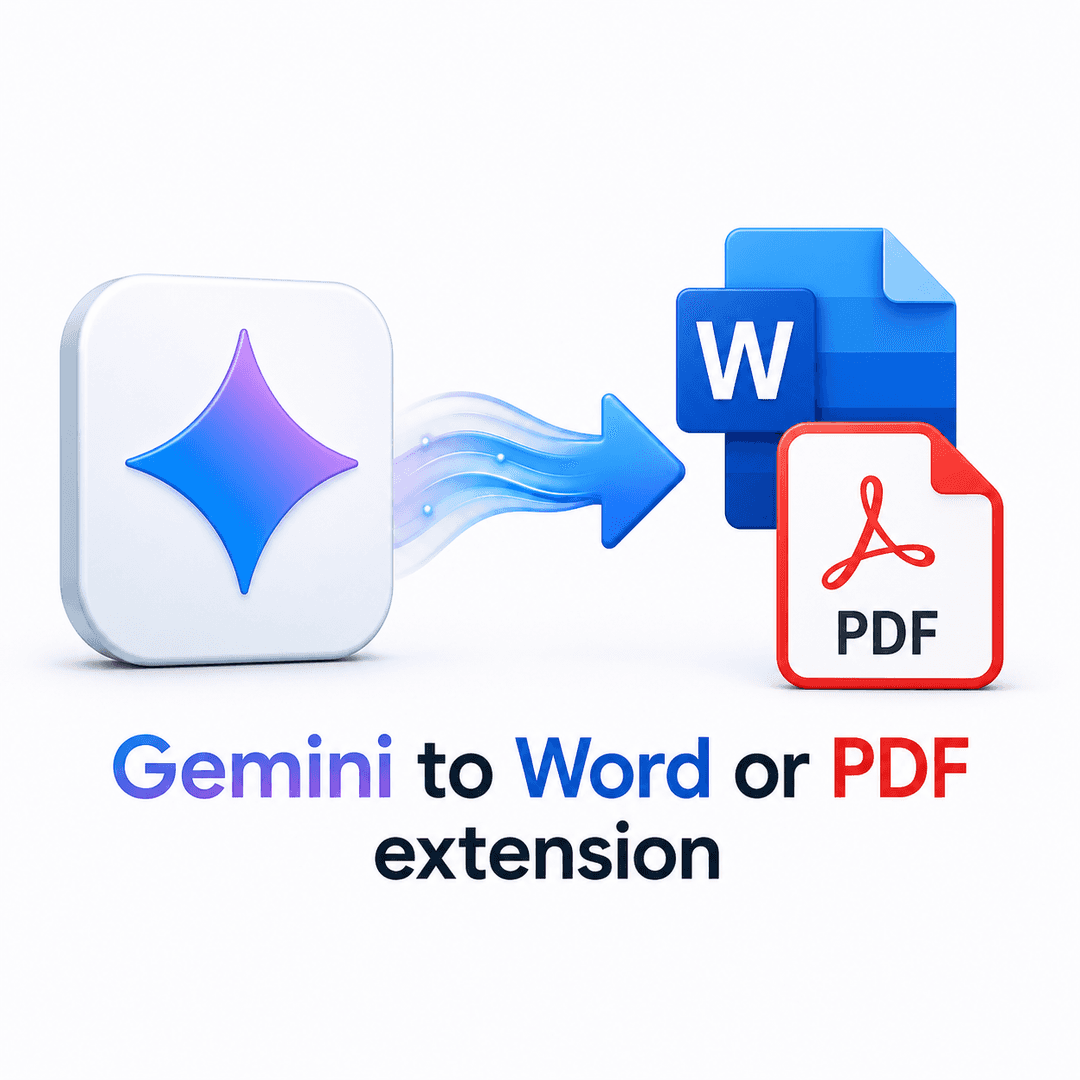
Gemini to Word or PDF Extension
120
Convert Gemini chats to Word or PDF in one click.
Productivity • DevTool • SaaS
Gemini to Word or PDF Extension is a powerful tool designed to seamlessly convert Google Gemini conversations into Microsoft Word or PDF documents. This Chrome extension allows users to export full chats, code blocks, tables, and images directly to Word or PDF format, ensuring that all formatting is preserved. With a focus on privacy, all conversions are performed locally on the user's device, with zero data sent to servers.
If you use Gemini for research, coding, or client work, you already know the pain of getting a great answer, then spending ten minutes copying it into a document and fixing the formatting by hand. This Gemini to Word or PDF extension removes that step entirely.
Key Features:
One-Click Export: Convert an entire Gemini conversation to Word or PDF instantly. No copy-paste, no retyping, no manual cleanup.
Formatting Preserved: Headings, code blocks with syntax spacing, tables, numbered and bulleted lists, and images stay exactly as they appeared on screen.
Selective Export: Export the full thread when you need everything, or select only specific messages when you just need a final answer or a single code snippet.
Customizable Layout: Adjust font, text size, and accent color before exporting so the document matches your personal notes style or your company's branding.
Editable Word Files (.docx): Every export creates a real, editable Word document ready for further writing, comments, tracked changes, and revisions.
Print-Ready PDFs: Generate clean, properly paginated PDFs that are ideal for sharing with clients, archiving, or submitting as deliverables.
Works with Gemini and Gemini Advanced: The extension supports both standard Gemini accounts and Gemini Advanced without any extra setup.
Privacy First: Every conversion happens locally in your browser. Your conversations are never uploaded to an external server for processing.
No Sign-Up Required: Install from the Chrome Web Store and start exporting immediately. No account, no email, no credit card.
Who it's for:
Researchers turning long Gemini sessions into literature reviews. Developers saving debugging conversations and code explanations as reference docs. Consultants and freelancers converting Gemini output into client-ready reports. Students and writers who want to keep useful conversations without losing formatting.
Why Word or PDF:
Word (.docx) is the format to reach for when a conversation still needs editing, such as revisions, comments, or merging into a larger document. PDF is the format to reach for when the document is final and needs to look identical everywhere it's opened, whether that's for sharing, printing, or archiving. This extension lets you choose either in the same click, so you're never stuck converting formats after the fact.
Turn your next Gemini conversation into a Word or PDF document in seconds. Free, private, and ready to use right away.
Built with

