

Discover Image2Prompts — Turning Images Into Magic ✨
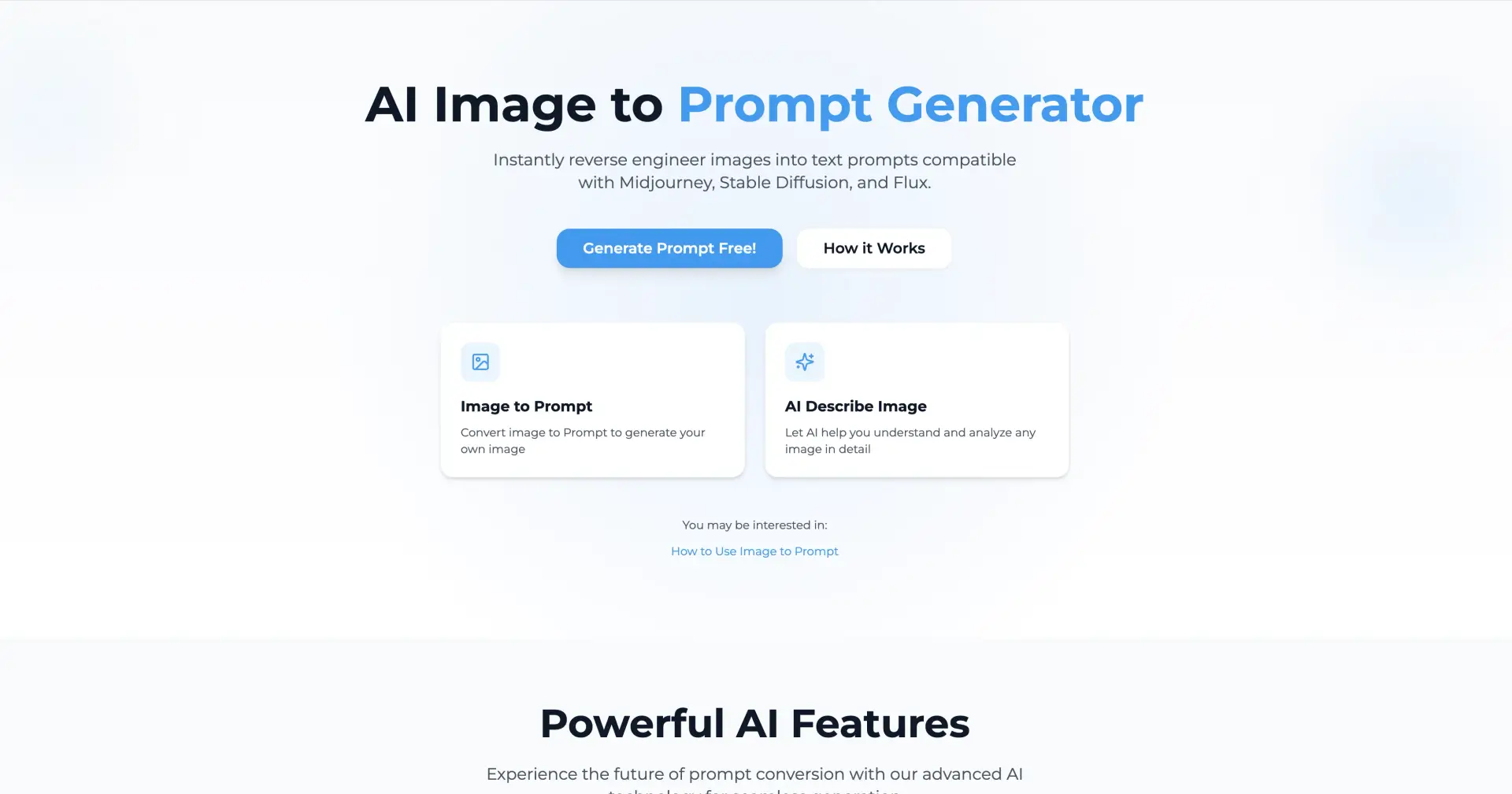
Have you ever looked at a photo — maybe a breathtaking landscape, a moody portrait, or an urban scene — and thought, “Wow, I wish I could describe this to an AI so it draws something similar for me”? That’s the exact moment when Image2Prompts becomes your creative best friend. This clever web tool transforms your images into detailed, ready-to-use text prompts, perfect for AI art engines like Midjourney, Stable Diffusion or Flux.
Why It’s So Cool
🎯 Smart — and surprisingly deep — “reverse engineering”
Upload any JPG, PNG or WEBP (up to 10 MB), and Image2Prompts’ AI gets to work. It doesn’t just glance at the image — it analyzes objects, scene composition, lighting, color palette, even the emotional atmosphere. Then it outputs a prompt that doesn’t just say “mountains and lake”, but paints a cinematic scene: “snow-capped peaks reflected in a crystal-clear alpine lake under golden-hour light… dramatic lighting with warm orange and pink hues…” etc. It’s like getting the vision behind the image translated into AI-friendly language. Image2Prompts+1
The nuance is what sets it apart. It understands style, mood, and even visual composition — giving you prompts that feel professional and evocative, not just generic facts.
🚀 Fast, easy, and (initially) free
Getting started takes three simple steps: upload an image → let the AI analyze → copy and refine the generated prompt. No steep learning curve, no complicated setup. Image2Prompts
For casual users or creative tinkerers, there’s a free plan — a great way to try it out without commitment. Image2Prompts
💡 Great for many creative needs
Whether you’re an AI-art hobbyist experimenting with different styles, a designer building a mood board, or a content creator needing alt-text and vivid descriptions — Image2Prompts gives you a launch pad. Some users say it slashes hours of manual prompt-writing down to seconds. Image2Prompts
It’s also a useful tool for bridging the gap between visual intuition and text-based generation: you give it a picture, it gives you words — and those words are more than just literal descriptions, they feed mood, style, and atmosphere back into the creative pipeline.
A Few Things to Keep in Mind
While the AI does a great job, prompts may still benefit from your personal tweaks. Think of them as a “first draft” — a strong, detailed one — but feel free to fine-tune for your own creative vision.
For heavy users (lots of images, batch processing, commercial use), there are paid plans. But for casual experimenting, the free tier is often enough. Image2Prompts
As with many tools that “translate” visual content into language, what the AI sees might differ from what you see — so treat the output as a collaborator, not a replacement for your own vision.

Join bin on Peerlist!
Join amazing folks like bin and thousands of other builders on Peerlist.
0
7
0