

Versioning! and Versioning?
The Backbone of Scalable Software
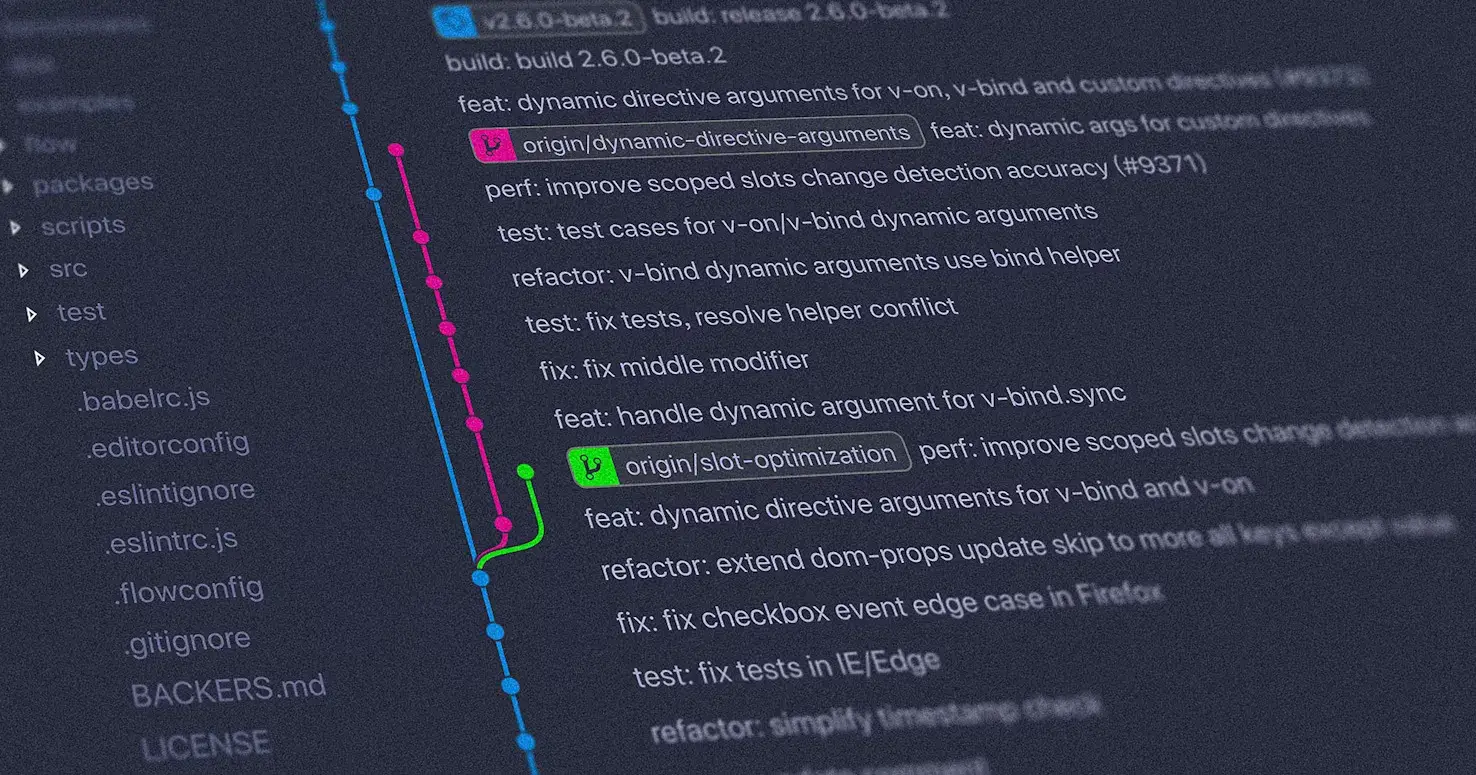
Look, versioning isn't just some administrative checkbox. It's actually how you keep your sanity when building software. Whether you're working with React, React Native, or juggling multiple services, good versioning is what saves you from the "wait, what changed?" moments at 2 AM.
Git: Your Project's Memory
Think of Git as your project's diary. Every commit tells a story about what you were trying to do and why. When you connect it properly with JIRA (or whatever you use), suddenly your code history becomes readable.
Here's what a solid workflow looks like:
JIRA Ticket → WEB-214 | Add password validation
Branch → feature/WEB-214-password-validation
Commit → feat(WEB-214): added dynamic error handling for password
Pull Request → references the ticket and explains what you did
Merge + Tag → marks the release
Why bother? Because:
You can actually trace why that line of code exists
QA knows exactly what to test
When something breaks, you can find the culprit fast
Code reviews stay focused instead of turning into archaeology expeditions
Without this structure, your repo becomes a mystery novel where nobody knows the plot.
npm Versioning: Making Releases Meaningful
Running npm version isn't just bumping numbers. It's you saying "this is a real release, and here's what it means."
When you run it, npm:
Updates your
package.jsonandpackage-lock.jsonCreates a Git commit and tag (like
v1.4.2)Can trigger your CI/CD to actually deploy it
Use Semantic Versioning (SemVer) so people know what to expect:
MAJOR (2.0.0) – "Heads up, things will break"
MINOR (1.3.0) – "New stuff, but your code still works"
PATCH (1.3.4) – "Bug fixes, nothing scary"
For React and React Native projects:
Libraries: This version is what people see on npm
Apps: Keep this in sync with what you deploy, so your versions actually mean something
Tools like standard-version, changesets, or release-please can automate this once your team gets bigger.
App Versioning: What Users Actually See
Code versioning is for engineers. App versioning is for humans using your app.
For React Native:
iOS:
CFBundleShortVersionStringis what users see (like 1.5.2)CFBundleVersionis your internal build number
Android:
versionNameis the public versionversionCodeincrements with every release
Before each production release:
Bump your version numbers
Update the changelog
Tag it in Git so everything lines up
Automating this in CI/CD means you won't forget to do it when you're rushing to ship.
Changelogs: The Unsung Hero
A changelog is basically your "what we did" log. It's not busywork—it's how you prove things got done.
A good changelog helps:
Engineers remember what was in each release
QA know what actually needs testing
Product managers track what shipped when
New team members understand the project's journey
Simple rule: If it's not in the changelog, you can't prove it happened.
You can auto-generate it from commits or write it manually-just be consistent.
Connecting the Dots
The magic happens when everything links together:
JIRA Ticket → Git Branch → Commit → npm Version → App Version → Changelog
Real example:
JIRA: WEB-312 | Optimize image loading
Branch:feature/WEB-312-image-optimization
Commit:perf(WEB-312): improved lazy loading for carousel
npm version:minor→ v1.6.0
App Version: 1.6.0 (build 90)
Changelog: "Improved performance for image-heavy pages."
Now you have a complete trail. Anyone can understand what changed, why, and when.
Why This Actually Matters
Good versioning discipline gives you:
Predictable releases instead of chaos
Fast rollbacks when things go wrong
Automation you can trust
Clear audit trails
It makes handovers smoother, reduces confusion between teams, and lets dev, staging, and production environments make sense.
Versioning isn't a side quest. It's the bridge between the code you write and the product people use.
Final Thoughts
Teams that take versioning seriously ship more reliably and with way less drama.
Your version history isn't just metadata—it's the story of your product. Treat it like it matters, because it does.

Join Rohit on Peerlist!
Join amazing folks like Rohit and thousands of other builders on Peerlist.
0
0
0