

How I Fell Down the Rabbit Hole of AI Image Creation and Detection
From painting with algorithms to spotting what’s real
I’ve always been into photography and design, so when the AI‑art boom started I jumped in head‑first. At first it was pure curiosity: “Can a machine really paint a picture?” But then I realised there’s a whole ecosystem behind it — not just the fun of generating images, but also the serious business of figuring out if an image is real or synthetic. The deeper I went, the more I discovered about the cat‑and‑mouse game between AI image generators and the tools built to detect them. Here’s what I’ve learned and the tools I now rely on.
What surprised me about modern AI image generators
One thing that blew my mind is how some generators aren’t just one‑shot “prompt → image” boxes anymore. Take DALL‑E 3: it’s integrated into ChatGPT and Microsoft Copilot, and besides producing photorealistic or artistic images, you can edit parts of the image by simply describing the changes you want. In other words, if a hand looks weird or the lighting feels off, you can ask for a tweak without starting over. The model’s improved understanding of detailed prompts makes the results feel much more coherent than earlier versions. For an everyday user like me, this means brainstorming ideas or refining visuals without needing fancy software — it feels like chatting with a very visual friend.
How detectors spot AI‑generated images
I was equally fascinated by what goes on when you detect an AI image. Unlike text detectors, image detectors look at the structure and texture of a picture. They examine lighting, noise patterns and pixel inconsistencies that our eyes don’t notice. For example, AI‑generated faces often have unnaturally perfect symmetry or even lighting, whereas real photos carry sensor noise and little imperfections. These tools use “visual fingerprints” left behind by models like Midjourney or Stable Diffusion to calculate a probability that an image is synthetic. It’s like forensic analysis for pixels.
Generation vs detection – the arms race
By mid‑2025 the competition between AI generators and detectors turned into a full‑on arms race. Developers create more convincing AI content while researchers scramble to improve detection. Each side evolves quickly: new generative models aim to remove tell‑tale artefacts, and detectors respond with deeper analysis and watermarking; then anti‑watermark tools emerge. This “cat‑and‑mouse” dynamic makes it harder to trust what we see and pushes tech companies to invest in better verification tools. If anything, this taught me that we shouldn’t rely on a single detector — it’s better to use multiple checks and keep an eye on updates.
Tools I use for AI‑generated images
Here are the services I’ve found most useful for creating images:
DALL‑E 3 – Integrated into ChatGPT and Microsoft Copilot, it excels at both photorealism and creativity. One of my favourite features is being able to edit specific parts of an image just by describing what I want to change. It’s perfect if you’re already using OpenAI’s ecosystem.
Midjourney – When I want a more artistic or experimental result, Midjourney delivers. It runs through Discord or a web app and gives you several variations to pick from, with options to upscale or remix. I love using it for mood boards or concept art.
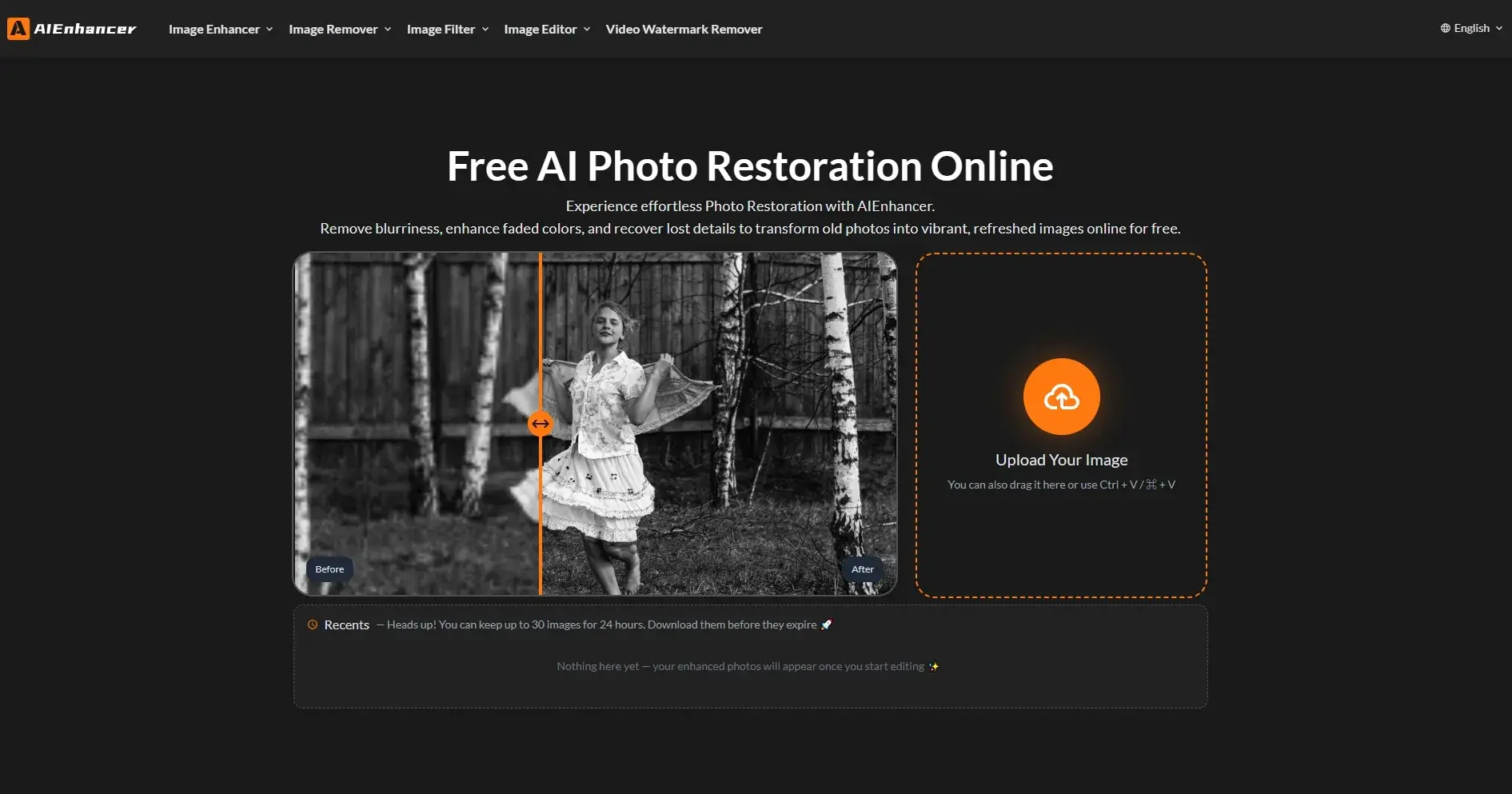
AIEnhancer – AIEnhancer is an AI image enhancement tool offering free online features like photo repair, background removal, and watermark removal to improve image quality.
You can try them at these links:
DALL‑E 3: https://openai.com/dall-e
Midjourney: https://www.midjourney.com/
AIEnhancer: https://aienhancer.ai/
AI image detectors that I’ve tried
When I need to verify whether a picture is genuine or synthetic, these tools have proven helpful:
Winston AI – Consistently ranks as one of the most accurate detectors. In 2025 tests it flagged AI images correctly across various categories and didn’t produce false positives on real photos. It’s simple to use and offers detailed reports and heatmaps.
Isgen AI Image Detector – A free service that lets you upload images to see if they’re AI‑generated or altered. It even identifies which model (DALL‑E, Midjourney, Adobe Firefly, etc.) produced the image. Results come quickly and include a probability score and highlights where modifications may have been made.
MyDetector – MyDetector is an online detection and content quality assurance platform designed for academic, creative, publishing, enterprise, and educational use cases. It supports multi-dimensional analysis across text, images, and code to determine whether content was generated by AI, while also providing plagiarism checks and grammar analysis. MyDetector enables end-to-end content authenticity verification and offers humanization suggestions to help users maintain originality, ensure integrity, and improve overall content quality.
Links:
Winston AI: https://gowinston.ai/
Isgen AI Image Detector: https://isgen.ai/ai-image-detector
MyDetector: https://mydetector.ai/ai-image-detector/
Parting thoughts
Digging into these tools has made me appreciate both the power and the pitfalls of generative AI. It’s amazing to create art with a sentence, but it’s also easy to be fooled by synthetic realism. The fact that detectors now look at tiny pixel patterns and can even guess which model made the picture shows how sophisticated the space has become. Yet the detection–anti‑detection arms race is still in full swing, so my main takeaway is to stay sceptical: enjoy the creative tools, but double‑check anything that needs to be trusted.
I hope this overview helps you explore the AI image world without falling for fake visuals. Let me know what tools you’re using or if you’ve found any other neat tricks!

Join ruite on Peerlist!
Join amazing folks like ruite and thousands of other builders on Peerlist.
0
2
0