

Practical Enterprise AI Strategies for Microsoft Customers in 2026
Enterprise AI in 2026: A practical guide for Microsoft customers
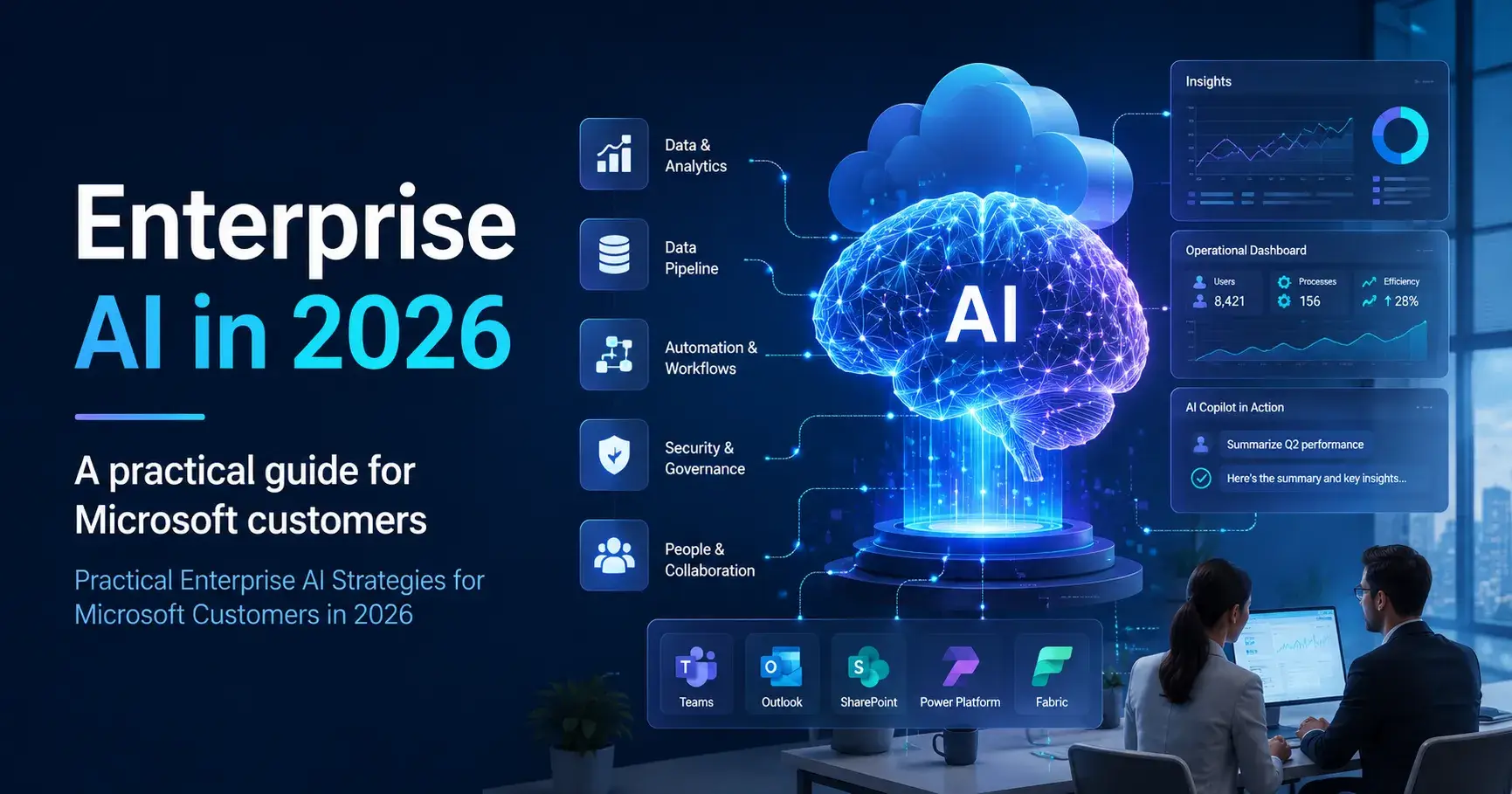
Enterprise AI is different now. We've progressed beyond early-stage deployments of individual AI bots, small-scale experimentation, and local proofs of work. As we think about the operational reality for 2026 and beyond, one thing is clear: the game plan for large organizations now centers on integrating autonomous AI agents into critical business processes on a scale. And this must be done at speed across global teams and departments.
Any organization that runs on Microsoft technology ought to know that this shift in tooling alters your approach to both infrastructure and governance. Excelling with these tools won't just require looking at one or two steps ahead. If you want to realize ROI, protect your data estate. And you must also ensure operational reliability. And that will put the focus on preparing your infrastructure, data estate maturity, and foundational security architecture.
In this blog, I will discuss how you, as a Microsoft customer, ought to brace for enterprise AI in 2026. And then we will move on to some best practices as well.
The Microsoft Customer’s Roadmap to Enterprise AI in 2026
As enterprise AI adoption accelerates in 2026, Microsoft customers are shifting from experimentation to structured transformation. Organizations are now building AI roadmaps focused on scalability, security, productivity, and data-driven decision-making while aligning intelligent technologies with long-term operational, business, and digital innovation goals.
Learn how to explore how Microsoft can prepare for enterprise AI in 2026;
Copilot and AI agents integration: To begin connecting AI, companies should be sending autonomous agents built in Microsoft Copilot Studio to listen for enterprise-wide signals and automatically trigger workflows. Additionally, you'll want integrations that enable any agent to perform multistep processes across siloed software. Finally, consider embedding your own custom agents and interactions directly into your communication windows. Use capabilities like Copilot Chat extensions to bring interactive data views and approval buttons to the screen your employees are already working in.
Governance: Microsoft admins must place governance around the increasing number of deployed AI agents. This is done by applying administrative permissions through Microsoft Agent 365. Give each agent a unique enterprise identity with Microsoft Entra ID. This will help you to differentiate between actions performed by agents versus actions performed by human members in your system logs. And remember to configure Data Loss Prevention policies as well.
Scalable execution: For this, you'll need a centralized cross-functional Center of Excellence. And the Center of Excellence (CoE) must include representatives from IT, security, compliance and business units. Why? So, they can together design the templating, deployment pipelines and testing guidelines all individual departments will adhere to. Scalability also involves programmatic measurement and ongoing monitoring. IT leaders should use a centralized admin console to monitor agent-level statistics like accuracy, resolution rates, and API failures to identify performance drifts before they affect your end-users. It is also advisable to allow individuals business units to create their own customized workflows using Copilot Studio.
Enterprise AI Readiness 101: Best Practices You Ought to Know
Enterprise AI adoption is accelerating, but successful implementation requires more than just technology investment. Organizations must build a strong foundation around data, governance, scalability, and workforce readiness to ensure AI initiatives deliver measurable value, operational efficiency, and long-term business impact.
Listed below are some of the prominent best practices;
Clear guardrails for citizen developers: Enforce automated operational boundaries that protect non-technical employees building with low-code platforms such as Microsoft Power Platform and Copilot Studio. Route all citizen developers to sandbox environments provisioned by IT. Use Microsoft Purview to implement stringent Data Loss Prevention policies preventing AI models from accessing sensitive databases and/or unapproved third-party APIs.
Review practical examples: Analyze use cases to identify technical requirements and understand the true ROI of these efforts. Then find repeatable, data-intensive tasks that are candidates for automation. This list could include bulk invoice processing or even customer support ticket routing. Learn from implemented architectures, such as those found in Microsoft's Azure Architecture Center AI solutions, to discover specific datasets, APIs, etc. involved. Finally, research published case studies from other companies to gather quantitative benchmarks.
Ongoing training: Gen AI platforms will always be regularly updated. This means businesses must ensure they have a framework for continuous education. Create role-based learning journeys so that business users are aware of how to manage risk. Technical users should know how to configure and authenticate models securely. Make sure everyone is regularly upskilled on prompt engineering safety, data privacy regulations, and new risks that continue to be discovered.
Final Words
Preparing for enterprise AI in 2026 requires more than adopting intelligent tools. Microsoft customers must build secure, scalable, and governance-driven ecosystems that support responsible AI deployment, operational efficiency, and long-term business growth while enabling teams to confidently integrate AI into everyday workflows. Bracing for enterprise AI may seem like a humongous task at the outset. But with the right Microsoft technology consulting services provider in your arsenal, the journey can be greatly simplified.

Join Ryan on Peerlist!
Join amazing folks like Ryan and thousands of other builders on Peerlist.
0
0
0