

How AI Is Quietly Changing Software Development: Real Workflow Insights
A Practical Breakdown of How AI Is Transforming Planning, Coding, Testing, DevOps, and Maintenance in Real Development Workflows
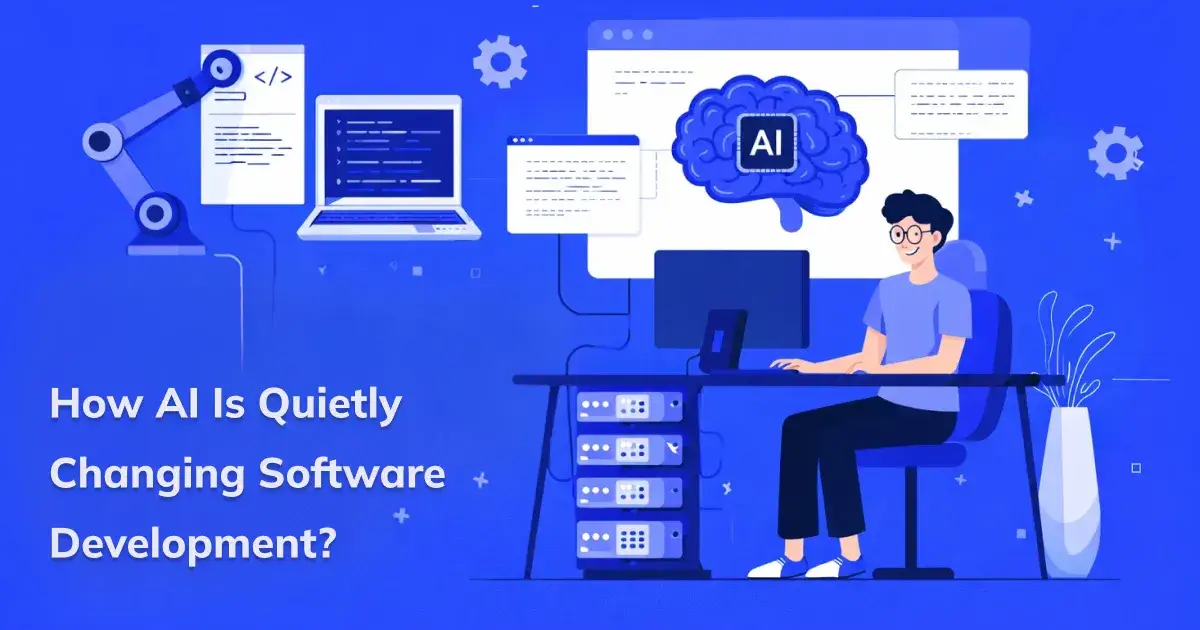
“AI won’t replace humans. But humans who use AI will replace those who don’t.” :— Sam Altman
Yes, the rise of artificial intelligence is real, not a bubble. AI is transforming almost every industry as no other technology has ever done before, especially AI in software development.
As the Co-CEO of CodeAegis Pvt Ltd, a software development company, we didn’t consciously decide to adopt AI. We just got tired of wasting time debugging the same error over and over.
Then, we decided to integrate artificial intelligence into almost every day-to-day development task. And the results were more shocking than we ever imagined. We were able to achieve more efficient and cost-effective web and app development processes.
That too, without making silly human mistakes. And slowly, our entire business has evolved with AI and its capabilities.
Let me share my experience on the future of AI in programming.
AI in Planning and Architecting
This is the foundational stage of any software development process. Planning a whole programming strategy felt “too human” for AI. Apparently, that’s exactly where it is most useful.
Requirement & Feature Structuring
Clients often send vague Product Requirements Documents (PRDs) or Notion docs. This is where the real power of AI comes into play. With basic prompting on modern AI tools, we can get various document-related tasks done:
Functional modules
User flows
Edge cases
Suggested API routes
Rather than spending 4–5 hours finalizing features and requirements, we can complete the entire project in just a few minutes.
System Design Brainstorming
Surprisingly, AI tools can help with more than just core development. We can leverage AI to design a scalable system.
Ask it to compare:
Monolith vs microservices
REST vs GraphQL
SQL vs NoSQL for a specific use case
Risk & Scalability Review
Just designing a system is not enough. We literally paste the entire high-level architecture to identify any scalability gaps, performance issues, and single points of failure.
It often highlights:
Single points of failure
Missing rate limits
Weak auth flows
This is where you can see the real impact of AI-powered software development by using a human-in-the-loop approach.
AI in Writing Code
This is where AI tools will play their most crucial and deepest role. AI is a true companion to any software developer, regardless of the coding language they use.
Project Foundation & Setup
Setting up routes, controllers, DTOs, and configurations can take hours before moving towards development.
With modern AI tools for programmers, we can generate contextual boilerplate and automate almost the entire setup based on your selected tech stack.
Debugging and Bug Fixing
As a backend developer, do you still manually debug 200 lines of code just to find a tiny error?
Cut to the chase and paste the exact stack trace, function names, and line numbers into an AI tool to find the main issues along with the corrected code.
AI suggests:
Primary performance issue
Suggested optimizations
Hidden dependency impacts
Critical edge cases to test
Earlier, this process could take 5–6 hours or even more. With AI tools like Cursor, Windsurf, or GitHub Copilot, it’s now just a matter of 2–3 hours.
Code Optimization
Your code logic needs continual optimization to stay relevant and work with current technologies. Generative AI in development can identify unnecessary nesting, suggest early returns, and highlight sections where code can be shortened and simplified.
AI in Testing
Testing is where I’ve seen surprisingly big efficiency gains.
The testing phase is where you can actually identify critical edge cases and achieve market-ready development results. Surprisingly, AI is reshaping how traditional testing works. Let’s find out how:
Unit Test Generation
Just describe the desired function, including its inputs, expected outputs, and possible failure cases. Congratulations, AI will generate structured unit tests covering both success scenarios and edge cases.
AI generates:
Base test cases
Edge case scenarios
Mock inputs
Edge Case Discovery
Struggling with finding all the edge cases? One good prompt can complete this task in minutes without manual effort.
It often suggests:
Null values
Boundary inputs
Concurrency issues
Timeout handling
That means all the things you might overlook during deadline pressure.
Regression Risk Analysis
Do you always ask yourself, “What parts of the system could this impact indirectly?”
AI quickly analyzes the logic and highlights related modules or dependent services that might be affected. This way, you can identify hidden dependencies early and eliminate unexpected bugs.
AI in Deployment and DevOps
This is where AI genuinely surprised me. The use of AI is not limited to writing code. It also supports infrastructure tasks like configuring pipelines, optimizing Docker setups, and more.
CI/CD Troubleshooting
Fixing CI/CD pipeline errors can be exhausting and never-ending. Instead of manually scanning long logs, simply paste the output into an AI tool to get quick and accurate fixes.
It explains:
What failed
Why it failed
Likely fix
Docker & Container Optimization
Describe your stack and requirements to an AI to generate a structured Dockerfile with proper base images. That’s how you get a Dockerfile optimized for a Node + Redis setup.
AI drafts it instantly, including:
Multi-stage builds
Reduced image size strategies
Proper port exposure
Cloud Configuration Guidance
It’s easy to get confused while choosing cloud instance types or setting up autoscaling. Using AI can help you quickly compare performance, cost, and scalability trade-offs.
AI in Maintenance
Ensuring a robust post-launch support system is where long-term value compounds. AI is changing software development with more user-centric maintenance and upgrades.
Legacy Code Understanding
You have to upgrade the huge legacy system. What will you do? Waste a day or two just to reverse-engineer the logic? The easy way is to paste the entire file into a suitable AI tool. It will give you a thorough understanding of each function, module, and more.
Ask for:
Summary
Dependency explanation
Potential risks
It saves hours of manual tracing.
Documentation Generation
Preparing documentation is an integral part of software development services. We all plan to do it 'after the feature is done,' but then it never really happens. AI can complete this entire task in minutes.
AI can generate:
Inline comments
API documentation
Setup instructions
Performance Bottleneck Detection
AI is mostly used to detect potential bottlenecks. Even at CodeAegis Pvt Ltd, our support team simply asks AI to review the logic and highlight areas like inefficient loops, heavy database queries, or blocking operations.
It might point to:
Missing indexes
Synchronous calls blocking async flows
Heavy database joins
Final Thoughts
AI is much more useful than just planning vacation itineraries or researching restaurants. Companies and CEOs who know how to integrate AI into software development are setting a new bar for efficiency. In fact, the future of AI belongs to developers and is going to be a collaborative partner rather than a replacement.

Join Sakshi on Peerlist!
Join amazing folks like Sakshi and thousands of other builders on Peerlist.
1
12
0