

Compress and convert images without uploading them anywhere
→ https://tryquickimg.com
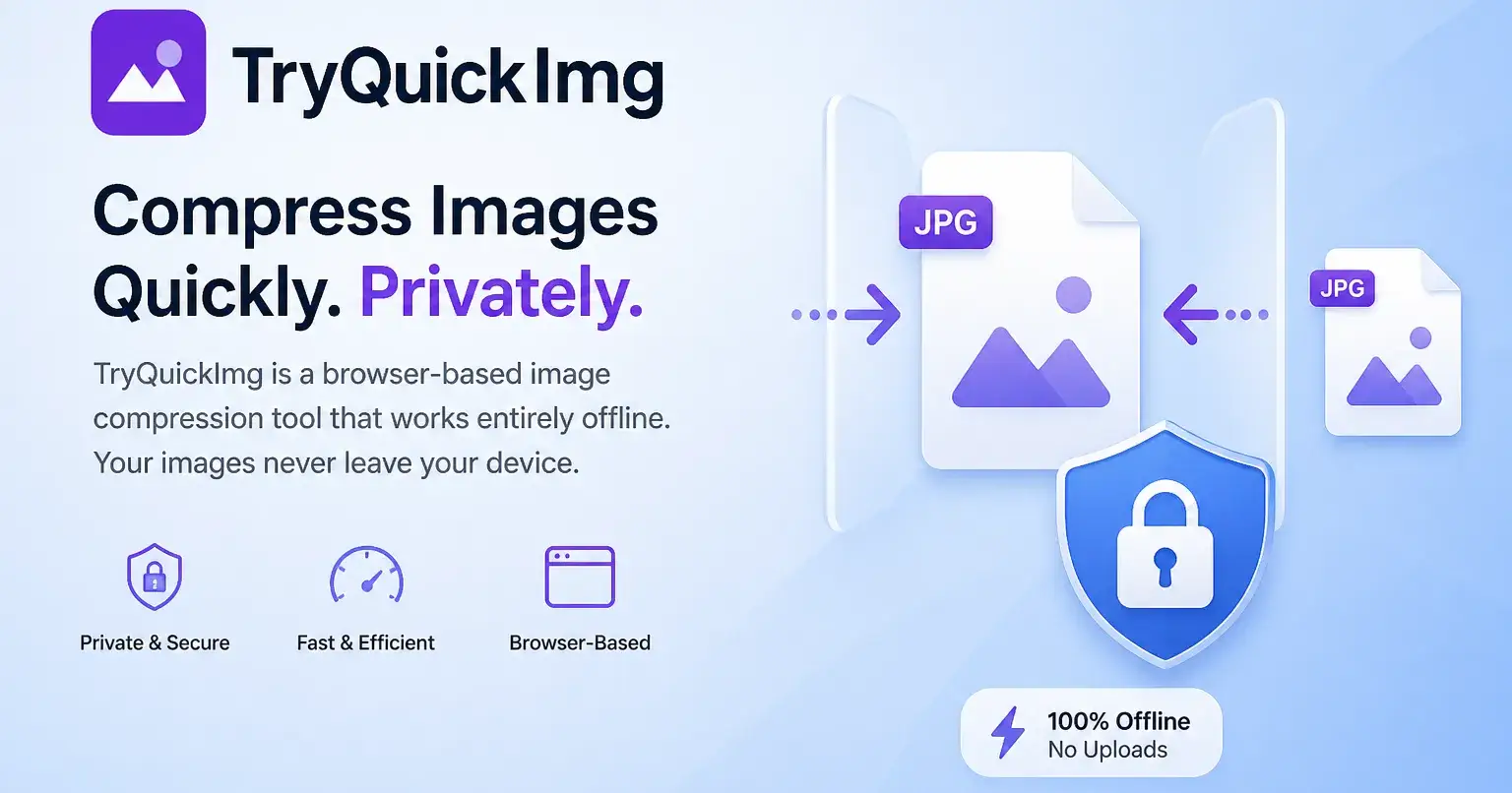
Most image tools upload your photos to a server, compress them there, and send them back. That's a privacy problem — especially for screenshots with sensitive content, personal photos, or client work.
TryQuickImg does everything in your browser tab. Nothing leaves your machine.
What it does:
- Compress HEIC, JPG, PNG
- Convert between formats
- Resize and crop
- Batch processing (multiple files at once)
How it works:
Canvas API + WebAssembly. Your images are processed in-memory, then you download the result. The server never sees a single pixel.
Who it's for:
Anyone who needs quick image compression without trusting a third-party server — bloggers, developers, designers, or anyone with privacy-sensitive screenshots.

Join Samson on Peerlist!
Join amazing folks like Samson and thousands of other builders on Peerlist.
0
1
1