


How to SAVE credits and AVOID hitting rate limits on CURSOR (9 tips) 🧵
I use Cursor a lot while building multiple apps at once
Lately, Cursor has cut usage in half and you hit the rate limits on Claude 4 really quickly.
We all know that Auto mode is unusable as it can’t execute even simple tasks
Here’s what I did to save credits:
1. Don’t write everything in one chat (switch chats frequently)
2. Don’t make Cursor read +500 lines of code at a time
3. Make sure Cursor doesn’t break a simple task into a 10 item to-do list and repeatedly read the same file
4. Use Claude 4 most of the time and only use think mode for big or difficult tasks
5. If you have simple tasks like UI design or minor file changes (not complex logic), download Gemini CLI and use it (it’s free) and can execute simple tasks with 100% accuracy. Don’t use Gemini Pro on Cursor, as your credits will go up really fast
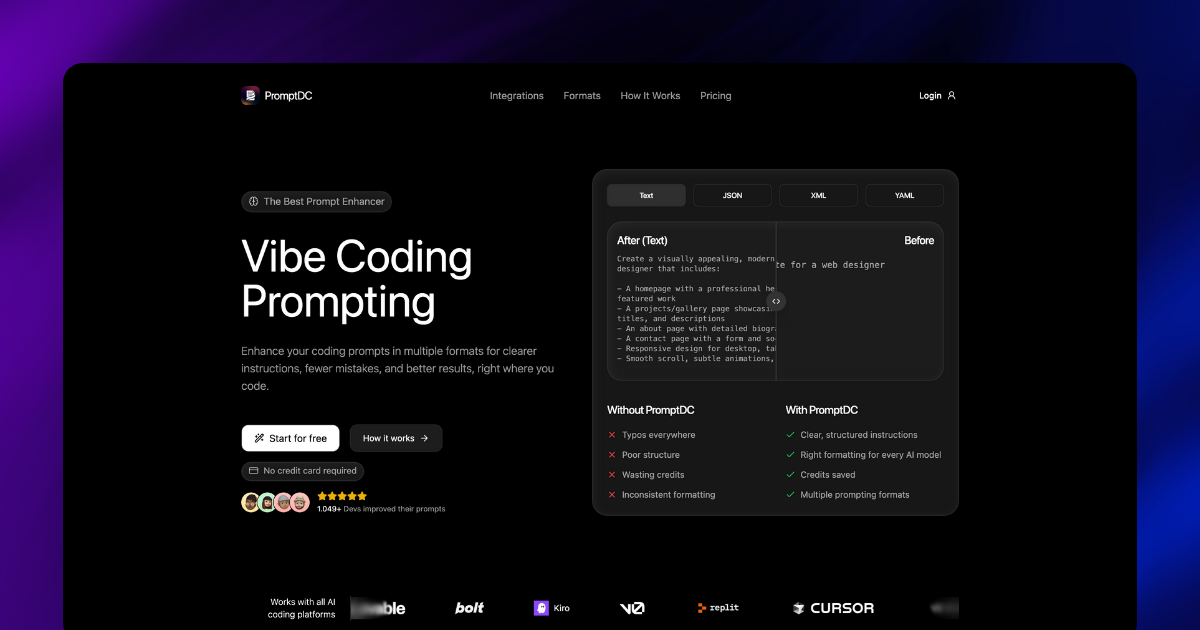
6. Give well-instructed prompts to Cursor. You can enhance them using ChatGPT or by installing a prompt enhancer extension from the Cursor marketplace (Cursor for Prompts) https://promptdc.com/
7. Try not to just type “fix this” in the chat. If you need to argue, open a new chat and provide context
8. For 95% of users, you’ll hit the rate limit in 15–20 days. You can buy another plan for $20 and use the same tactics, or buy a Claude Code plan and use that for the rest of the month
9. Don’t just vibe code everything or write to change the color of a button. If that’s you, nothing can save you :D
That’s it. I probably forgot to write 2–3 more tips but in reality, I’m a heavy user and the $20 plan disappears in days after the usage cut. (wish we still had the 500 credits)
Anywayyyy, hope this helps!
Your upvotes and feedback are welcome!
Words have more power than we think. Be kind.