

Want to Boost Your Website Speed Instantly?
Try Sub Fonts!
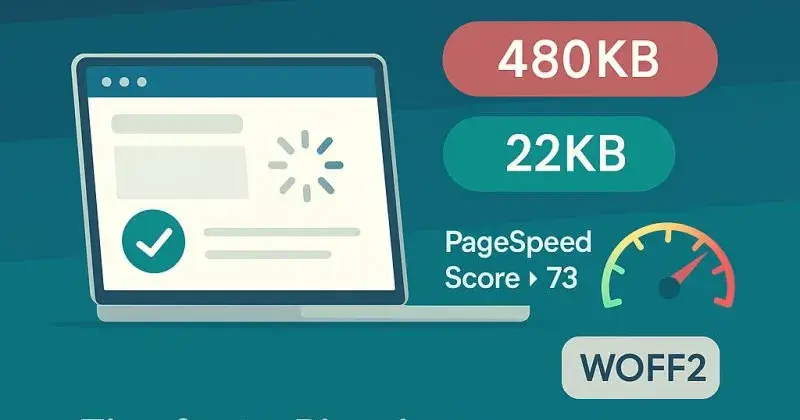
Most websites load complete font files with thousands of characters, even if you only use A–Z and a few symbols. That’s like downloading an entire dictionary just to read one page.
What’s the fix?
Use sub fonts — a technique where you subset fonts to include only the characters your site uses.
Why it matters:
➝ Reduced font size from 200KB+ to under 30KB
➝ Faster First Contentful Paint (FCP)
➝ Better Core Web Vitals
➝ Higher PageSpeed & Lighthouse scores
➝ Improved SEO and AI Overview eligibility
Case Study – Real Client Result
For one of my clients, we replaced the full .ttf font with a subset .woff2 version containing only the used characters.
Results after implementation:
· Font size reduced from 480KB ➝ 22KB
· PageSpeed score jumped from 73 ➝ 91
· Bounce rate dropped by 12%
· Faster load on mobile (2.3s ➝ 1.1s)
It’s a minor tweak, but it made a huge impact on performance.
Pro Tip:
Always use .woff2 for production—Subset with tools like Font Squirrel, Transfonter, or Glyphhanger. And don’t forget to add font-display: swap in your CSS for smoother loading.

Join Shajed on Peerlist!
Join amazing folks like Shajed and thousands of other builders on Peerlist.
0
2
0