

What Are Core Web Vitals?
Explained Simply with Examples
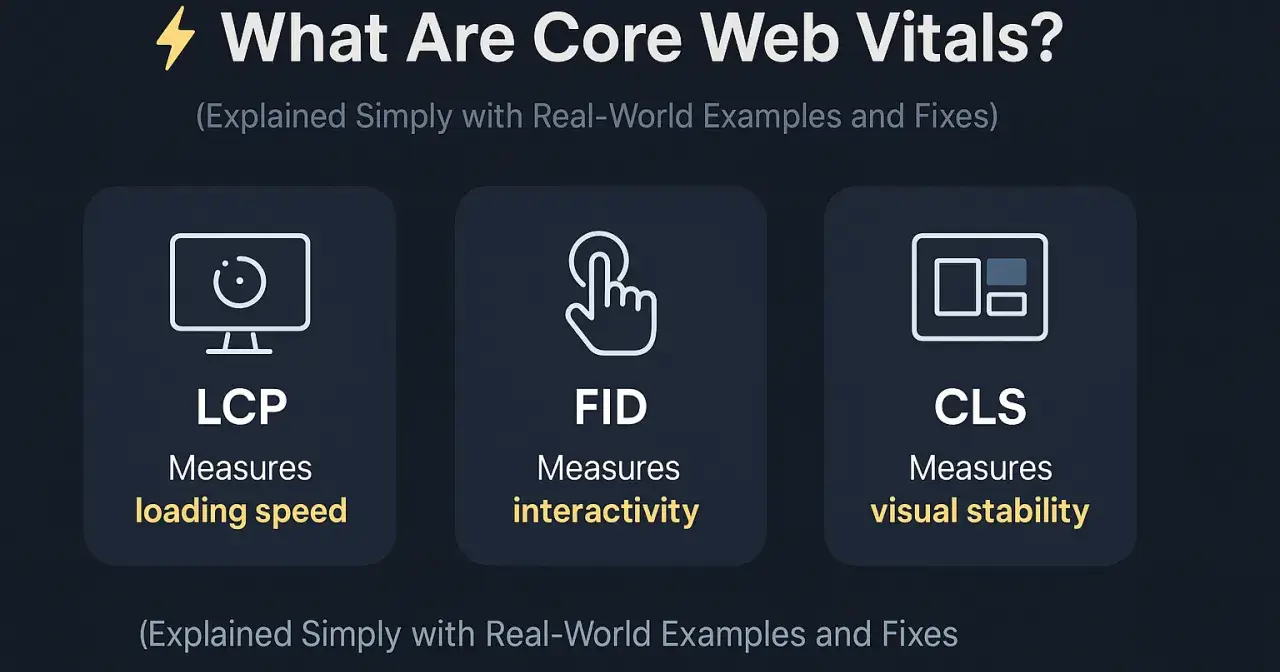
Core Web Vitals are Google’s official metrics to measure real-world user experience on a webpage. They focus on speed, responsiveness, and visual stability — all of which directly affect your SEO and conversions.
Why Core Web Vitals Matter
Google uses Core Web Vitals as a confirmed ranking factor
Part of Google’s Page Experience update
Poor CWV leads to lower rankings, higher bounce rates, and reduced trust
Great CWV = better SEO, UX, and conversions
Even if your content is perfect, poor CWV can kill your rankings and user engagement.
The 3 Core Metrics
1. LCP – Largest Contentful Paint
Measures loading performance — how fast the main content appears. Good Score: Under 2.5 seconds
2. FID – First Input Delay
Measures interactivity — how quickly your site reacts to user input. Good Score: Under 100 ms
3. CLS – Cumulative Layout Shift
Measures visual stability — do buttons, images, or text shift as the page loads? Good Score: Under 0.1
Real-Life Example
You visit a product blog:
Good Core Web Vitals:
Loads in 1.8s (LCP)
“Add to Cart” button reacts instantly (FID = 30ms)
Page elements stay fixed while scrolling (CLS = 0.03)
Poor Core Web Vitals:
Hero image takes 5+ seconds to load
Button is delayed when clicked
Text jumps when ads appear mid-read
Fixes May Include (Expanded and Actionable)
LCP Fixes (Improve Loading Speed):
Compress & serve images in WebP or AVIF format
Lazy load off-screen images
Preload hero images, fonts, and critical assets
Minimize and inline essential CSS
Reduce server response time (TTFB)
Use a fast, globally distributed CDN
Implement browser/server-side caching
Avoid render-blocking JavaScript/CSS.
FID Fixes (Improve Interactivity):
Break long JS tasks into smaller chunks
Reduce or delay third-party scripts (chatbots, widgets)
Defer non-critical JS and use async where possible
Minimize JavaScript bundle size.
Use browser-native controls when possible
Use Web Workers for background JS execution.
CLS Fixes (Improve Visual Stability):
Always define width/height for images, iframes, and videos
Reserve space for ads, popups, and embeds
Avoid inserting content above visible content
Use font-display: swap to prevent layout shifts
Avoid animations that move layout elements (unless intentional)
Tools to Measure amp; Fix CWV
PageSpeed Insights
Search Console → Core Web Vitals Report
Chrome DevTools → Lighthouse
Web.dev Measure
GTmetrix (for more UX context)
Official Google Sources
Final Thought
In 2025 and beyond, great SEO = great UX. If your site isn’t fast, stable, and responsive, Google won’t rank it, and users won’t trust it.
Check your Core Web Vitals
Fix the technical issues
Keep testing — because performance = profit
What’s one Core Web Vital you’re working on for your site? Drop a comment below!
#axilweb #SEO #CoreWebVitals #PageSpeed #GoogleUpdate #TechnicalSEO #UserExperience #CWV

Join Shajed on Peerlist!
Join amazing folks like Shajed and thousands of other builders on Peerlist.
1
6
0