

XML Sitemap URL Extractor: Tool for Faster SEO Audits and Better Indexing
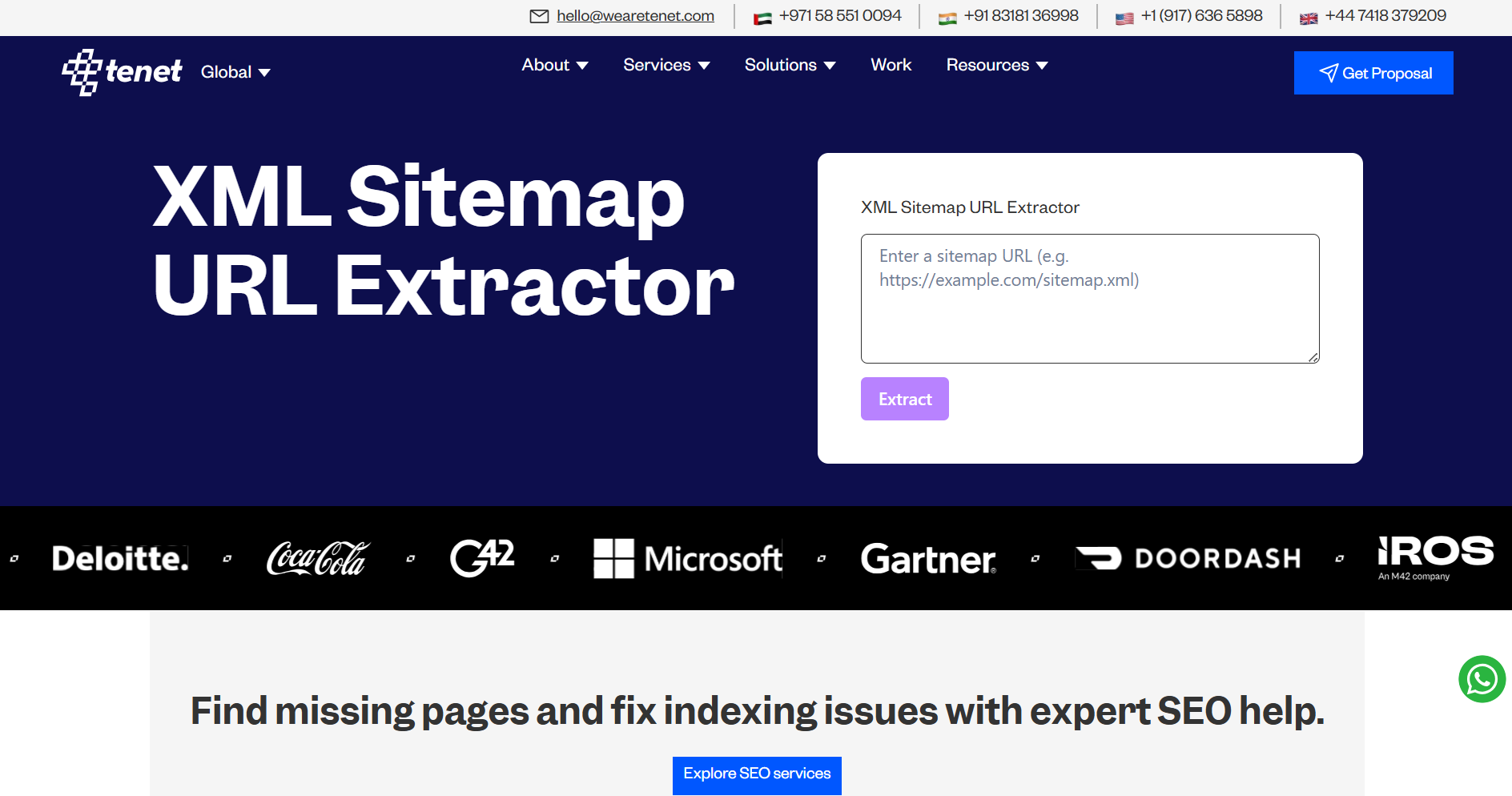
Search engines rely on XML sitemaps to understand which pages exist on a website. But most sitemap files are hard to read and not easy to review at scale. This creates blind spots during SEO audits, indexing checks, and content planning.
The XML Sitemap Extractor tool solves this problem by converting sitemap files into a clean, usable list of URLs. It helps SEO teams, developers, and content managers work faster and with more clarity.
Why XML Sitemaps Matter for SEO
XML sitemaps play a direct role in how search engines crawl and index websites. They act as a trusted source that tells search engines which pages exist and how they relate to each other. Search engines use sitemaps to reduce guesswork during crawling.
They help search engines:
Discover new pages faster by pointing crawlers to recently added or updated URLs
Understand site structure and hierarchy by showing how pages are organized across folders and sections
Prioritize important URLs by highlighting core pages that deserve regular crawling
Handle large or complex websites where internal links alone are not enough for discovery
For websites with many pages, a sitemap often becomes the primary discovery source. This is especially true for large sites, new pages, or deep level URLs. If the sitemap misses key pages or includes incorrect URLs, search engines may ignore valuable content or waste crawl budget on low value pages.
This makes sitemap accuracy critical for SEO success and long term search performance.
The Problem With Raw XML Sitemaps
Raw XML sitemap files create several challenges for SEO and development teams. These files are designed for search engines, not for humans reviewing them.
Common issues include:
URLs appear inside long blocks of XML code, which makes review difficult
Large websites may include thousands of URLs in a single file
Sitemap index files often contain multiple nested sitemaps
Manual copying, filtering, and checking increases the risk of mistakes
Because of these challenges, teams often avoid detailed sitemap reviews. Over time, this leads to:
Important pages missing from search results
Old, redirected, or removed URLs staying in the sitemap
Poor crawl efficiency and wasted crawl budget
Without a clear and readable view of sitemap URLs, technical SEO decisions rely on assumptions instead of data.
How to Use the XML Sitemap Extractor
Step 1: Enter the Sitemap URL
Paste your sitemap URL, such as https://example.com/sitemap.xml, into the input field.
Step 2: Load the Sitemap
Click Load Sitemap. The tool fetches the file and processes all XML entries automatically.
Step 3: Review the Results
The tool displays all extracted URLs in a clean list. You can review page structure, folder depth, and URL coverage with ease.
Step 4: Export the URLs
Click Export to download the URL list in CSV format. Use this file for audits, crawling, or internal reporting.
Step 5: Review Sitemap Index Files
If the sitemap is a master index, the tool displays all linked sitemaps. Load each one to extract URLs from every section of the site.
Key Use Cases for the XML Sitemap Extractor
1. Technical SEO Audits
During technical SEO audits, teams need full visibility into which URLs they submit for indexing. The extractor provides this visibility by showing:
The total number of index ready pages
URL patterns, folders, and naming structure
Pages that should not appear in the sitemap, such as test or filter pages
Old or outdated pages that still remain listed
This allows teams to spot sitemap issues quickly without manual XML inspection. As a result, audits become faster, cleaner, and more reliable.
2. Indexing and Coverage Checks
Search engines do not index every URL listed in a sitemap. Some pages remain excluded due to technical or quality issues.
By exporting sitemap URLs, teams can:
Compare them with Google Search Console coverage reports
Identify pages marked as crawled but not indexed
Detect blocked, redirected, or error based URLs
This comparison helps close indexing gaps and improve overall search visibility.
3. Large Website Management
Enterprise websites often use multiple sitemaps to manage different site sections, such as:
Blog content
Product or service pages
Location based pages
Resource or knowledge libraries
The XML Sitemap Extractor detects sitemap index files and lists all linked child sitemaps. Teams can load each sitemap separately and review URLs section by section. This approach keeps large websites organized and easier to control.
4. Content Review and Planning
The extracted URL list works as a live content inventory for content teams.
Teams can use it to:
Identify outdated or low quality pages
Spot duplicate or overlapping topics
Group related pages into topic clusters
Plan content updates, consolidation, or new page creation
This supports long term content strategy and improves overall site quality.
5. SEO Tool Integration and Testing
Many SEO and testing tools require bulk URL uploads for crawling, index checks, or performance testing.
With the XML Sitemap Extractor, teams can:
Export URLs in CSV format
Upload them directly into crawling tools
Run index or performance tests at scale
Share clean URL lists with developers and analysts
This removes repetitive manual work and improves workflow efficiency.
Who Should Use This Tool
SEO professionals managing site health
SEO specialists can use the tool to monitor sitemap accuracy, detect missing pages, and maintain strong crawl signals for search engines.
Technical SEO teams handling crawl and index issues
Technical teams can compare sitemap URLs with index coverage data to find crawl blocks, redirects, or excluded pages faster.
Content and editorial teams planning updates
Content teams can use the extracted URLs as a content inventory. This helps them review existing pages, plan updates, and avoid content overlap.
Web developers maintaining site structure
Developers can verify whether new pages, removed pages, or redirects reflect correctly in the sitemap. This supports clean and stable site architecture.
Growth and product teams tracking search performance
Growth teams can align sitemap data with traffic and performance metrics. This helps them understand how site structure impacts search visibility.
Anyone responsible for search visibility can benefit from clear, reliable, and actionable sitemap insights provided by this tool.
Final Thoughts
Search performance depends on a clean structure and clear signals.
The XML Sitemap Extractor helps teams understand exactly what they submit to search engines. It removes confusion from sitemap analysis and enables faster, smarter SEO decisions.
If your goal is better indexing, cleaner audits, and stronger site control, this tool deserves a place in your SEO workflow.

Join Shantanu on Peerlist!
Join amazing folks like Shantanu and thousands of other builders on Peerlist.
0
0
0