

pi-capspulse · Packages · Pi
203
capslock as status light
About CapsPulse
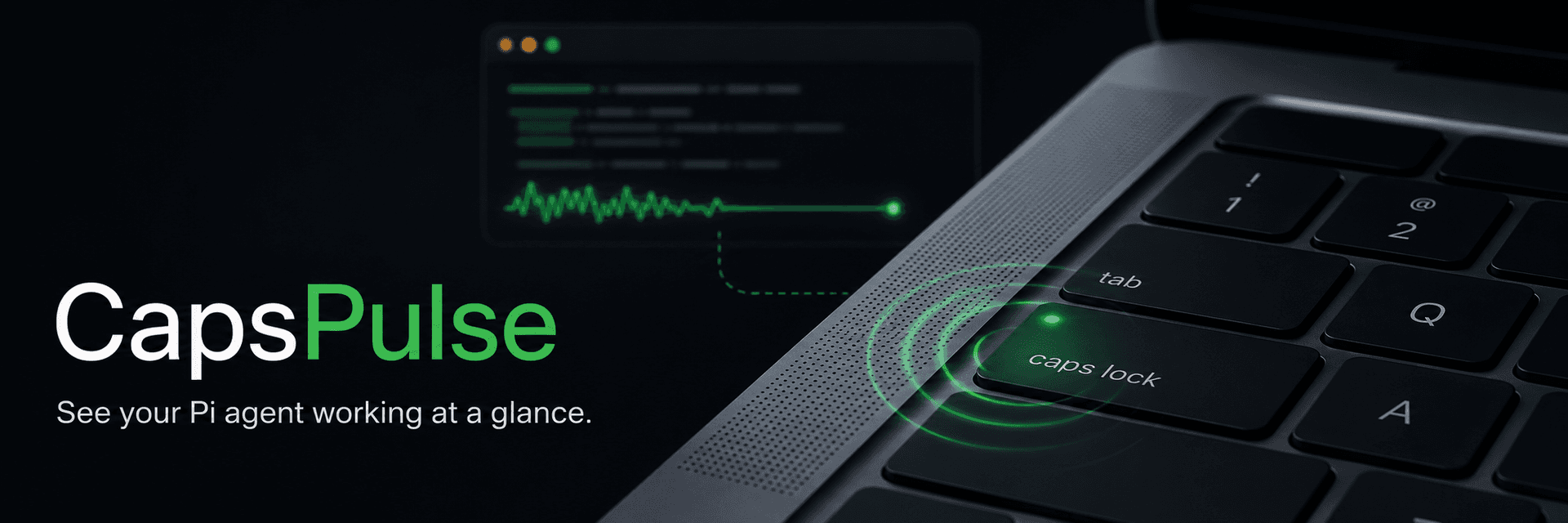
CapsPulse is a unique tool designed to provide a visual indicator of your Pi coding agent's activity directly on your MacBook's built-in Caps Lock LED. This extension allows you to see at a glance whether your Pi agent is working, thinking, responding, or waiting for input, without any impact on your typing or Caps Lock functionality.
- Visual Feedback: The Caps Lock LED pulses while the agent is active and glows steadily when Pi is ready.
- Status Indicators: Fast blinking signifies the agent is waiting for user input, while a solid light indicates completion without further action.
- Unobtrusive Operation: CapsPulse writes directly to the keyboard's HID LED output, ensuring your typing and logical Caps Lock state remain unaffected.
- Native Compilation: The tool compiles a small native helper locally on first use, ensuring compatibility with both Apple Silicon and Intel Macs.
Requirements
- macOS
- A MacBook with a built-in Caps Lock indicator
- Pi
- Xcode Command Line Tools (install via xcode-select --install)
- Input Monitoring permission for the terminal application running Pi.
Installation
Install from npm:
pi install npm:pi-capspulseOr install the latest source directly from GitHub:
pi install git:github.com/ssk090/CapsPulseAfter installation, restart Pi or run /reload.
Permissions
Direct HID access requires Input Monitoring permission. Navigate to System Settings → Privacy & Security → Input Monitoring and enable the terminal application running Pi (e.g., Terminal, iTerm2). Restart the application if prompted.
Safety and Privacy
CapsPulse operates entirely on your Mac. It does not:
- Synthesize Caps Lock key presses.
- Change capitalization state.
- Read or record keystrokes.
- Access the network.
- Control the camera privacy indicator.
The helper process monitors its parent process and attempts to restore the logical Caps Lock state upon Pi's exit or termination.
Development
To develop CapsPulse:
- Clone the repository: git clone https://github.com/ssk090/CapsPulse.git
- Navigate to the directory: cd CapsPulse
- Install dependencies: npm install
- Run tests: npm test (This performs strict TypeScript checking and native compilation.)
Built with


