

Shug Accidentally Became Someone Else
The Day Cookies Stopped Being Innocent
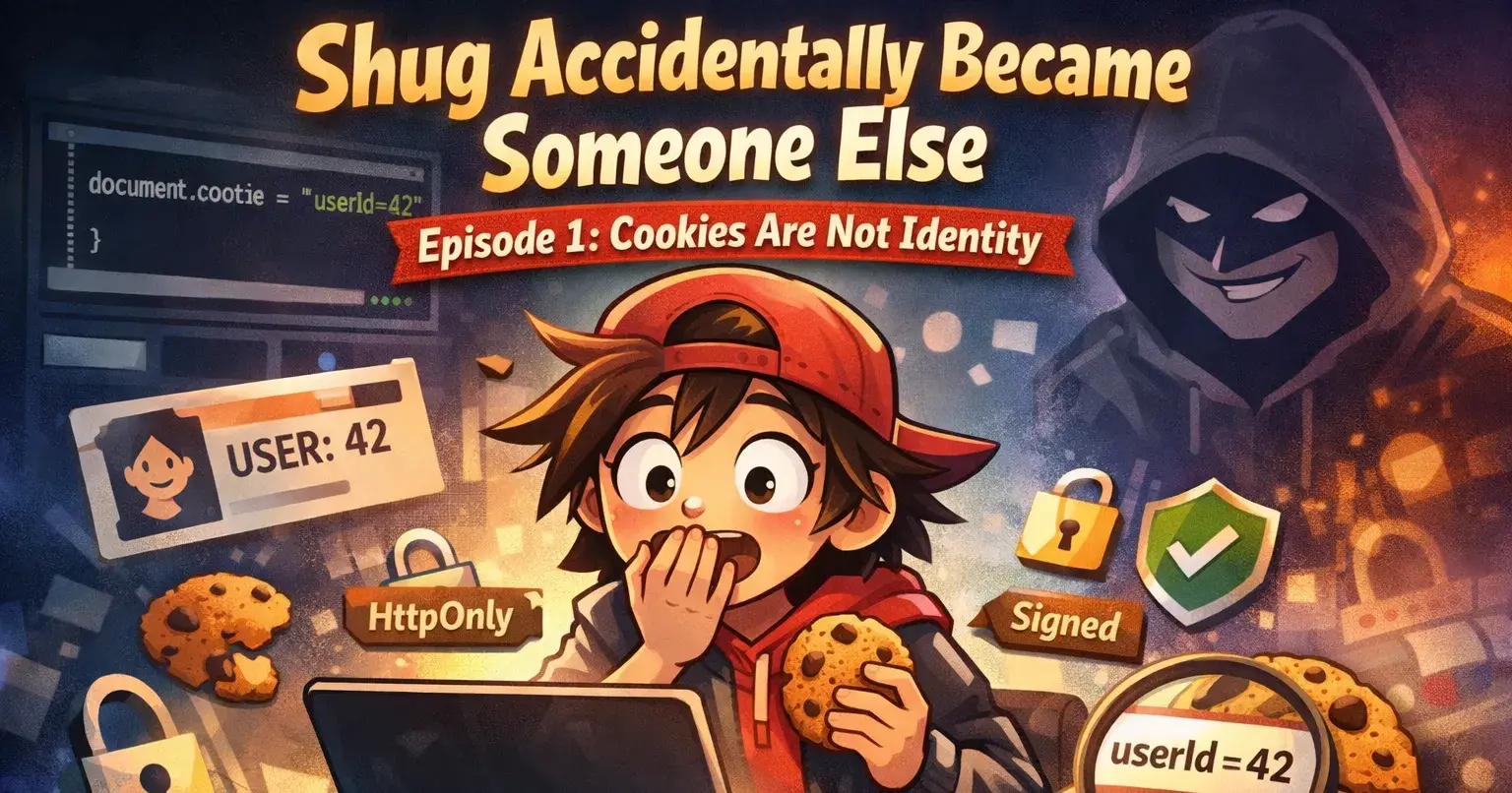
Shug wasn't trying to hack anything.
It was 3 PM on a Wednesday. That dead zone between lunch and chai where your brain is basically a screensaver. The login page had been broken for two days. The kind of broken where it works, then doesn't, then works again if you sacrifice a goat to the demo gods.
Shug had refreshed it maybe thirty times.
On refresh thirty-one, something in Shug's brain went: okay fine, let's see what's actually happening here.
Right-click. Inspect. Console.
document.cookieEnter.
sessionId=eyJhbGc; userId=1247; preferredLang=en; isAdmin=false;Shug stared.
"Bhai... that's it?"
No encryption. No mystery. Just plain text sitting there like someone's diary left open on a train seat.
When Curiosity Became a Problem
Shug's fingers moved before the brain caught up.
document.cookie = "userId=1"Refresh.
"Welcome back, Admin!"
No password. No OTP. No warning. Just a cookie politely lying, and the server politely believing it.
For exactly four seconds, Shug felt like a genius hacker.
Then reality hit.
If I can do this by accident, someone else can do this on purpose.
This wasn't hacking. This was just using a browser. DevTools is built into Chrome. Every user could do this.
Cookies are just text files. And text files don't care if you're lying.
What Even Is a Cookie?
A cookie is just this:
name=value; expires=DATE; path=/When you log in, the server sends you a cookie:
Set-Cookie: sessionId=abc123Your browser stores it and sends it back with every request:
GET /dashboard HTTP/1.1
Cookie: sessionId=abc123
The server sees it and goes: "Oh hey, I know you!"
Except... the server doesn't actually know you. It just trusts the cookie.
Browsers don't verify cookies. They just carry them. Like a dabba delivery guy who doesn't check if the food is actually paneer or painted cardboard.
Shug's First "Fix" (Spoiler: Not Really)
Shug Googled: how to secure cookies
First answer: HttpOnly.
Set-Cookie: sessionId=abc123; HttpOnlyNow JavaScript can't read it:
document.cookie // Returns: ""Perfect! Time for chai.
...wait.
Shug opened DevTools. Application tab. Cookies.
There it was. Fully visible. Fully copyable.
Copied it. Opened incognito. Pasted it using a browser extension.
"Welcome back, Admin!"
Oh no.
HttpOnly stops JavaScript. It doesn't stop humans with DevTools.
It protects against XSS attacks (where scripts try to steal cookies). It does NOT protect against the person using the browser.
Shug realized: I was childproofing a medicine cabinet. But the attacker is an adult with a screwdriver.
Shug's Second Try
Next: Secure.
Set-Cookie: sessionId=abc123; Secure; HttpOnlyNow the cookie only travels over HTTPS. Stops attackers on public WiFi. Stops network sniffing.
But the cookie is still copyable in DevTools.
Think of it like this:
HTTP = Postcard. Everyone can read it.
HTTPS = Sealed envelope. Encrypted.
Secure flag = "Only use sealed envelopes."
Great! But if someone reads the envelope when it arrives? Or copies what's inside?
HTTPS encrypts the road. It doesn't authenticate the driver.
The Real Problem
Here's what Shug was slowly realizing:
Cookies are not identity. Cookies are not passwords. Cookies are not proof.
Cookies are claims.
"I am user #42."
"I am an admin."
And your server is just... believing them. No verification.
It's like showing up at a wedding saying "I'm the bride's cousin" and they just let you in. No ID check. Just vibes.
If your backend trusts cookies without verifying them, you're running an honor system.
The Actual Fix: Signing
Shug found the answer in a StackOverflow thread from 2014.
Cookies must be signed.
Bad Cookie
sessionId=user42Anyone can change user42 to admin1. Done.
Signed Cookie
sessionId=user42.a8f3d91e4c8b2That second part is a cryptographic signature. The server creates it using a secret key:
signature = HMAC(secret_key, "user42")When the cookie comes back:
let [data, signature] = cookie.split('.')
let expectedSignature = HMAC(secret_key, data)

if (signature !== expectedSignature) {
 throw new Error("Nice try, buddy.")
}
Change user42 to user1? The signature breaks. The server knows you tampered with it.
No debate. Just rejection.
The Chai Shop Analogy
You go to a cutting chai stall. You get a token:
1 CHAI - Stamped by Ramesh BhaiYou can't edit it to say "10 CHAI" because you don't have Ramesh's stamp.
That's cookie signing. The server stamps it. You bring it back. Server checks the stamp.
Wrong stamp? Fake token. Get out.
What Shug Learned
Cookies are messenger pigeons. They carry messages. They don't verify them.
The browser is not a security boundary. Anything in the browser (cookies, localStorage) can be edited by the user. That's the design.
You need all the flags:
HttpOnlystops XSSSecurestops network sniffingSigningstops tamperingExpirationlimits damage
Testing It
Shug deployed signed cookies. Then tested:
document.cookie = "sessionId=fakeSession123"Refresh.
"Invalid session. Please log in."
Perfect. The server rejected it. The signature didn't match.
Changed the user ID in DevTools. Tried again.
Rejected.
The server wasn't trusting the cookie anymore. It was verifying it.
Shug breathed.
The Twist
Shug closed the laptop. Pushed to prod. Went for chai.
Came back to a Slack message:
"Hey, nice session fix. But we got an alert, someone logged in from Moscow using a valid token. Can you check?"
Shug's heart stopped.
Signing prevents tampering. It doesn't prevent theft.
If someone steals a valid signed cookie, the signature is real. The server can't tell it's stolen.
Oh no. This isn't over.
What's Next:
Episode 2: The Day Shug's Session Got Hijacked
How valid cookies get stolen. Why expiration isn't enough. And why once someone has your session, they ARE you.
Quick note:
Cookies seemed simple. Just key-value pairs.
Turns out: very not simple.
If you're using cookies for auth:
Sign them
Use HttpOnly
Use Secure
Make them expire
Your users trust you with their identity. Don't let a cookie be why they lose it.
Shug
P.S. If your app uses plain userId cookies, fix it today. The attackers aren't waiting.

Join Shubham on Peerlist!
Join amazing folks like Shubham and thousands of other builders on Peerlist.
0
7
0