

8 Best Social Media Management Tools in 2026
Social media management platforms for all businesses
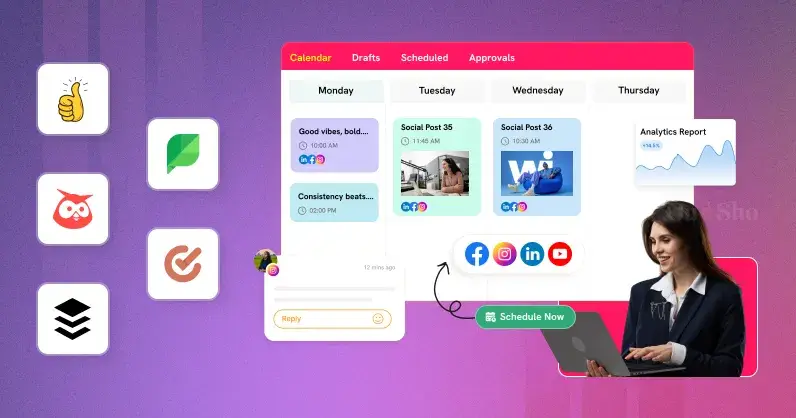
Late posts? Unanswered comments? Analytics black holes? We all have been in there. So, managing posts across social media channels is not an easy task especially for businesses and agencies handling multiple clients. That’s where the best social media management tools come in to turn this chaos into an automated workflow.
Why? A social media management platform lets you schedule, engage, analyze and 50+ accounts from a single place, saving you hours and spiking growth. The content calendars prevent missing posts, analytics dashboards analyses value and posting at the right time spikes engagement by 40%.
So, we have curated a list of the 8 best social media management tools to streamline your entire social media process. Let dive deep to see which tool suits your business needs.
What are social media management tools?
Social media management tool is like a command center to manage multiple social channels without the login headache. It allows you to schedule posts, reply to comments and see performance from Instagram, Facebook, LinkedIn, YouTube, Twitter and more in one place.
Why use them? Save 10+ hours weekly on manual posting. How? Connect all your social profiles, plan your calendar and schedule your content to automatically post at the right time based on your audience data. These platforms are built to help businesses and agencies to handle high volume of content without any errors. These are not just tools, they're growth machines.
Top Social Media Management Tools for Business & Agencies
1. GUDSHO Social – Social media scheduling & publishing
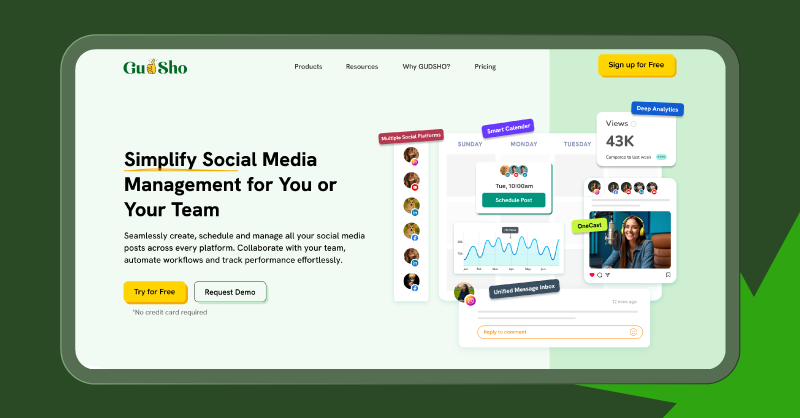
Best for: Businesses and agencies managing multiple clients/profiles on multiple social channels efficiently.
GUDSHO Social is an all-in-one social media management platform that centralizes posts, comments and insights for Instagram, Facebook, LinkedIn and YouTube. It lets you plan 30 days’ worth of content in just minutes on its visual content calendar. By scheduling your content, you can automatically post at the most optimal times even when you’re offline.
A unified inbox pulls all comments and mentions from connected channels into one place for instant response. You can track every engagement metrics such as views, plays, likes, shares and more on user-friendly dashboard. GUDSHO Social is a solid social media marketing tool as it can scale from 5 to 50 clients without any stress.
What Makes GUDSHO Social a Top Social Media Marketing Tool?
Visual Content Calendar: A visual timeline calendar let you plan your posts across dates to see overlaps right away. It also helps you identify gaps, and blank spots so businesses and agencies can plan accordingly.
Bulk Post Scheduling: From Upload Instagram Reels to LinkedIn threads, upload hundreds of posts at once with previews for every platform. This turn hours of manual work into minutes.
Unified Social Inbox: All your comments & mentions come together in one smart feed. You can label conversations and star it to respond quickly with switching apps. This instant response increases your engagement rate and drives real connection.
Advanced Analytics Dashboard: Get metrics on reach, engagement rates, clicks and shares on an easy-to-understand report. This helps identify high-performing and low-performing posts to improvise your future strategy.
Multi-Profile Publishing: You can manage 30+ profiles without endless logins. Schedule once your content once and post it all channels with ease. From YouTube clips to Facebook carousels, you can post everything with pixel-perfect previews.
Built-in Video Editor: Easily cut, trim, split, merge and more without leaving the platform. All your videos can be optimized directly for Reels and Shorts. Also, turn your long videos into short clips and vice versa.
2. Hootsuite
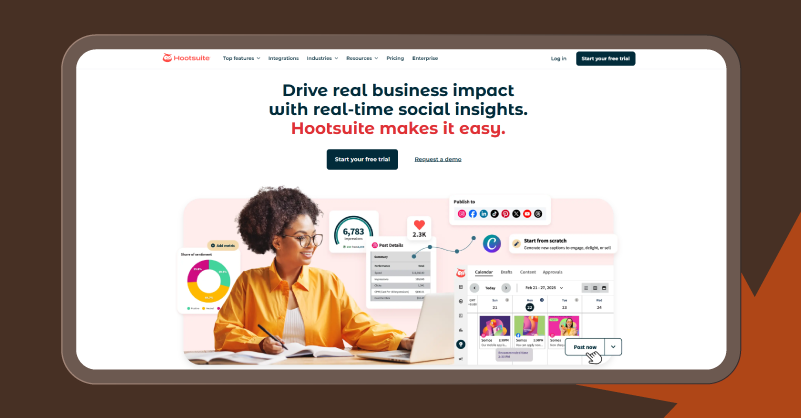
Best for: Enterprises and agencies handling high-volume of accounts and requires advanced social listening and team collaboration.
Hootsuite combines scheduling, engagement and analytics for pros managing huge social media channels. You can easily generate captions, find optimal post timing and creates multi-platform posts with OwlyGPT AI. Also monitor your mentions in real-time across all connected platforms. Its visual content calendar shows your entire content plan in a snap.
A unified inbox pulls DMs and comments in for quick replies. Get detailed metrics on engagement rates, reach and ROI analytics with competitor benchmarks to improve your content’s performance. That’s not all, social monitoring tools for brands prove that Hootsuite packs a business punch, but with an old-fashioned interface. While it remains a powerful platform, many businesses today actively explore a Hootsuite alternative that offers a more modern interface, flexible pricing, or simplified workflows.
What Makes Hootsuite a Good Social Media Management Tool?
Visual Content Calendar: Month/Week views show posting volume by channels with filter status and drag-drop reschedules. This helps identify gaps quickly so campaigns can run smoothly without manual checks or team misfires.
Social Listening Tool: Live feeds of keywords, hashtags & brand sentiment alerts let you spot crises before they happen. Focus on trends and keep agencies ahead of conversations on all levels.
Team Collaboration Workflows: Role-based access, assignments and approvals on shared dashboards keep your brand safe and error free before publishing without any email chaos. Team onboarding is quick and easy even for large multi-user management.
Unified Engagement Inbox: Automatically respond to messages from public/private channels with saved replies and tags and easily prioritize messages. Quick responses boost satisfaction and strengthen loyalty among your audience.
Advanced Analytics Dashboard: Custom reports let you create personalized reports specified to clients. Clear visuals of growth and engagement makes data-driven decisions easy.
3. SocialPilot
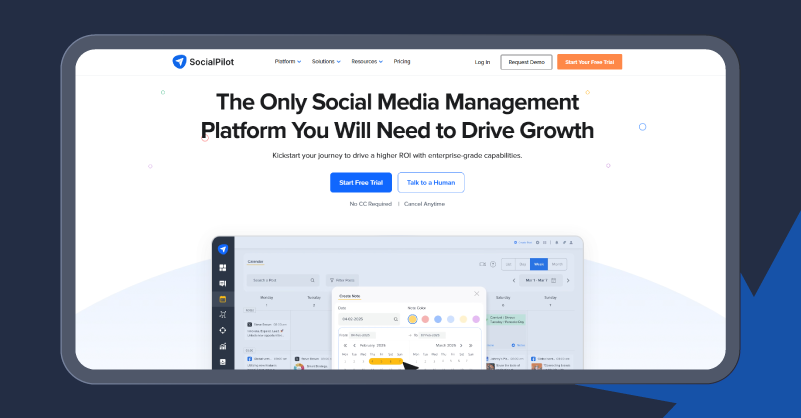
Best for: Agencies managing multiple clients on a budget with white-label reports
SocialPilot is a social media management software built for teams to easily post on Facebook, Instagram, LinkedIn, TikTok, Pinterest, and more from a single dashboard. So why would agencies want it? It can handle 500+ posts instantly via bulk scheduling, while the ease drag-and-drop content calendar lets you visualize your campaigns. Then, the smart queues feature will automatically fill with optimal times based on audience data.
All your comments and DMs are centralized in a unified inbox for quick replies this helps increase engagement. Not only that, you can post pixel perfect and error free content with a systematic approval workflow and keep your clients informed securely. SocialPilot is one of the best social media management tools for agencies that value collaboration more than flashy extras.
What Makes SocialPilot a Good Social Media Management Tool?
Bulk Scheduling Powerhouse: Upload 500 + posts at once, upload spreadsheets and make platform-wide changes to captions and images. While the best posts are rotated through queues to ensure consistency across clients.
Visual Content Calendar: Color-coded timelines show all your posts and drag-drop reschedules with conflict alerts to ensure there is no overlapping in your content plan.
Client Approval Dashboards: Errors are avoided on white-label portals where clients can review and approve drafts via role-based access. For those with 20 + accounts, feedback loops and notifications speed the workflow.
Unified Social Inbox: Sync messages, comments and tags across platforms, tag teams and use saved replies to track responses on-time. Urgent queries will get you more customers and more leads.
White-Label Analytics Reports: Custom reports with reach and growth metrics are tailored for clients with specific branding and marketing needs.
4. Buffer
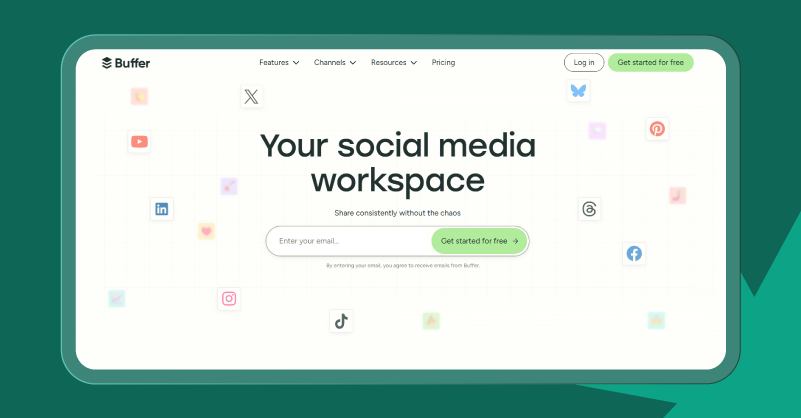
Best for: Small businesses and solo creators seeking simple social media management tools without complexity.
Buffer is a simple and straightforward and free social media management tool that lets you queue posts for Instagram, Facebook, TikTok, LinkedIn and more from a simple dashboard. Why do beginners come here? This platform lets anyone auto-schedule their posts at peak times based on audience engagement data without any fuss.
However, as businesses grow, many users begin exploring a Buffer alternative that offers deeper automation, advanced analytics, or broader integrations while maintaining ease of use.
Also, its content calendar offers a month wise view that you can drag to customize. While its unified inbox organized all your comments and DMs in a single place. The interesting part is that teams can collaborate to approve their content and eliminate errors. All these make it the best social media scheduler for anyone who values ease of use over enterprise depth.
What Makes Buffer a Better Social Media Management Tool for Small Businesses?
Smart Queue Scheduling: AI sorts posts by set times and looks for peaks across platforms. No daily planning; Small teams can keep feeds steady without constant logins.
Visual Content Calendar: Month/week grid shows queued posts by type and you can reschedule them just by dragging and dropping. Spot gaps quick and collaborate for consistent branding.
Multi-Platform Publishing: Schedule on 10 channels at once and preview them for pixel-perfect formats without switching between native apps.
Unified Engagement Inbox: DMs, comments, notifications, quick replies & basic tagging can all be centralised. This helps to respond quickly and keep up with conversations to win loyalty.
Simple Analytics Dashboard: Track likes, clicks, engagement rates per post and best-time to post insights to plan your content queue. Also, easily spot post’s performance without huge data dumps.
5. SocialBee
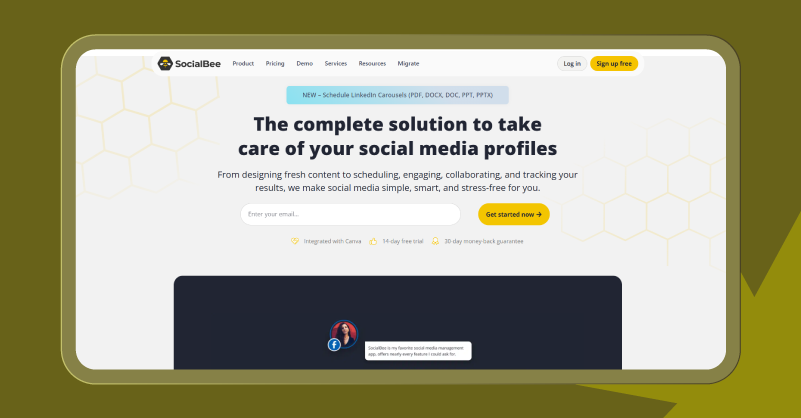
Best for: Content creators and small teams to automatically recycle content and keep feeds fresh without daily planning.
SocialBee makes social media management easier than ever with smart categories that recycles your best posts across Instagram, Facebook, TikTok, LinkedIn and Pinterest. Features like promos, tips and custom schedules help you to requeue top performing posts infinitely. You can even preview all your content directly from the calendar before publishing.
The integration with AI Copilot you can generate ideas, captions and timings in a click. Teams can even import in bulk, tweak variations by platform (images to videos) and schedule first comments for maximum boost. Socialbee turns out to be a good social media scheduling tools as it helps agencies and businesses avoid burnout by recycling content.
What Makes SocialBee a Good Social Media Management Tool?
Category-Based Queues: You can post by theme (tips, quotes) create different schedules and auto-rotate evergreen content. So, plan once and repost forever without repetition fatigue.
AI Content Copilot: Generates full strategies, captions, hashtags with suggested timings and categories from your brand details.
Post Variations & Customization: Make infinite variation of images, videos and text for A/B testing. It also ensures that your recycled content feels native to each platform and see what works best with your audiences.
Unified Social Inbox: Centralize and monitor mentions, DMs, comments for quick replies with tagging and filtering options. So, you can build community without switching between apps or getting lost.
Team Collaboration Workspaces: Its role-based permissions, feedback loops and client/project organizer helps small teams streamlining social interactions without chaos.
6. CoSchedule
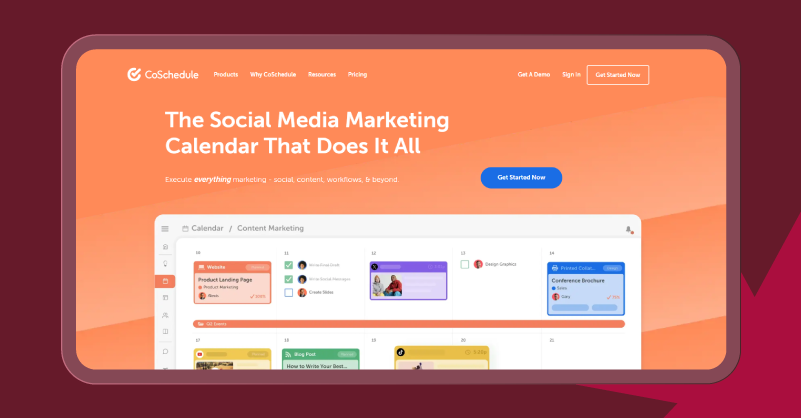
Best for: Marketing teams and businesses planning content for omnichannel including emails and blogs
CoSchedule is an advanced social scheduler that into a marketing command center. You can easily schedule posts alongside content and emails from one visual calendar. Its built-in AI lets you identify the best time to post and optimize content as per social channel. Agencies can easily bulk compose posts from Instagram carousels to LinkedIn updates in minutes.
The unified inbox handles DMs, comments and reviews to respond instantly and drive engagement. You can connect up to 10+ profiles on a single dashboard and use it calendar to plan and preview your content. CoSchedule is one of the best social media scheduler tools that promote better coordination and reduce social build up.
What Makes CoSchedule the best Social Media Scheduling Tool?
Integrated Content Calendar: In one timeline you can plan social alongside blogs and emails. The color-code tasks and dependencies help prevent overlaps.
ReQueue Auto-Resharing: AI picks the best times based on engagement history and reposts evergreen content for consistency and maximum reach.
Best Time Scheduling: Automtically picks the best slots as per platform and bulk schedules content in one click. This helps reach more audience and gain visibility with no guesswork.
Social Inbox Management: Centralize DMs, comments and mentions in one place. You can even assign, reply and follow-up from here itself, which creates loyalty across networks.
AI Campaign Composer: Generate message ideas, images and copies in just a click. Also, it lets you create variations and test formats to determine what works best.
7. Sprout Social
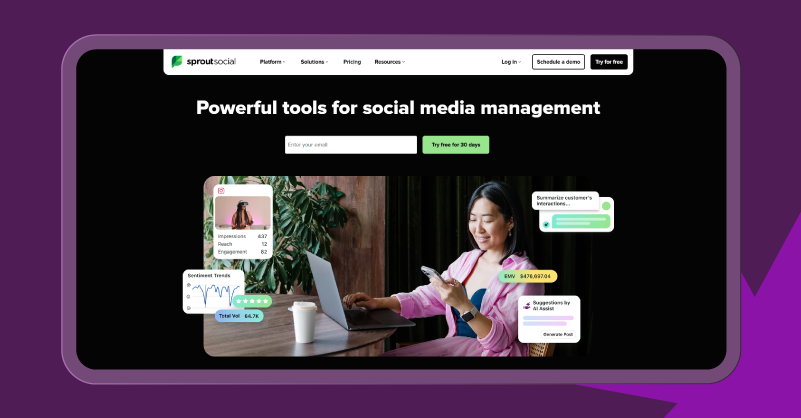
Best for: Large businesses and agencies looking for CRM integration and competitor analysis
Sprout Social is a social media management software to schedule, engage and measure across Facebook, Instagram and more. With AI routing and smart Inbox makes it a favourite among businesses. It also picks the most trending content using its viral post detector to stay updated. The AI tool helps you generate posts with optimal posting timing suggestions from the same platform.
Also, the analytic dashboard benchmarks your competitors and tags performance for reports. Its permissions and mobile alerts help teams collaborate and drop response time by 40%. All these make Sprout Social the best social monitoring tool for teams managing high volume content and clients.
What Makes Sprout Social the Best Social Media Marketing Tool?
Smart Inbox Routing: DM, comments, and reviews from all platforms are prioritized by AI with urgency filtered by custom views for team handoffs and mark complete to clear clutter fast.
Grid View Calendar: Preview posts by network and tag campaigns on a visual calendar to spot gaps. Also, your team can collaborate on drafts and give feedback instantly.
Viral Post Detector: AI flags high-engagement content in real time for adjusting copy strategies and calendar layouts so you can build momentum across your profiles.
Advanced Listening Queries: Create keyword/hashtag searches for brand monitoring, sentiment reports, and alerts. Track industry updates to learn about content and stay ahead of conversations.
Custom Analytics Reports: Tag posts for segmented insights, export brand PDFs with ER, reach, and ROI for improving future content.
8. Agorapulse
Best for: Small to midsize businesses & agencies that prioritize engagement and team collaboration
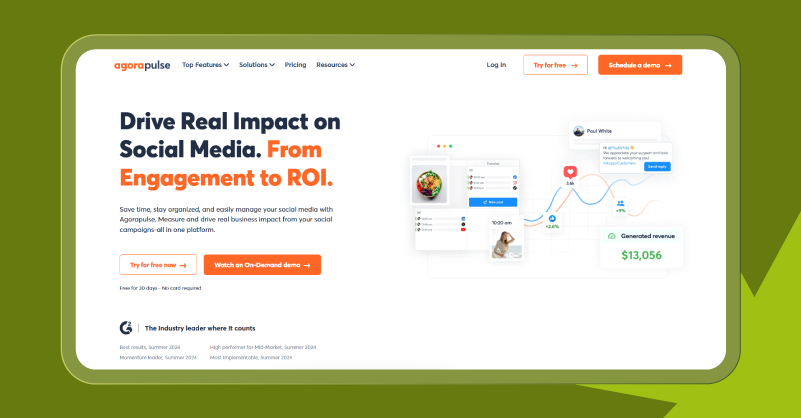
Agorapulse is one of the best social media management tools built for agencies that lets you schedule, publish and engage on various social channels. Its content calendar helps maintain consistency as it supports drag-and-drop views and queues for continuous posting. But the smart scheduler adapts all your posts to each platform while monitoring specific keywords for crisis alerts.
When it comes to engagement, it centralizes DMs, comments and mentions from all your connected social profile in a single place. The unified inbox also has labels and bulk actions feature to organize your message and respond quickly. That not all, your team members and clients can share permissions and connect approvals for error free posting. All these make Agorapulse a good social media management tool for small businesses without any enterprise complexity.
What Makes Agorapulse the Best Social Media Monitoring Tool?
Unified Social Inbox: All DMs, comments, and mentions, priority tags, and bulk actions get centralized for faster responses. You can also filter spam, assign teammates, track history & respond to customers without app chaos.
Visual Publishing Calendar: Drag-&-drop posts with queue previews in color-coded format to differentiate clients and channels. Using external links, you can get client feedbacks instantly.
Custom Branded Reports: Create custom reports as PDFs with engagement rates, growth and top posts to compare channels and companies.
Advanced Listening Alerts: Follow hashtags, keywords, trends and conversations with real-time notification to join early and stay ahead of your competitors.
Team Permission Groups: Post-approve and view channels are grouped for clients with specific roles. This collaboration is simplified with in-app notes and assignments to avoid email overload or permission slip-ups.
Wrapping It Up!
Using a social media management tool for businesses and agencies is not an option, but a necessity. So, the social game needs tools that scale, not scatter. From GUDSHO's simplicity to Agorapulse’s agency-grade approvals, these social media management platforms slash chaos by combining content calendars, inboxes and ROI dashboards in one place.
Why do we need use it? It reduces posting time by 10 hours a week and drives 40% more engagement via smart queues and unified inbox. Whether you’re a small biz, large organization or an agency, the right tool will help you work efficiently, post boldly, and take over feeds. Before choosing one, schedule a week of test trials and analyse the metrics to find one that fits your business.
Let’s level up today and watch your metrics fly!

Join Srinivasan on Peerlist!
Join amazing folks like Srinivasan and thousands of other builders on Peerlist.
0
3
0