

5 Best Social Media Scheduling Tools in 2026
I Evaluated the Top 5 Social Media Scheduling Tools & Here’s What We Found!
Still, I remember the day when I was posting on social media manually. It was manageable at first but it got really stressful when one client turned into five and five turned into eleven. So that meant posting daily on social media was not going to cut it anymore. Because of the endless tab-switching, alarms and sticky notes became more of a survival tactic instead of a strategy.
All of that chaos led me to look for social media scheduling tools. I tried nearly 20+ tools, linked real client accounts, ran real campaigns and saw which tools held up and which crumbled. Many demos worked well, but some platforms crashed because of multiple brands, complicated approvals or huge content volumes. Very few of these entered my social media workflow.
In this guide, I’ll show you the best social media scheduling tools of 2026 that made my life easier. The tools I have listed here were all tested by me in real-time. These are not "nice to have" platforms but they make me think "how did I work without these?".
Let’s dive in and see what sparked my social presence!
What Are Social Media Scheduling Tools and How They Work?
Social media scheduling tools let you plan, create, schedule and analyse posts across multiple social channels from one place. So instead of posting on each channel at the right time, you put your content into a social media calendar tool, pick dates & time and let the system do the publishing while you work on strategy, creativity and client growth.
These modern social media scheduling tools are more than just timers. They give you optimal posting times based on when your audience is most active, a consistent posting rhythm and content coordination across channels. Now most tools combine scheduling with social media marketing features like unified inboxes, social monitoring and performance analytics.
Small businesses and agencies can use the right social media scheduler to make social media a controlled and automated process. You can also work in batches, hand off approvals, find gaps in your content plan and report back on results instantly. In short: With these tools you can do hours of manual work a week, eliminate human error and get your content seen where it matters.
5 Best Social Media Scheduling Tools
Here are the top social media post scheduling tools I have selected from a list of 20+ tools. Every platform mentioned here has earned its place through real-time use and not feature lists.
#1. GudSho Social
A Social Media Management Platform for Modern Brands and Agencies with Multiple Clients
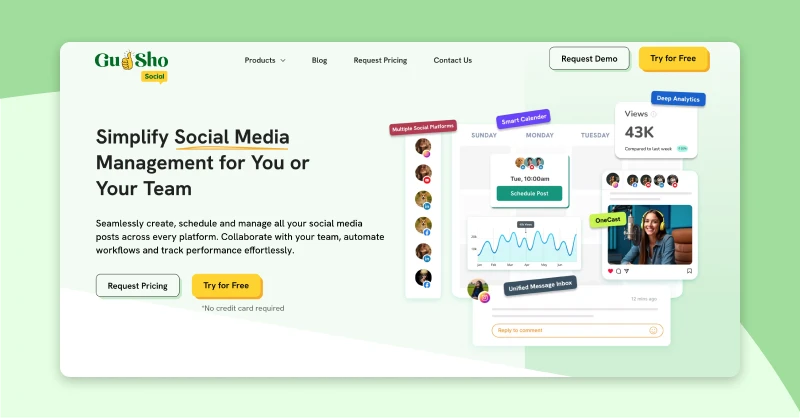
GudSho Social is the only social media management platform I've ever used that thinks in video first and posts second. Other schedulers treat video like an attachment or another posting format, but for GudSho Social, video is the hero of your content strategy. For example, we do full-funnel campaigns with YouTube videos, Instagram Reels and LinkedIn clips that start at one content hub and then spread it out across channels very structurally.
It has everything you'd expect from a social media scheduling app such as plans, calendars, bulk uploads and team collaboration. What really changed my workflow was the creation, management and publishing of all video content in one place. Even my team does it all from one place instead of bouncing between a video host, drive folder and scheduler. In-house teams and agencies launching serious digital plans GudSho Social is the perfect choice to have more control over your entire social media presence.
Features That Set GudSho Social Apart From Other Tools
Multi-Channel Publishing: Upload once and publish it to Instagram, LinkedIn, Facebook and YouTube with platform-specific formatting.
Unified Social Calendar: A visual social calendar helps you plan 30 days of content in minutes and spot the gaps to keep posts balanced.
Bulk Scheduling: For launches and seasonal pushes I use the bulk scheduler to queue dozens of posts at a time.
Automated Publishing: GudSho Social automatically posts at the right time to ensure consistency and a larger audience reach.
Real-Time Performance Analytics: Easily monitor performance metrics such as impressions, likes, plays, and shares across all connected devices from a single dashboard.
Team Collaboration: The multi-user access with custom permissions and role assignments makes content approval easy and eliminates errors before posting without email threads.
#2. Sprout Social
An enterprise-grade Social Scheduling Tool for Deeper analytics and social listening
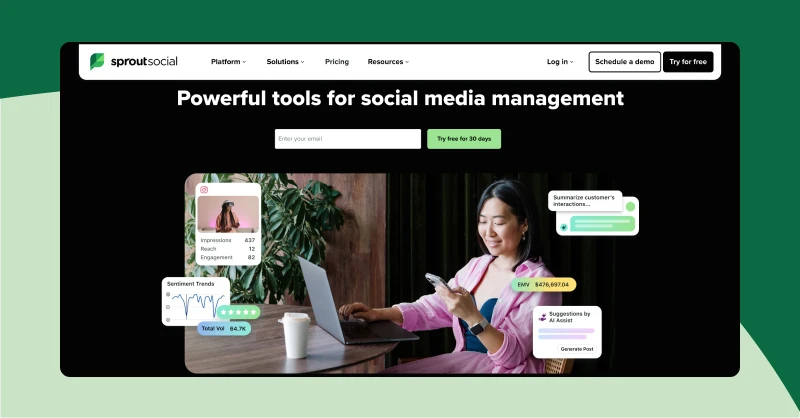
I find Sprout to be the most executive-ready social media scheduling tool, I've tested so far. It is not about getting posts out there, it is about orchestrating content across platforms with data-driven precision and showing the business impact. With B2B clients who needed client buy-in and measurable results, I used Sprout Social because it had the scheduling sophistication, calendar control and analytics depth to make really large campaigns feel manageable and defensible.
What hooked me was how Sprout Social connects planning, publishing and performance in one place. Build campaigns months ahead in its collaborative calendar, time things down with Optimal Send Times, run approval workflows with multiple stakeholders and then produce reports that move the needle with leadership. For agencies working with enterprise clients or ambitious small businesses, Sprout Social turns your social media scheduling software into a business asset, not just a posting tool.
Key Features That Make Sprout Social Unique
Unified Publishing Composer: Sprout has this publishing tool that lets me build content once and then tailor it to each platform, making multi-network campaign management much easier.
Visual Social Media Calendars: You can see everything scheduled, queued or awaiting approval on the calendar. Also, fill gaps and align campaigns visually with no more spreadsheets and screenshots hassle.
Optimal Posting Times: Sprout Social analyses when your audience is most engaged and suggests that post timing windows to improve its reach and performance.
Automated Queueing: The smart queue feature helps me recycle my evergreen content at regular intervals to automatically keep my feed active.
Post Tagging and Analytics: I can tag my posts by campaign, content type or funnel stage and break down performance by those tags to easily analyse what works and what doesn’t.
#3. Zoho Social
A CRM-Integrated Social Media Scheduling Tool to Create a Broader Business Ecosystem
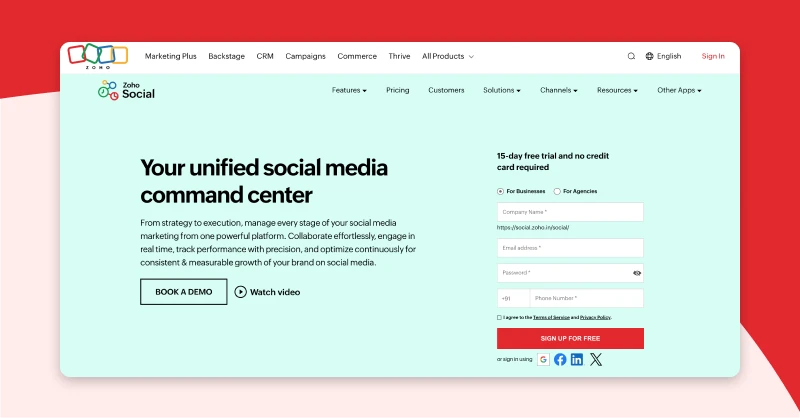
Zoho Social is the social media scheduling tool that feels like it understands business workflows. And it works best when you're already in the Zoho ecosystem (CRM, Desk, Projects). All your posts, replies and performance data feed directly into customer records, support tickets and sales pipelines. That means your content calendar is not just “busy”, it’s strategically aligned with leads, deals and support conversations.
I use it with SaaS clients where social is more than just awareness. It is known for its lead generation and customer service. The SmartQ timing predictions increases engagement by 18% by posting when our audience is online. And for small businesses and agencies using Zoho, it turns your social media scheduler into a connected growth engine.
Key Features That Make Zoho Social Unique
SmartQ Time Prediction: Past engagement helps SmartQ recommend optimal publishing slots for each platform. My Facebook and X audiences had different prime times, and Zoho hit those windows for maximum impact.
Multi-Channel Post Composer: I can write once, tweak per network and then schedule or queue posts to multiple platforms in one flow. Images, links and other common assets are supported across channels.
Visual Social Media Calendar: A calendar helps me see when posts are due, where there are gaps and where content should be moved.
Brand Monitoring: I can easily track and monitor my brand mentions, keywords, hashtags, competitor activity and industry conversations from a single dashboard.
CRM-Connected Scheduling: When I reply to a comment, the customer’s deal stage, past purchases and support history pop up instantly, turning my socials into lead-nurturing channels.
#4. Sendible
An Agency-first Social Media Scheduler App Built to Handle Multiple Clients With Ease
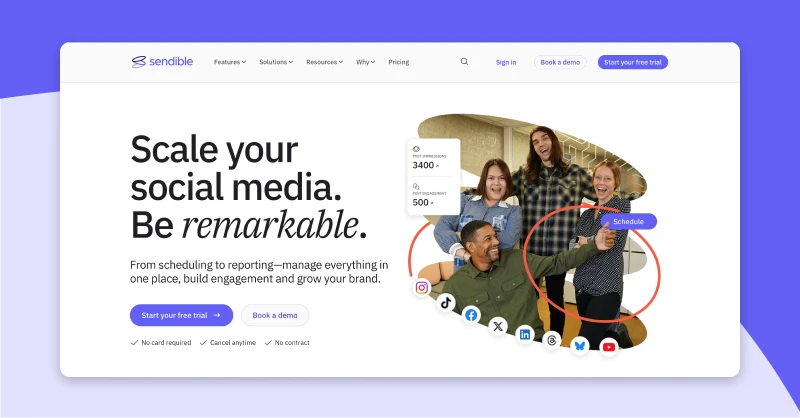
Sendible is the right social media scheduling tool that agencies require to streamline their entire workflow. It is specifically built for agencies managing multiple clients, while the workspace, white-labeling and bulk tools make scaling easy and efficient. Now I use it for 12 client accounts simultaneously, the brand separation and agency-level oversight make multi-client chaos feel organized for the first time ever.
You can use its calendar and queue system to split content between accounts and see it clearly. With Sendible, I can turn any social media scheduling tool into my own client management software. No other tool that I found makes handing accounts off to new team members so smooth and easy.
Key Features That Make Sendible Unique
Client Workspace Separation: Each client gets their own workspace with isolated calendars, queues, content libraries and analytics. So I can go from a fashion brand's IG feed to a B2B SaaS LinkedIn feed without losing assets or schedules.
Bulk Scheduling: I can schedule 350+ posts across multiple accounts in minutes making it ideal for large campaigns or brand management.
Intelligent Recycling: Automatically recycle your highly engaging posts as evergreen content to keep your feeds active by filling feed gaps without me doing a thing.
Drag-and-Drop Visual Calendar: Shows all drafted, queued and scheduled posts in color-coded calendar, also with drag-to-reschedule, I can spot empty days and fill them in seconds.
RSS to Social Automation: I can easily link blogs or news feeds and let Sendible generate shareable posts in custom templates. This ensures my accounts are active for months without me having to do anything manually.
#5. Agorapulse
An Inbox First Social Media Scheduling Tool That Keep Your Posts Organized and Engagement Under Control
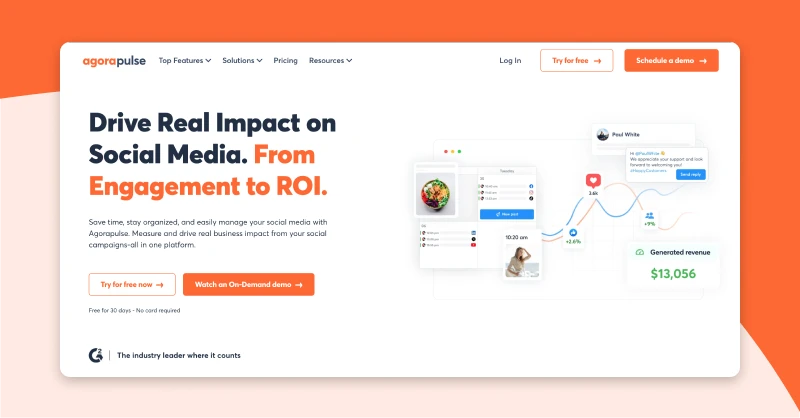
Agorapulse is the social media scheduling tool that is built around engagement and won't let it get lost while I schedule. What makes it genius is that it has a rock-solid publishing engine and a unified inbox, so I’m never just "posting" but building relationships among my audience. With high-interaction clients (e-commerce, customer service brands), the social media calendar tool and inbox control made community management an organized system, not a scramble.
What I love most: Its interface is simple enough for clients to approve content directly but strong enough to handle queues and reporting. For agencies where comments and messages matter just as much as the posts themselves, Agorapulse turns your social media scheduling tool into an engagement hub.
Key Features That Make Agorapulse Unique
Bulk upload via CSV: Hundreds of posts can be scheduled at once using a CSV file. Also, for content libraries and long-running campaigns this works really well.
Best Times to Post: It analyses audience data to predict where engagement is greatest and then schedules posts in those windows, improving consistency and performance over time.
Visual Content calendar: You can use the calendar to plan your posts, queues and approvals. This makes it easy for me to see what's coming, what's waiting to review and what's already live.
Evergreen Scheduling: You can schedule your best posts to be republished at set intervals. That means Agorapulse can keep my profiles active even when I’m offline.
Profile-level Custom Scheduling: When I create a post, I can set the date and time per profile and recommended posting times per account to ensure it publishes at the right time.
Wrapping It Up
Here’s the truth, after testing 20+ social media scheduling tools. I learnt that picking the right one is not just an optimization, it’s the foundation of your entire content system. A weak tool means constant manual work, file sharing and reactive posting. But a better one does all the work for you, resulting in better creativity, strategy and business outcomes.
You need to choose your tool with reality over hype. Try it with real posts, real clients & real deadlines. That 2 hours a week you save will surely turn into 100+ hours a year. The best social media scheduling tools help build momentum for your business.
Take what fits your workflow now and scale up as you grow. You will thank yourself later and so will your clients.

Join Srinivasan on Peerlist!
Join amazing folks like Srinivasan and thousands of other builders on Peerlist.
0
0
0