

I’ve Been Testing Image-to-3D Tools — Here’s What Actually Works (and What Doesn’t)
Real tests, honest results, and the workflow that actually stuck
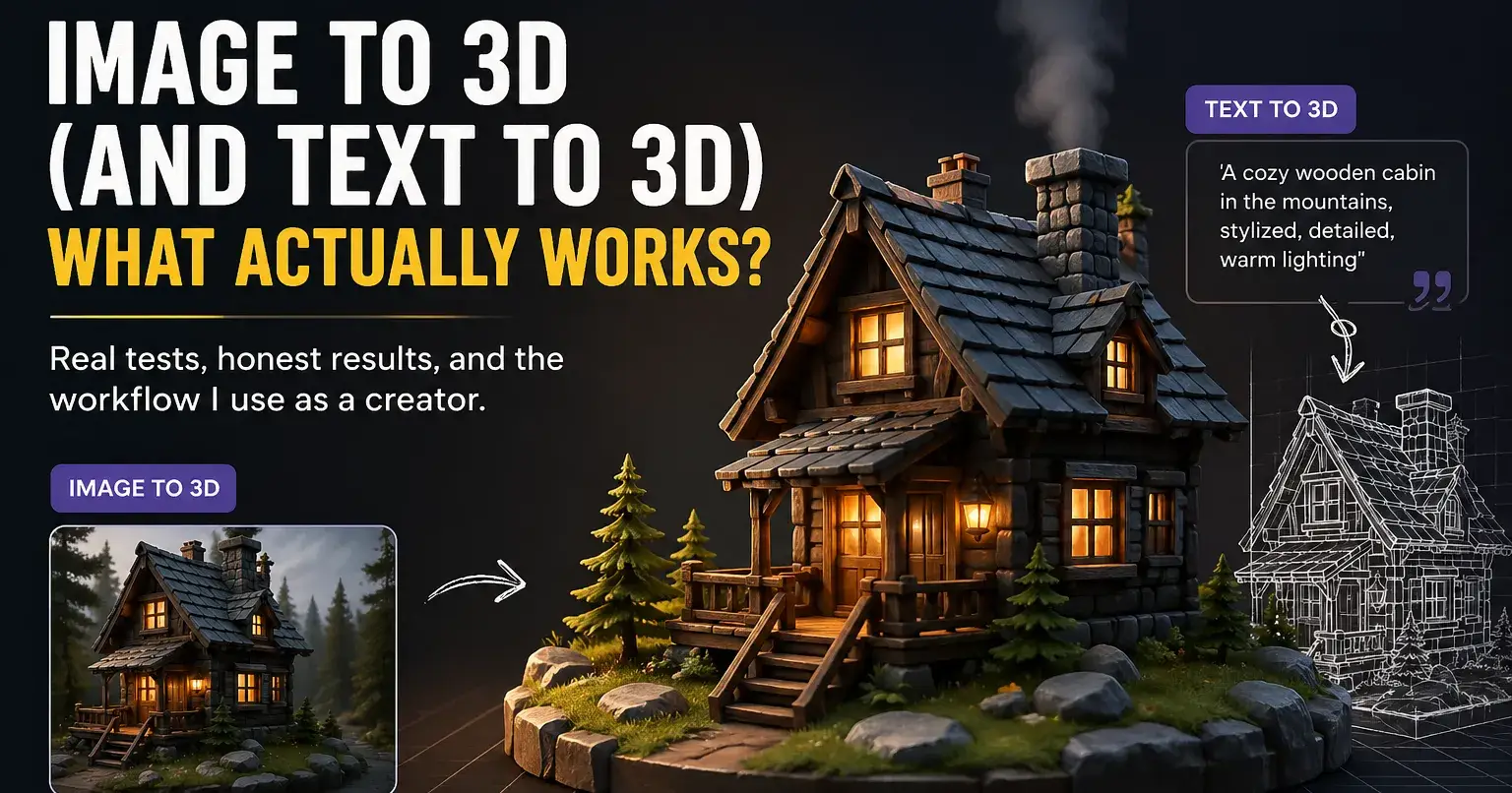
I’ve been playing around with a bunch of AI 3D tools recently, mostly out of curiosity at first, but it quickly turned into something I actually use in my workflow.
A lot of these tools claim you can go from nothing → 3D model in seconds. Technically true. Practically… it depends.
So I figured I’d share what I’ve learned so far—especially the difference between image-to-3D and text-to-3D, because they’re not interchangeable like people think.
Image-to-3D: Way More Reliable Than I Expected
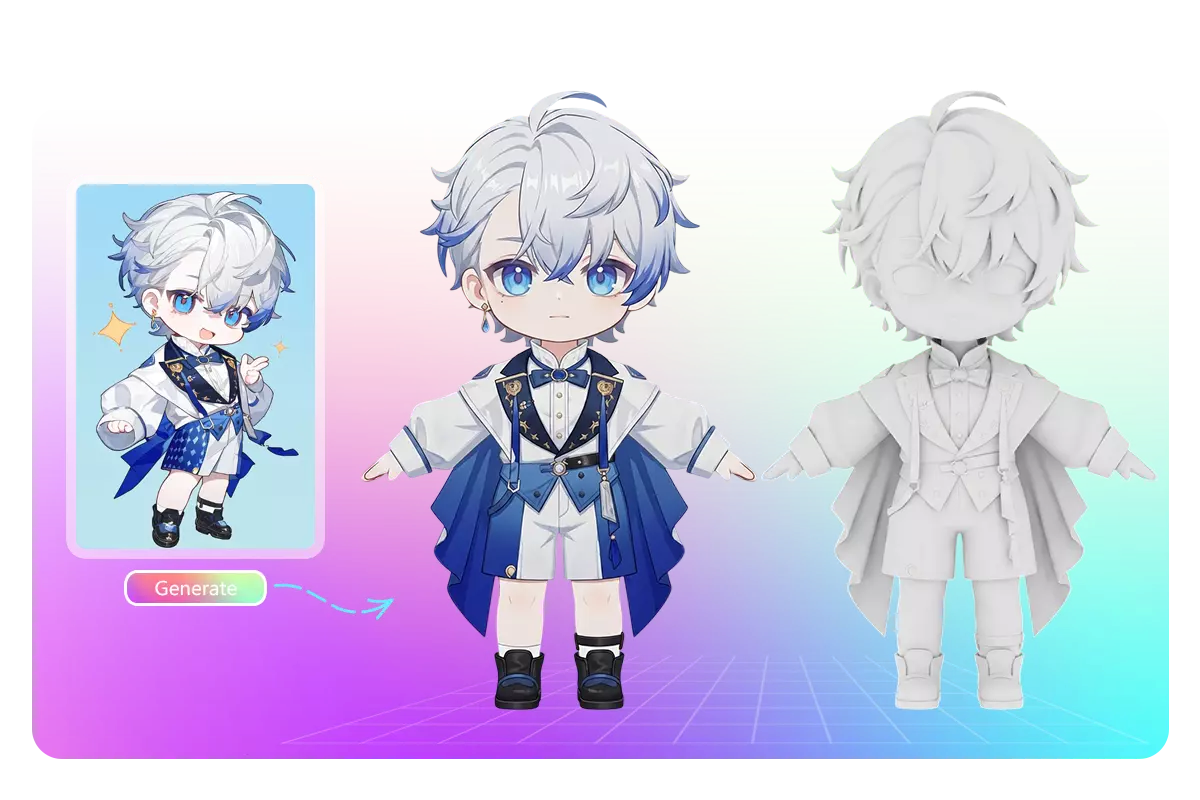
This surprised me.
If you give the model a decent image (clean background, clear subject), the results are actually pretty usable. Not perfect, but recognizable and often good enough for:
mockups
quick renders
social content
rough prototyping
I tried feeding in:
product shots
stylized characters
even some AI-generated images
And most of the time, the structure held up better than I expected.
Big takeaway:
If you already know what you want it to look like, start with an image. It saves a lot of frustration.
Text-to-3D: Cool, But Kind of Chaos
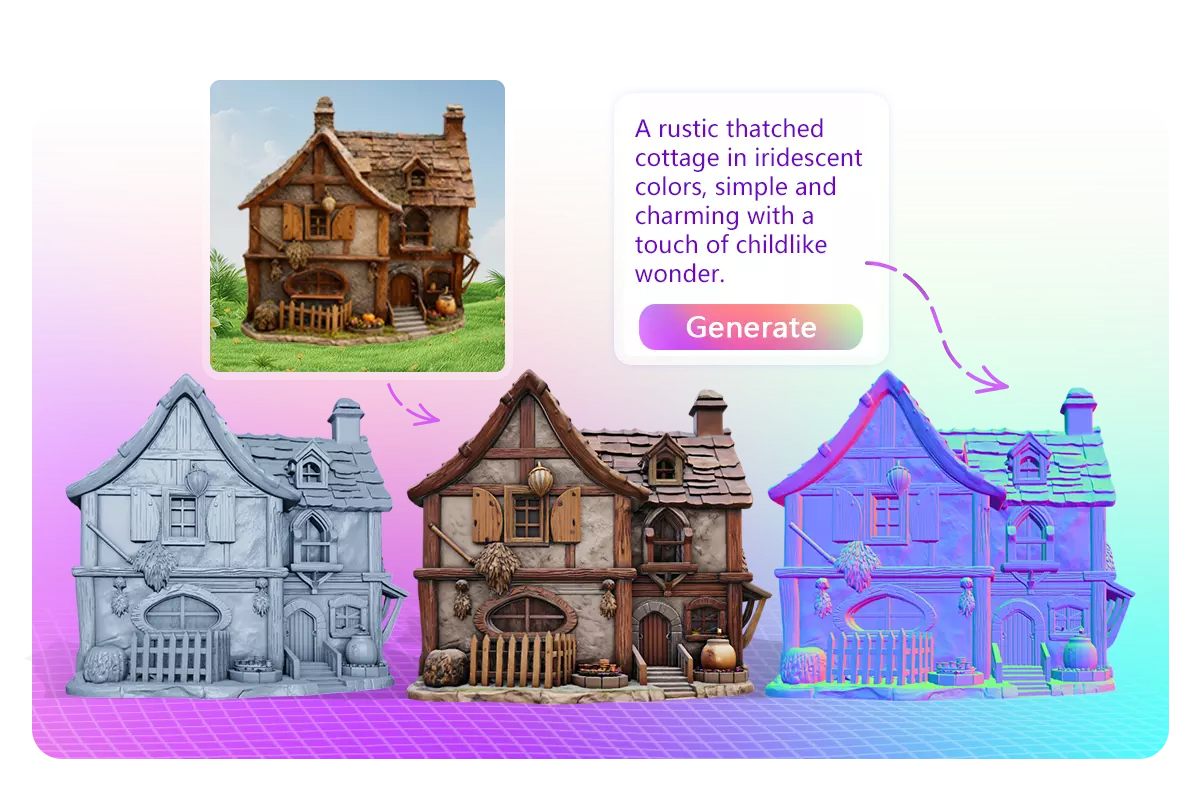
Text-to-3D feels more like rolling dice.
Sometimes you get something amazing. Sometimes it’s… a blob with ambitions.
It’s fun for:
brainstorming
weird concepts
early ideation
But if you’re expecting precision, it’s hit or miss.
Example:
“a futuristic chair made of glass and light”
You might get something cool. You might also get something that looks like melted plastic.
What Actually Makes a Difference (More Than the Tool Itself)
After trying a few platforms, I realized something:
The input matters more than the tool.
For image-to-3D especially:
clean background = better geometry
strong lighting = better depth
clear silhouette = less broken shapes
Bad input almost always leads to broken meshes, no matter what tool you use.
The Workflow That Ended Up Sticking
What works best for me now is kind of a hybrid approach:
Generate or find a solid image
Convert that into 3D
(Optional) tweak with text if the tool allows it
This gives way more control than going pure text.
Tools I Tried (and Where One Stood Out)
I went through a few tools—some are very text-focused, others are clearly better at reconstructing from images.
The one I’ve been using lately is nice because it does both:
you can go text → 3D
or image → 3D
What I liked is that I didn’t have to switch tools depending on what I was doing. If I start with an image and it’s not quite right, I can iterate with text instead of starting over somewhere else.
It’s not magic or anything—you still get weird geometry sometimes—but it feels more practical than most of the single-mode tools I tried.
Honest Take
If you’re just getting into this space:
Don’t rely on text-to-3D for anything precise
Use image-to-3D whenever you can
Expect to iterate (a lot)
These tools are already useful, just not in the “one click perfect asset” way people market them.
If anyone’s been using other tools or found better workflows, I’m curious—still feels like this space is evolving every week.
Join suki on Peerlist!
Join amazing folks like suki and thousands of other builders on Peerlist.
0
1
1