

How to Automatically Create Trello Cards from Meeting Notes
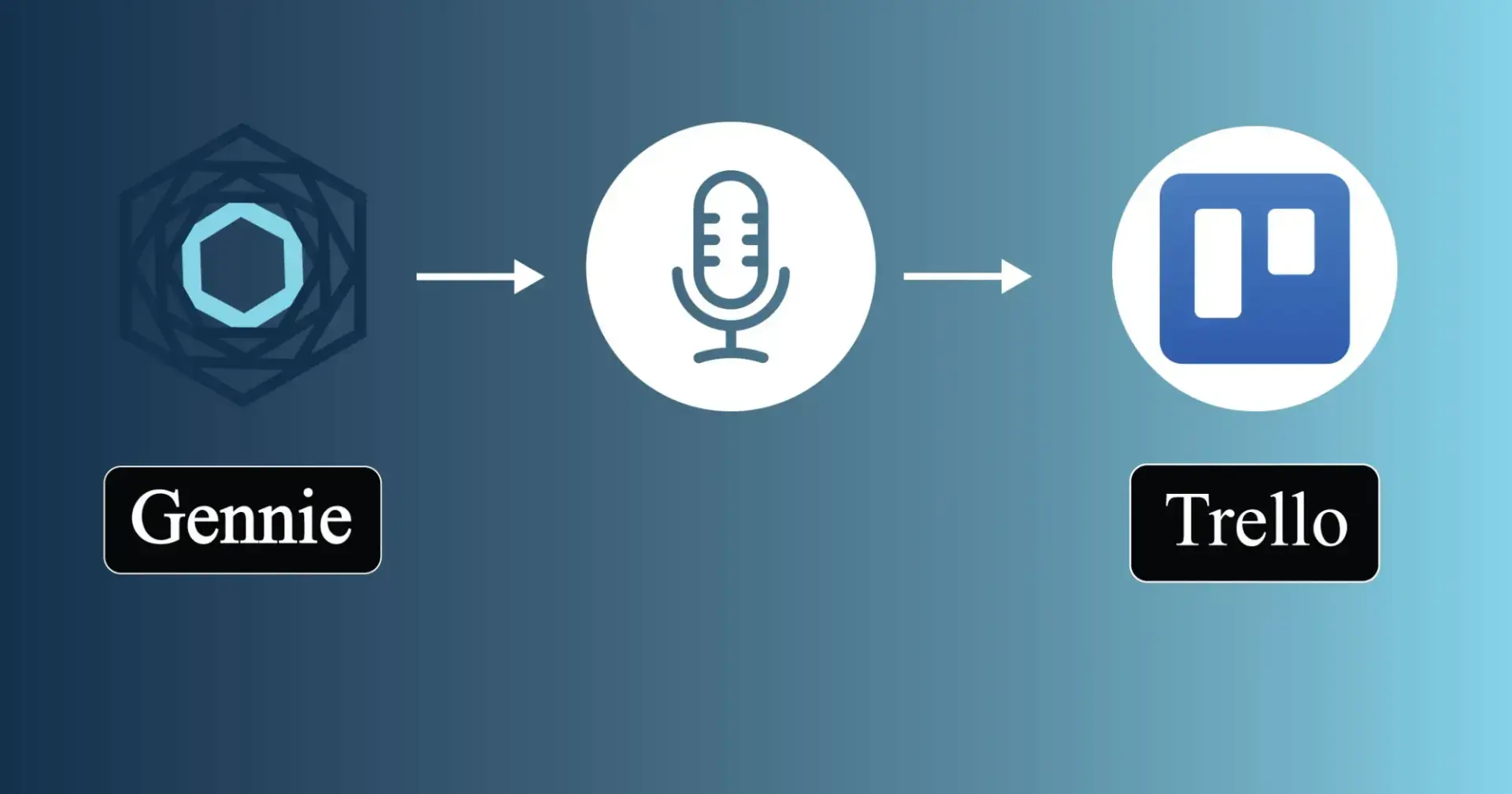
If your team uses Trello, you've probably experienced this workflow:
Attend a meeting.
Take notes.
Review the notes later.
Create Trello cards manually.
Assign team members.
Add due dates and context.
Repeat that process for every meeting.
While it sounds simple, it creates a surprising amount of administrative work, especially for teams that collaborate frequently.
The good news is that creating Trello cards from meeting notes can be automated.
Why Meeting Notes Rarely Make It Into Trello
Most teams don't struggle with capturing information.
They struggle with organizing it afterward.
During meetings, valuable information gets discussed:
Project updates
Customer feedback
Feature requests
Bug reports
Marketing initiatives
Team responsibilities
However, those action items often remain trapped inside meeting notes, recordings, or chat messages.
Someone still has to manually convert them into Trello cards.
The longer that process takes, the higher the chance that important tasks get delayed or forgotten.
What Information Should Become a Trello Card?
Not every note deserves its own task.
A good Trello workflow focuses on extracting:
Action Items
Tasks that require someone to take action.
Example:
"Sarah will prepare the launch assets by Friday."
Decisions
Important outcomes that affect future work.
Example:
"The team approved the new onboarding flow."
Follow-Ups
Items that require future discussion or review.
Example:
"Review customer feedback next sprint."
Blockers
Issues preventing progress.
Example:
"Waiting for API documentation before development begins."
The challenge is identifying these items quickly and consistently.
How Teams Automates Meeting Notes to Trello
Modern AI tools can analyze conversations and identify:
Action items
Task owners
Priorities
Deadlines
Project context
Instead of manually reviewing pages of notes, teams receive structured tasks ready for project management systems.
This dramatically reduces the time required to move from discussion to execution.
What Makes a Good Trello AI Notetaker?
If you're evaluating a Trello AI notetaker, look for these capabilities:
Action Item Extraction
The system should identify tasks automatically rather than simply generating transcripts.
Ownership Detection
Tasks should include responsible team members whenever possible.
Context Preservation
Cards should contain enough background information to be actionable.
Workflow Integration
Tasks should fit naturally into existing Trello boards and processes.
Multiple Input Sources
The best tools support meetings, recordings, voice notes, and conversations, not just live calls.
Using Gennie with Trello
Gennie is a Trello AI notetaker that automatically converts meetings, recordings, and conversations into structured tasks.
Rather than stopping at summaries, Gennie extracts action items, identifies owners, and organizes responsibilities so teams can quickly move from discussion to execution.
For teams looking to automate the transfer of meeting notes to Trello cards, Gennie helps eliminate manual task creation while keeping project information organized and actionable.
Whether discussions occur in meetings, on recorded calls, or in offline conversations, teams can ensure that important work is captured and assigned consistently.
Final Thoughts
Trello works best when boards accurately reflect the work that needs to happen.
The challenge is keeping those boards up to date without adding administrative overhead.
A Trello AI notetaker helps bridge that gap by automatically turning conversations into actionable Trello cards, reducing manual effort while improving accountability and project visibility.
As teams continue to adopt AI-powered workflows, automating the journey from meeting notes to Trello cards will become a standard part of modern project management.

Join Vishal on Peerlist!
Join amazing folks like Vishal and thousands of other builders on Peerlist.
0
1
0